
Pen displays enhance your technical drawing workflow by blending traditional precision with digital efficiency. They let you draw naturally, mimicking pen-on-paper feel while instantly transferring your work into digital files. You can easily edit with high accuracy, use advanced tools, and work on complex designs without delays. These devices improve collaboration and streamline your process, making adjustments quick and simple. If you keep exploring, you’ll discover even more ways pen displays can transform your projects seamlessly.
Listen free for 30 days with Audible
Thousands of audiobooks and originals — cancel anytime.
As an affiliate, we earn on qualifying purchases.
Key Takeaways
- Pen displays combine traditional drawing precision with digital tools, enabling more natural and efficient technical sketches.
- They streamline workflows by allowing direct editing, quick corrections, and layered adjustments on the digital canvas.
- Compatibility with design software simplifies file management, reduces transfer time, and enhances project accuracy.
- Pen displays facilitate seamless collaboration through easy sharing, annotating, and real-time feedback integration.
- They stay relevant with digital trends, supporting advanced features like pressure sensitivity and device interoperability for detailed drawings.
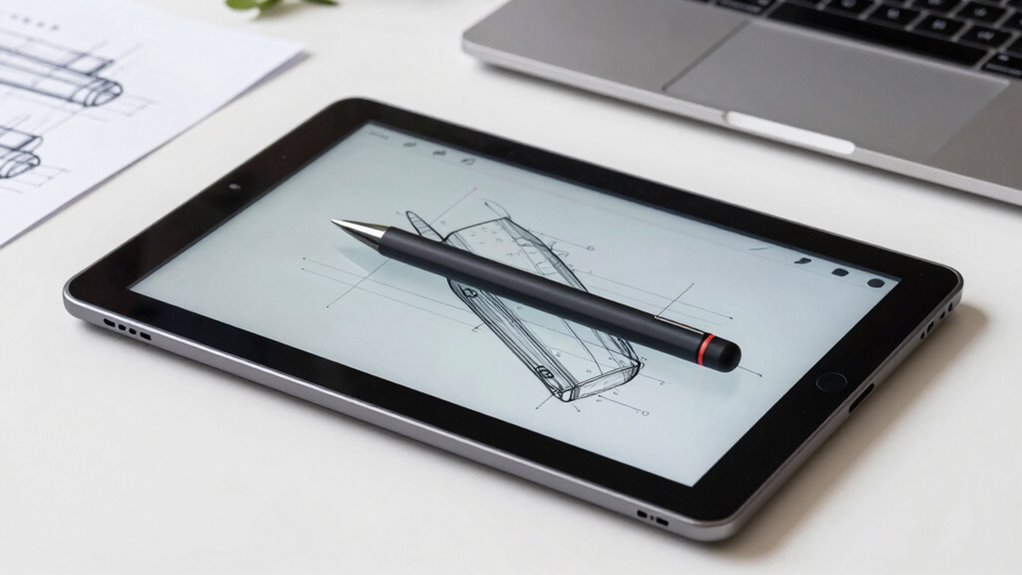
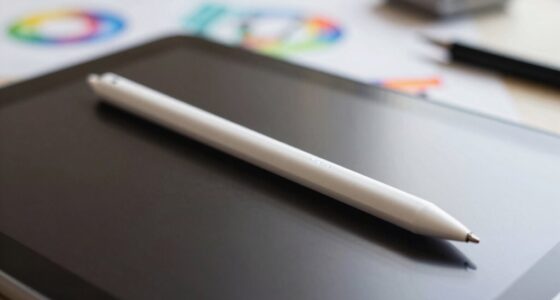
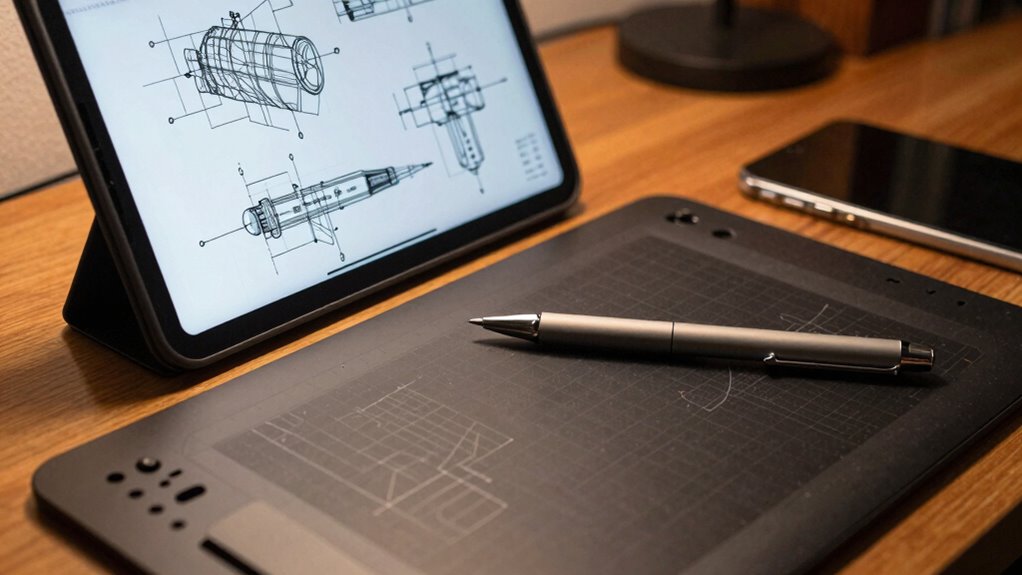
Pen displays have revolutionized technical drawing by combining the precision of traditional tools with the flexibility of digital technology. You no longer need to switch between paper and digital screens; instead, you work seamlessly on a single device that mimics the feel of pen on paper. This integration allows you to draw with natural hand movements while instantly transferring your work into a digital format. The digital integration of pen displays means that you can easily access advanced tools, layers, and editing features without interrupting your creative flow. It streamlines your process, making it easier to refine details, make corrections, and experiment without the mess or delays associated with traditional drawing methods.
Pen displays blend traditional precision with digital flexibility for seamless, efficient technical drawing.
When you use a pen display, your workflow efficiency improves markedly. You save time by consolidating multiple steps into one smooth process. Instead of scanning sketches or redrawing repeatedly, you can edit directly on the screen with precision. The pressure sensitivity and tilt recognition features replicate the experience of using real drawing tools, providing you with nuanced control over your lines, shading, and textures. This level of control enhances your ability to produce detailed, professional-quality technical drawings efficiently. Plus, because you work digitally, you can easily undo mistakes, experiment with different styles, or switch between tools in moments, which accelerates your overall workflow. Additionally, the compatibility of pen displays with various design software ensures that you can work within your preferred environments without hassle enhancing overall efficiency.
Another way pen displays boost your productivity is through their compatibility with various design software. You can integrate your preferred programs—like CAD, Adobe Illustrator, or specialized engineering apps—directly into your workflow. This compatibility means fewer file conversions and less time spent transferring data between devices. You can access your project files instantly, work on complex assemblies, and export your final designs with just a few clicks. The fluid digital integration minimizes disruptions and keeps your focus on creation rather than technical hurdles. Leveraging digital tools effectively allows for a more dynamic and flexible design process, empowering you to bring your ideas to life more swiftly. Moreover, understanding the importance of digital interoperability can help you select the right pen display that aligns with your overall design ecosystem. A comprehensive understanding of digital workflows can further optimize your technical drawing process. As digital technology continues to advance, staying informed about digital trends can also help you choose devices that remain relevant and efficient in the long term.
Furthermore, pen displays promote collaboration and sharing. You can easily save, annotate, and send your work to colleagues or clients for feedback, all within the same device. This seamless sharing process fosters better communication and faster project turnaround times. Whether you’re working alone or as part of a team, the digital integration capabilities of pen displays keep your workflow streamlined and efficient. Ultimately, these devices empower you to create accurate, detailed technical drawings more swiftly and with greater flexibility, transforming how you approach your craft.
As an affiliate, we earn on qualifying purchases.
Frequently Asked Questions
What Is the Average Cost of a Pen Display for Technical Drawing?
The average cost of a pen display for technical drawing ranges from $300 to $2,000, depending on features like stylus sensitivity and screen resolution. Higher-end models offer better stylus responsiveness and sharper screens, which are essential for detailed work. You might find budget options, but investing in a device with advanced stylus sensitivity and high screen resolution guarantees accuracy and efficiency in your technical drawings.
How Durable Are Pen Displays for Everyday Professional Use?
Sure, your delicate flower of a pen display can survive daily use—if you ignore pen display ergonomics and screen glare, that is. Most models are built tough enough for professional life, with sturdy materials and reinforced screens. But beware: relentless glare and awkward ergonomics can turn your workflow into a battle of patience. With proper care, your device’s durability should match your creative spirit—resilient and ready to go.
Do Pen Displays Support Multiple Software Platforms?
Yes, pen displays support multiple software platforms. They feature robust software integration, allowing you to seamlessly work with popular design programs like Adobe Photoshop, Illustrator, and CAD applications. Additionally, their hardware compatibility guarantees they work smoothly across various operating systems, whether Windows or macOS. This versatility makes pen displays a practical choice, enabling you to switch between software easily while maintaining a consistent drawing experience.
What Is the Learning Curve for Beginners Using Pen Displays?
As a beginner, you’ll find the learning curve for pen displays manageable, especially with their ergonomic benefits that reduce strain during long sessions. You’ll quickly adapt to the pressure sensitivity feature, which mimics traditional drawing tools, enhancing your control and precision. With some practice, you’ll appreciate how intuitive the pen display becomes, making your creative process smoother and more comfortable, even if you’re just starting out.
Are Pen Displays Compatible With All Operating Systems?
Perfectly, pen displays provide broad compatibility, boasting cross-platform compatibility that supports Windows, macOS, and Linux. You’ll find seamless hardware integration, making setup simple and straightforward. This means you can switch between different operating systems without worry, ensuring your creative flow remains uninterrupted. Whether you’re on a desktop or a laptop, these displays adapt effortlessly, empowering your technical drawings with versatility and ease, no matter your preferred platform.
professional pen display for CAD
As an affiliate, we earn on qualifying purchases.
As an affiliate, we earn on qualifying purchases.
Conclusion
Using pen displays can notably boost your technical drawing workflow, offering precision and seamless integration with digital tools. Studies show that designers who switch to pen displays experience up to a 30% increase in productivity, thanks to easier editing and enhanced creativity. By embracing this technology, you not only streamline your process but also elevate the quality of your work. Ultimately, pen displays are a smart investment that can help you stay competitive and innovative in your field.
digital drawing tablet with pressure sensitivity
As an affiliate, we earn on qualifying purchases.
As an affiliate, we earn on qualifying purchases.
pen display compatible with Adobe Illustrator
As an affiliate, we earn on qualifying purchases.
As an affiliate, we earn on qualifying purchases.
Fall Picks
fall essentials
As an affiliate, we earn on qualifying purchases.