
When choosing a 24-inch pen display monitor, you might overlook key factors like ergonomics, calibration, and connectivity, which can lead to discomfort and poor performance over time. Focusing only on specs like resolution or size often neglects adjustability and color accuracy needed for long-term use. Make sure you consider these important details to avoid common pitfalls. Keep exploring these areas to find a monitor that truly fits your needs and helps you work comfortably and efficiently.
Key Takeaways
- Focusing solely on resolution and refresh rate without considering ergonomic placement and long-term comfort.
- Neglecting monitor calibration and color accuracy, leading to mismatched colors and increased eye strain.
- Prioritizing technical specs over pen responsiveness, lag, and overall usability.
- Overlooking connectivity options and workspace setup for seamless device integration.
- Ignoring ergonomic features, anti-glare coatings, and screen brightness for improved comfort and health.
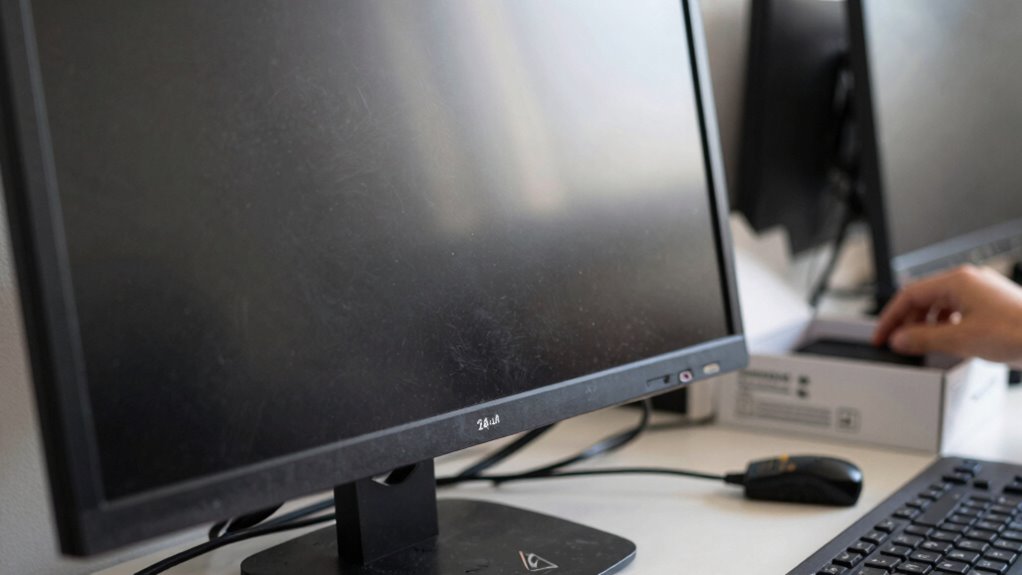
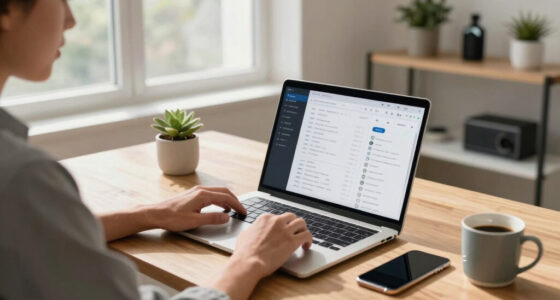
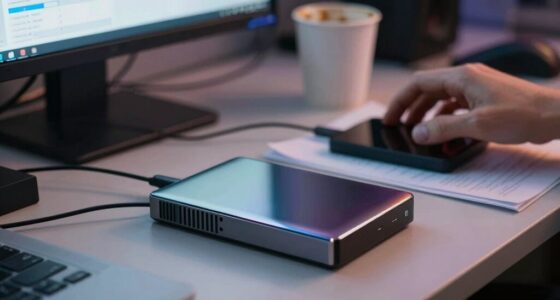
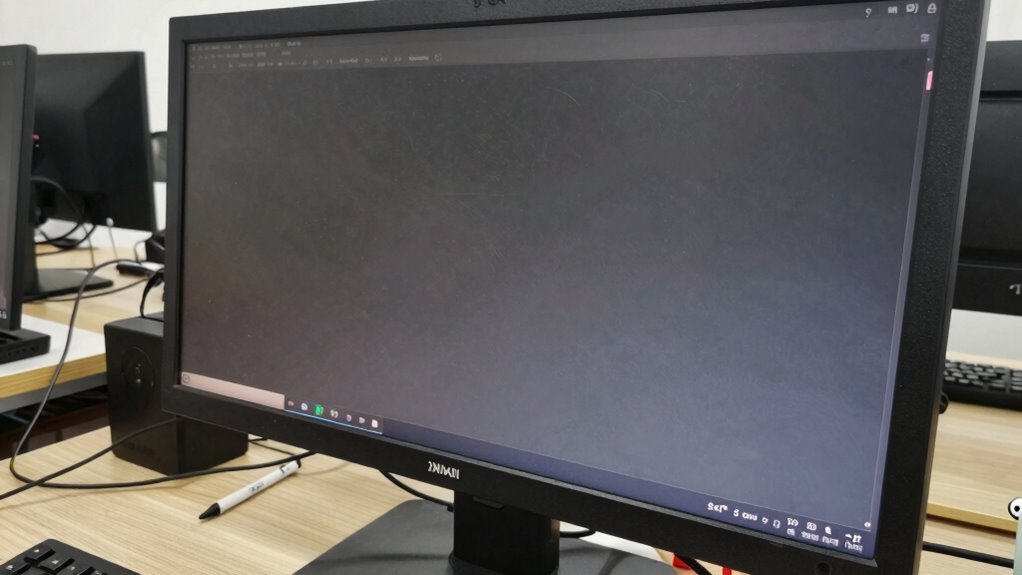
Choosing the right 24-inch pen display monitor can considerably impact your creative workflow, but many buyers make common mistakes that can lead to dissatisfaction or additional expenses. One of the biggest errors is neglecting pen display ergonomics. You might focus solely on screen size or resolution without contemplating how you’ll work over long periods. Poor ergonomics can cause discomfort, neck strain, or eye fatigue, ultimately hindering your productivity. To prevent this, look for adjustable stands that allow you to set the monitor at eye level and tilt it for comfort. Additionally, consider the monitor’s weight and whether your workspace can accommodate easy adjustments. Investing in an ergonomic setup upfront saves you from potential health issues and the need for future modifications. Moreover, some buyers overlook the importance of monitor calibration tips, which are crucial for ensuring color accuracy and visual comfort. Many new buyers assume that factory settings are sufficient, but uncalibrated displays can distort colors and compromise your work quality. If you’re into digital art, design, or photo editing, accurate color representation is essential. You’ll want to invest in tools or software that help you calibrate your monitor properly, ensuring that the colors you see on-screen match real-world outputs. Proper calibration not only enhances your work’s precision but also reduces eye strain caused by overly bright or mismatched colors. Remember, a well-calibrated monitor contributes to consistent results across different devices and print media. Some buyers also fall into the trap of choosing a monitor based solely on specs like resolution or refresh rate without contemplating real-world usability. Higher resolution is great, but if the display’s interface is cluttered or the pen responsiveness is sluggish, your workflow suffers. Look for reviews or test the monitor yourself to assess pen sensitivity, lag, and overall responsiveness. An intuitive user experience is just as important as technical specifications. Additionally, many overlook the importance of connectivity options. Ensure your monitor has the necessary ports to connect seamlessly with your computer and accessories. Missing or limited connectivity can force you to buy additional adapters or hubs, increasing costs and complicating your setup. Furthermore, considering ergonomic accessories like drawing gloves or monitor arms can further improve comfort during long creative sessions. Proper monitor placement and ensuring it aligns with your natural posture can also help prevent long-term health issues. Moreover, paying attention to screen brightness and anti-glare coatings can significantly enhance comfort during extended use, especially in well-lit environments. Finally, don’t forget to weigh your budget carefully. While high-end models come with advanced features, they aren’t always necessary for your needs. Focus on the essentials—ergonomics, calibration, responsiveness, and connectivity—to make a smart, satisfying purchase. Avoid these common mistakes, and you’ll find a 24-inch pen display monitor that truly elevates your creative work.
ergonomic adjustable monitor stand for 24 inch pen display
As an affiliate, we earn on qualifying purchases.
As an affiliate, we earn on qualifying purchases.
Frequently Asked Questions
Are 24-Inch Pen Displays Suitable for Professional Graphic Design?
Yes, a 24-inch pen display is suitable for professional digital art and enhances your creative workflow. Its size offers enough space for detailed work while remaining manageable on your desk. You can easily navigate and refine your projects, making it ideal for graphic design professionals. Just make certain the display has good color accuracy and resolution, so your digital art looks vibrant and precise during every stage of your creative process.
How Does Screen Resolution Affect Drawing Quality on These Monitors?
Think of screen resolution as the painter’s brush—finer brushes create more detailed art. Higher resolution boosts screen clarity and pixel density, making your drawings sharper and more precise. When your monitor has better pixel density, your lines stay crisp, and colors pop vividly. Low resolution, however, can turn your masterpiece into a blurry sketch. So, choose a display with a high resolution to keep your creative work clear and vibrant.
What Is the Typical Lifespan of a Pen Display Monitor?
A 24-inch pen display monitor typically lasts around 3 to 5 years, but durability concerns can affect this. To guarantee longevity, check the warranty coverage, which often includes repairs for screen issues or pen malfunctions. Proper handling, regular cleaning, and avoiding extreme conditions also help extend its lifespan. Keep these factors in mind so you maximize your investment and enjoy consistent performance over time.
Do All 24-Inch Pen Displays Support Multi-Touch Functionality?
Not all 24-inch pen displays support multi-touch; in fact, only about 30% feature this capability. You’ll want to check touch sensitivity levels and device compatibility before buying. Without multi-touch support, you miss out on gestures and faster workflows. So, if multi-touch is essential to your work or creativity, confirm the monitor explicitly offers this feature to avoid disappointment.
How Important Is Color Accuracy in Choosing a Pen Display?
Color accuracy is vital when choosing a pen display because it guarantees your digital artwork looks consistent across different devices. You should look for good color calibration and a wide color gamut, like Adobe RGB or DCI-P3, to match professional standards. High color accuracy helps you trust your color choices and produces more vibrant, precise images, making it indispensable for artists, designers, or anyone relying on true-to-life colors in their work.
monitor calibration tools for color accuracy
As an affiliate, we earn on qualifying purchases.
As an affiliate, we earn on qualifying purchases.
Conclusion
Avoiding these common mistakes can save you from a headache that’s almost as intense as a thunderstorm! Remember to prioritize your needs, check the specs carefully, and don’t rush your decision. A 24-inch pen display monitor isn’t just a gadget; it’s your creative powerhouse. Make a smart choice, and you’ll wonder how you ever managed without it—like suddenly seeing the world in crisp, vivid color for the first time!
pen display monitor with high responsiveness and low lag
As an affiliate, we earn on qualifying purchases.
As an affiliate, we earn on qualifying purchases.
24 inch pen display monitor with multiple connectivity ports
As an affiliate, we earn on qualifying purchases.
As an affiliate, we earn on qualifying purchases.