
Digital tools like CAD have revolutionized geometric drawing by providing unmatched precision, enabling quick adjustments, and encouraging creative exploration. With CAD, you can easily experiment with complex shapes, share files effortlessly, and streamline your workflow. While hand drafting develops foundational skills and a tactile understanding of geometry, technology enhances efficiency and detail. If you keep exploring, you’ll discover how blending these methods can elevate your design process even further.
Key Takeaways
- CAD offers unmatched precision and accuracy, enabling detailed and error-free geometric drawings compared to manual drafting.
- Technology allows easy experimentation, modifications, and complex design exploration impossible with traditional hand drafting.
- Hand drafting develops foundational geometric skills and spatial reasoning, serving as a valuable learning tool before digitization.
- CAD streamlines workflows, facilitates collaboration, and simplifies file sharing, significantly enhancing productivity and project management.
- Overall, technology has transformed geometric drawing by increasing speed, detail, and creative possibilities, while traditional skills remain important.
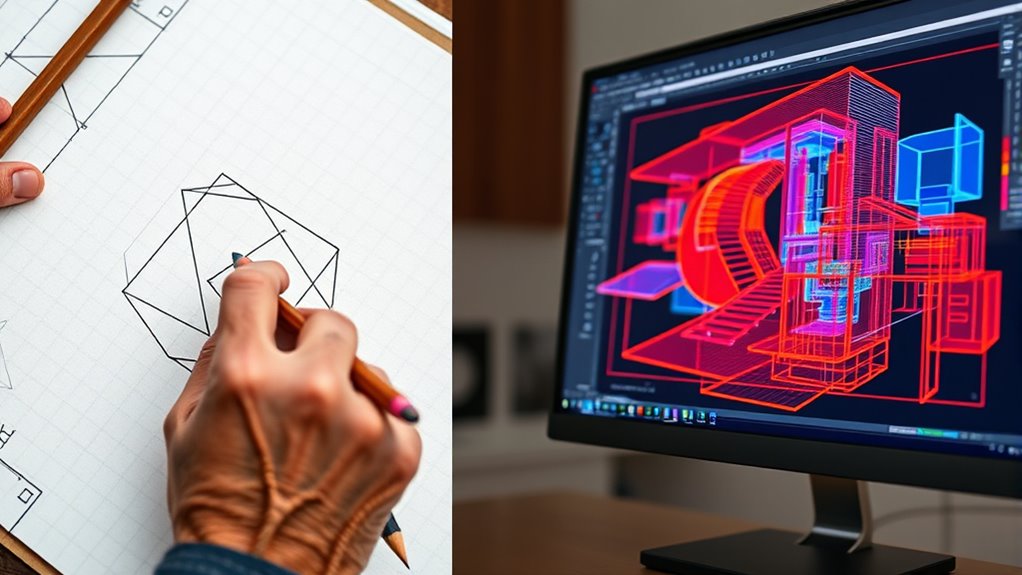
Have you ever wondered how modern drafting compares to traditional methods? When you look at CAD (Computer-Aided Design) versus hand drafting, it’s clear that technology has transformed the way you approach geometric drawing. With CAD, you gain digital precision that’s hard to match with manual techniques. Every line, circle, and angle can be controlled with incredible accuracy, reducing errors and saving you time. Instead of painstakingly measuring and redrawing, you can input exact dimensions and make instant adjustments. This level of digital precision means you can produce highly detailed and precise drawings quickly, which is vital in today’s fast-paced design environment.
Modern CAD drafting offers unmatched precision and speed, transforming geometric design in today’s fast-paced environment.
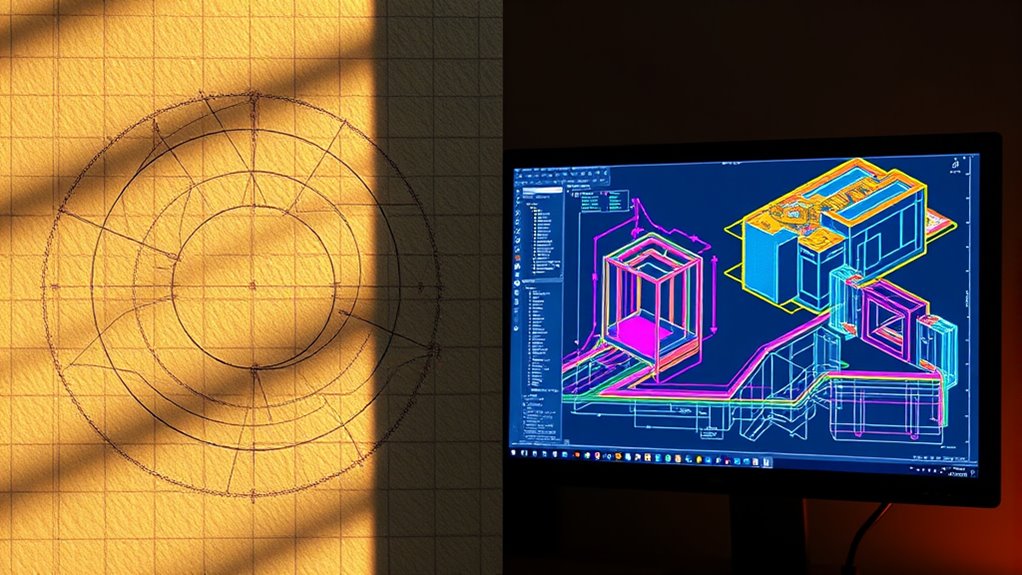
At the same time, CAD offers you creative flexibility that traditional hand drafting often can’t provide. When you’re working digitally, you can experiment with different ideas without starting from scratch each time. Want to explore multiple design options? With a few clicks, you can duplicate and modify your drawings, enabling you to explore complex geometries and intricate details effortlessly. This flexibility allows you to push creative boundaries, combining artistic expression with technical accuracy. Plus, CAD programs often come with a suite of tools—like layers, 3D modeling, and rendering—that enhance your ability to visualize and refine designs before they’re built.
However, it’s important to recognize that hand drafting still holds value, especially for developing foundational skills and understanding geometric principles. When you draft manually, you engage more deeply with the geometry, which can enhance your spatial reasoning and craftsmanship. It’s a tactile process that fosters a different kind of creativity and problem-solving. Additionally, understanding fundamental concepts such as geometric accuracy can help you better utilize CAD tools and troubleshoot design issues more effectively. Yet, for most modern applications, CAD’s digital precision and creative flexibility make it the go-to choice, especially when you need to produce complex, detailed, and accurate drawings rapidly.
Switching between these methods, you’ll notice that CAD streamlines workflows and facilitates collaboration. Digital files are easy to share, edit, and store, making teamwork more efficient. Plus, you can incorporate changes seamlessly without the risk of smudges or mistakes often encountered with hand drafting. That said, some professionals still appreciate the tactile nature of manual drawing as a learning tool or for initial conceptual sketches.
In essence, modern drafting tools have redefined how you approach geometric drawing. CAD’s digital precision and creative flexibility empower you to work faster, more accurately, and with greater imaginative freedom. While traditional hand drafting remains a valuable skill, embracing technology allows you to elevate your design process and produce higher-quality work in less time.
![Sweet Home 3D [PC Download]](https://m.media-amazon.com/images/I/81mqySxP8uL._SL500_.png)
Sweet Home 3D [PC Download]
Draw walls and rooms on one or more levels
As an affiliate, we earn on qualifying purchases.
As an affiliate, we earn on qualifying purchases.
Frequently Asked Questions
How Does CAD Software Impact Creative Design Processes?
CAD software impacts your creative design process by offering digital precision that minimizes errors and enhances accuracy. It also provides greater creative flexibility, allowing you to experiment with complex shapes and easily modify your designs without starting from scratch. With CAD, you can visualize ideas quickly, iterate effortlessly, and bring your concepts to life more efficiently, making your creative process more dynamic and productive.
What Skills Are Essential for Modern Hand Drafting?
You need strong drawing accuracy skills to guarantee your hand drafts are precise and reliable. Focus on mastering steady hand techniques and proper measuring tools. Understanding material durability helps you select the right paper and pencils, preventing smudging or tearing. Practice consistently, develop keen attention to detail, and stay patient. These skills enable you to produce durable, accurate drawings that stand the test of time and support your creative projects effectively.
Can Traditional Hand Drafting Still Be Taught Effectively Today?
Yes, traditional hand drafting can still be taught effectively today. You can focus on essential manual skills like precision, line quality, and spatial understanding through hands-on practice. Teaching methods should blend classic techniques with modern tools, encouraging students to develop a strong foundation before using CAD software. This approach guarantees they grasp fundamental geometric principles while gaining practical experience, making their skills versatile and enduring in a digital world.
How Does Digital Drafting Influence Collaboration in Engineering Projects?
When you embrace digital drafting, you enhance collaboration by enabling seamless digital teamwork and remote collaboration. You can share updates instantly, review designs in real-time, and make adjustments without delay. This connectivity breaks down geographical barriers, making teamwork more efficient and transparent. As a result, your engineering projects benefit from faster decision-making, improved accuracy, and a more cohesive effort, regardless of where team members are located.
What Are the Environmental Impacts of Digital Versus Hand Drafting?
Digital drafting reduces paper waste since you can store and share files electronically, cutting down on physical materials. However, it consumes more energy due to the need for powerful computers and servers. Hand drafting uses minimal energy and generates no electronic waste but relies heavily on paper, which adds to environmental concerns. Overall, digital tools are eco-friendlier in reducing paper waste, but they come with higher energy consumption.

Rena Chris Architectural Scale Ruler: 12" Imperial Aluminum Alloy Metal Architecture Measuring Tools, Engineering Drafting Construction Drawing Blueprints Triangular Architect Scaling Rulers 12 Inches
12" triangular architect scale designed to facilitate the drafting and measuring of architectural drawings, such as floor plans,…
As an affiliate, we earn on qualifying purchases.
As an affiliate, we earn on qualifying purchases.
Conclusion
Ultimately, whether you favor fast, formal CAD or handcrafted, heartfelt hand drafting, technology transforms your techniques. Embrace the evolution, explore the enhancements, and enjoy the endless opportunities it offers. While traditional methods teach patience and precision, modern tools turbocharge your talent and turnaround. By blending the best of both worlds, you create mesmerizing, consistent creations with confidence. So, stay curious, stay current, and let your creativity conquer constraints, cultivating craftsmanship that continues to carve its own course.

Mr. Pen Geometry Set with 6 Inch Swing Arm Protractor, Divider, Set Squares, Ruler, Compasses and Protractor, 15 Piece Set
Geometry Set For All Levels Designed in USA
As an affiliate, we earn on qualifying purchases.
As an affiliate, we earn on qualifying purchases.

Drawing Tablet XPPen StarG640 Digital Graphic Tablet 6×4 Inch Art Tablet with Battery-Free Stylus Pen Tablet for Mac, Windows and Chromebook (Drawing/E-Learning/Remote-Working)
Battery-Free Pen: StarG640 drawing tablet is the perfect replacement for a traditional mouse! The XPPen advanced Battery-free PN01…
As an affiliate, we earn on qualifying purchases.
As an affiliate, we earn on qualifying purchases.