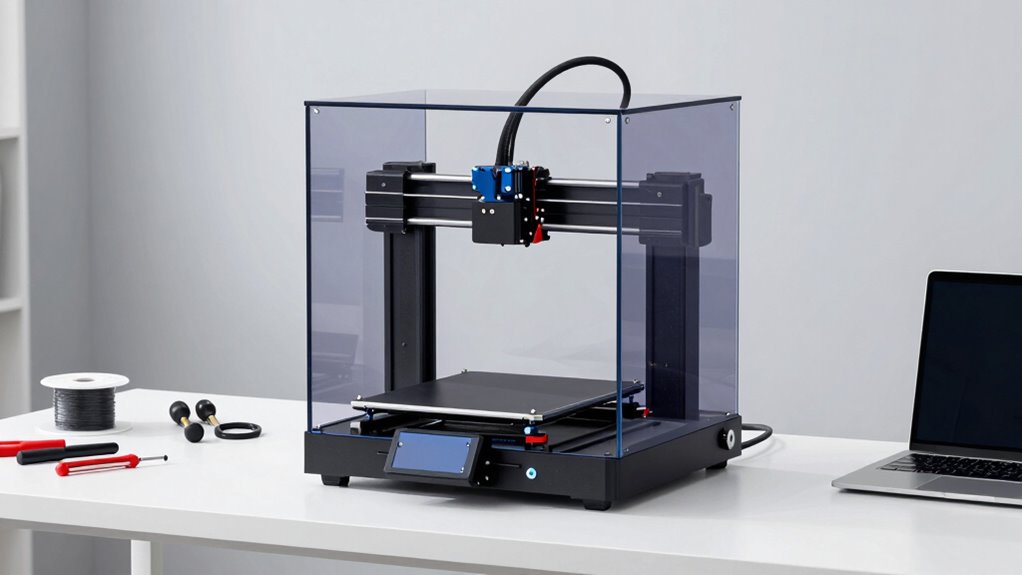

Before buying an enclosed 3D printer, consider what materials you’ll work with, especially high-temperature filaments like ABS or PETG, which benefit from a stable environment. Check how easy it is to maintain the machine and whether it has self-cleaning features. Think about durability and if the design suits your space and safety needs. Understanding these factors helps you pick the right model—keep going to explore more tips for your perfect choice.
Key Takeaways
- Ensure material compatibility, especially for high-temperature and specialty filaments.
- Consider maintenance needs, including cleaning and self-cleaning features.
- Check for features like heated chambers and specialized extruders for enhanced performance.
- Evaluate safety benefits such as fumes containment and noise reduction.
- Assess durability and ease of servicing for long-term reliability.
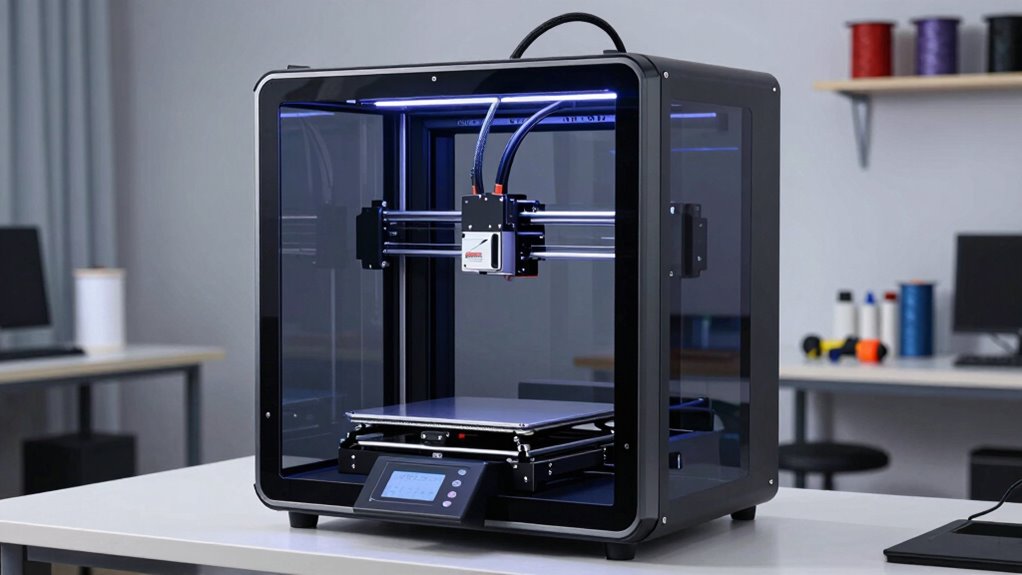
If you’re considering an enclosed 3D printer, understanding how these machines differ from open models and what benefits they offer is essential. Enclosed printers are designed with a protective casing around the build chamber, which helps regulate temperature, reduce fumes, and contain noise. This design makes them ideal for users who want safer and more controlled printing environments. Before making a purchase, you need to weigh factors like material compatibility and maintenance requirements. These aspects directly impact your user experience and the range of projects you can undertake. Material compatibility is a key point because not all enclosed 3D printers support the same filament types. Many models are optimized for thermoplastics like ABS and PETG, which require higher temperatures and benefit from a stable, enclosed environment. If you plan to work with specialty materials such as flexible filaments, composite filaments, or high-temperature resins, you should verify that the printer can handle these without issues. Some enclosed models have heated build chambers and specialized extruders, making them suitable for a broader array of materials. If you choose a printer with limited material compatibility, your options become more restricted, and you might need additional equipment or modifications to work with certain filaments. Maintenance requirements also vary among enclosed 3D printers. Generally, these machines tend to demand more upkeep compared to open models because of their enclosed casing and more complex components. Regular cleaning of the build chamber and extruder, checking for filament jams, and ensuring that ventilation fans and filters are functioning properly are essential tasks. Some models come with self-cleaning features or easier access points for maintenance, which can save you time. Additionally, proper maintenance procedures can extend the lifespan of your printer and help maintain consistent print quality. However, if you prefer a low-maintenance setup, it’s worth investing in a model known for durability and ease of service. Neglecting maintenance can lead to print failures, reduced print quality, or even damage to the printer, so it’s essential to factor this into your decision. Additionally, understanding enclosed design advantages can help you determine if this type of printer aligns with your project needs.
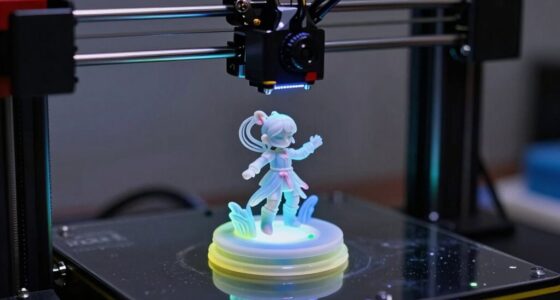
enclosed 3D printer for high-temperature filaments
As an affiliate, we earn on qualifying purchases.
As an affiliate, we earn on qualifying purchases.
Frequently Asked Questions
How Loud Are Enclosed 3D Printers During Operation?
Enclosed 3D printers tend to be quieter than open models, with noise levels often around 50-60 decibels during operation. The sound insulation in the enclosure helps reduce noise, making your workspace more comfortable. However, some components like fans and stepper motors still produce noise. If you prioritize a quieter environment, look for models with enhanced sound insulation and quieter cooling fans to minimize disruptions.
Can Enclosed 3D Printers Handle Flexible Filament Materials?
Enclosed 3D printers can handle flexible filament materials, but you need to guarantee your model has a direct drive extruder for better control. Flexible filaments require good print adhesion to prevent warping and ensure smooth prints. Some enclosures maintain stable temperatures, helping with adhesion and reducing issues like stringing. Overall, with the right setup and materials, enclosed 3D printers are capable of producing quality flexible filament prints.
What Are the Typical Maintenance Requirements for Enclosed Models?
You’ll need to regularly check and clean the cooling systems to prevent overheating and guarantee smooth operation. Keep an eye on filament compatibility, as enclosed models require specific materials and occasional filament changes. Lubricate moving parts and inspect for wear, especially in the extruder and rails. Regular calibration and firmware updates also help maintain print quality, making your enclosed 3D printer dependable and efficient over time.
Are Enclosed 3D Printers Suitable for Professional or Industrial Use?
Enclosed 3D printers are suitable for professional and industrial use because they enhance print quality and safety, making them ideal for detailed, high-quality projects. You’ll appreciate their filament compatibility with various materials, including ABS and nylon. The enclosure helps maintain consistent temperatures, reducing warping and improving overall results. If you need reliable, high-precision prints in an industrial setting, these printers offer the security and performance you require.
How Energy-Efficient Are Enclosed 3D Printers Compared to Open Models?
Enclosed 3D printers use about 20% more energy than open models due to their insulation and additional components. You’ll want to take into account filament compatibility and design considerations, as enclosed units often support a wider range of materials that require stable temperatures. While they may consume more power, their better heat retention can lead to more efficient printing, especially with temperature-sensitive filaments, saving you time and reducing waste.
self-cleaning enclosed 3D printer
As an affiliate, we earn on qualifying purchases.
As an affiliate, we earn on qualifying purchases.
Conclusion
Before you take the plunge into enclosed 3D printing, remember it’s not just about the machine but the possibilities it reveals. Think of it as opening a door to a world where your creativity can soar safely, shielded from the chaos of external elements. By understanding the features, limitations, and your own needs, you’ll guarantee your investment is a launch pad, propelling your projects to new heights. Happy printing—your next masterpiece awaits just beyond that sleek enclosure.
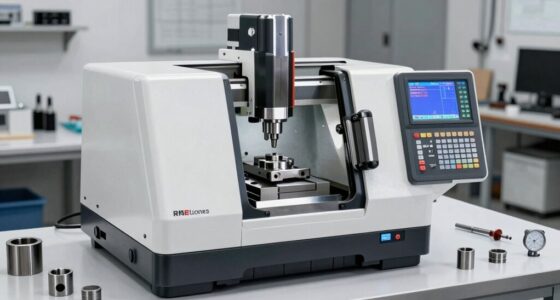
enclosed 3D printer with heated chamber
As an affiliate, we earn on qualifying purchases.
As an affiliate, we earn on qualifying purchases.
low maintenance enclosed 3D printer
As an affiliate, we earn on qualifying purchases.
As an affiliate, we earn on qualifying purchases.