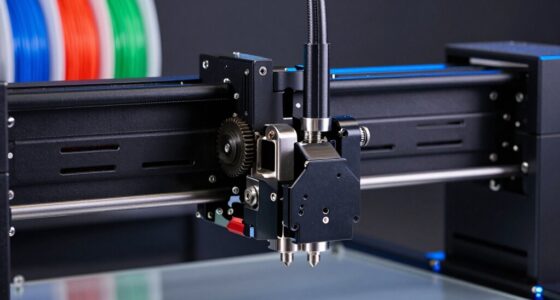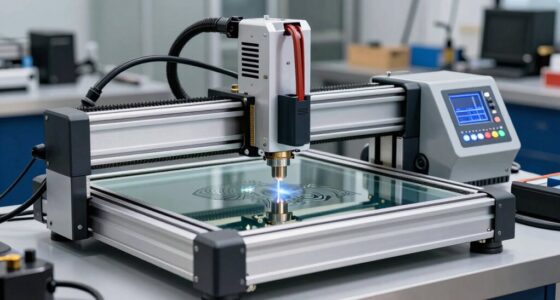
CNC toolpaths convert your digital design into precise machine movements by translating CAD data into coded instructions the controller understands. These instructions guide the machine’s movements, controlling cutting speeds, directions, and depths to shape your material accurately. By optimizing these toolpaths, you guarantee efficient, smooth operations that improve quality and extend tool life. If you want to understand how this process ensures your parts are exact and efficient, keep exploring further.
Key Takeaways
- CNC toolpaths convert digital CAD designs into specific machine movement instructions.
- These instructions guide the CNC controller to accurately follow the programmed routes.
- Toolpath optimization refines movements for efficiency, precision, and smooth transitions.
- Properly generated toolpaths consider material properties and cutting parameters.
- The CNC controller interprets coded instructions into real-time, precise machine motions.
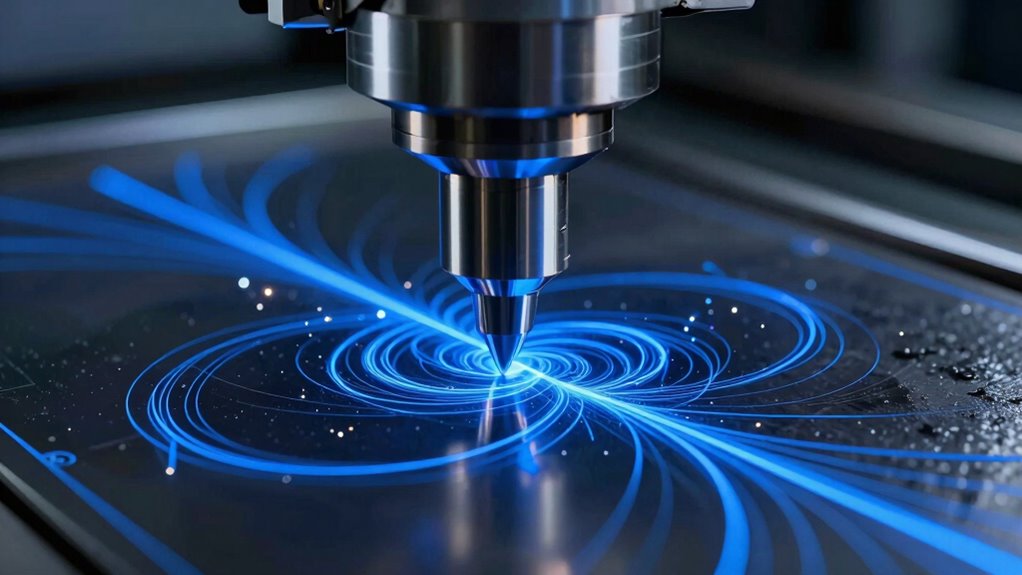
CNC toolpaths are the backbone of modern digital manufacturing, guiding cutting tools precisely along designed routes to create intricate parts and complex shapes. When you’re setting up a CNC machine, understanding how these toolpaths translate your digital design into physical motion is essential. Your first step is carefully selecting the right material, as it influences the entire process. Different materials—be it metals, plastics, or composites—have unique properties that affect cutting speeds, feed rates, and tool wear. Making the right material choice guarantees your toolpath runs smoothly, reduces errors, and produces high-quality results.
Choosing the right material is crucial for smooth, accurate CNC toolpaths and high-quality results.
Once you’ve chosen the appropriate material, you generate the toolpath from your CAD design. This involves converting your digital model into a series of specific movements that the CNC machine can follow. Here, toolpath optimization plays a key role. It’s about refining these movements to maximize efficiency while maintaining precision. Optimized toolpaths reduce unnecessary movements, minimize cutting time, and extend the lifespan of your tools. You want your CNC to follow the most efficient route, avoiding abrupt changes in direction or excessive overlaps that can cause inaccuracies or wear. Properly understanding material properties helps in designing these efficient paths.
As you prepare the machine, you program the toolpath into the CNC controller, which interprets the instructions into real-time motion. During operation, the machine’s motors move the cutting tool along the pre-defined route, guided by the coded instructions. This meticulous process transforms your digital design into a physical object, with each step carefully calculated to match your specifications. The accuracy of this translation hinges on how well your toolpath was optimized, making certain smooth transitions, controlled cutting depths, and consistent feed rates. Additionally, considering cutting parameters ensures that the process remains efficient and minimizes stress on the machine and tools. Incorporating proper maintenance practices can also help sustain the accuracy and longevity of your CNC equipment.
Throughout this process, material selection influences the toolpath’s complexity. Harder materials may require slower speeds and more conservative paths to prevent damage, while softer materials allow for more aggressive cuts. Properly adjusting your toolpath based on material properties can lead to faster production times and better surface finishes. Moreover, understanding the material characteristics is crucial for effective toolpath planning and avoiding unnecessary tool wear or errors. Ultimately, the success of translating your design into motion depends on the synergy between material choice and intelligent toolpath optimization. When both are aligned, your CNC machine can operate at peak efficiency, producing intricate and accurate parts directly from your digital blueprint.

CNC Machine Tool 6 axis Wireless MPG Handwheel CNC Remote Controller Manual Pulse Generator for CNC Milling Lathe Machine
Pulse Generators
As an affiliate, we earn on qualifying purchases.
As an affiliate, we earn on qualifying purchases.
Frequently Asked Questions
How Do Different Materials Affect CNC Toolpath Generation?
Different materials markedly impact CNC toolpath generation because you need material-specific optimization to ensure efficiency and quality. Softer materials like wood or plastics require different cutting parameter selection compared to harder metals, which demand slower feeds and deeper cuts. You must adjust your toolpaths accordingly, considering material properties to prevent tool damage, improve surface finish, and optimize cycle times. Properly tailoring your toolpaths guarantees better results across diverse materials.
Can CNC Toolpaths Be Customized for Complex Geometries?
Yes, you can customize CNC toolpaths for complex geometries by carefully considering material selection and tool optimization. Your choices influence how the tool moves, ensuring precision and efficiency. By adjusting parameters like cutting speed, feed rate, and tool paths, you can achieve intricate designs. This customization helps prevent material damage, reduces machining time, and produces high-quality results, even for highly complex shapes.
What Software Options Are Best for Creating Efficient Toolpaths?
Did you know that over 60% of manufacturers report improved efficiency with the right CNC software? For creating efficient toolpaths, prioritize programs like Fusion 360, Mastercam, or SolidCAM, which excel in toolpath optimization. These options offer excellent software compatibility, making it easier to customize for complex geometries. Choosing the right software helps streamline your workflow, enhances precision, and reduces machining time, ensuring your projects are completed faster and more accurately.
How Does Tool Wear Influence Toolpath Accuracy?
Tool wear impacts toolpath accuracy by causing deviations from the intended cuts, as worn tools don’t perform precisely. You’ll notice increased inaccuracies and surface imperfections over time. This wear shortens the tool lifespan and can lead to frequent tool changes. Regular monitoring helps you adjust toolpaths proactively, maintaining precision and reducing material waste. Ultimately, managing tool wear is essential for consistent quality and efficient machining operations.
What Safety Considerations Are Involved in CNC Machining?
You should always follow safety protocols in CNC machining because they effectively mitigate hazards. Investigate the theory that strict safety measures prevent accidents; it’s true. Wear proper personal protective equipment, secure workpieces, and make certain machine guards are in place. Regularly check emergency stops, stay alert, and keep the workspace clean. By actively prioritizing hazard mitigation, you minimize risks, protect yourself, and guarantee smooth, safe operations throughout the machining process.

The Ultimate G-code User Guide: Master CNC Programming, 3D Printing, and More
As an affiliate, we earn on qualifying purchases.
As an affiliate, we earn on qualifying purchases.
Conclusion
Remember, a journey of a thousand miles begins with a single step. By understanding how CNC toolpaths translate your design into precise motion, you harness the power to turn ideas into reality. Your attention to detail and planning guarantee every cut aligns perfectly with your vision. So, stay vigilant and keep refining your process—because in CNC machining, precision isn’t just a goal, it’s the path to excellence.
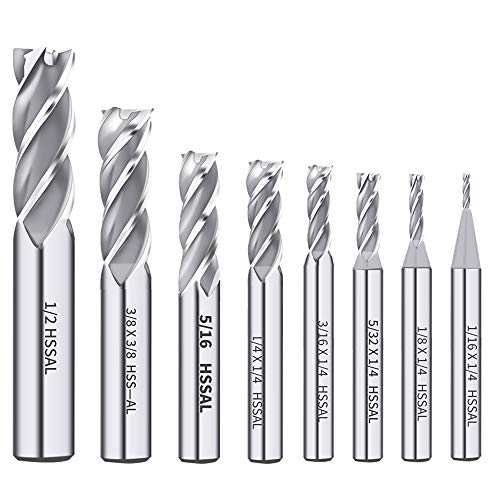
AUTOTOOLHOME 8PCS HSS 4-Flute End Mill Set CNC Milling Bits 1/16''-1/2''
End mill Straight Shank for Easy Clamping — Each milling cutter features a straight shank design for secure…
As an affiliate, we earn on qualifying purchases.
As an affiliate, we earn on qualifying purchases.

AFA Tooling Deburring Tool, 11 M2 HSS Blades, CNC Anodized Aluminum Handle
[DEBURRING TOOL KIT] Includes 11 BS1010 blades made of M2 High-Speed Steel (HSS). Each blade is tempered to…
As an affiliate, we earn on qualifying purchases.
As an affiliate, we earn on qualifying purchases.