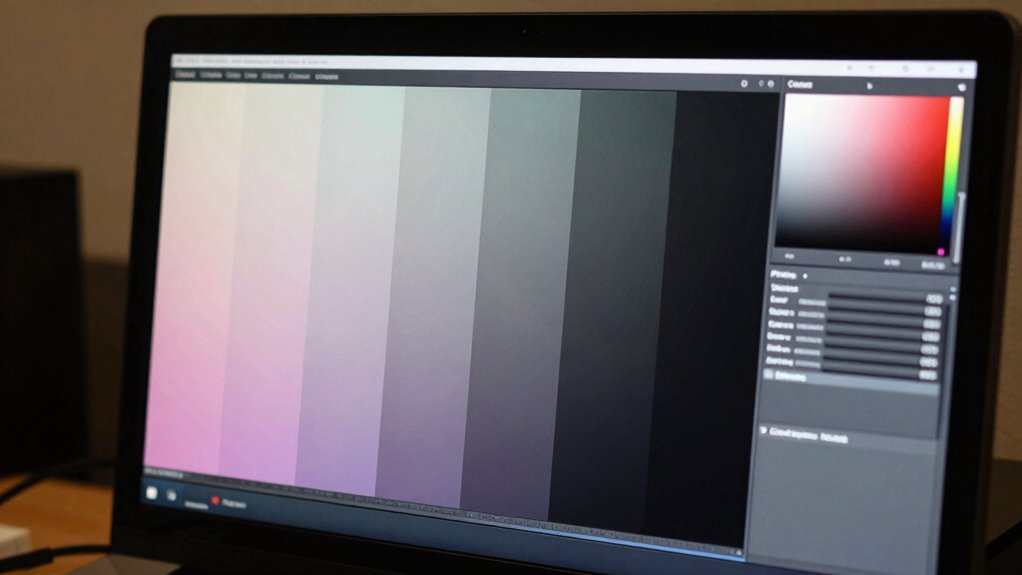
Factory calibration only provides a rough baseline and often isn’t reliable enough for professional color work. It varies across units, environments, and over time, causing colors to appear off or inconsistent. To achieve true color accuracy, you need to calibrate your monitor properly with specialized tools and adjust settings like gamma, brightness, and color profiles. If you want to understand how to get the most accurate results, keep exploring.
Key Takeaways
- Factory calibration offers only a basic, generic setup that may not meet professional standards or match specific lighting conditions.
- Calibration adjusts monitor settings like color profile, gamma, and RGB levels to achieve accurate, consistent colors aligned with industry standards.
- Regular calibration with specialized tools corrects drift over time, ensuring ongoing color accuracy and stability.
- Factory settings often cause color inaccuracies, desaturation, or oversaturation, which professional calibration tools can correct precisely.
- Relying solely on factory calibration neglects environmental influences and prevents achieving true, reliable color fidelity.

Calibrite Display Pro HL Monitor Calibration Colorimeter for LCD Mini LED and OLED Displays, Measure up to 3000 Nits, PROFILER Software, USB C with Adapter, Validation/Color Uniformity Tools
SPECIFICATIONS: HL high luminance sensor colorimeter measures up to 3000 nits, calibrates and profiles LCD mini LED OLED…
As an affiliate, we earn on qualifying purchases.
As an affiliate, we earn on qualifying purchases.
Are Factory-Calibrated Monitors Truly Accurate?

Many factory-calibrated monitors claim to be accurate right out of the box, but in reality, their calibration can vary considerably from professional standards. The key to understanding this lies in monitor color profiles, which define how colors are displayed. While manufacturers often set these profiles during production, they may not match your specific environment or usage needs. Calibration software allows you to fine-tune these profiles, ensuring your monitor displays colors more precisely. Relying solely on factory settings can lead to color inaccuracies, especially if your work demands consistent color reproduction. Calibration tools enable precise adjustments tailored to your setup, providing better accuracy than factory defaults. By using calibration software, you can adjust your monitor’s color profiles and achieve a level of accuracy that factory calibration simply can’t guarantee. European cloud innovation is driving advancements in energy-efficient solutions that support sustainable technology. Additionally, understanding monitor color profiles can help you recognize why factory settings might not be sufficient for your specific needs. This step is essential for anyone serious about color fidelity.

Calibrite Display 123 Monitor Calibration Colorimeter for Photo Editing and Color Accurate Viewing, Easy 1 2 3 Software Workflow, USB C Connection, and Before and After Check, Supports 2 Displays
SPECIFICATIONS: Monitor calibration colorimeter with Easy 1 2 3 software workflow, USB C connection, compact body approx. 34mm…
As an affiliate, we earn on qualifying purchases.
As an affiliate, we earn on qualifying purchases.
How Does Monitor Calibration Ensure Accurate Colors?
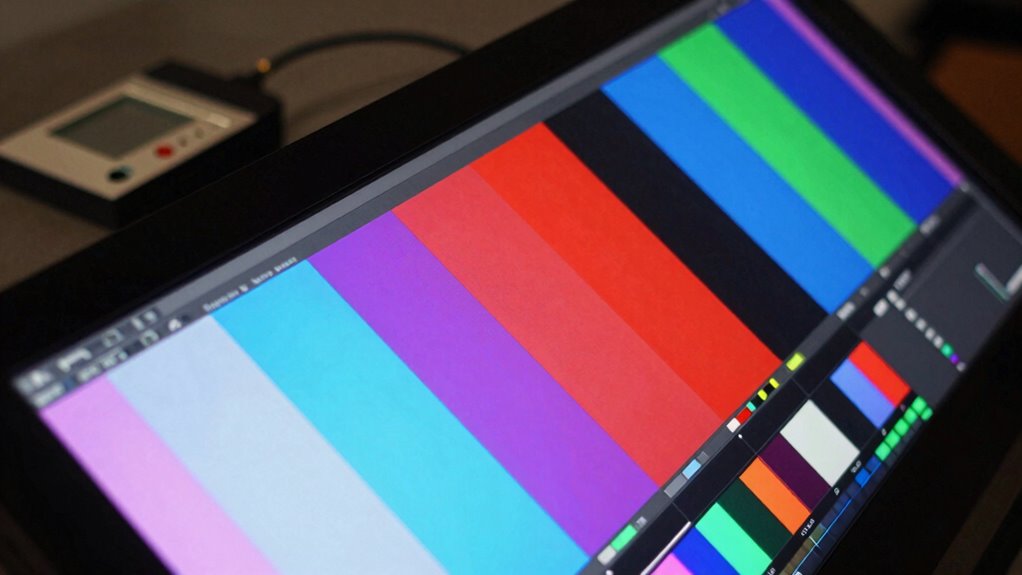
Monitor calibration guarantees accurate colors by actively adjusting your display’s internal settings to match a known standard. This process improves color consistency across your workspace and ensures your visuals remain true to life. When you calibrate, you set the display’s color profile, gamma, and brightness levels for maximum accuracy. To keep colors consistent over time, consider these steps:
- Regular calibration to maintain color accuracy, especially if your environment or monitor conditions change.
- Using calibration tools or software for precise adjustments tailored to your display.
- Monitoring calibration frequency, which depends on your usage and display type, to prevent drift and ensure ongoing color consistency.
- Incorporating monitor calibration standards into your routine helps maintain reliable color reproduction over the lifespan of your display.
Moreover, understanding the contrast ratio of your monitor assists in achieving optimal visual performance during calibration.
Calibrite Display Pro HL Monitor Calibration Colorimeter for LCD Mini LED and OLED Displays, Measure up to 3000 Nits, PROFILER Software, USB C with Adapter, Validation/Color Uniformity Tools
SPECIFICATIONS: HL high luminance sensor colorimeter measures up to 3000 nits, calibrates and profiles LCD mini LED OLED…
As an affiliate, we earn on qualifying purchases.
As an affiliate, we earn on qualifying purchases.
Limitations of Factory Calibration and Their Impact

While factory calibration provides a baseline for display accuracy, it often falls short of meeting professional or demanding visual standards. Factory limitations mean that a monitor’s color consistency can vary across units and over time, especially under different lighting conditions. These calibrations are typically done in controlled environments and may not account for your specific setup, leading to inaccuracies once you start working. As a result, colors may appear desaturated, overly saturated, or inconsistent, affecting your work’s precision. Relying solely on factory calibration can give a false sense of accuracy, especially for tasks requiring color fidelity. To achieve true color consistency, you’ll need to perform your own calibration tailored to your environment and workflow, considering display profiling to ensure accurate results. Additionally, monitor calibration tools can help automate this process for better precision.

Calibrite Photo Kit w/Display Pro HL Monitor Calibration Colorimeter w/ColorChecker Passport Photo 2, Capture to Edit Color Workflow for RAW, Custom Camera Profiles, White Balance, Accurate Displays
SPECIFICATIONS: Photo workflow kit includes Display Pro HL high luminance monitor calibration colorimeter plus ColorChecker Passport Photo 2,…
As an affiliate, we earn on qualifying purchases.
As an affiliate, we earn on qualifying purchases.
How to Properly Calibrate Your Monitor for True Colors

To guarantee your display shows colors accurately, you need to go beyond factory calibration and perform your own calibration process. Start by selecting the right color profile for your workflow, ensuring it suits your needs. Next, follow these steps:
- Use calibration software and a hardware colorimeter to measure your display’s output.
- Adjust hardware settings like brightness, contrast, and RGB levels based on the calibration results.
- Save and apply the custom color profile to maintain consistent, true-to-life colors across applications.
Common Calibration Mistakes and How to Avoid Them

Many people forget to contemplate ambient lighting when calibrating their monitors, which can skew color accuracy. Ignoring calibration tools or relying on automatic settings often leads to inconsistent results. To get true colors, you need to be aware of these common mistakes and take steps to prevent them. Additionally, understanding monitor calibration techniques can help ensure your display settings are precise and reliable. Being aware of ambient light conditions is crucial, as they can significantly impact perceived colors and calibration accuracy. Incorporating knowledge of Want can further aid in creating an environment conducive to accurate calibration. Recognizing how perceived color accuracy interacts with lighting environments is essential for achieving consistent and trustworthy calibration results. Furthermore, using color management software can assist in maintaining calibration consistency over time.
Overlooking Ambient Lighting
Ambient lighting often gets overlooked during calibration, but it can considerably affect how colors appear on your screen. Poor lighting conditions can distort your color perception, making calibrated colors look off. To prevent this, consider:
- Adjust your room lighting so it’s neutral and consistent, avoiding strong or colored lights that impact color accuracy.
- Use a gray or neutral background behind your monitor to minimize reflections and color shifts caused by surrounding light.
- Calibrate in the same lighting environment in which you’ll be using the monitor regularly, ensuring your calibration matches your actual viewing conditions.
Ignoring ambient lighting leads to flawed calibration results, affecting your ability to see accurate colors. Proper lighting setup helps maintain consistent color perception, ensuring your calibration stays true over time.
Ignoring Calibration Tools
Ignoring calibration tools can lead to significant inaccuracies in your monitor’s color output, even if you’ve set the lighting correctly. Relying solely on factory settings or display presets can give a false sense of accuracy. These presets are often generic and don’t account for your specific environment or personal preferences. To achieve true color precision, you need calibration tools like colorimeters or calibration software. Skipping these tools means missing out on detailed adjustments that improve color consistency and accuracy. Remember, factory settings are a starting point, not a final solution. Use calibration tools regularly to fine-tune your display. This table highlights common mistakes when ignoring calibration tools:
| Mistake | Consequence |
|---|---|
| Relying only on factory settings | Inaccurate color reproduction |
| Using default display presets | Lack of customization and precision |
| Ignoring calibration software | Missed opportunity for *ideal* calibration |
| Skipping regular calibration | Color drift over time |
| Neglecting ambient lighting influence | Reduced color consistency |
Why Professional Calibration Tools Make a Difference
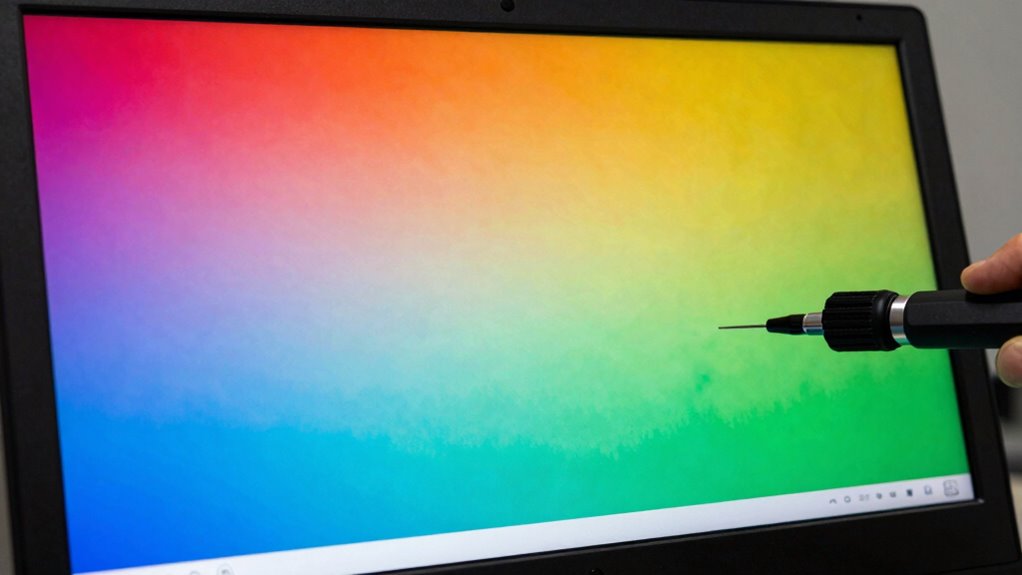
Professional calibration tools guarantee your monitor measures colors accurately, giving you true-to-life visuals. They also help achieve consistent display results across multiple devices, saving you time and frustration. With precise calibration processes, you can trust that your colors are always spot-on, no matter the project. Incorporating Free Floating techniques can further optimize your calibration workflow for optimal results.
Accurate Color Measurement
Accurate color measurement is essential for achieving consistent and true-to-life display outputs, especially when precise color reproduction matters. Professional calibration tools leverage in-depth knowledge of color science and advanced display technology to ensure measurements are precise. When you use these tools, you benefit from:
- Precise color readings that account for display-specific quirks
- Objective data that reduces guesswork and manual adjustments
- Consistent results across different monitors and viewing environments
These tools analyze the display’s color output with high accuracy, ensuring that calibration aligns with industry standards. This level of precision is crucial for photographers, designers, and anyone who demands exact colors. Ultimately, professional tools help you trust your monitor’s color measurement, leading to better, more reliable results.
Consistent Display Results
Using professional calibration tools guarantees that your monitor produces consistent colors across different sessions and environments. This consistency is essential for accurate color grading and maintaining display uniformity. When your display remains stable, you reduce guesswork, ensuring your edits translate well across devices. Calibration tools adjust settings precisely, preventing shifts in color or brightness over time. To understand the impact, consider this table:
| Factor | Benefit |
|---|---|
| Consistent calibration | Reliable color accuracy across sessions |
| Uniform display output | Better color grading precision |
| Reduced drift | Maintains display uniformity over time |
| Accurate color profiles | Ensures consistent results |
| Reduced manual adjustments | Saves time and improves workflow |
Investing in professional tools guarantees your monitor remains a dependable asset for consistent, high-quality results.
Precise Calibration Process
Because calibration involves fine-tuning your monitor’s color settings, relying on professional calibration tools guarantees every adjustment is precise and effective. These tools help you accurately set the color temperature, ensuring whites appear correctly and colors look natural. They also refine gamma correction, which controls the monitor’s tonal response, providing consistent brightness and contrast. With professional calibration, you can:
- Fine-tune color temperature for accurate whites and skin tones
- Precisely adjust gamma to balance shadows and highlights
- Use specialized hardware and software to automate and verify calibration results
This process minimizes guesswork, producing a display that matches industry standards and your creative needs. Ultimately, professional tools ensure your monitor’s color calibration is both accurate and reliable.
Frequently Asked Questions
How Often Should I Recalibrate My Monitor for Consistent Color Accuracy?
You should recalibrate your monitor every 4 to 6 weeks to maintain consistent color accuracy. Over time, you’ll notice color shift due to environmental factors like lighting and aging components. Regular calibration guarantees your display stays true to your original settings, preventing color shift from affecting your work. Adjust the calibration frequency based on your usage and the criticality of color accuracy, especially if you work in photography, design, or video editing.
Can Ambient Lighting Affect Monitor Calibration Results?
Think of ambient lighting as the stage lights that influence your monitor’s performance. Yes, ambient light can cast a shadow on your color consistency, making calibration results less reliable. Bright or uneven lighting can wash out or distort colors, causing you to question your calibration. To keep your colors true, control ambient light by dimming or diffusing it, ensuring your monitor’s calibration stays sharp and accurate in any lighting scenario.
Are There Differences Between Hardware and Software Calibration Methods?
Hardware calibration adjusts your monitor’s internal components directly, offering precise color accuracy and consistency. Software calibration, on the other hand, uses external tools and adjustments within your operating system or display software, which can be less accurate but more flexible. If you need professional-grade color precision, hardware calibration is the better choice. For casual use, software calibration provides a convenient, cost-effective way to improve your display’s color accuracy.
What Is the Best Way to Verify My Monitor’s Calibration Accuracy?
To verify your monitor’s calibration accuracy, prioritize a precise process. Use a colorimeter comparison to assess color consistency, ensuring colors match expected standards. Employ calibration verification tools like built-in software or third-party applications to test and confirm accuracy. Regularly recheck your calibration, especially after updates or adjustments, to keep colors consistent and true. This proactive approach guarantees your display remains precise, providing perfect pictures and professional-quality performance.
Do Professional Calibration Tools Require Specialized Training to Use Effectively?
Professional calibration tools generally don’t require specialized training if you follow proper calibration procedures. You can effectively use them with basic user expertise by carefully reading the instructions and understanding calibration steps. While some advanced features may need more experience, most tools are designed to be user-friendly. With patience and attention to detail, you can achieve accurate calibration results, ensuring your monitor displays colors precisely without needing extensive technical knowledge.
Conclusion
Remember, relying solely on factory calibration might seem enough, but true color accuracy often reveals itself through careful calibration. As you tweak your monitor, you might notice colors matching your expectations more closely—almost like a coincidence. Sometimes, it’s in those small adjustments that your creative vision aligns perfectly with reality. Ultimately, understanding calibration’s nuances teaches you to trust your eyes and tools, turning a simple setup into a surprisingly personal journey toward perfection.