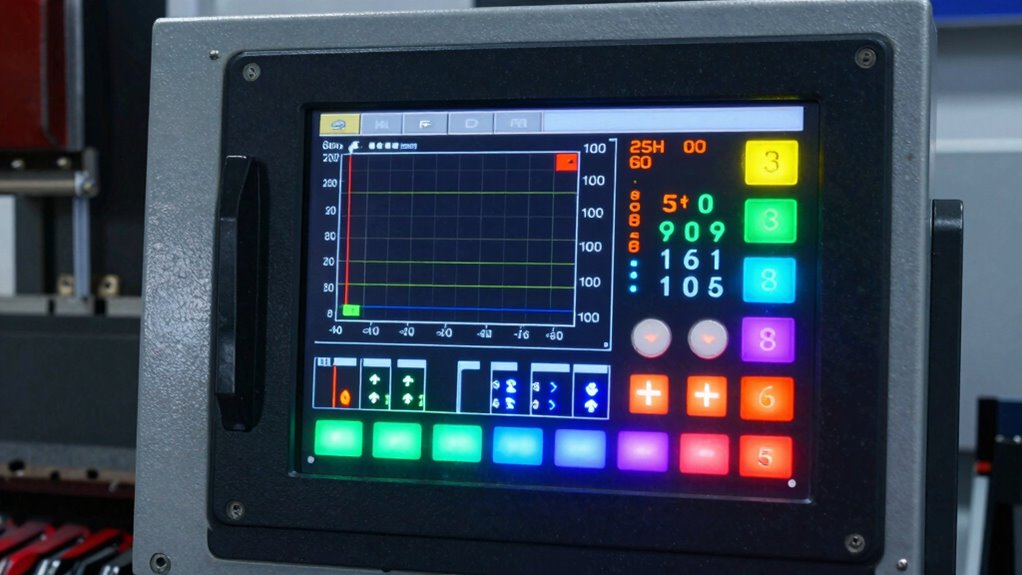
Understanding feeds and speeds is essential for efficient, high-quality CNC machining. It involves selecting the right spindle speeds and feed rates based on your material and tool, preventing issues like burning, chattering, or tool wear. Many think it’s complicated, but with the right tweaks and proper calculations, you can optimize your process. If you want to get it right every time, there’s more that can help improve your setup and results.
Key Takeaways
- Proper feeds and speeds optimize tool life, surface finish, and machining efficiency, preventing damage and ensuring high-quality results.
- Material properties and tool compatibility are critical factors in selecting correct CNC cutting parameters.
- Starting with manufacturer recommendations and fine-tuning based on real-time feedback improves accuracy and safety.
- Common mistakes include overestimating speeds, neglecting material differences, and ignoring machine calibration.
- Continuous monitoring and adjustment of feeds and speeds enhance process stability, tool longevity, and overall productivity.
As an affiliate, we earn on qualifying purchases.
What Are Feeds and Speeds and Why Do They Matter?
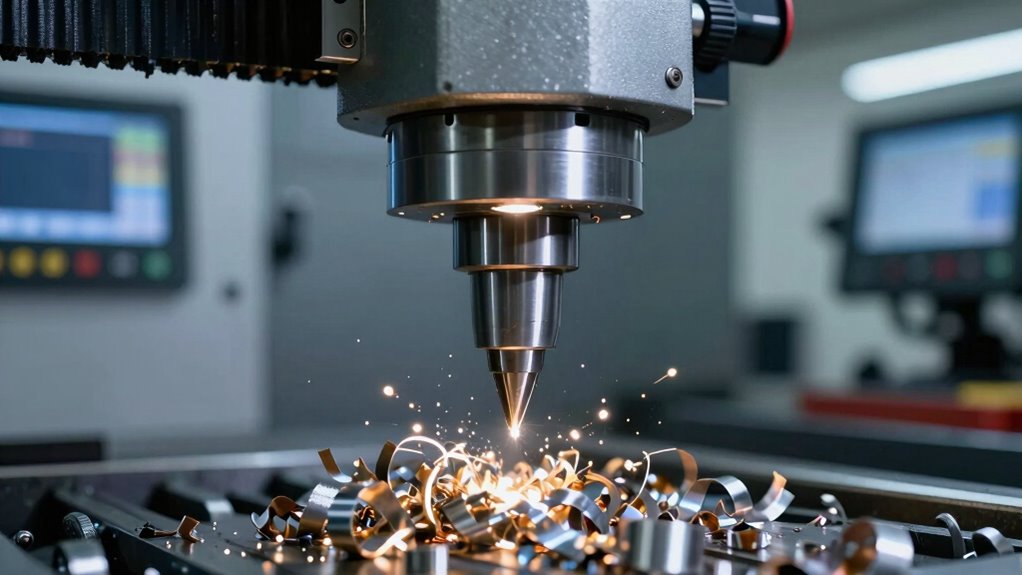
Have you ever wondered why setting the right feeds and speeds is essential for your CNC machine? These settings directly influence how the cutting tool interacts with your material. The feed rate determines how fast the tool moves through the material, affecting surface finish and tool wear. Spindle speed, on the other hand, controls how quickly the tool rotates, impacting cutting efficiency and heat generation. When both are optimized, you get cleaner cuts, longer tool life, and fewer issues like chatter or burning. Correctly calibrating your CNC settings ensures optimal performance and prevents damage. Proper cutting parameters are crucial for achieving the desired results and maintaining efficiency. Understanding the cutting process and how each parameter influences the outcome helps you achieve better results. Incorrect feeds and speeds can lead to poor quality, broken tools, or even machine damage. Understanding the importance of proper feed rate and spindle speed helps you achieve precise results and maintain your equipment’s longevity. Additionally, machine calibration plays a vital role in ensuring your CNC operates within optimal settings for each project, especially when integrating AI-powered tools that can assist in optimizing these parameters for better efficiency.
CNC spindle speed and feed rate gauge
As an affiliate, we earn on qualifying purchases.
As an affiliate, we earn on qualifying purchases.
How to Find the Right Feed Rate for Your Material
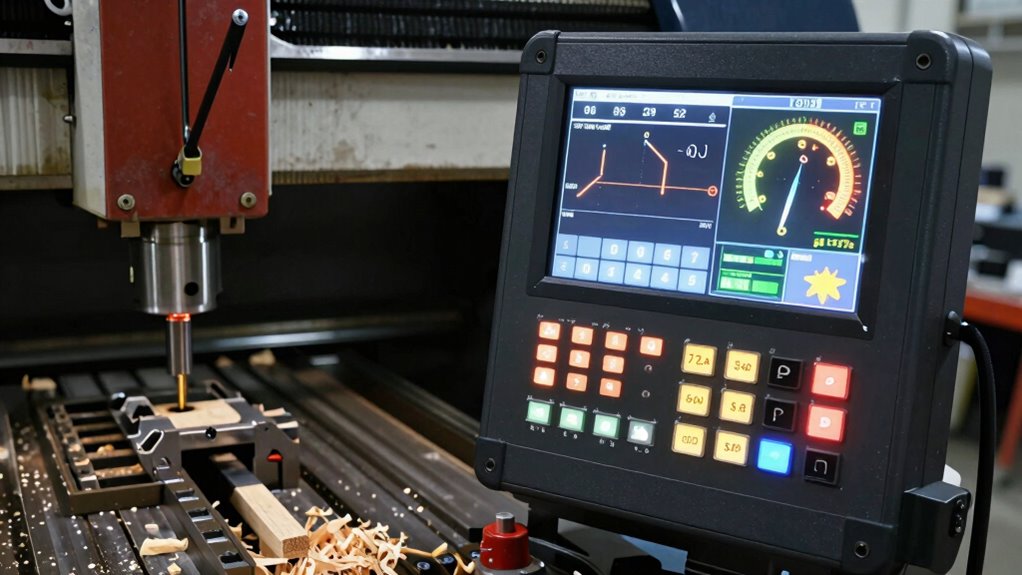
Finding the right feed rate for your material requires understanding its properties and how it responds to cutting. You need to take into account its hardness, density, and surface finish. Proper material selection ensures efficient machining and prevents damage. To determine the correct feed rate, visualize:
- A soft wood gently gliding under your cutter, producing smooth shavings
- Hard metal resisting the cutter’s advance, requiring a slower feed
- Delicate plastics melting if fed too quickly, leading to poor finishes
- Considering material behavior helps predict how it will respond during machining, allowing for better adjustments. Recognizing cutting forces and how they influence the process can help optimize your settings for different materials. Understanding material response is crucial for achieving the desired surface quality and tool life. Additionally, being aware of tool-material interaction can aid in selecting the appropriate settings for longevity and performance. Monitoring cutting temperature can also provide insights into potential material deformation or tool wear during machining.
Choosing the right feed rate means balancing material characteristics with your tool’s capabilities. Start with manufacturer recommendations, then fine-tune based on your experience. Remember, selecting the appropriate feed rate is essential for quality, efficiency, and tool longevity.
As an affiliate, we earn on qualifying purchases.
What Factors Influence Spindle Speed and Cutting Speed?
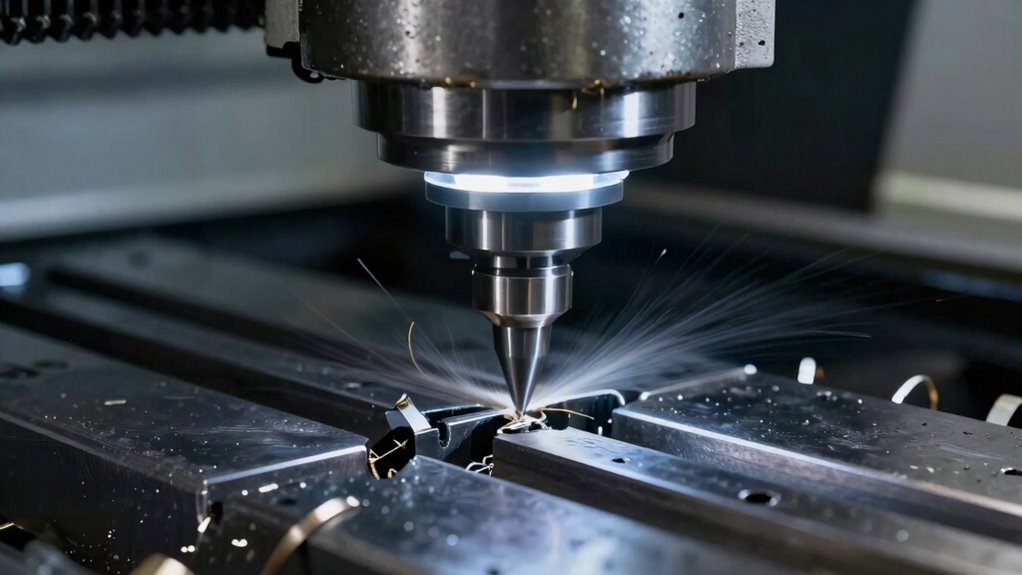
Several key factors influence spindle speed and cutting speed, and understanding them is crucial for optimal machining. Spindle torque plays a crucial role; if your machine lacks enough torque, increasing spindle speed can cause stalls or overloads. Conversely, too much torque at low speeds can damage tools or workpieces. Coolant effects also impact speeds—effective coolant reduces heat buildup, allowing higher cutting speeds without damaging the material or tool. Material hardness and tool geometry are additional influences, as tougher materials require slower speeds to prevent excessive wear. Machine rigidity and stability matter too; a sturdy setup permits higher speeds, while a loose fixture limits them. Recognizing how these factors interact helps you set optimal spindle and cutting speeds for safe, efficient machining. Additionally, family photoshoot fails can sometimes lead to humorous moments that highlight the importance of patience and flexibility during process adjustments. Proper understanding of machine capabilities ensures safe operation and maximizes productivity in machining tasks. Moreover, awareness of individual skill levels can influence how quickly adjustments are made and how safely they are implemented. For example, knowing the horsepower of electric dirt bikes can help in selecting the appropriate cutting parameters for heavy-duty tasks, especially when considering the precision of modern CNC machinery.
As an affiliate, we earn on qualifying purchases.
How to Calculate and Set Your CNC Feeds and Speeds
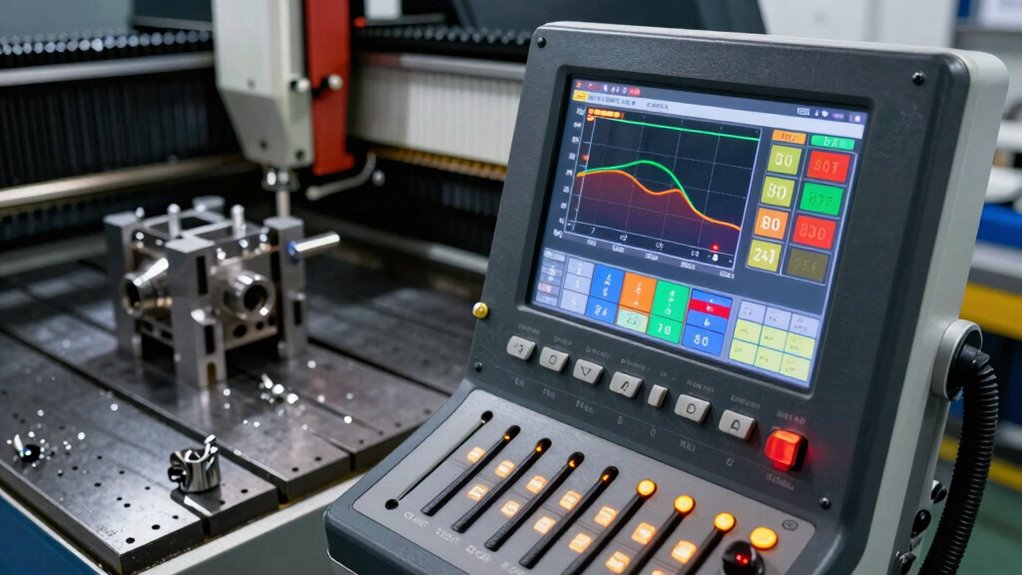
Calculating and setting your CNC feeds and speeds accurately is essential for efficient machining and tool longevity. Start by considering your material selection, as different materials require specific feed rates and spindle speeds. To determine these settings, consult manufacturer recommendations, using formulas that account for tool diameter and material hardness. Keep in mind that proper tooling maintenance guarantees consistent results, preventing unnecessary wear. Proper calculation methods and understanding of material properties help optimize performance and extend tool life. Visualize your setup as:
- A spinning cutter slicing through dense material like butter
- Chips flying off in uniform, controlled bursts
- Your tool remaining cool and intact after hours of work
- Proper setup ensures optimal performance and safety during machining. Additionally, understanding cutting parameters plays a crucial role in achieving the best results and avoiding common machining errors, especially when considering the impact of material properties on cutting efficiency.
Common Mistakes When Setting Feeds and Speeds (and How to Avoid Them)
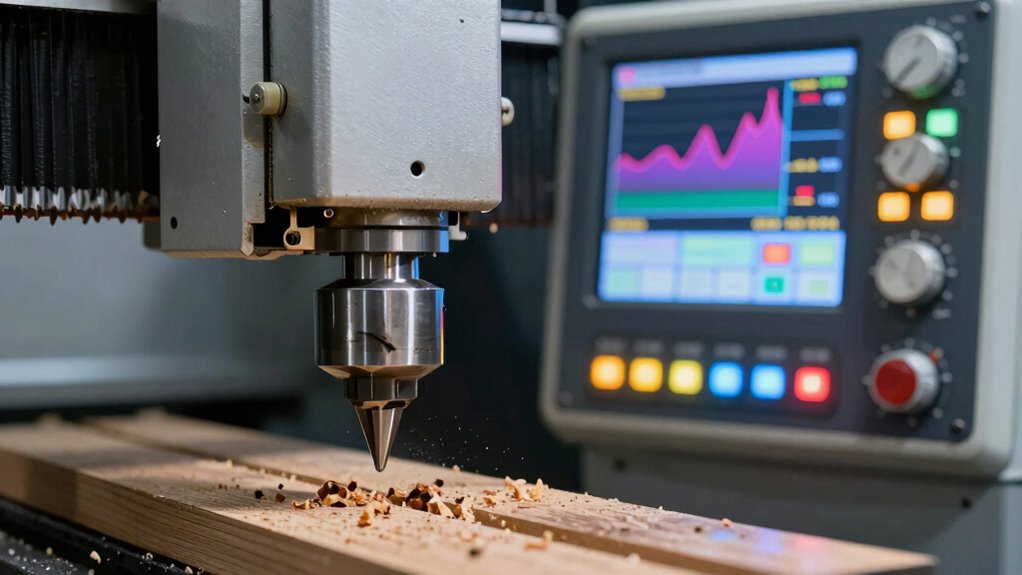
One common mistake is overestimating the most suitable speeds for your material, which can cause tool wear or breakage. Ignoring the differences between materials also leads to poor results and potential damage. To avoid these issues, always adjust your settings based on the specific material you’re working with. Additionally, understanding optimal feed rates can help you set more accurate and safe parameters for your CNC operations. Recognizing the importance of cutting parameters ensures that your process settings align with best practices. Being aware of cutter specifications and their recommended settings can further improve process reliability and extend tool life. Consulting machine capabilities ensures that your chosen settings are compatible with your equipment’s limits, reducing the risk of errors. Properly matching your feed and speed settings to the material and tool can significantly improve machining efficiency and part quality.
Overestimating Optimal Speeds
Overestimating the ideal speeds when setting up your CNC can lead to poor cut quality, increased tool wear, and even tool breakage. When you overestimate speeds, you might push your tool too fast for the material, causing rough edges or burning. Common signs include chips flying off, excessive heat, and irregular cuts. To avoid this, don’t assume faster is better; instead, dial in your settings carefully. Remember, overestimating speeds can also strain your machine and shorten tool life. Focus on these key points:
- Rushing to cut faster without testing first
- Ignoring material-specific recommended speeds
- Overlooking the impact on tool stability and heat buildup
Set your speeds conservatively and adjust gradually for optimal performance.
Ignoring Material Differences
Have you ever set your feeds and speeds without considering the specific material you’re working with? Ignoring material differences leads to inconsistent results and tool wear. Each material has unique properties, like hardness and density, affecting how it responds to cutting. Relying solely on generic settings overlooks these variations. Additionally, if your machine isn’t properly calibrated, you risk inaccurate feed rates and speeds, compounding the problem. Ensuring material consistency and regular machine calibration are key to optimizing your CNC process. Adjust settings based on the material, not just default values. By paying attention to these factors, you’ll improve cut quality, extend tool life, and reduce errors caused by neglecting material differences. Don’t assume one size fits all—be precise and deliberate with your settings.
How Material Type Affects Your Feeds and Speeds Choices
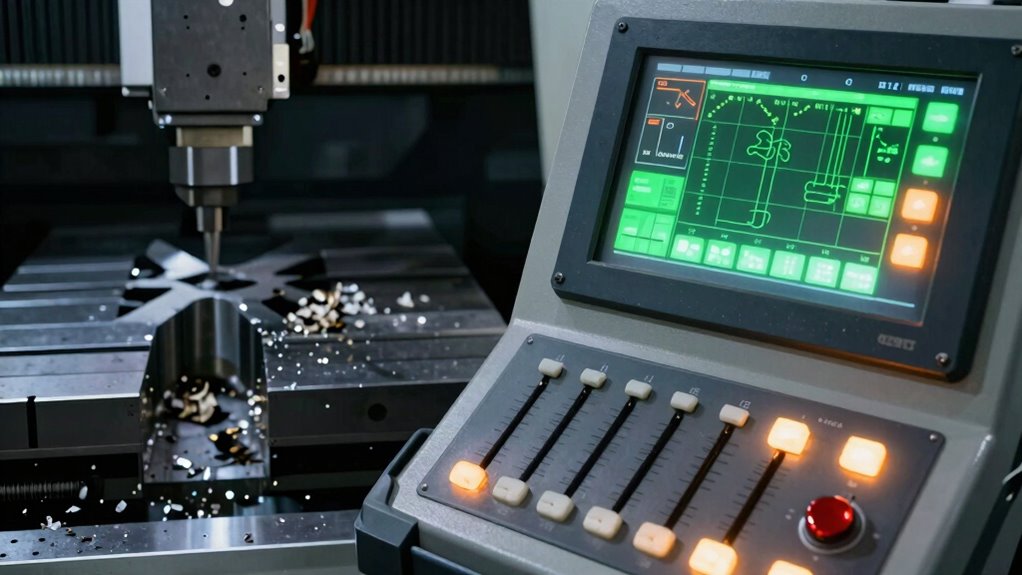
The type of material you’re working with directly influences your feeds and speeds, especially its hardness and cutting characteristics. You need to choose compatible tools and adjust your settings to achieve the desired surface finish without damaging the material. Understanding these factors helps you optimize your CNC performance and avoid unnecessary tool wear or poor results. Additionally, considering material properties ensures you select the right approach for efficient machining. For optimal results, it’s also important to factor in cutting parameters, which can vary significantly between different materials and impact your machining efficiency.
Material Hardness Impact
Material hardness plays a crucial role in determining the appropriate feeds and speeds for your CNC operations. Harder materials increase cutting resistance, requiring adjustments to prevent tool wear or breakage. When working with high-hardness materials, expect:
- Slower feed rates to manage increased resistance
- Reduced spindle speeds to avoid overheating
- More robust tools to withstand tougher cutting conditions
Soft materials, on the other hand, allow for faster feeds and higher speeds, boosting productivity. Understanding the impact of material hardness helps you balance efficiency with tool longevity. Ignoring this factor risks damaging tools or producing subpar finishes. Adjusting your settings based on hardness ensures cleaner cuts, longer tool life, and safer operations. Always consider the material’s hardness level before setting your feeds and speeds to optimize your CNC process effectively.
Cutting Tool Compatibility
Choosing the right cutting tool is vital because different tools are designed to handle specific material types and influence your CNC settings. For softer materials, you might use high-speed steel or carbide tools, which can withstand higher speeds but may wear faster with harder materials. Tool wear is a key factor; using incompatible tools accelerates wear and reduces precision. Additionally, coolant effects are essential—proper coolant use can minimize heat buildup, reduce tool wear, and improve cutting efficiency. For tougher materials, slower feeds and increased coolant flow help prevent overheating and prolong tool life. Matching the tool material and design to your workpiece ensures peak performance, better surface quality, and longer-lasting tools, making your CNC process more efficient and predictable.
Surface Finish Goals
Surface finish goals directly impact your choice of feeds and speeds, especially when considering the material you’re working with. For a smooth surface quality, you’ll want a slower feed rate to reduce tool marks and chatter. Conversely, rougher finishes allow for higher feed rates, increasing productivity but sacrificing surface quality. Think about how material hardness influences your settings:
- Softer materials like aluminum need moderate feed rates for a good finish.
- Harder metals like steel require slower feeds to prevent tool wear.
- Delicate plastics demand gentle feed rates to avoid melting or melting marks.
Adjusting your feed rate accordingly helps you achieve the desired surface finish. Remember, a finer surface quality often means a lower feed rate, but always balance speed with tool life and efficiency.
How Tool Geometry and Material Impact Cutting Parameters
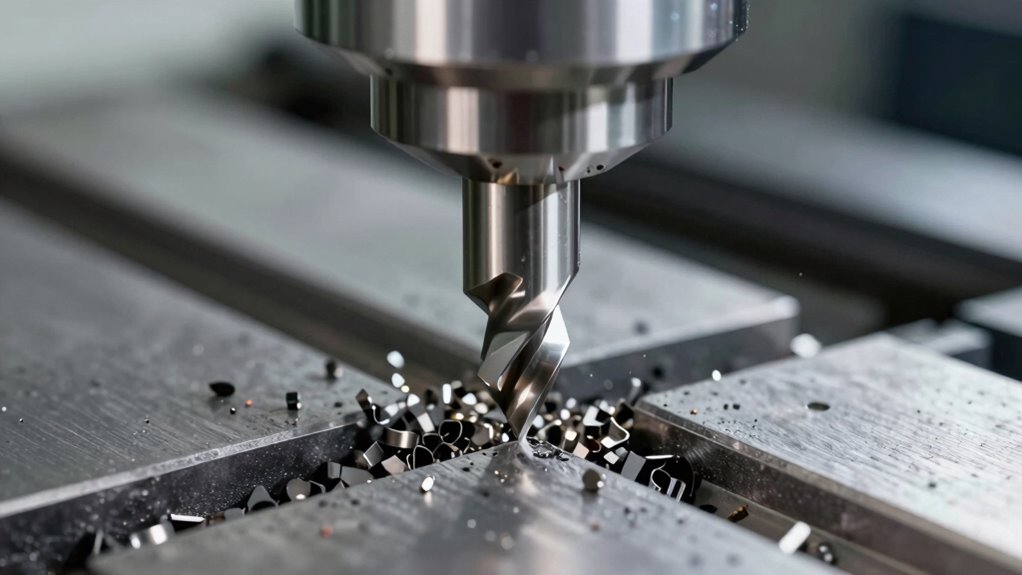
The geometry of your cutting tool and the material it’s made from directly influence the ideal cutting parameters you should set on your CNC machine. A sharper tool with a positive rake angle reduces cutting forces, allowing higher feeds and speeds, but may wear faster if the material is tough. Conversely, a more robust tool geometry can handle harder materials but might require slower speeds to prevent excessive tool wear. The material’s hardness and machinability also dictate the need for coolant application, which helps manage heat and prolongs tool life. Adjusting your feeds and speeds based on tool geometry and material ensures efficient cutting, minimizes tool wear, and maintains surface quality. Proper understanding of these factors allows you to optimize your CNC setup and achieve consistent, high-quality results.
Troubleshooting Chattering, Burning, and Other Cutting Problems
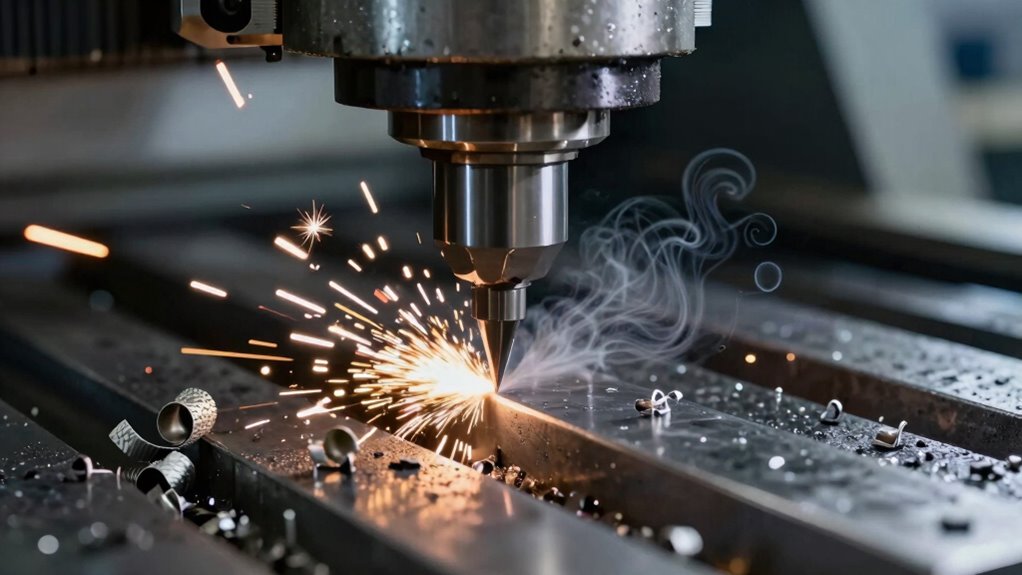
When you encounter chattering or burning, start by adjusting your feed rate to find a smoother cut. Next, check that your tool is sharp, since dull tools cause more heat and vibration. Finally, optimize your cutting depth to reduce stress on the tool and improve overall cutting performance.
Adjust Feed Rate
Ever wonder how adjusting your feed rate can resolve chattering, burning, or other cutting issues during CNC machining? Lowering your feed rate reduces vibrations that cause chattering and minimizes heat buildup that leads to burning. When you slow down, you give the tool time to cut more smoothly, decreasing tool wear. Proper coolant application also helps dissipate heat and lubricate the cut, improving surface finish and extending tool life. Visualize your process like this:
- A steady, controlled chip flow instead of jagged, uneven chips
- Reduced tool vibration and chatter noise
- Cooler tool temperature and less material discoloration
Adjusting the feed rate balances cutting forces and heat, preventing problems before they start. Experimenting with slower feeds often reveals the sweet spot where cutting is smooth and clean, saving you time and money.
Check Tool Sharpness
If you notice chattering, burning, or poor surface finishes during machining, checking your tool sharpness is a crucial first step. Dull tools increase tool wear, which can lead to uneven cuts and heat buildup. Sharp tools cut smoothly, reducing stress on the material and preventing burning or melting. Inspect your tool for visible signs of wear, such as chips, dull edges, or rounded tips. If the edge feels dull or damaged, replace or resharpen it promptly. Keeping tools sharp not only improves cut quality but also extends tool longevity, saving you money in the long run. Regularly checking and maintaining sharpness ensures consistent results, minimizes cutting problems, and keeps your CNC operation running efficiently.
Optimize Cutting Depth
Optimizing cutting depth is essential for preventing chattering, burning, and other common machining issues. If your feed depth is too aggressive, the tool engages the material unevenly, causing vibrations and poor finish. To improve, adjust the feed depth to guarantee smooth, consistent tool engagement with the workpiece. Visualize your cutting process as:
- A steady, controlled entry where the tool barely skims the surface before deepening
- A balanced load where the tool maintains constant contact without bouncing or skipping
- A clean exit that avoids sudden pulls or heat buildup
How to Fine-Tune Feeds and Speeds for Different CNC Operations
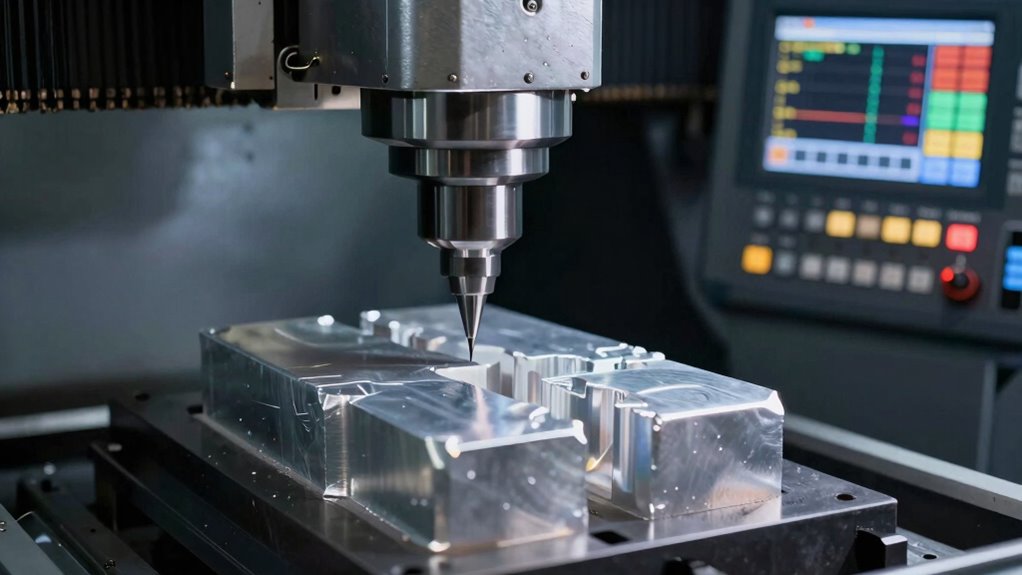
Fine-tuning feeds and speeds is vital for achieving ideal results in different CNC operations. You need to adjust settings based on the material, tool type, and operation to prevent excessive tool wear and guarantee smooth cuts. For example, reducing feed rates can lessen tool wear when working with tough materials, while increasing speeds might improve efficiency on softer materials. Proper coolant use also plays an indispensable role; coolant helps dissipate heat, reducing tool wear and preventing thermal damage. Monitor your tool’s performance closely—if you notice signs of excessive wear or heat buildup, tweak your feeds and speeds accordingly. Remember, small adjustments can lead to significant improvements in cut quality, tool life, and overall productivity. Fine-tuning is an ongoing process that requires attention and experience.
Tips and Tools to Optimize Your Feeds and Speeds Settings
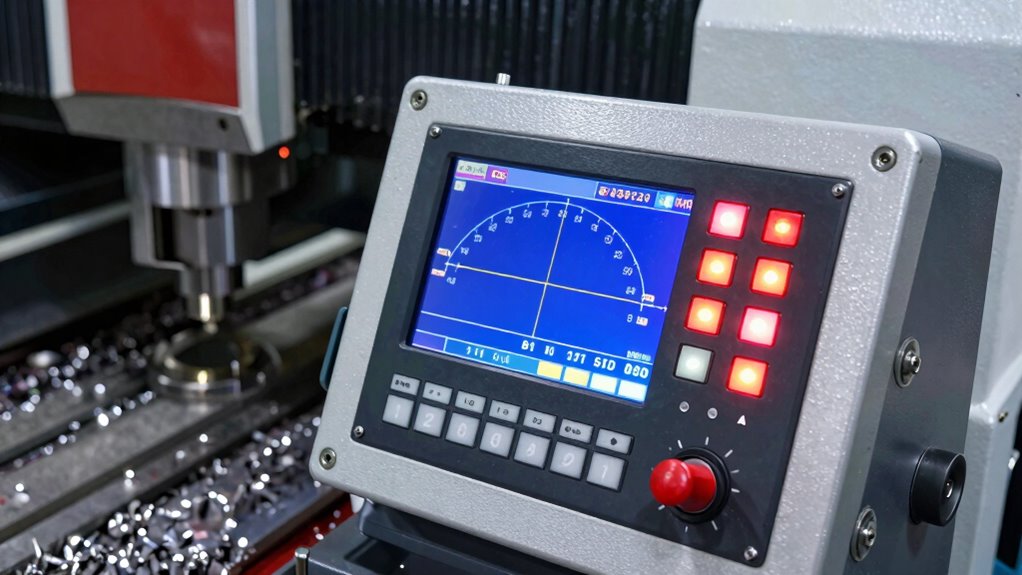
To get the best results from your CNC machine, leveraging the right tips and tools is essential for optimizing feeds and speeds settings. Start with precise machine calibration to ensure accuracy and consistent performance. Use software tools like feed rate calculators or CNC simulation programs to fine-tune parameters before cutting. Keep an eye on tool longevity by choosing the correct feed rates and speeds—pushing tools too hard reduces lifespan and quality. Additionally, maintain your tools regularly and replace worn bits promptly. Visualize these tools in action:
- Digital calibration devices aligning your machine accurately
- Software programs simulating ideal feed and speed settings
- Quality monitoring systems tracking tool wear and performance
Implementing these tips guarantees your CNC operates efficiently, prolongs tool life, and maintains precision across all projects.
Frequently Asked Questions
How Often Should I Recalibrate My CNC Machine’s Feeds and Speeds?
You should recalibrate your CNC machine’s feeds and speeds whenever you notice inconsistent cuts, a change in material, or after significant machine wear. Generally, aim for calibration every few weeks or after 50-100 hours of operation to guarantee accuracy. Regular calibration maintains peak performance, prevents tool damage, and extends your machine’s lifespan. Keep an eye on your results and adjust calibration frequency based on your workload and machine condition.
What Are the Signs of Incorrect Feed and Speed Settings During Operation?
You’ll notice signs of incorrect feed and speed settings when your tool wears out quickly or the material discolors, indicating overheating. If the tool dulls prematurely or you see burn marks or warping, it’s a clear sign you need to reassess your settings. These issues often result from running too fast or with too much feed rate, so adjusting them can improve quality and extend your tool’s life.
Can Improper Settings Damage My Tooling or Workpiece?
Improper settings can definitely damage your tooling or workpiece. You might notice excessive tool wear or even material deformation if your feeds and speeds are off. Running too fast can cause overheating, leading to tool breakage, while too slow can result in rough cuts or burning. Always double-check your settings to guarantee the best performance, reducing the risk of costly damage and ensuring a clean, precise finish.
How Do Coolant and Lubrication Influence Optimal Feeds and Speeds?
Coolant efficiency and lubrication impact your ideal feeds and speeds by reducing heat and friction during cutting. When coolant flows effectively, it keeps the tool and workpiece cool, allowing you to run faster and with higher feeds without risking damage. Proper lubrication minimizes wear, improves surface finish, and helps maintain consistent cutting conditions. Adjust these parameters based on your material and tooling to maximize efficiency and prevent premature tool failure.
Are There Industry Standards or Recommended Settings for Specific Materials?
Yes, industry standards and recommended settings vary by material. For example, aluminum typically uses higher feeds and speeds, while steel requires slower, more conservative settings. Always consult manufacturer guidelines or industry charts for specific materials to guarantee ideal cutting performance. Adjust based on your machine’s capabilities, tooling, and desired finish. Following these recommended settings helps prevent tool wear, reduce defects, and improve overall efficiency during your CNC operations.
Conclusion
Getting your feeds and speeds right can seem intimidating, but with understanding and practice, you’ll master your CNC settings. Remember, precision in these parameters leads to better cuts, longer tool life, and fewer mistakes. So, why settle for guesswork when you can optimize every job? Take the time to fine-tune your settings, experiment, and learn from each cut. Are you ready to elevate your CNC game and open better results every time?