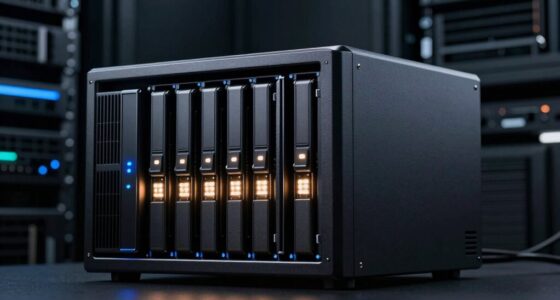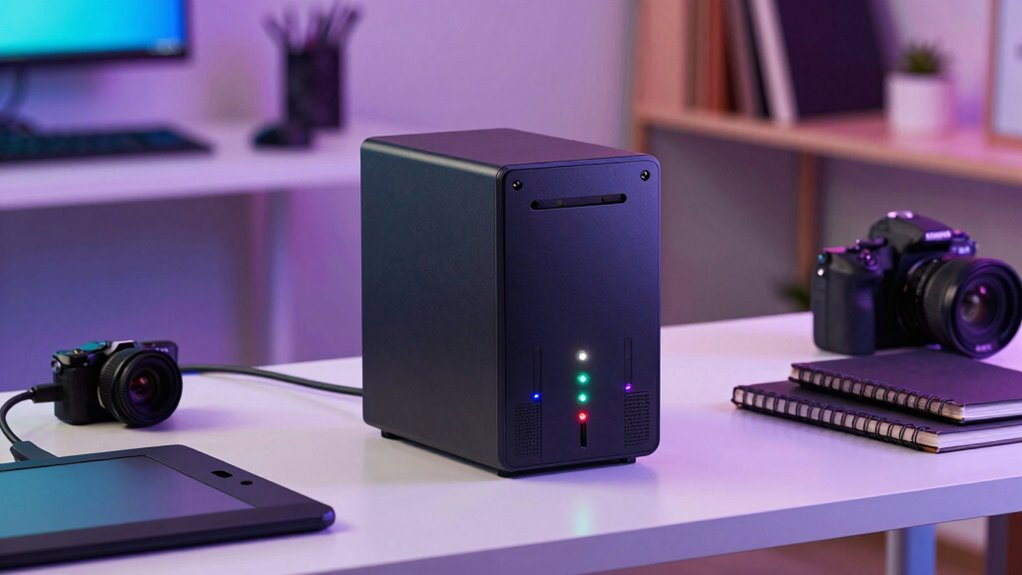

If you’re a creator looking for reliable NAS storage, understanding RAID levels is key. RAID 0 offers speed but no redundancy, while RAID 1 provides file duplication for safety. RAID 5 or RAID 10 strike a balance between performance and protection, especially useful for large media files. Choosing the right setup depends on your workflow, backup plans, and security needs. Keep exploring, and you’ll discover how to optimize your storage without tears.
Key Takeaways
- Choose RAID 5 or RAID 10 for a balance of speed, redundancy, and data security suitable for creative workflows.
- Regularly monitor RAID health and perform routine maintenance to prevent data loss and ensure optimal performance.
- Implement off-site or cloud backups alongside RAID for enhanced data protection against hardware failures or disasters.
- Consider your storage needs, project complexity, and budget when selecting the appropriate RAID level for your NAS.
- Enable encryption and security features within your RAID setup to safeguard sensitive creative files.

CENMATE Aluminum 4 Bay Hard Drive RAID Enclosure with Cooling Fan for 2.5/3.5" SATA HDD/SSD with USB A/C 3.0+eSATA Cable, 3.5 Hard Drive Reader Supports 80TB Capacity, 8 RAID Modes, DAS(NO NAS)
- Supports 2.5/3.5 inch HDD/SSD: Up to 80TB capacity for personal or enterprise use
- Built-in Aluminum-Alloy and Fans: Ensures cooling and data security
- Multiple RAID Modes: Supports 8 RAID configurations including 0,1,3,5,10
As an affiliate, we earn on qualifying purchases.
As an affiliate, we earn on qualifying purchases.
What Is RAID and Why Is It Important for Creators?
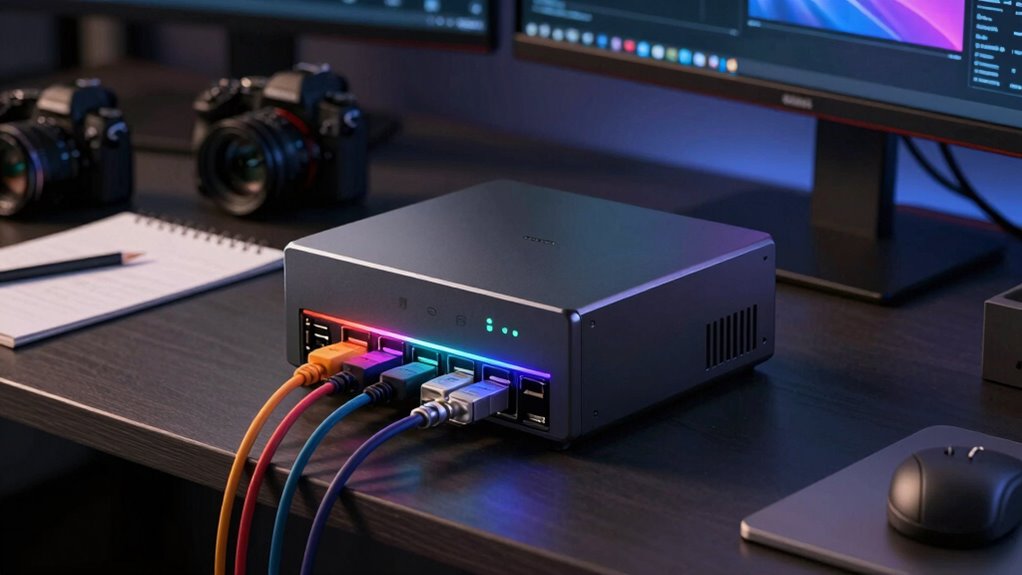
RAID, which stands for Redundant Array of Independent Disks, is a technology that combines multiple hard drives or SSDs to improve performance, redundancy, or both. For creators, this means faster data access and protection against drive failures. RAID setups can work seamlessly with cloud backups, ensuring your work stays safe even if hardware issues occur. Additionally, encryption methods integrated into some RAID configurations help secure sensitive files from unauthorized access. This layered approach to data management enhances reliability and peace of mind, especially when handling large media files or critical projects. Moreover, European cloud infrastructure supports the deployment of RAID solutions that prioritize sustainability and data sovereignty. By understanding how RAID functions, you can choose the right level to balance speed, security, and redundancy, making your creative workflow more resilient and efficient. Implementing redundancy strategies can further safeguard your valuable data against unforeseen hardware failures. Knowing the different RAID levels allows creators to tailor their storage setup to their specific needs and workflows.

UGREEN NAS DXP2800 2-Bay, Ideal for Content Creators and Enthusiasts
- All-Round NAS for Creators: Suitable for enthusiasts and content creators
- User-Friendly Storage Platform: Intuitive and secure data management
- Cost-Effective Storage Solution: One-time purchase with no ongoing fees
As an affiliate, we earn on qualifying purchases.
As an affiliate, we earn on qualifying purchases.
Comparing Common RAID Levels for NAS Storage: Pros and Cons
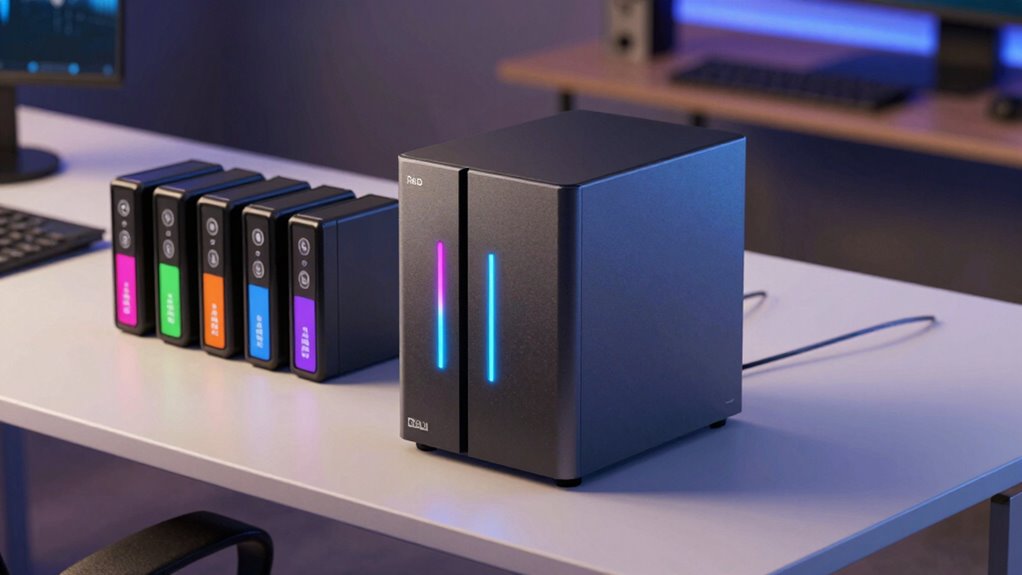
Choosing the right RAID level for your NAS storage depends on balancing performance, data protection, and capacity needs. RAID 0 offers high speed and maximum capacity but provides no data protection, making it risky if you don’t implement robust backup strategies. RAID 1 duplicates data, ensuring redundancy, but halves your effective storage. RAID 5 balances capacity, performance, and fault tolerance, with parity data guarding against a single drive failure, and supports data encryption for added security. RAID 10 combines mirroring and striping for speed and redundancy but requires more drives. Consider your backup strategies carefully—RAID isn’t a substitute for backups. Also, ensure your RAID setup supports data encryption if securing sensitive files is a priority, especially for creators handling proprietary content. Understanding storage reliability helps in choosing a RAID level that aligns with your data safety requirements, especially when considering the use of natural filtration systems in eco-friendly pools to maintain water quality without chemicals. Additionally, familiarizing yourself with RAID rebuild times can help you plan for potential drive failures and minimize downtime, which is crucial for creators relying on consistent data access and architectural solutions to support their workflow.

CENMATE Aluminum 10 Bay Hard Drive Enclosure with Cooling Fan for 2.5“/3.5" SATA HDD/SSD with USB A/C 3.0, Support Hot Swappable, Tool-Free HDD Enclosure, DAS(NO RAID/NAS)
- Note: When using this product, please…
- 【Reliable External Storage System for Individuals】The 3.5 hard…
- 【No heat】The 10 bay hard drive reader built…
As an affiliate, we earn on qualifying purchases.
As an affiliate, we earn on qualifying purchases.
How to Choose the Best RAID Level for Your Creative Workflow
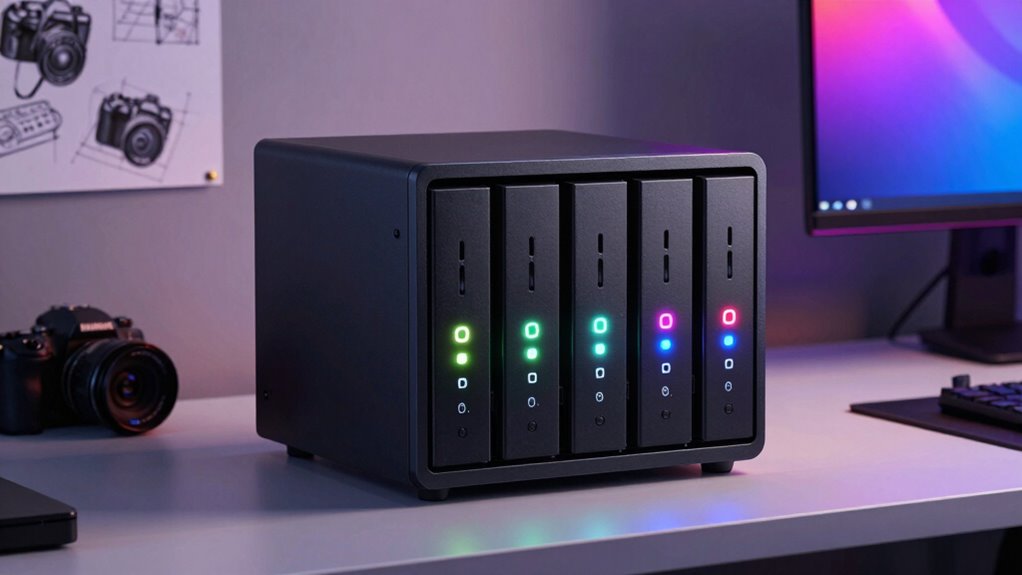
To choose the right RAID level, start by evaluating your storage needs—how much space you require and how often you access your files. Balance your need for speed with the importance of data safety, as some RAID levels prioritize one over the other. Making these decisions will help you select a setup that fits your creative workflow perfectly. Considering emerging nanotechnology solutions can also enhance your storage performance and durability in the future. Additionally, understanding appliance maintenance plans can help ensure your storage hardware remains reliable over time. Exploring Rhythm Failure releases might also inspire innovative approaches to organizing and managing your digital assets. Being aware of breast cancer symptoms can remind creators to prioritize health and safety while managing their demanding schedules. Moreover, integrating knowledge of total‑cost clarity can assist in budgeting for your storage system and maintenance expenses.
Assess Your Storage Needs
Understanding your storage needs is essential before selecting a RAID level that best supports your creative workflow. Start by evaluating the volume of data you generate daily—high-resolution videos, large image files, or project archives. Consider how often you’ll need to access or modify your files, which influences your speed requirements. Also, think about your plans for cloud backup; ensuring your NAS integrates smoothly with your cloud solutions is vital. Hardware compatibility is another key factor; verify that your current devices and future upgrades will work seamlessly with your chosen RAID setup. Knowing whether you need redundancy, speed, or a balance helps narrow your options. Additionally, assessing your familiarity with RAID configurations can help you select a setup that balances complexity and performance. Being aware of Hardware compatibility ensures your setup remains scalable and reliable over time. By evaluating these aspects, you set a solid foundation for choosing a RAID level that aligns with your workflow and long-term storage goals.
Balance Speed and Safety
Balancing speed and safety in your RAID setup is crucial for optimizing your creative workflow. To do this effectively, consider these key points:
- Evaluate your backup strategies—regular backups ensure data safety without sacrificing speed.
- Choose a RAID level that aligns with your need for quick access versus redundancy; for example, RAID 0 offers speed, while RAID 6 emphasizes safety.
- Incorporate cloud integration to complement your NAS, providing an extra layer of backup and accessibility.
Finding the right balance means understanding your project demands and risk tolerance. Prioritize safety for critical files and speed for daily work. Remember, combining local RAID configurations with cloud options creates a resilient, efficient storage environment tailored for your creative needs.

UGREEN NAS DH2300 2-Bay Desktop NAS, Support Capacity 64TB (Diskless)
- Ideal for Beginners: Simple, private storage for personal files
- High Capacity Support: Supports up to 64TB storage capacity
- Universal Device Compatibility: Works across Windows, iOS, Android, macOS
As an affiliate, we earn on qualifying purchases.
As an affiliate, we earn on qualifying purchases.
Setting Up RAID on Your NAS: A Step-by-Step Guide
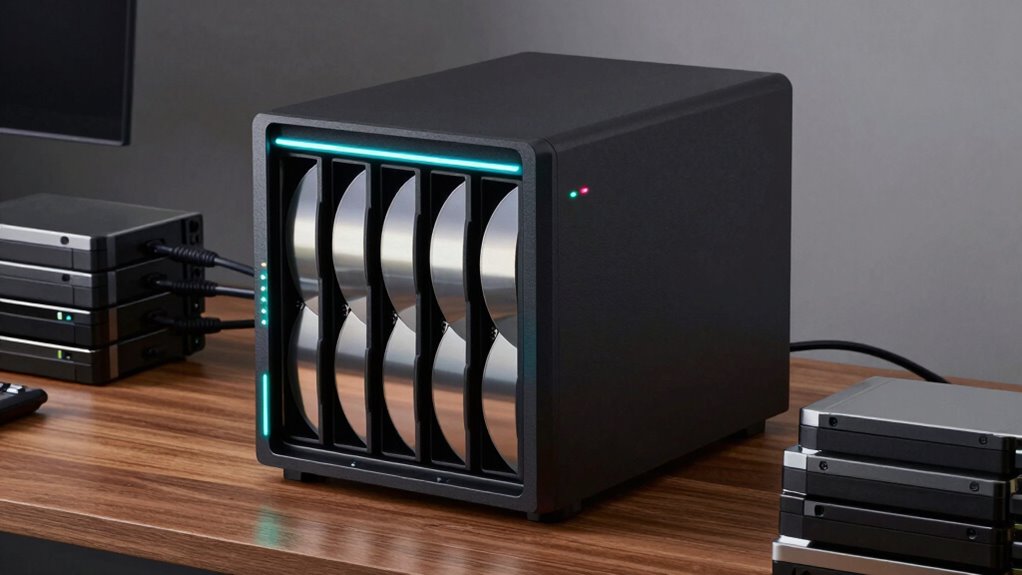
Are you ready to protect your data and optimize your storage performance? Setting up RAID on your NAS is straightforward if you follow these steps. First, access your NAS management interface and navigate to the storage or disk management section. Choose the RAID level that fits your needs—consider your backup strategies and whether cloud integration complements your setup. Install and configure your disks accordingly, ensuring they’re recognized by the system. Once configured, initialize the RAID array and verify its status. Regularly monitor your RAID health through the dashboard. Remember, RAID enhances redundancy but isn’t a substitute for backups. Incorporating disk health monitoring and cloud solutions for off-site copies and disaster recovery can further strengthen your data protection strategy. Additionally, understanding Essential Oils for Data Preservation can offer insights into maintaining a healthy storage environment. Proper disk setup, including disk partitioning and formatting, is crucial to ensure optimal performance and longevity of your RAID array. With these steps, you’ll have a robust storage system tailored for your creative projects.
How RAID Protects Your Data With Redundancy and Security
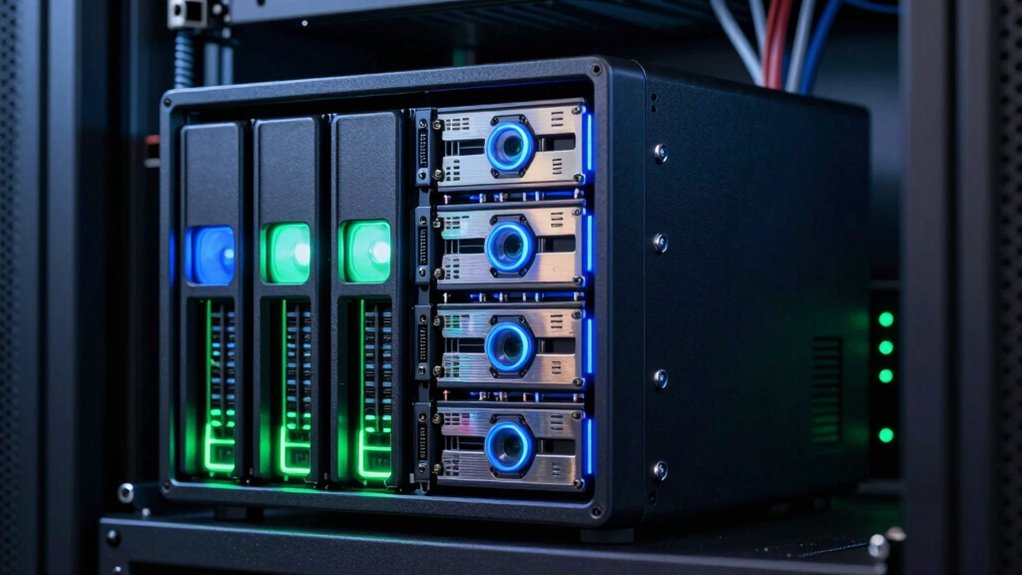
RAID uses data redundancy strategies to keep your files safe even if a drive fails. This fault tolerance means your system can continue working without losing data. Plus, RAID’s security measures help protect your information from unauthorized access or corruption. To maximize your data’s protection, understanding your truck bed’s potential can be key to ensuring your valuable files are always secure. Moreover, implementing proper data management practices can further enhance your storage security and system resilience. Additionally, awareness of emerging cybersecurity threats can help you adapt your defenses proactively. Recognizing the importance of regular backups can prevent data loss from unforeseen failures or attacks.
Data Redundancy Strategies
Data redundancy strategies are essential for protecting your valuable files from hardware failures and data corruption. They ensure that your data remains safe even if a drive or system component fails. To implement effective redundancy, consider these key points:
- Develop robust backup strategies that regularly copy data to separate locations, reducing reliance on a single storage point.
- Choose hardware with considerations for reliability, such as enterprise-grade drives and reliable NAS units, to minimize failure risk.
- Use RAID configurations suited to your needs, balancing redundancy and performance, to guard against hardware issues without compromising speed.
Fault Tolerance Benefits
Implementing RAID configurations enhances fault tolerance by creating multiple copies of your data, so your files stay safe even if a drive fails. With RAID, a hot spare acts as a backup drive that automatically kicks in if an active drive fails, minimizing downtime and data loss. This setup guarantees continuous operation and data protection without manual intervention. Additionally, tiered storage allows you to allocate data across different performance and redundancy levels, optimizing security and efficiency. Critical data can be stored on high-redundancy RAID levels for maximum fault tolerance, while less vital files can reside on lower-tier storage. Understanding fault tolerance is essential for designing a reliable storage system that safeguards your work from hardware failures and ensures your creative projects remain secure and accessible at all times, especially when considering redundancy strategies to further enhance data security.
Data Security Measures
By creating multiple copies of your files, RAID configurations considerably boost your data security. They use redundancy to protect against drive failures, but combining RAID with encryption protocols further shields your data from unauthorized access. To enhance your security, consider these strategies:
- Implement strong backup strategies, regularly copying data to off-site or cloud storage to prevent data loss from hardware failure or theft.
- Use encryption protocols like AES to secure data both at rest and during transfer, ensuring sensitive information stays private.
- Enable RAID levels that support redundancy, such as RAID 5 or 6, to maintain data integrity even if a drive fails, combined with routine backups for added safety.
Together, these measures offer robust protection, keeping your creative work safe and secure.
Speed or Safety? Performance Tips for Creative RAID Setups
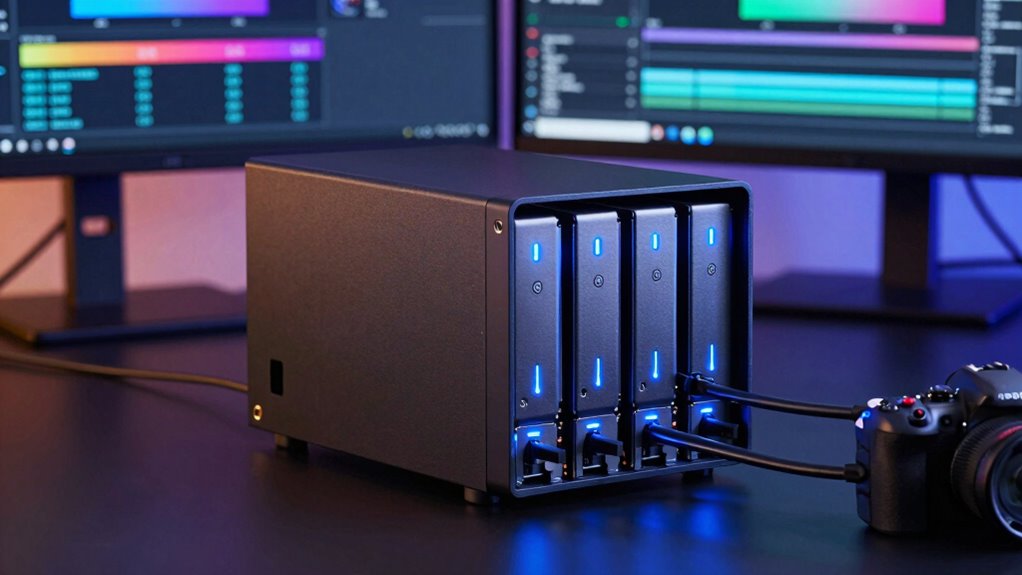
Choosing between speed and safety in your creative RAID setup depends on your specific workflow needs. If you prioritize rapid access to large files, optimizing for performance is key. However, if data integrity matters most, focus on safety with redundancy and data encryption. To help you decide, consider this table:
| Speed Focus | Balanced Approach | Safety Priority |
|---|---|---|
| Faster transfers and rendering | Moderate speed with data protection | Maximum safety with redundancy and encryption |
| Cloud storage integration enhances quick access | Combines speed and security | Ensures data integrity at all costs |
Troubleshooting RAID: Common Issues and When to Reconfigure
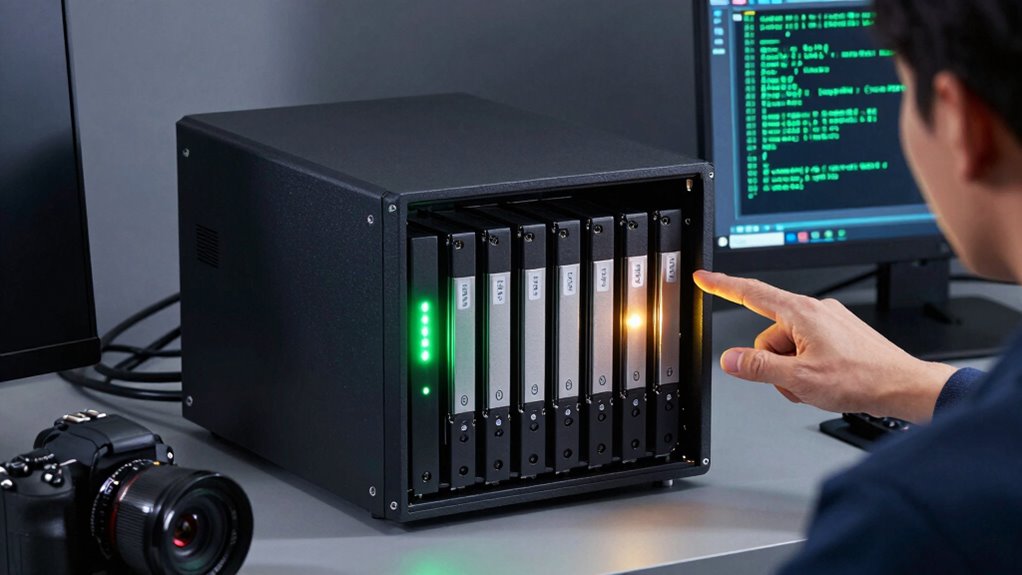
When your RAID array encounters issues, troubleshooting quickly becomes essential to prevent data loss and restore performance. Start by checking hardware compatibility—ensure all drives and controllers are supported and functioning properly. Next, examine the RAID management software for errors or degraded states. If problems persist, consider RAID recovery options or reconfiguring the array. Here are key steps:
- Verify physical connections and replace faulty drives.
- Update firmware and drivers to ensure compatibility.
- Rebuild or reinitialize the RAID array if necessary.
Knowing when to reconfigure your RAID setup helps avoid further issues. If data recovery isn’t possible through software, reinitializing might be your only option, but always back up critical data beforehand. Staying proactive keeps your NAS reliable and protected.
Final Tips for Selecting the Right RAID Level for Your Content Creation Needs
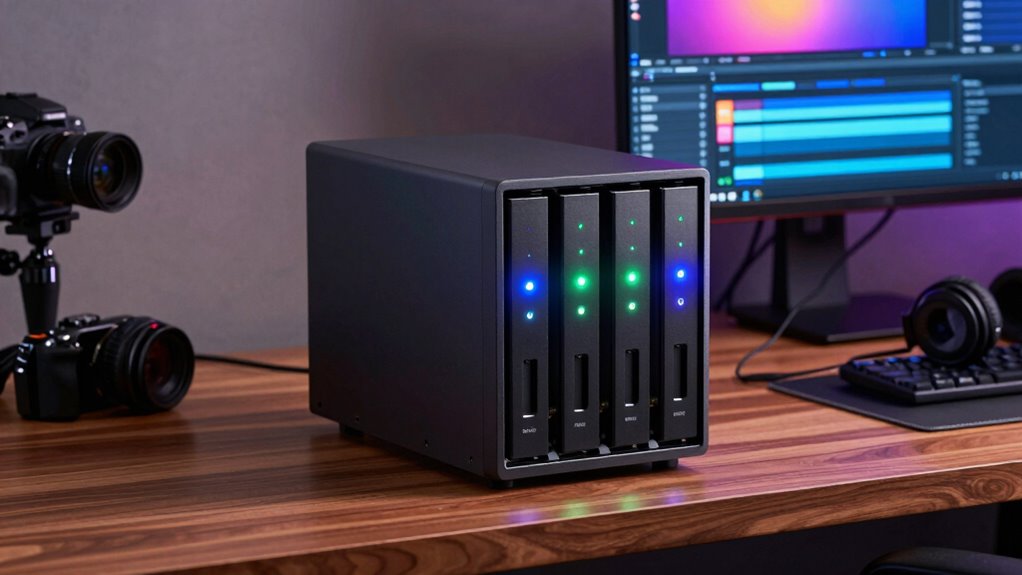
Selecting the right RAID level can substantially impact your content creation workflow, especially when balancing factors like performance, redundancy, and storage capacity. Consider how your needs align with your backup strategy; for example, RAID 5 offers good redundancy, but cloud backup adds an extra layer of security. Also, think about encryption methods to protect sensitive files during storage and transfer. Use this table to guide your choice:
| Priority | Recommended RAID Level | Important Considerations |
|---|---|---|
| Speed & Access | RAID 0 | Maximize performance, no redundancy |
| Data Security | RAID 6 | High redundancy, suitable for backups |
| Cost & Capacity | RAID 10 | Balance between speed and redundancy |
Align your choice with your workflow, security needs, and budget for ideal results.
Frequently Asked Questions
Can I Upgrade My RAID Level Later Without Data Loss?
Yes, you can upgrade your RAID level later through a process called RAID migration, which allows you to change your RAID setup without losing data. However, it’s vital to guarantee data preservation by backing up your data beforehand. During migration, the system reconfigures the RAID array, so following proper procedures is necessary to avoid potential data loss. Always consult your NAS manufacturer’s guidelines for a smooth RAID level upgrade.
What Are the Best Practices for Backing up RAID Arrays?
Think of backing up your RAID array as securing treasures in a vault. You should regularly create cloud backups to safeguard against physical failures and guarantee hardware redundancy. Use automated backup solutions for consistency and verify backups periodically. Store copies off-site for added security. These practices help you maintain data integrity and recover quickly, even if your RAID array encounters issues. Always stay proactive to protect your creative work.
How Does RAID Affect My NAS Device’s Energy Consumption?
RAID can impact your NAS device’s energy consumption by increasing power usage, especially with multiple drives spinning simultaneously. While RAID offers data protection, it may reduce energy efficiency due to constant read/write activity and drive operation. To optimize power consumption, choose energy-efficient drives, enable power-saving features, and consider RAID levels that balance performance with lower energy use. This helps you maintain a reliable, energy-conscious storage solution.
Are There Differences in RAID Compatibility Across NAS Brands?
Yes, RAID compatibility varies across NAS brands. Some brands support a wider range of RAID levels and are more flexible with different drives, while others might have limited options. To guarantee seamless operation, check each brand’s compatibility list and firmware updates, as these can enhance RAID support and fix bugs. Staying updated with firmware ensures your NAS remains compatible with new drives and RAID configurations, giving you peace of mind.
What Maintenance Does a RAID Array Require Over Time?
Sure, maintaining a RAID array is a breeze—until it’s not. You’ll want to regularly check disk health because failing drives can silently ruin your day. Firmware updates are essential; they fix bugs and improve stability. Don’t ignore these tasks, or you might find yourself scrambling to recover data. A little proactive maintenance keeps your NAS running smoothly, saving you from the chaos of unexpected drive failures.
Conclusion
Just like Icarus charted the skies with wings of wax, choosing the right RAID level guides your creative journey safely through data storms. With the right setup, your files soar high without fear of falling. Remember, your NAS isn’t just storage—it’s your digital sanctuary. Trust your instincts, stay informed, and keep your creative wings strong. So, take flight with confidence, knowing your data is protected, ready for whatever heights you aim to reach.