
When choosing a 4K monitor, understanding Delta E helps you evaluate color accuracy. Delta E measures how closely a display reproduces accurate colors compared to a reference; low scores (below 2) indicate better fidelity. Properly calibrated monitors with low Delta E guarantee your colors stay true over time. If you want to make confident choices and maintain color precision, learning about Delta E will give you the insights to pick the right monitor for your needs.
Key Takeaways
- Delta E measures how accurately a monitor reproduces colors compared to a standard, indicating overall color fidelity.
- A lower Delta E (ideally below 2) means better color accuracy, crucial for professional color-critical work.
- Factory calibration can improve initial Delta E scores, but regular calibration ensures consistent color fidelity over time.
- Delta E scores are obtained using colorimeters or spectrophotometers to compare display output against reference colors.
- While a low Delta E is important, consider other factors like calibration options and ambient lighting for optimal color accuracy.
What Is Delta E and Why Does It Matter for Color Accuracy?
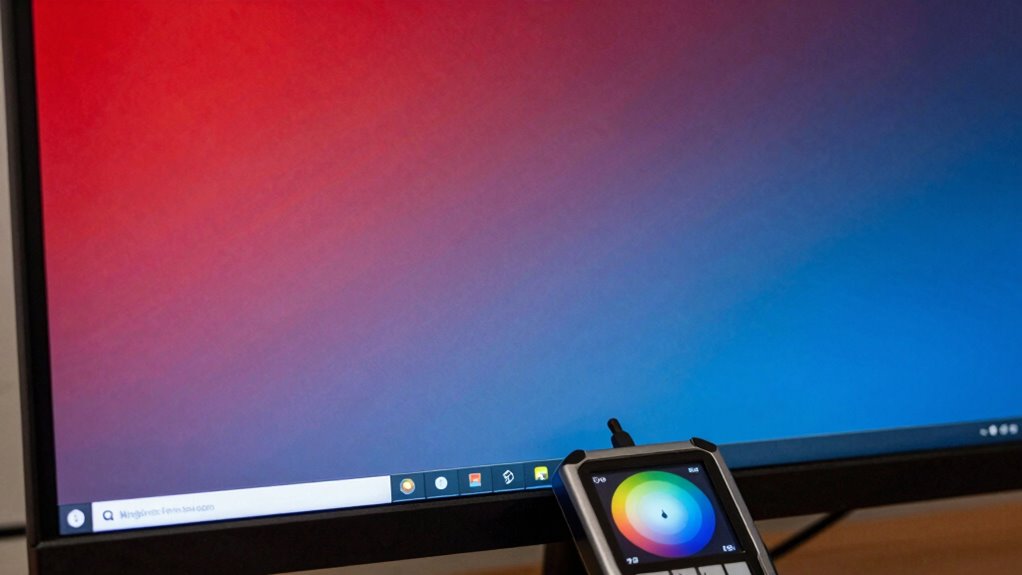
Have you ever wondered how we measure the difference between two colors? That’s where Delta E comes in, a vital part of color management. It quantifies how closely a display’s colors match a standard or reference. To guarantee accurate results, calibration techniques are essential. These techniques help adjust your monitor to produce consistent, true-to-life colors. When your display is properly calibrated, Delta E values decrease, meaning the colors are more accurate. This is especially important for professionals like photographers or designers, who rely on precise color reproduction. Without proper calibration, even high-quality monitors can show mismatched colors. Understanding Delta E helps you choose the right display and maintain color fidelity, making your work look exactly as intended. Additionally, understanding the color gamut of your monitor ensures you’re working within its full color range for optimal accuracy. Proper calibration also involves monitor calibration tools, which are essential for achieving the most accurate color representation.
How Is Delta E Measured, and What Do the Scores Tell You?
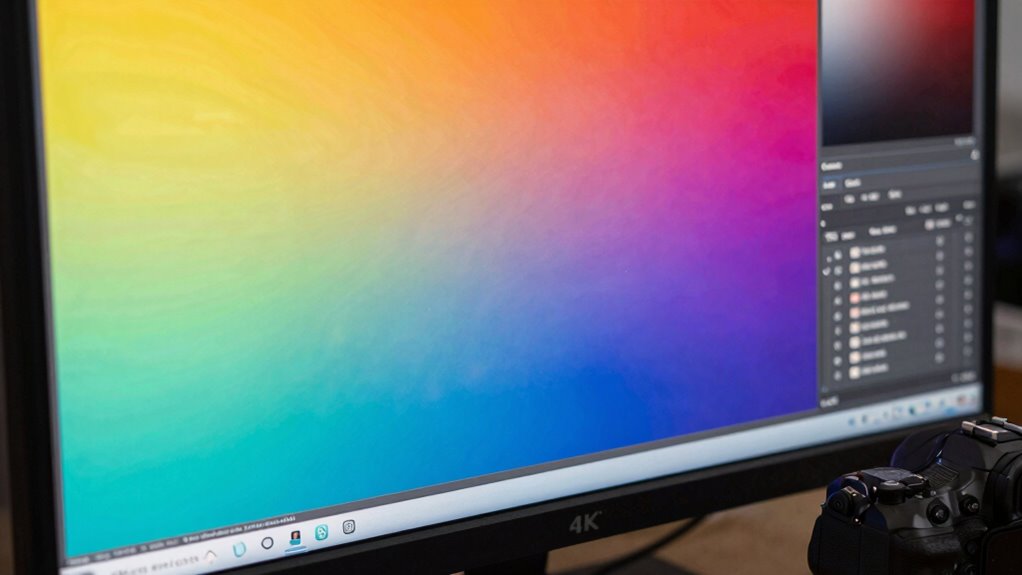
Delta E is measured using specialized color measurement instruments called colorimeters or spectrophotometers, which compare a display’s output to a reference color. These devices analyze how accurately your screen reproduces specific colors, considering different calibration techniques to guarantee precision. The scores you see reflect the color space comparison between the monitor’s output and the ideal reference. Free floating measurements ensure that the readings are unbiased and consistent across different devices and environments. Additionally, measurement accuracy depends on the quality of the instrument and the environment in which the test is conducted, further influencing the reliability of the results. To visualize this, think of:
Delta E measures color accuracy by comparing display output to a reference, ensuring precise and faithful color reproduction.
- A colorimeter capturing the nuances of color reproduction
- Calibration techniques fine-tuning the display for better accuracy
- Comparing color spaces to determine how close your monitor’s colors are to the standard
Higher Delta E scores mean more noticeable inaccuracies, while lower scores indicate better color fidelity. Understanding these measurements helps you choose a display that aligns with your expectations for color precision.
How Do You Use Delta E to Pick the Best 4K Monitor?
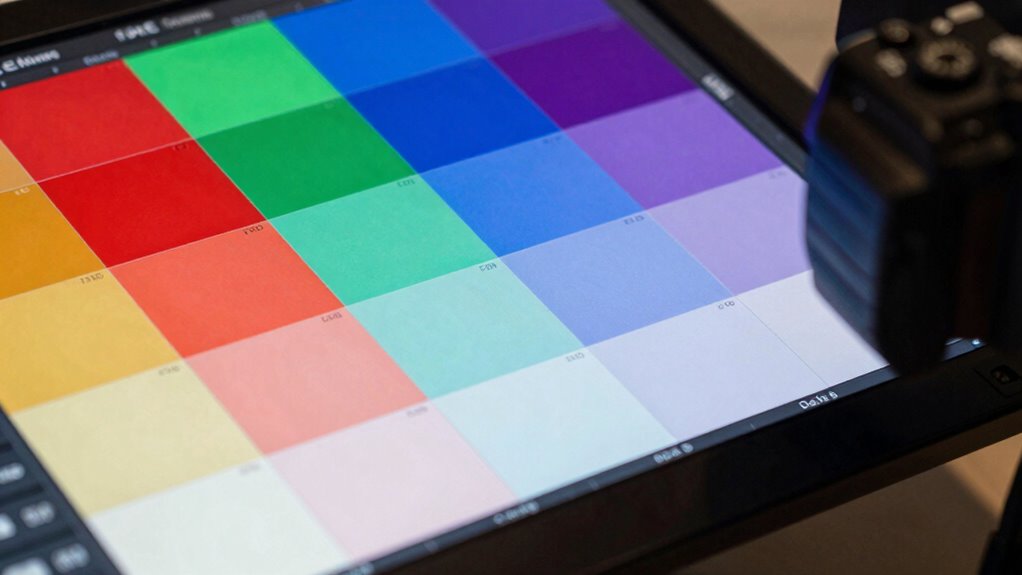
When selecting a 4K monitor, understanding Delta E scores can help you make a more informed choice. Look for monitors with low Delta E values, ideally below 2, indicating high color accuracy. Pay attention to the monitor’s color calibration, as factory-calibrated screens often provide better initial accuracy. If possible, choose models that support monitor profiling, allowing you to fine-tune colors to your needs. Proper profile adjustments ensure consistent color reproduction and reduce discrepancies. Use Delta E as a quick benchmark, but also consider whether the monitor allows for easy calibration and profiling. A monitor with good color calibration options and a low Delta E score will give you more reliable, true-to-life colors for creative work or multimedia viewing.
Tips to Keep Your Monitor’s Colors Accurate and Consistent

Maintaining your monitor’s color accuracy over time requires regular calibration and careful management of your viewing environment. Proper monitor calibration guarantees colors stay consistent, preventing drift that can distort your work. To keep colors accurate, consider these tips:
- Use a color calibration tool regularly to adjust brightness, contrast, and color settings.
- Minimize ambient light interference by controlling room lighting conditions.
- Keep your monitor’s firmware and drivers up to date for peak performance.
Does a Lower Delta E Always Mean Better Color? Debunking Common Myths
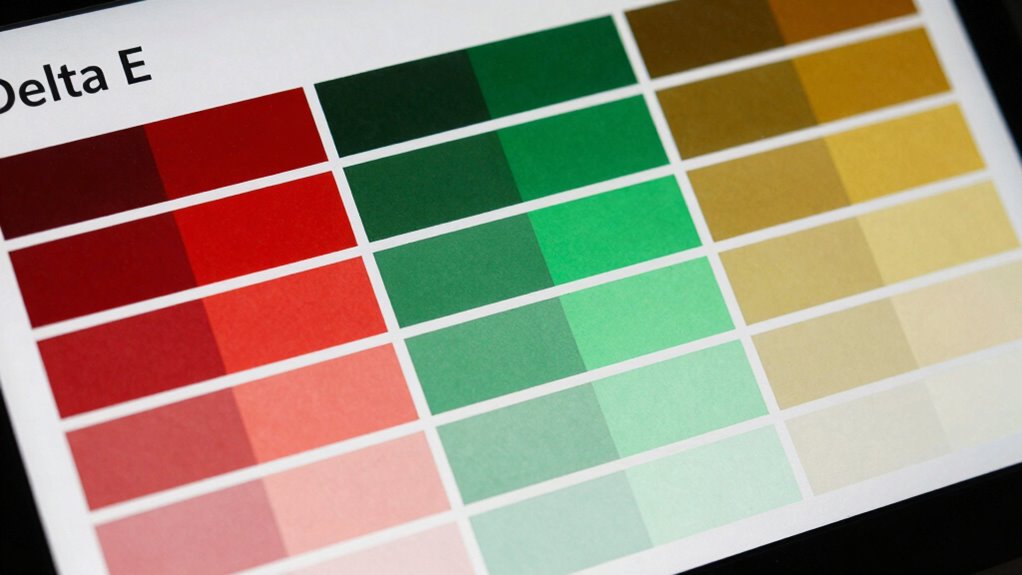
Many people assume that a lower Delta E score automatically means colors are more accurate, but this isn’t always the case. A low Delta E indicates good color accuracy after proper monitor calibration, but it doesn’t guarantee the display will match industry standards without effective color management. Factors like factory calibration quality, viewing conditions, and personal preferences also play a role. Sometimes, a monitor with a slightly higher Delta E can still produce visually pleasing results if it’s well color-managed. Remember, Delta E is just one part of the picture; a thorough approach to monitor calibration and proper color management ensures you get the most accurate and consistent colors, regardless of the specific Delta E value. Understanding color calibration helps you make better decisions about display quality and performance.
Frequently Asked Questions
Can Consumer-Grade Monitors Achieve Professional-Level Delta E Scores?
Consumer-grade monitors can achieve professional-level delta E scores if you invest time in proper color calibration and monitor calibration. While they may not come pre-calibrated for high accuracy, you can improve their performance by using calibration tools and software. With consistent calibration, many consumer monitors can reach delta E values close to professional standards, making them suitable for precise color work, especially if you prioritize regular calibration sessions.
How Does Ambient Lighting Affect Delta E Readings in Real-World Use?
Did you know that ambient lighting can increase delta E readings by up to 30%? When you’re in a brightly lit room, ambient light impacts your color perception, causing colors to look less accurate and making delta E measurements less reliable. To get the best color accuracy, keep your environment controlled with consistent, dim lighting, ensuring your monitor’s colors stay true to life and your delta E stays low.
Is Delta E Relevant for Gaming or Only Professional Color Work?
Delta E is relevant for gaming because it influences your visual experience, especially if you care about color consistency and accuracy. While it’s vital for professional color work, a low Delta E can also enhance gaming performance by providing more vibrant and true-to-life colors. If you’re a gamer who values visuals, checking Delta E helps guarantee your monitor delivers a more immersive and accurate display, improving overall enjoyment.
Are There Specific Brands Known for Consistently Low Delta E Values?
You might believe all brands offer equally accurate color, but some, like Eizo and Dell, have built strong reputations for consistently low delta E values. These brands invest heavily in calibration tools and quality control, ensuring professional-grade color accuracy. When choosing a monitor, prioritize their reputation for precise calibration, and you’ll enjoy more consistent, true-to-life colors—whether for gaming, editing, or just immersive viewing.
How Often Should I Recalibrate My Monitor to Maintain Color Accuracy?
You should recalibrate your monitor every 4 to 6 weeks to maintain color accuracy. Factory calibration can drift over time, so regular calibration helps keep colors consistent. If you notice color shifts or inconsistencies, recalibrate sooner. Using a calibration tool makes this process easier. Consistent calibration ensures your Delta E stays low, providing accurate colors for your work or entertainment needs.
Conclusion
Understanding Delta E helps you choose a monitor that truly matches your color needs. Did you know that professional-grade displays aim for a Delta E below 2, ensuring near-perfect accuracy? Keep in mind, a lower score isn’t always necessary for casual use, but for creative work, it’s worth prioritizing. By paying attention to Delta E, you’re making smarter decisions—so your colors stay vibrant and true, every time you sit down to work or play.