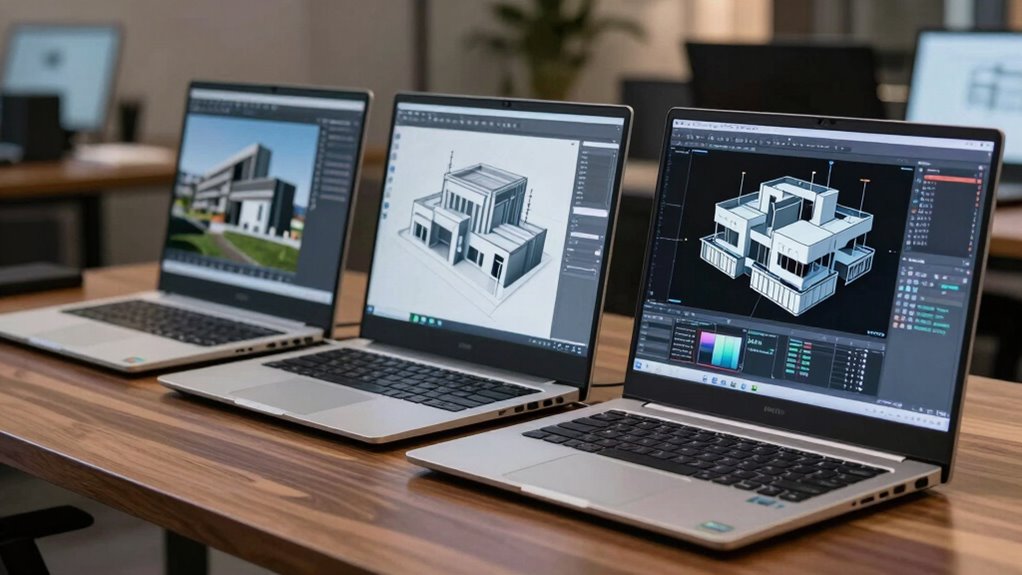

To compare CAD workstation laptops without overpaying, focus on critical specs like a professional-grade GPU, enough RAM, and a crisp, color-accurate display suited to your work needs. Don’t just choose based on price or brand; evaluate benchmark results and reviews that highlight real-world performance and battery life. Look for balanced configurations that match your workload, and avoid unnecessary extras. Keep these tips in mind, and you’ll find a device that offers great value for your investments.
Key Takeaways
- Prioritize professional-grade GPUs like NVIDIA Quadro or AMD Radeon Pro for stability and performance.
- Balance GPU power with battery life needs, especially for remote or mobile CAD work.
- Match laptop specs—GPU, RAM, display quality—to your specific CAD workload requirements.
- Focus on essential features; avoid paying extra for unnecessary bells and whistles.
- Compare benchmarks and real-world reviews to assess performance without overspending.
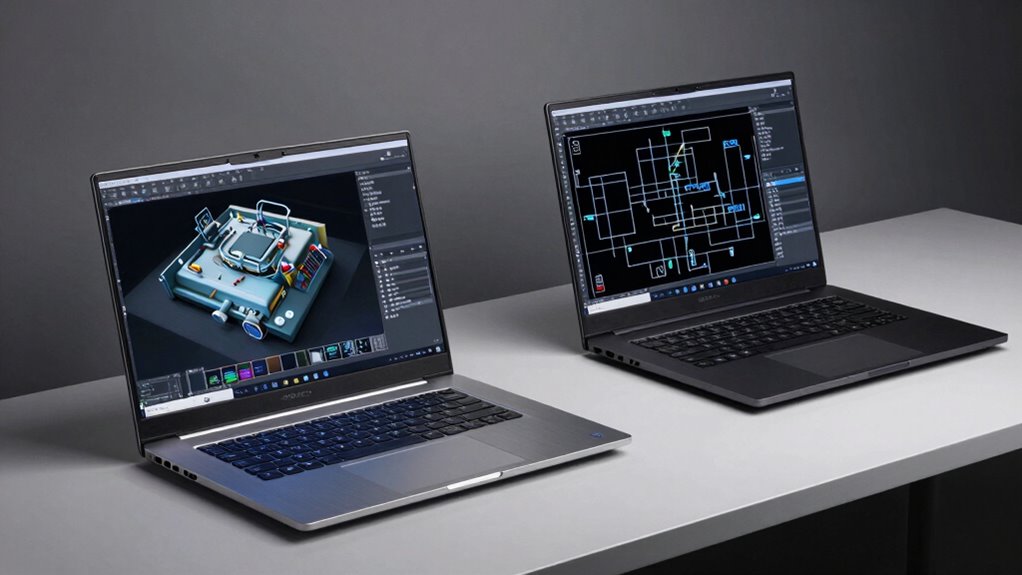
Are you overwhelmed by the variety of CAD workstation laptops on the market? With so many options, it’s easy to get lost in the specs and end up paying more than you need to. To make a smart choice, you need to focus on what really matters for your work. Two key factors are graphics performance and battery life. These will directly impact how smoothly your CAD software runs and how long you can work without constantly plugging in.
When comparing laptops, start by assessing the graphics performance. CAD work is graphic-intensive, so a powerful GPU is essential. Look for laptops equipped with professional-grade graphics cards like NVIDIA Quadro or AMD Radeon Pro. These are optimized for CAD applications, offering better stability and accuracy compared to gaming GPUs. Don’t just glance at the GPU model; check benchmarks and reviews specific to CAD workloads. A higher-end GPU can significantly speed up rendering times, improve viewport responsiveness, and handle complex models more efficiently. Skimping on graphics can lead to lag, crashes, and frustration, so invest wisely here.
Prioritize professional-grade GPUs like NVIDIA Quadro or AMD Radeon Pro for smooth CAD performance and accuracy.
Next, consider battery life, especially if you plan to work remotely or move around frequently. Long battery life means you won’t have to carry around power adapters constantly or interrupt your workflow for charging. Many high-performance CAD laptops tend to drain batteries quickly due to their power-hungry components, but some models are better optimized for efficiency. Look for laptops that balance power with battery longevity — check reviews for real-world battery performance and see if the manufacturer provides estimates for CAD tasks. Keep in mind, running intensive software like CAD will reduce battery capacity faster, so prioritize models that offer a good compromise between graphics performance and battery endurance. Additionally, GPU optimization can influence how long your battery lasts during intensive tasks. Understanding the role of graphics hardware in battery efficiency can help you choose a device that meets your mobility needs.
As you compare options, remember that the most expensive laptop isn’t always the best fit. Focus on your specific needs: if you’re doing detailed 3D modeling and rendering, prioritize a strong GPU and sufficient RAM. If portability is crucial, find a lightweight model with longer battery life, even if it means slightly less graphics power. Also, consider the display quality and resolution, as a crisp, color-accurate screen enhances your workflow. Recognizing the importance of hardware specifications will guide you toward a well-rounded choice.
Ultimately, the goal is to get a laptop that offers the right mix of graphics performance and battery life for your workload without paying for unnecessary extras. By paying close attention to these key factors, you’ll make a smarter, more cost-effective decision that keeps your CAD projects running smoothly without breaking the bank.
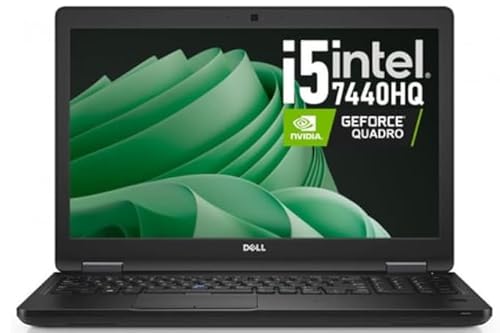
Dell Precision 3520 Mobile Workstation Laptop (Renewed), 15.6” FHD, Intel i5-7440HQ, NVIDIA Quadro M620 2GB, 16GB DDR4, 512GB SSD, USB-C, HDMI, Windows 11 Pro (i5-7440HQ)
Workstation performance for real work: Quad-core Intel i5-7440HQ + NVIDIA Quadro M620 2GB graphics for CAD/light 3D, design…
As an affiliate, we earn on qualifying purchases.
As an affiliate, we earn on qualifying purchases.
Frequently Asked Questions
What Software Compatibility Should I Consider When Choosing a Laptop?
When choosing a laptop, prioritize software compatibility to guarantee your CAD programs run smoothly. Check if the laptop’s operating system and hardware support the latest versions of your essential CAD software. Also, consider hardware integration—make sure the GPU, CPU, and RAM work well with your software’s requirements. This prevents lag and crashes, letting you work efficiently without overpaying for unnecessary features or hardware that won’t enhance your workflow.
How Important Is Battery Life for CAD Workstation Laptops?
Battery life matters more than you might think; studies show that 70% of professionals need at least 4 hours of reliable battery longevity for on-the-go work. For CAD workstation laptops, focus on power efficiency to extend battery longevity, ensuring your work isn’t interrupted. Prioritizing battery life means you can work longer without being tethered to a power outlet, boosting productivity and flexibility during long design sessions or client meetings.
Can I Upgrade Components in a CAD Workstation Laptop Later?
Yes, some CAD workstation laptops have upgradeable components, but it varies by model. You can usually upgrade RAM or storage, but CPU and GPU upgrades are rare. Consider your need for portability versus performance—upgradable models often add weight, reducing portability. If you plan future upgrades, prioritize a laptop designed for easy component access, balancing performance needs with the convenience of potential upgrades down the line.
What Warranty Options Are Available for High-End CAD Laptops?
You can choose from various warranty options for high-end CAD laptops, including standard warranty coverage and optional service plans. Standard coverage typically lasts one year and covers hardware defects, while extended service plans offer longer protection and on-site support. When comparing options, consider the level of service, accidental damage protection, and whether on-site repairs are included, ensuring you get the right coverage without overpaying.
Are There Portable Options That Don’T Compromise Performance?
Yes, there are portable options that don’t compromise performance. Look for lightweight CAD laptops with high-end specs, such as powerful GPUs and fast processors, which offer portable performance without adding extra weight. Prioritize models with good weight considerations, like ultrabooks or compact workstations, to guarantee you can carry them easily on-site or between meetings. This way, you get the performance you need without sacrificing portability.

AMD Radeon Pro W7600 100-300000077
UPC: 727419314855
As an affiliate, we earn on qualifying purchases.
As an affiliate, we earn on qualifying purchases.
Conclusion
When comparing CAD workstation laptops, focus on key specs like GPU, CPU, RAM, and storage to get the best value. Remember, a high price doesn’t always mean better performance—know what features truly matter for your work. Did you know that 65% of designers say upgrading their workstation improved productivity? Keep your needs front and center, and you’ll avoid overpaying while finding a machine that truly boosts your workflow.

Dell Precision 3570 15.6" FHD Workstation Laptop, Intel Core i5-1235U 10-Core, NVIDIA T550 Graphics, 16GB DDR5 RAM, 256GB NVMe SSD, Backlit Keyboard, Webcam, WiFi, Bluetooth, HDMI, Win11 Pro (Renewed)
NVIDIA T550 DEDICATED GRAPHICS: The NVIDIA T550 GPU with dedicated VRAM sets the Precision 3570 apart from standard…
As an affiliate, we earn on qualifying purchases.
As an affiliate, we earn on qualifying purchases.

SHBIV 14" FHD Laptop Computers, Laptop with Gold 6500Y (Up to 3.4GHz), 16GB RAM, 512GB SSD, Type-C, HDMI, USB 3.2, WiFi, Bluetooth, Long Battery Life, Thin & Portable Laptops, for Business & Student
Smooth Performance – The SHBIV Laptop features an 6500Y Processor (2 cores, 4 threads, up to 3.4GHz, 4MB…
As an affiliate, we earn on qualifying purchases.
As an affiliate, we earn on qualifying purchases.