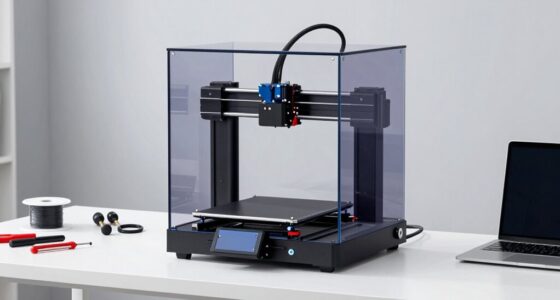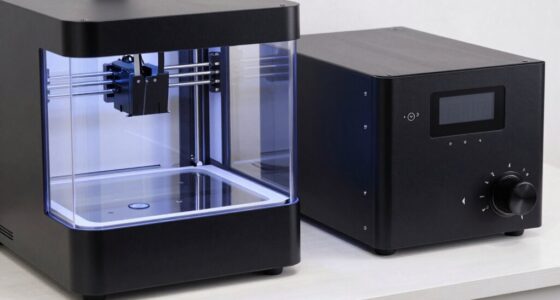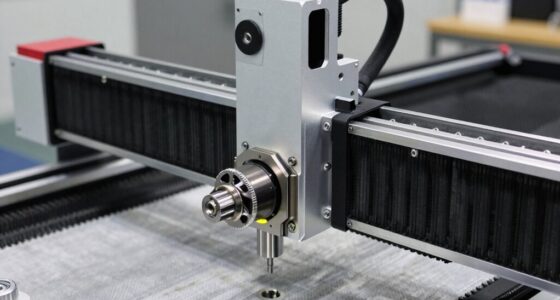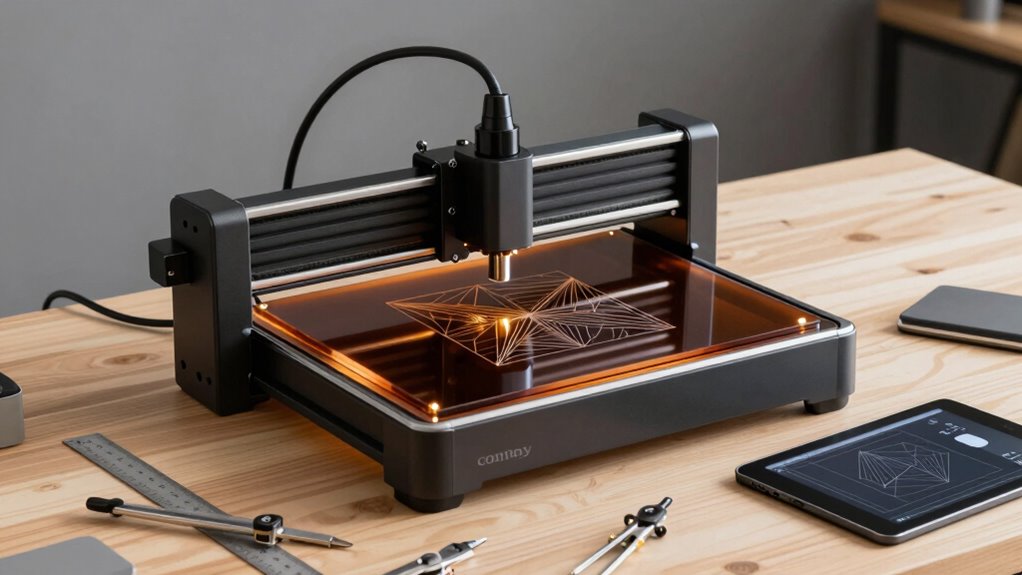

You can incorporate desktop CO2 laser engravers into your modern geometry workflow by quickly transforming digital concepts into physical prototypes with precision. They allow you to create complex designs rapidly, supporting seamless integration of digital and physical project phases. Safety measures and material compatibility are essential to guarantee quality results. Mastering laser settings enhances efficiency and consistency across diverse materials. If you want to explore how to optimize this process further, keep going for valuable insights.
Get ready for Prime Big Deal Days — try Prime free
Exclusive member deals on October 6–7, plus fast free delivery. Cancel anytime.
As an affiliate, we earn on qualifying purchases.
Key Takeaways
- Enable rapid translation of digital geometric designs into precise physical models.
- Facilitate complex shape creation through customizable laser settings for various materials.
- Integrate seamlessly with CAD and design software for streamlined workflow.
- Enhance accuracy and detail in geometric patterns and prototypes.
- Support iterative testing and modification of geometric concepts in a physical form.
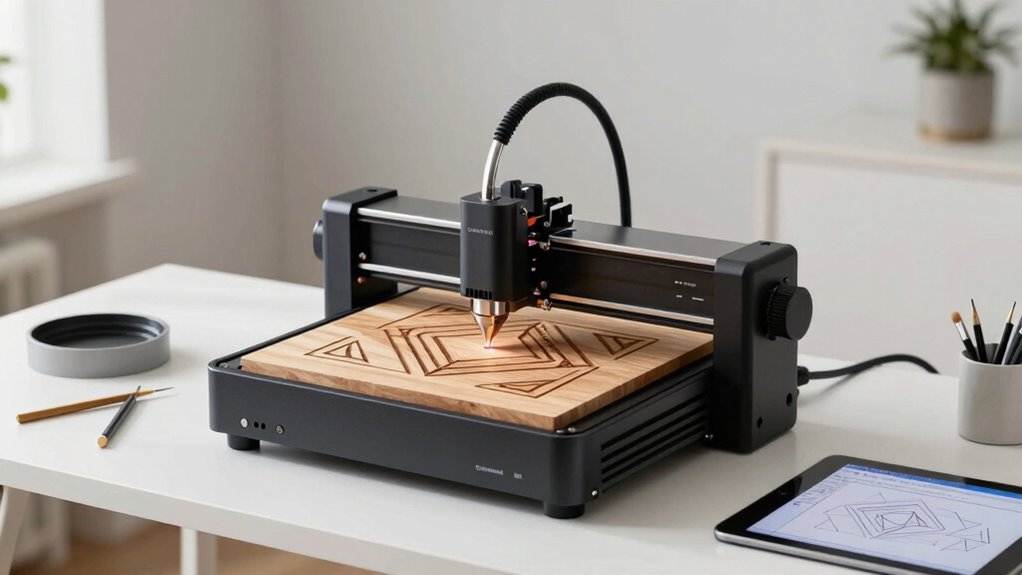
In today’s design landscape, desktop CO2 laser engravers have become essential tools in modern geometry workflows, seamlessly transforming digital concepts into precise physical creations. These machines allow you to bring complex geometric designs to life with remarkable accuracy and speed, making them invaluable for artists, engineers, and designers alike. As you integrate a desktop CO2 laser engraver into your workflow, understanding the importance of laser safety and material compatibility becomes crucial. Safety measures are vital to protect yourself and your workspace from potential hazards such as laser exposure, fumes, and debris. You should always wear appropriate safety glasses, ensure proper ventilation, and follow manufacturer guidelines to minimize risks. Keeping your workspace well-organized and using safety features like enclosures or interlocks further enhances protection, allowing you to focus on creating without concern.
Material compatibility is another key aspect of effective workflow integration. Not every material reacts the same way to laser engraving or cutting, so knowing which substrates are suitable is essential for achieving the desired results. Commonly used materials like wood, acrylic, leather, and certain plastics work well with CO2 laser engravers, but each demands specific settings for optimal results. For example, some plastics may emit harmful fumes if not properly ventilated, and certain woods can produce uneven cuts if the laser power isn’t calibrated correctly. By understanding the properties of your chosen materials, you can prevent damage to your machine and improve the quality of your engravings. This knowledge also helps you experiment confidently, combining different materials within a single project to create layered or multi-textured designs. Additionally, mastering material compatibility ensures you can troubleshoot issues quickly and achieve consistent results across different projects. Developing an understanding of laser settings tailored for each material further enhances your ability to produce high-quality work efficiently. Familiarity with material properties also allows for better prediction of how different substrates will react, streamlining your overall workflow. Recognizing the environmental impact of different materials and processes can further support sustainable practices within your projects.
As an affiliate, we earn on qualifying purchases.
Frequently Asked Questions
What Safety Precautions Are Necessary When Operating a Desktop CO2 Laser Engraver?
When operating a desktop CO2 laser engraver, you need to prioritize laser safety by wearing protective eyewear and avoiding direct eye exposure. Guarantee proper ventilation requirements are met, such as using exhaust fans or air filtration systems, to remove fumes and particles. Keep the workspace clear of flammable materials, and never leave the machine unattended during operation. These precautions help maintain a safe, efficient engraving environment.
How Does Laser Engraving Compare to Traditional Engraving Methods?
Laser engraving offers 100 times greater precision than traditional methods, making intricate designs easier. With laser precision, you can achieve detailed patterns that are difficult with hand or mechanical engraving. Plus, its material versatility allows you to work on wood, acrylic, glass, and more, unlike traditional tools limited to specific materials. This combination of accuracy and adaptability makes laser engraving faster, cleaner, and more consistent for modern creative projects.
What Materials Can Be Effectively Engraved With a CO2 Laser?
You can effectively engrave a wide range of materials with a CO2 laser, thanks to its material versatility and engraving precision. Wood, acrylic, glass, leather, and rubber respond well, allowing for detailed designs. You can also work on certain plastics and textiles. The laser’s precision ensures clean, accurate results, making it ideal for intricate projects across various materials. Just make certain you adjust settings for each material to achieve the best outcome.
How Do I Maintain and Troubleshoot My Laser Engraver?
To keep your laser engraver running smoothly, regularly perform laser calibration to guarantee precision and check for alignment issues. Maintain your ventilation setup by cleaning filters and ducts to prevent smoke buildup, which can affect performance. If you notice inconsistent engraving, verify calibration settings and clean the lens. Troubleshoot by inspecting the laser tube for signs of wear, and always follow manufacturer guidelines to prolong your engraver’s lifespan.
What Software Is Compatible With Desktop CO2 Laser Engravers?
You can use popular software like Adobe Illustrator, CorelDRAW, and LightBurn, which are compatible with most desktop CO2 laser engravers. These programs support material compatibility and enable seamless software integration, allowing you to easily import designs and set parameters for different materials. Make sure to check your laser engraver’s specifications for any specific software requirements or recommended applications to optimize your workflow and achieve precise results.
As an affiliate, we earn on qualifying purchases.
Conclusion
In a world where precision meets creativity, desktop CO2 laser engravers seamlessly integrate into your modern geometry workflow. They’re compact tools, yet they unleash expansive possibilities—cutting, engraving, designing with ease. While their size suggests simplicity, their capabilities challenge your skills and imagination. Embrace this blend of technology and artistry, where small machines empower big ideas, proving that sometimes, the most intricate designs start with the simplest tools.
materials compatible with CO2 laser engravers
As an affiliate, we earn on qualifying purchases.
As an affiliate, we earn on qualifying purchases.
laser engraving software for CAD
As an affiliate, we earn on qualifying purchases.
As an affiliate, we earn on qualifying purchases.
Fall Picks
fall essentials
As an affiliate, we earn on qualifying purchases.