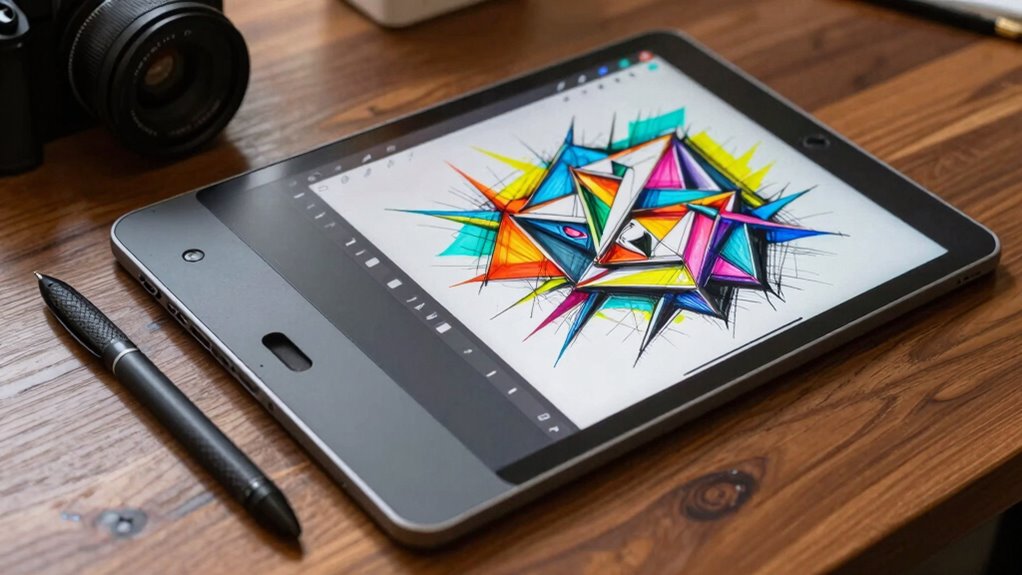

If you want to improve your linework, a pen display often offers a more natural drawing experience, mimicking traditional media with better precision, pressure sensitivity, and immediate feedback. Drawing tablets can also enhance your skills by providing control and customization, but they generally feel less intuitive. Your choice depends on your workflow, portability needs, and budget. Keep exploring—there’s a lot more to discover about how each device can elevate your art.
Key Takeaways
- Pen displays provide a natural drawing experience with integrated screens, enhancing precision and control for better line quality.
- Drawing tablets often offer higher pressure sensitivity and customizable stylus options, improving line variation and detail.
- Pen displays reduce lag and parallax, resulting in more accurate, fluid strokes that directly influence linework quality.
- The choice depends on workflow needs; pen displays are ideal for detailed, precise work, while tablets suit quick sketches and portability.
- Ergonomic design and device calibration are crucial for consistent, high-quality linework regardless of device type.
Which Device Helps Artists Achieve Better, More Precise Lines?

When it comes to achieving better, more precise lines, many artists find that pen displays often give them the edge. Their ergonomic comfort allows for natural hand movements, reducing fatigue during long sessions. This comfort helps you maintain steady, accurate strokes essential for detailed work. Pen displays also support a wide range of artistic styles, from delicate sketches to bold illustrations, thanks to responsive screens and pressure sensitivity. The direct drawing surface encourages a more intuitive experience, enabling you to control line weight and detail effortlessly. Whether you’re refining fine details or creating expressive lines, the combination of ergonomic design and versatile features helps you produce cleaner, more precise artwork. Additionally, ergonomic design plays a crucial role in reducing strain, allowing artists to work comfortably over extended periods. This makes pen displays a preferred choice for artists seeking accuracy and comfort in their linework. The integration of pressure sensitivity ensures that varying line thicknesses can be achieved seamlessly, further enhancing the quality of your artwork. Moreover, understanding how color accuracy impacts digital tools can help artists select devices that support true-to-life hues and shades, improving overall visual fidelity. Proper calibration and display resolution also contribute significantly to achieving detailed and sharp lines, making your artwork more refined.
How Do Drawing Tablets and Pen Displays Differ in Design and Feel?
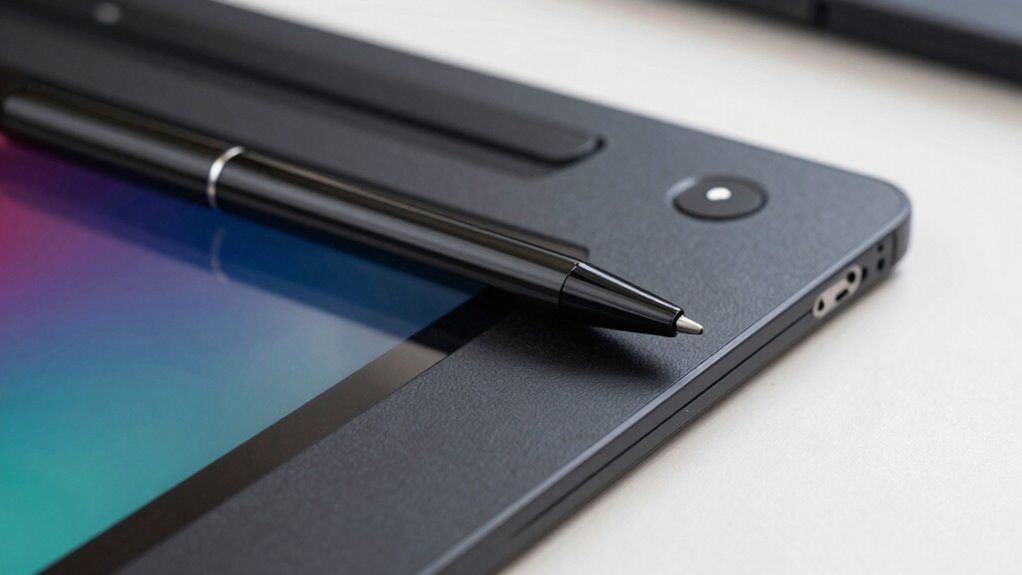
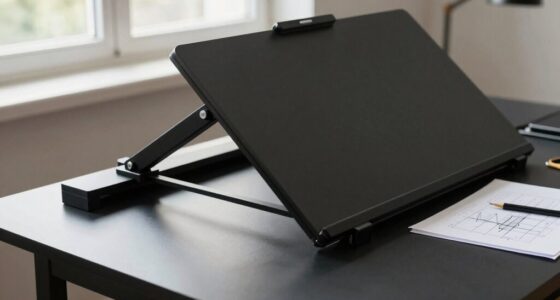
Drawing tablets and pen displays feature markedly different designs and tactile experiences, shaping how you interact with your artwork. You’ll notice that pen displays often have a screen that mimics paper, offering better ergonomics comfort and a natural drawing feel. Drawing tablets, on the other hand, typically involve a separate surface and monitor, which can impact your posture and long-term comfort. Hardware durability also varies: pen displays tend to be built for sturdiness with integrated screens, while tablets may require careful handling of the drawing surface.
Pen displays offer a natural drawing experience with integrated screens, while drawing tablets involve separate surfaces impacting ergonomics.
- Screen size and resolution influence your workflow
- Pen responsiveness affects the tactile feedback
- Build quality impacts long-term durability and comfort
Do Drawing Tablets Really Help Improve Your Line Quality?
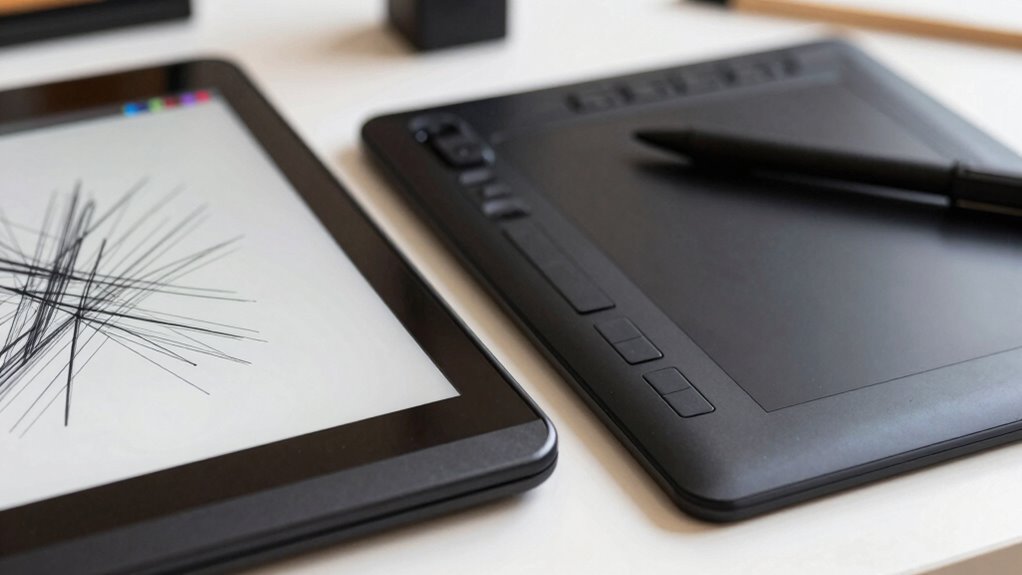
Drawing tablets can improve your line quality by offering better precision and control. Pressure sensitivity helps you create more natural strokes, making your lines look more dynamic. With regular practice, you’ll notice your skills develop faster, making the investment worthwhile. Additionally, proper aftercare can help maintain your device in optimal condition, ensuring consistent performance over time. Properly maintaining your workspace allows for a more consistent and comfortable drawing experience, further enhancing your linework skills. Incorporating ergonomic setup can also reduce strain and improve overall drawing comfort, leading to better results. Implementing device maintenance routines ensures your tablet remains in top condition, supporting consistent and improved linework.
Precision Enhances Line Control
Since precision is key to achieving clean, confident lines, many artists wonder if drawing tablets truly enhance their line control. A well-designed device offers better ergonomics comfort, reducing strain during long sessions. It also guarantees device durability, maintaining consistent performance over time. These factors contribute to more accurate, controlled strokes. Additionally, a responsive tablet minimizes lag, allowing you to execute precise movements effortlessly. Features like textured surfaces can improve grip and stability. When your equipment feels natural and reliable, your line work becomes more confident and deliberate. Ultimately, the right device can elevate your control by providing a stable, comfortable foundation for detailed work. Moreover, AI-powered tools are increasingly integrated into drawing tablets, offering assistance in refining lines and enhancing artistic precision. So, yes—precision enhancements considerably impact your ability to produce sharp, consistent lines.
Pressure Sensitivity Benefits
Pressure sensitivity is a key factor that can considerably enhance your line quality when using a drawing tablet. It allows you to vary line thickness and opacity naturally, giving your artwork more depth and expression. With an ergonomic grip, you can maintain control over pressure application, making strokes feel more intuitive and comfortable. This feature encourages you to experiment with different line weights, improving your overall technique. Additionally, a stylus with good durability ensures consistent pressure response over time, preventing fluctuations that can disrupt your workflow. When your stylus responds smoothly to pressure and maintains a solid grip, you’re more likely to produce clean, dynamic lines. Overall, pressure sensitivity directly contributes to a more expressive, professional finish in your digital artwork.
Practice Accelerates Improvement
Practicing regularly with a drawing tablet can considerably boost your line quality over time. The more you use it, the more your skills strengthen, making your digital art smoother and more confident. Consistent practice helps you develop better control, even on challenging strokes, enhancing your creative process. To deepen your progress, consider these key points:
- Building muscle memory for cleaner, more precise lines
- Learning to harness pressure sensitivity for expressive artwork
- Reducing hesitation and improving speed during drawing sessions
What Factors Affect Line Precision and Smoothness in Digital Devices?

Several factors influence how accurately and smoothly lines appear on digital devices. Your device’s hardware ergonomics play an essential role; a comfortable, well-designed pen stylus and responsive tablet surface reduce hand fatigue and improve control. Additionally, hardware features like tilt sensitivity and pressure levels contribute to line variation and precision. Software compatibility is equally important—if your drawing app integrates seamlessly with your device’s hardware, you’ll experience smoother strokes and better responsiveness. Lag or input delay caused by incompatibility can disrupt your flow, making lines appear jagged or uneven. Ensuring your device’s hardware ergonomics are suited to your style and that your software supports your hardware will greatly enhance your linework’s precision and smoothness. Proper calibration and updates also help maintain optimal performance over time.
How Do Screen Size and Resolution Impact Your Drawing Experience?
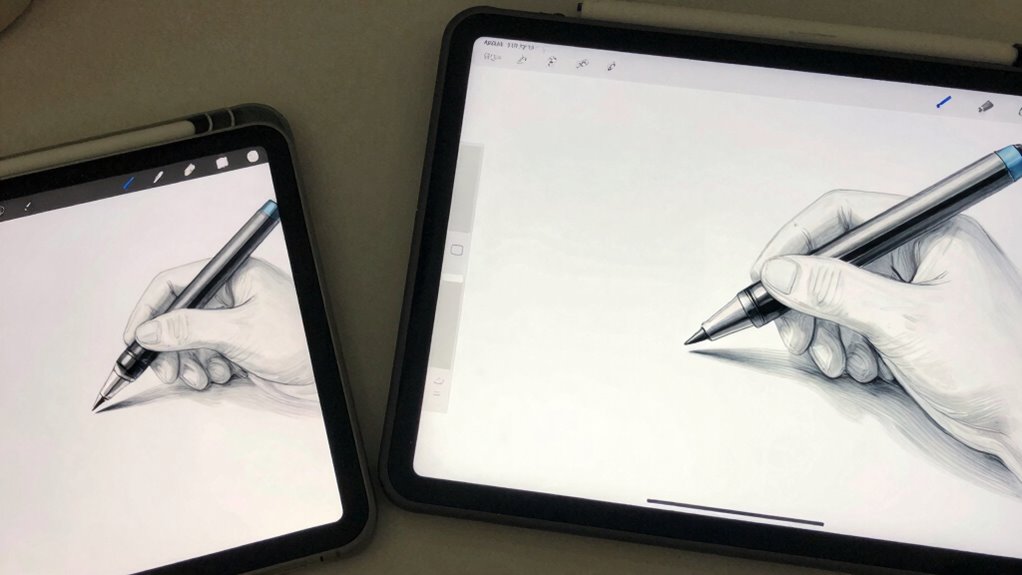
The size and resolution of your drawing device’s screen directly influence how comfortably and accurately you can work. A larger screen provides more space for detail, reducing the need to zoom in constantly, while higher resolution enhances color accuracy and clarity. When considering these factors, you’ll notice sharper lines and more vibrant colors, making your artwork more precise and true to your vision. An ergonomic design also plays a key role, preventing strain during long sessions. Keep in mind, a bigger screen and higher resolution may demand more processing power, so balance these with your device’s capabilities. Additionally, understanding the impact of screen size and resolution can help you select the best device for your needs. For instance, a well-optimized display can significantly improve visual clarity, making it easier to see fine details. Being aware of ergonomic considerations is also essential for maintaining comfort during extended drawing periods. Furthermore, choosing a device with the right balance of these features can help prevent fatigue and discomfort, ensuring a more sustainable workflow. Ultimately, selecting the appropriate size and resolution helps you achieve smoother, more professional results, especially when combined with ergonomic design for long-term comfort.
Which Device Offers Better Pressure Sensitivity for Fine Lines?
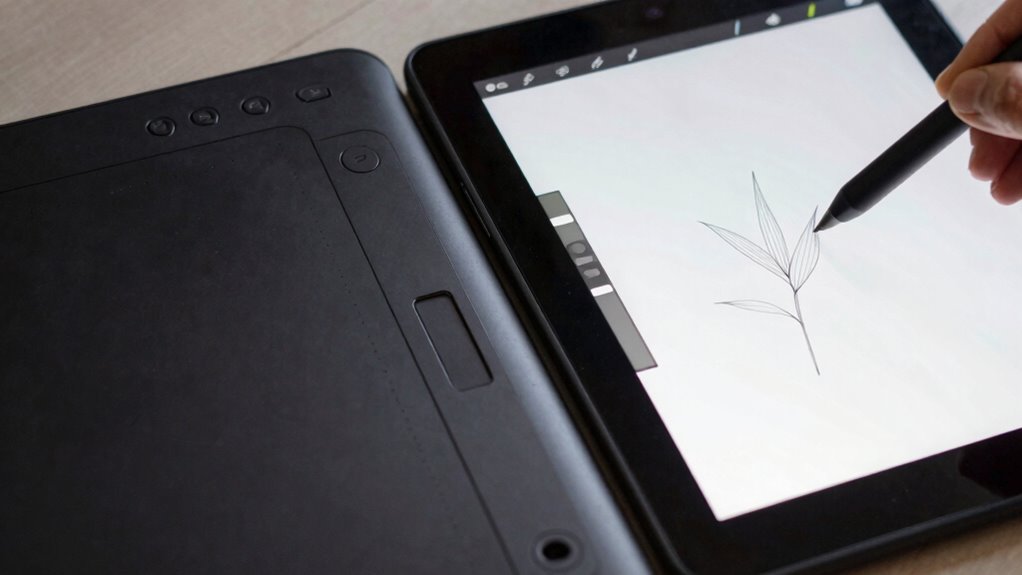
When it comes to capturing fine lines and subtle details, pressure sensitivity plays a crucial role in how responsive your drawing device feels. A device with better pressure sensitivity allows you to vary line thickness effortlessly, giving your work more depth and expressiveness. Pen displays typically offer higher pressure sensitivity levels, providing smoother, more precise control for delicate strokes. This enhances ergonomics comfort because you can work more naturally without adjusting your hand or grip constantly. Additionally, greater pressure sensitivity boosts artistic versatility, enabling you to create everything from light sketches to bold strokes seamlessly. If fine detail work is a priority, a device with superior pressure sensitivity will make a noticeable difference, helping you achieve cleaner, more refined lines with less effort. Understanding pressure sensitivity is essential for choosing the right device for your artistic needs. Moreover, having the right level of pressure response can significantly improve your overall workflow and reduce fatigue during long drawing sessions. Recognizing pressure sensitivity levels in your device can further optimize your creative process, ensuring your tools match your style and needs.
Is Drawing on a Pen Display More Natural Than Using a Tablet?
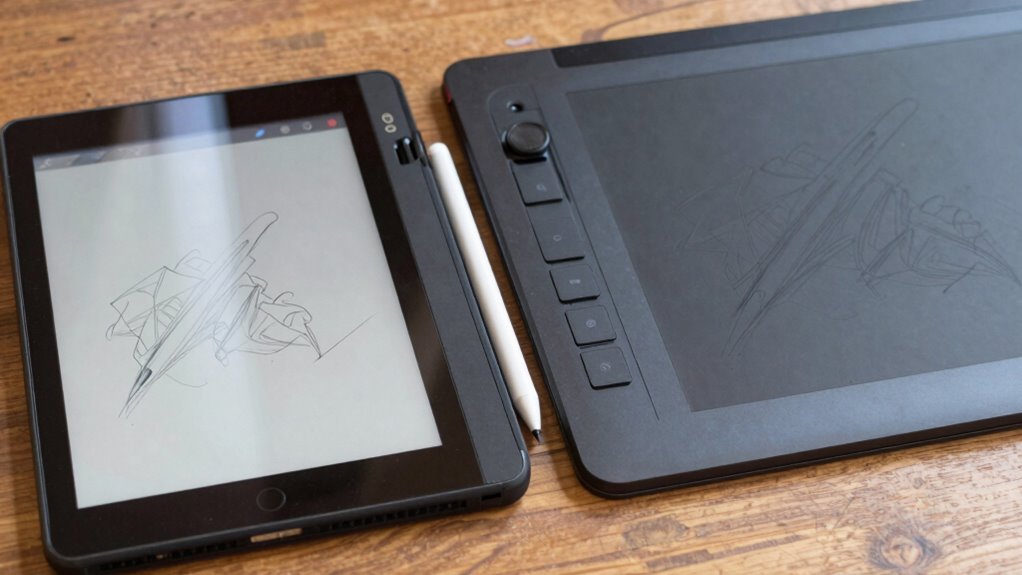
Drawing on a pen display often feels more natural because your hand moves directly on the screen, mimicking traditional art methods. The seamless screen integration enhances your sense of control and precision. This setup can make your creative process more intuitive compared to working with a separate tablet.
Natural Hand Movement Feel
Many artists find that drawing directly on a pen display offers a more natural hand movement feel compared to using a traditional tablet. The close proximity of the screen and your hand allows for smoother, more intuitive gestures, enhancing ergonomics comfort. With better stylus grip ergonomics, you can maintain precision without fatigue, making long sessions easier. The direct contact between your stylus and the display reduces the disconnect between your hand and the artwork, creating a more seamless flow.
- Reduced hand strain due to natural positioning
- Improved precision with better stylus grip ergonomics
- More intuitive movement mimicking traditional drawing techniques
Screen Integration Benefits
The integration of the screen in a pen display considerably enhances the natural feel of your artwork compared to traditional tablets. With an ergonomic design, your hand movements align more closely with how you naturally draw, reducing strain and increasing comfort during long sessions. The direct-to-screen drawing experience makes it easier to judge proportions and placement, allowing for more precise lines. Additionally, pen displays typically offer superior color accuracy, ensuring your colors look consistent and vibrant on-screen, which is vital for detailed work. This seamless integration makes your workflow more intuitive, helping you stay focused on your creativity rather than adapting to unfamiliar controls. Moreover, ergonomic design is crucial in creating a comfortable and safe workspace, especially when using electronic devices for extended periods. The screen integration also helps minimize parallax issues that can disrupt the drawing process. An added benefit is the intuitive user interface, which further streamlines your creative process. Overall, screen integration benefits create a more immersive and natural drawing experience, elevating your linework with less effort.
How Do Pen Accuracy and Responsiveness Vary Between Devices?

Pen accuracy and responsiveness can differ markedly between tablets and pen displays, affecting how smoothly and precisely you can work. These differences influence your digital ergonomics and stylus ergonomics, shaping your overall comfort and control. Variations in device sensitivity, lag, and tracking accuracy determine how natural your strokes feel and how closely they match your intentions. Some devices offer near-instant response times, enhancing precision, while others may introduce slight delays that affect fluidity. Factors such as screen surface texture and stylus tip design also impact accuracy. To optimize your workflow, consider how these elements align with your drawing style and ergonomic needs.
- Response time and lag levels
- Tracking precision and calibration
- Stylus tip design and surface feel
What Practical Factors Should Influence Your Choice: Workflow and Portability?
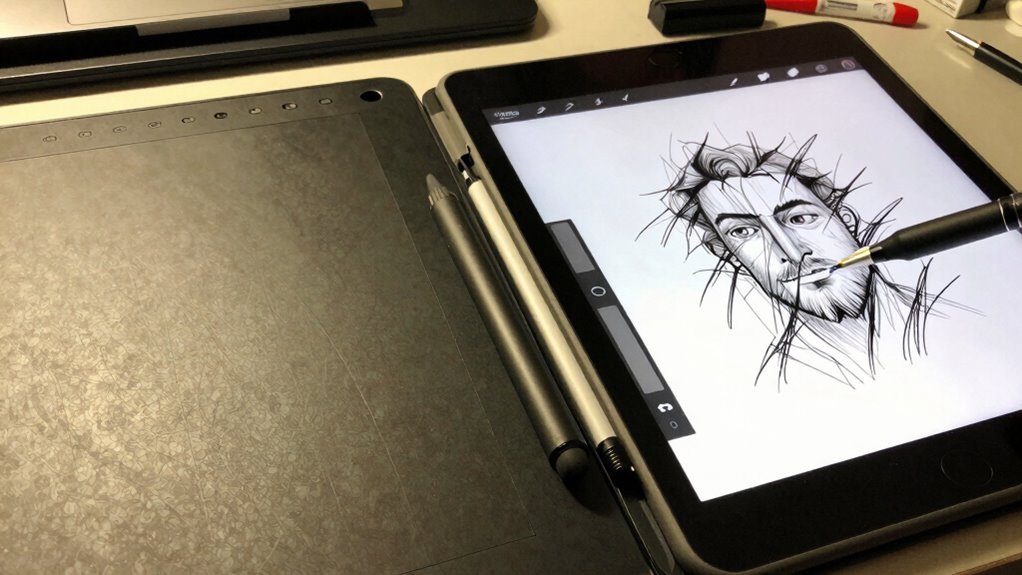
Your workflow and how easily you can carry your device are key factors in choosing between a drawing tablet and a pen display. A device that boosts your efficiency can save you time and frustration, especially during long projects. Additionally, portability matters if you often work on the go or in different locations. Considering the availability of high-quality home decor and gift ideas can also enhance your workspace environment, making it more inspiring and personalized. Evaluating the device compatibility and how well it integrates with your existing tools can further influence your decision.
Workflow Efficiency Gains
Choosing between a drawing tablet and a pen display largely depends on how efficiently they fit into your workflow and how portable you need your setup to be. Your decision impacts productivity, comfort, and seamless integration with your preferred software. Consider the ergonomic design, which can reduce fatigue during long sessions. Software compatibility is also key; make sure your device works smoothly with your favorite art programs.
To boost workflow efficiency, look for features like customizable shortcut buttons, pressure sensitivity levels, and responsive pen tracking. These elements can streamline your creative process and minimize interruptions. Ultimately, selecting a device that aligns with your ergonomic needs and software ecosystem helps you work faster and more comfortably, making your linework more precise and consistent.
Ease of Transport
When considering how well a drawing device fits into your workflow, portability becomes a key factor. A device with a portable design allows you to work anywhere, whether at a coffee shop or on the go. Weight considerations are vital—lighter devices reduce fatigue and make transportation easier. Pen displays tend to be bulkier and heavier, which can hinder mobility, especially if you need to carry it regularly. Conversely, many drawing tablets are slim, lightweight, and designed for portability, fitting easily into backpacks or laptop bags. Think about your typical working environment and travel habits. A device that’s easy to transport ensures you stay productive without feeling weighed down, helping you integrate art into your daily routine seamlessly.
Which Device Is Better for Beginners Looking to Improve Their Linework?
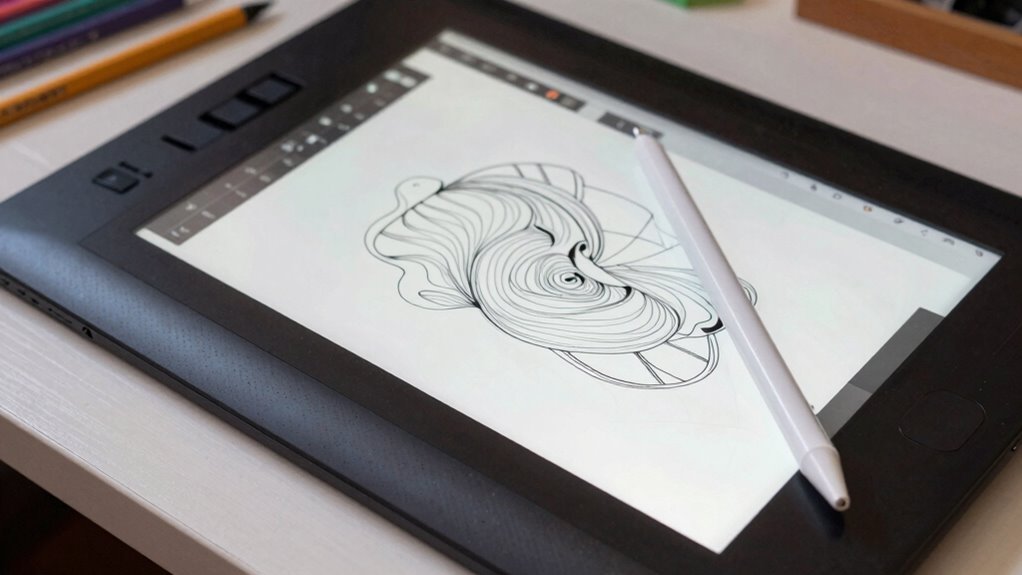
For beginners aiming to improve their linework, selecting the right device can make a significant difference. You’ll want something that offers good ergonomics comfort, reducing strain during long drawing sessions. An device with aesthetic design can also inspire creativity and make the process more enjoyable.
Consider these factors:
Prioritize ease of setup, intuitive controls, portability, and a smooth drawing surface for a comfortable, inspiring experience.
- Ease of setup and intuitive controls help you learn faster
- Compact, lightweight designs improve portability and reduce fatigue
- Smooth, responsive surface enhances your ability to develop confident lines
A pen display might feel more natural for those who prefer direct drawing on a screen, while a drawing tablet offers flexibility and affordability. Prioritize what feels comfortable and inspiring to keep you motivated.
Frequently Asked Questions
Can I Use a Drawing Tablet Without a Screen Effectively?
Yes, you can use a drawing tablet without a screen effectively. It allows you to focus on pen pressure and ergonomics, helping you develop better control and precision. Though it might take some time to get used to drawing without direct visual feedback, many artists find it improves their linework over time. With consistent practice, you’ll become comfortable, making your digital art more natural and expressive.
How Does Latency Affect Drawing Accuracy on These Devices?
Latency affects your drawing accuracy like a lagging heartbeat, making your lines feel out of sync. When the refresh rate is high, you notice less delay, allowing your pressure sensitivity to work smoothly. A low latency ensures your strokes stay true to your movements, giving you confidence in your linework. To improve your experience, choose devices with minimal latency and a high refresh rate for more precise and responsive drawing.
Are There Significant Differences in Color Accuracy Between the Devices?
You’ll notice that pen displays generally offer better color accuracy because of advanced display technology and precise color calibration, making your artwork more vibrant and true to life. Drawing tablets without screens rely on your monitor’s color settings, which may not be as accurate. So, if color fidelity matters, a pen display provides a significant advantage, giving you confidence that your colors will look just as you intend across different devices.
What Are the Maintenance Needs for Pen Displays Versus Tablets?
Pen displays require regular calibration to guarantee color accuracy and smooth performance, especially if you notice inconsistencies. You’ll also need to clean the screen often to prevent dust buildup, which can affect your drawing precision. Tablets generally need less maintenance but still benefit from dust prevention and occasional cleaning. Both devices perform better when kept free of dust and calibrated properly, helping you achieve better linework consistently.
Do Certain Brands Offer Better Software Compatibility for Line Work?
Certain brands do offer better software compatibility for line work, especially if you prioritize their software ecosystem. For example, Wacom is known for seamless integration with popular digital art programs, fostering strong brand loyalty among artists. By choosing a brand with a tight software ecosystem, you guarantee smoother workflow and fewer compatibility issues, ultimately helping you improve your line work and making your creative process more efficient.
Conclusion
Ultimately, choosing between a drawing tablet and a pen display depends on your needs and preferences. Remember, “practice makes perfect,” so invest time in mastering whichever device you choose. If you want a more natural feel with better precision, a pen display might be your best bet. However, if portability and affordability matter most, a drawing tablet can still help you improve your linework. Trust your instincts, and keep drawing—your skills will flourish with persistence.