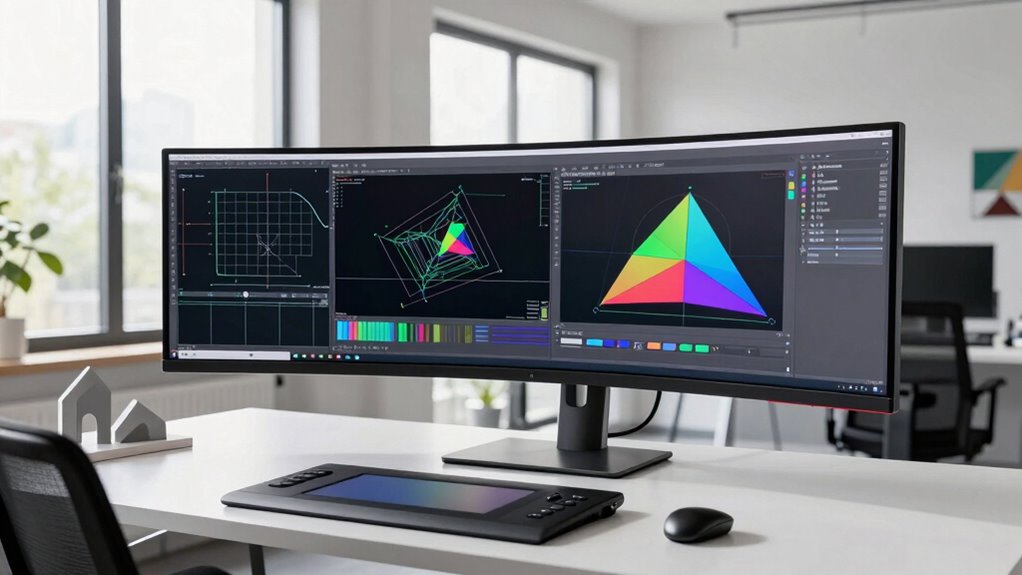

Using an ultrawide monitor in your CAD workflow boosts efficiency by giving you more workspace to view complex designs without switching tabs. It improves accuracy with large, calibrated screens, reducing distortions and helping you catch details early. The extended view also makes multitasking easier, letting you see multiple perspectives or tools side by side. Plus, its ergonomic benefits keep you comfortable during long sessions. Keep exploring to see how an ultrawide monitor can elevate your design process even further.
Key Takeaways
- Ultrawide monitors provide expansive workspace for viewing complex CAD designs without tab switching, streamlining workflow.
- They enhance ergonomic comfort, reducing fatigue during extended design sessions.
- Larger displays improve visual accuracy and calibration, ensuring precise lines and details.
- The wide screen facilitates multitasking, enabling simultaneous viewing of multiple perspectives or reference materials.
- High-resolution ultrawide monitors improve clarity and detail, supporting efficient, accurate geometric work.
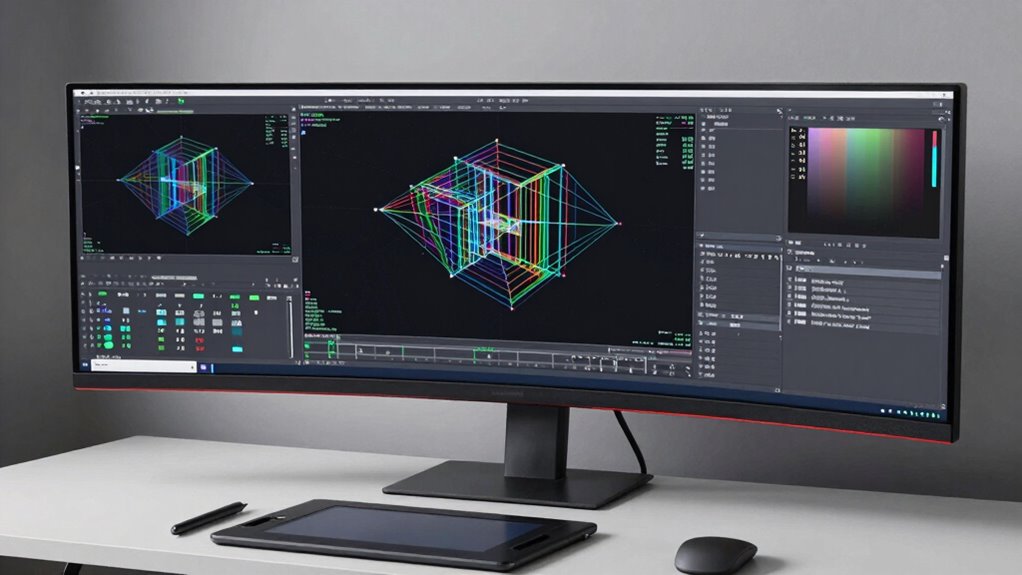
If you’re serious about CAD work, an ultrawide monitor can substantially boost your productivity and precision. These monitors provide a broader workspace, allowing you to view complex designs without constantly switching between tabs or zooming in and out. This expanded visual real estate supports a more natural workflow, which is essential when handling detailed geometry tasks. With an ultrawide monitor, you can keep multiple windows open side by side—such as reference images, tool palettes, and your main drawing—streamlining your process and reducing the interruptions that come from toggling between applications.
One of the key advantages of an ultrawide monitor in a modern geometry workflow is the ergonomic benefit. Traditional monitors often force you to turn your head or shift your posture to see all relevant parts of your project, leading to fatigue over time. An ultrawide setup minimizes these movements, allowing you to maintain a more comfortable, neutral posture during extended work sessions. This ergonomic improvement can help prevent strain injuries and improve overall comfort, keeping you focused and alert during long design sessions.
Furthermore, an ultrawide monitor helps mitigate issues like visual distortion that can occur with smaller or improperly calibrated screens. When your display is large and properly calibrated, lines, curves, and details in your CAD models appear more accurate and true to scale. This precision is vital for avoiding errors that could arise from misinterpreted visual cues. With fewer distortions and a clearer view of intricate details, you’ll find it easier to identify potential flaws early, saving time and reducing rework later. Additionally, color calibration plays a crucial role in maintaining consistent visual fidelity across your workspace.
In a modern geometry workflow, an ultrawide monitor also fosters a more intuitive understanding of spatial relationships. When working on complex 3D models, you benefit from the ability to see multiple perspectives simultaneously, enhancing your ability to analyze and modify designs efficiently. This panoramic view helps you grasp how different components fit together, making editing and troubleshooting more straightforward. As a result, your workflow becomes more fluid, with fewer disruptions and a more seamless integration of different design phases. Additionally, the wide aspect ratio can support multitasking capabilities, allowing you to manage multiple applications or reference materials more effectively without cluttering your workspace.
Additionally, the use of high-resolution color accuracy in ultrawide monitors enhances the clarity of detailed line work and shading, making it easier to distinguish subtle differences and refine your designs more precisely. Ultimately, integrating an ultrawide monitor into your CAD setup aligns with the demands of modern design—speed, accuracy, comfort, and clarity. It not only enhances your visual experience but also supports a healthier, more efficient work environment. By reducing visual distortion and improving ergonomic benefits, it empowers you to work smarter, faster, and more precisely, giving you a significant edge in your geometric projects.

SAMSUNG 34" ViewFinity S50GC Series Ultra-WQHD Monitor, 100Hz, 5ms, HDR10, AMD FreeSync, Eye Care, Borderless Design, PIP, PBP, LS34C502GANXZA, 2023, Black
DO MORE ON ONE SCREEN: See every detail on the wider display featuring a 21:9 aspect ratio; Ultra…
As an affiliate, we earn on qualifying purchases.
As an affiliate, we earn on qualifying purchases.
Frequently Asked Questions
How Does an Ultrawide Monitor Impact Overall Productivity in CAD Work?
An ultrawide monitor boosts your productivity in CAD work by providing ample screen space, making it easier to view multiple windows simultaneously. Its ergonomic design reduces strain during long sessions, while high color accuracy guarantees precise visualization of designs. With more room to work and less fatigue, you can focus better, make quicker decisions, and improve overall efficiency, making it a valuable tool for complex CAD tasks.
Are Ultrawide Monitors Compatible With All CAD Software?
You’ll find that most ultrawide monitors are compatible with popular CAD software, but check specific system requirements first. These monitors often feature excellent color accuracy and ergonomic design, enhancing your workflow. An impressive 85% of users report improved efficiency with ultrawide screens. So, you can enjoy seamless integration, vibrant visuals, and reduced eye strain, making them a smart addition to your CAD setup regardless of the software you use.
What Is the Ideal Screen Resolution for CAD Applications on Ultrawide Monitors?
The ideal screen resolution for CAD applications on ultrawide monitors is at least 3440×1440 pixels, offering sharp details and ample workspace. Make sure your monitor supports good color calibration for accurate design work, and choose an ergonomic design to reduce strain. This setup improves your workflow by providing clear visuals, precise color representation, and comfort during long CAD sessions, helping you stay efficient and comfortable.
How Do Ultrawide Monitors Compare to Dual-Monitor Setups for CAD?
Think of ultrawide monitors as a panoramic canvas, offering seamless views that outshine dual monitors’ choppy landscape. They provide better color accuracy and an ergonomic design that reduces neck strain, making your workspace feel more natural. With fewer bezels breaking your focus, you stay immersed in your CAD projects. Overall, ultrawide monitors streamline your workflow, making complex geometry tasks feel more intuitive and less cluttered than juggling multiple screens.
What Are the Cost Considerations for Upgrading to an Ultrawide Monitor?
If you’re considering upgrading to an ultrawide monitor, think about your budget constraints and long-term ergonomic benefits. While ultrawide monitors often cost more upfront, they can improve productivity and reduce strain, saving you money over time. Compare prices carefully, and weigh the investment against the ergonomic advantages, like better posture and less neck movement. This way, you make a cost-effective choice that enhances your workflow.

LG 34WR55QK-B 34-inch UltraWide WQHD (3440 x 1440) Curved Computer Monitor, 100Hz, 5ms, HDR10, Reader Mode, HDMI, DisplayPort, USB Type-C, Tilt/Height Adjustable Stand, Black
21:9 UltraWide – The 21:9 UltraWide WQHD (3440 x 1440) monitor is great for work. The widescreen allows…
As an affiliate, we earn on qualifying purchases.
As an affiliate, we earn on qualifying purchases.
Conclusion
So, next time you’re marveling at your ultrawide monitor’s vast screen, remember—it’s like having a panoramic view of your entire project, all at once. Who knew that more screen space would make your geometry workflow feel less like a jigsaw puzzle and more like a breeze? Ironically, what once seemed extravagant now becomes essential. Embrace the wide view; it’s the secret weapon for turning complex CAD tasks into a surprisingly smooth ride.
LG 34WR55QK-B 34-inch UltraWide WQHD (3440 x 1440) Curved Computer Monitor, 100Hz, 5ms, HDR10, Reader Mode, HDMI, DisplayPort, USB Type-C, Tilt/Height Adjustable Stand, Black
21:9 UltraWide – The 21:9 UltraWide WQHD (3440 x 1440) monitor is great for work. The widescreen allows…
As an affiliate, we earn on qualifying purchases.
As an affiliate, we earn on qualifying purchases.

Samsung 34' Odyssey G5 Ultra-Wide Gaming Monitor with 1000R Curved Screen, 165Hz, 1ms, FreeSync Premium, Large Display, Eye Comfort, Multiple Ports, WQHD, LC34G55TWWNXZA, Black
OPTIMAL CURVE, TRUE IMMERSION: The all-encompassing 1000R display fills every part of your peripheral vision and draws you…
As an affiliate, we earn on qualifying purchases.
As an affiliate, we earn on qualifying purchases.