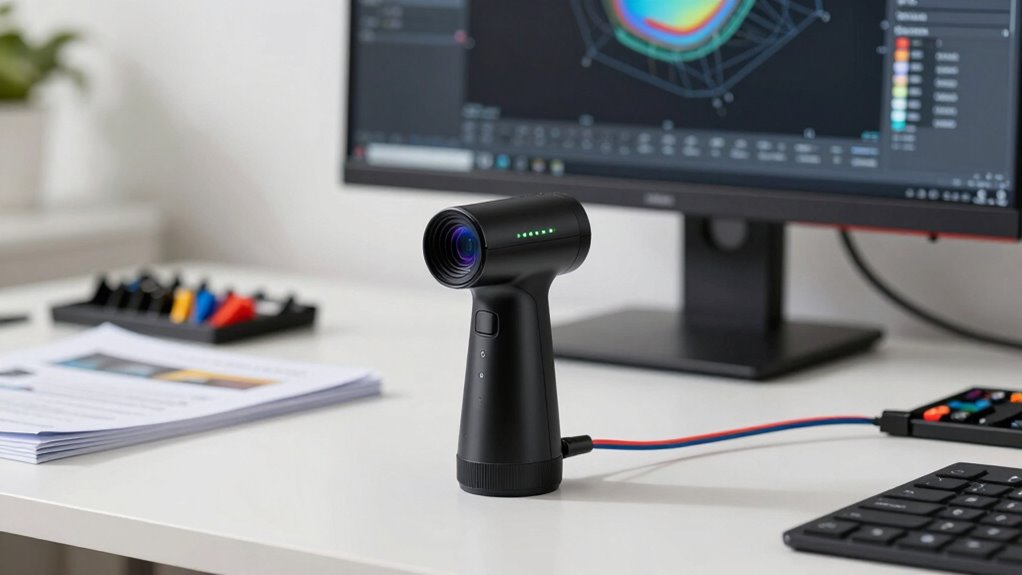

Before buying a laser line 3D scanner, consider your project needs, including object size, required resolution, and portability. Evaluate compatibility with your existing hardware and software to avoid technical issues. Keep in mind that costs go beyond the purchase price, covering software, maintenance, and upgrades. Balance features with your budget, and verify the device’s capabilities match your scanning tasks. Exploring these factors further will help you choose the right tool for your goals.

Prime made for students and young adults
- Fast, free delivery for dorm and study essentials
- Prime Video and Amazon Music included
- Member-only deals
Key Takeaways
- Assess your project size, detail requirements, and required resolution to choose the appropriate scanner capabilities.
- Consider your budget, including initial costs and ongoing expenses like software, maintenance, and upgrades.
- Verify compatibility with your existing hardware, software, and data processing needs.
- Evaluate the scanner’s range, portability, and ability to handle object complexity.
- Ensure the device’s features align with your specific application to avoid mismatched expectations.
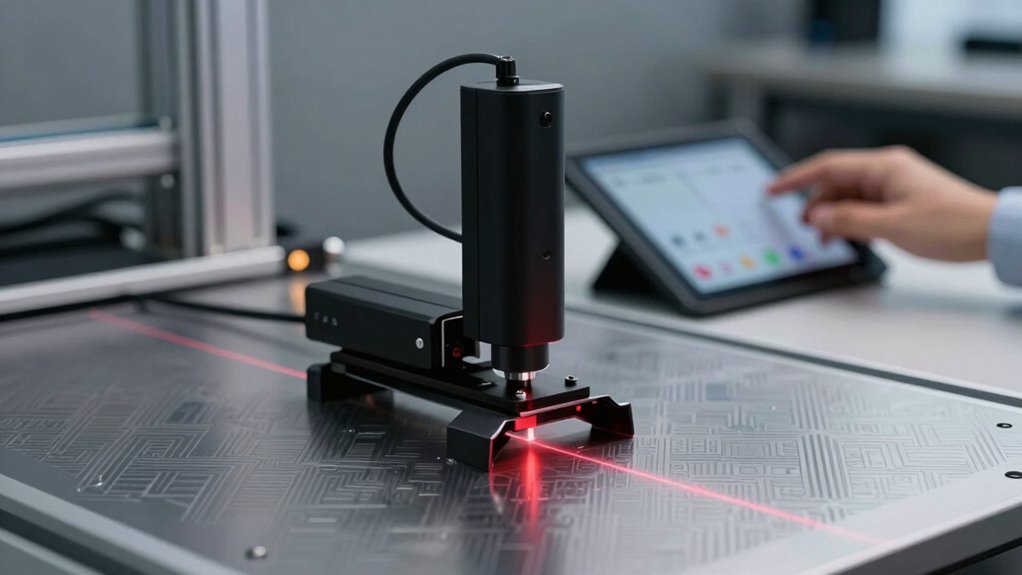
If you’re considering investing in a laser line 3D scanner, understanding its key features and limitations is essential to making an informed decision. These devices are powerful tools for capturing detailed three-dimensional data, but they come with specific considerations that can influence your purchase choice. One of the most important factors is cost considerations. Laser line 3D scanners vary widely in price, depending on their accuracy, scanning range, and additional features. High-end models with superior precision and faster data acquisition tend to be more expensive, often running into thousands of dollars. To determine if a particular scanner fits your budget, you need to assess your project requirements carefully. For smaller or less detailed tasks, a more affordable, entry-level scanner might suffice, while complex industrial applications require investment in more advanced equipment. Remember, the initial cost isn’t the only expense; consider ongoing costs such as software licenses, maintenance, calibration, and potential upgrades. Understanding device capabilities can help you select a model that balances performance with your budget. Additionally, evaluating the technical specifications ensures the scanner meets your specific project needs and prevents mismatched expectations. Compatibility requirements are another vital aspect to evaluate before making a purchase. Not all laser line 3D scanners work seamlessly with every computer system or software platform. You should verify that the scanner you choose is compatible with your existing hardware, such as your PC’s operating system, graphics card, and USB or Ethernet connections. Additionally, check the software ecosystem that accompanies the scanner. Is it user-friendly? Does it integrate well with your CAD or other design tools? Some scanners come with proprietary software, which might limit flexibility or require additional purchases. Ensuring compatibility reduces the risk of technical issues down the line and helps you maximize the scanner’s capabilities.
Beyond cost and compatibility, you should also think about your project’s specific needs. For instance, consider the size and complexity of the objects you’ll scan, the required resolution, and whether portability matters. If you need to scan large objects regularly, a scanner with a longer range might be necessary, but that could also influence the price and compatibility factors. Think about how you’ll process and store the data collected, as large scans generate significant file sizes that require ample storage and robust processing power.
laser line 3D scanner for industrial use
As an affiliate, we earn on qualifying purchases.
As an affiliate, we earn on qualifying purchases.
Frequently Asked Questions
How Does Ambient Lighting Affect Scanning Accuracy?
Ambient lighting can greatly impact your scanning accuracy. When ambient interference occurs due to inconsistent lighting conditions, it can cause the laser line to become less distinct, leading to errors in data capture. Bright or fluctuating lighting can interfere with the scanner’s sensors, reducing precision. To guarantee accurate results, you should scan in controlled lighting environments, minimizing ambient interference and maintaining stable lighting conditions.
Can Laser Line 3D Scanners Be Used Outdoors?
You can absolutely use laser line 3D scanners outdoors, but be prepared for a different dance with nature’s elements. Bright sunlight can drown out the laser’s beam, making accuracy a challenge, so consider material compatibility and portability concerns carefully. Make certain your scanner is rugged enough to handle outdoor conditions, and choose models with powerful lasers and weather-resistant features. With the right setup, you’ll capture outdoor details as beautifully as an artist sketches on a sunny day.
What Are the Typical Maintenance Requirements?
You need to regularly check the laser safety features and make sure the scanner’s protective covers are intact. Keep the device clean and free from dust, which can affect accuracy. Monitor the battery life to verify it’s fully charged before use, and recharge it as needed to prevent interruptions. Performing software updates and calibrations also helps maintain peak performance. Proper maintenance guarantees safety, longevity, and precise scanning results.
How Long Does Calibration Take?
Calibration typically takes about 15 to 30 minutes, depending on the scanner model and setup complexity. During the calibration process, you’ll perform accuracy verification to guarantee precise measurements. You should follow the manufacturer’s instructions carefully, as proper calibration is vital for maintaining scan accuracy. Regular calibration helps prevent errors and ensures consistent, reliable results over time, making it a key step before each scanning session.
Are There Compatibility Issues With Specific Software?
Software struggles can surface with laser line 3D scanners, but proactive planning prevents problems. You’ll want to verify seamless software integration, guaranteeing your scanner plays nicely with your preferred programs. Also, check data export options so you can smoothly transfer scans to your software. By doing so, you’ll prevent compatibility issues, promote productivity, and ensure your scanning process stays simple, swift, and satisfying.
portable 3D laser scanner for small objects
As an affiliate, we earn on qualifying purchases.
As an affiliate, we earn on qualifying purchases.
Conclusion
Now that you know what to contemplate before buying a laser line 3D scanner, you’re better equipped to make an informed decision. Remember, it’s not just about the latest tech but how well it fits your needs. Don’t jump the gun—take your time to weigh the pros and cons. After all, a wise man once said, “Look before you leap,” and in this case, it’ll save you from buying a pig in a poke.
high resolution 3D laser scanner software
As an affiliate, we earn on qualifying purchases.
As an affiliate, we earn on qualifying purchases.
compatible 3D scanner with CAD software
As an affiliate, we earn on qualifying purchases.
As an affiliate, we earn on qualifying purchases.
Fall Picks
fall essentials
As an affiliate, we earn on qualifying purchases.