Your desktop CNC can typically achieve accuracy within a few thousandths of an inch, but several factors influence this. Mechanical play, backlash, vibrations, and dust interfere with precision. Build quality, material choice, and environmental conditions also matter. Proper calibration, maintenance, and good tooling can improve results, but small machines have inherent limitations. To get the most out of your CNC, understanding these factors is key—continue exploring to see how you can maximize your machine’s potential.
Key Takeaways
- Mechanical play, backlash, and vibrations limit the precision of small desktop CNC machines.
- Rigid build quality and material choice significantly influence achievable accuracy.
- Regular calibration, maintenance, and environmental control are essential for maintaining consistent precision.
- Small-scale CNCs typically offer accuracy within ±0.1 to 0.2 mm, suitable for hobbyist projects.
- Expect some limitations due to component wear, thermal expansion, and design constraints inherent in compact machines.
What Factors Affect the Accuracy of Your Desktop CNC Machine?
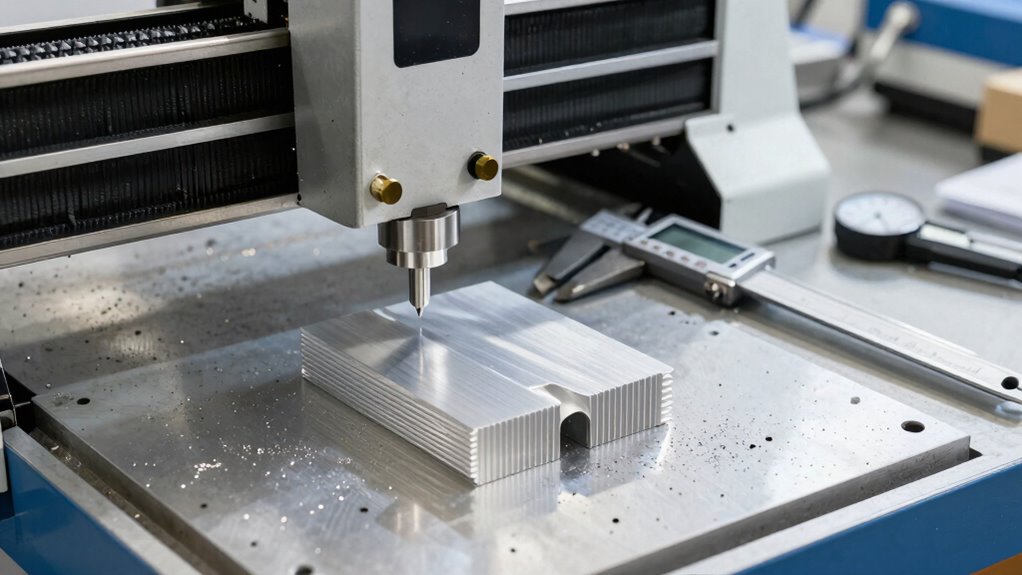
Several factors can influence the accuracy of your desktop CNC machine, and understanding them is essential for achieving precise results. One critical aspect is spindle rigidity; a sturdy spindle minimizes vibrations and deflections during cutting, directly impacting precision. If your spindle isn’t rigid enough, your cuts may be uneven or misguided. Dust prevention also plays a significant role—accumulated dust and debris can interfere with machine components, leading to inaccuracies. Regularly cleaning and maintaining your work area helps keep dust at bay, ensuring smooth operation. Additionally, ensuring tight and secure mounting of workpieces and keeping the machine well-calibrated contribute to better accuracy. Proper projector setup and calibration are also vital for aligning your machine’s components accurately. Ensuring your machine is free from vibrations and deflections by stabilizing its structure or foundation can further improve precision. Incorporating proper maintenance practices can help sustain accuracy over time, preventing issues caused by wear and tear. Moreover, implementing dust control measures can significantly reduce the risk of debris interfering with sensitive parts, maintaining consistent operation. By focusing on spindle rigidity and dust prevention, you set a solid foundation for consistent, precise results with your desktop CNC machine.
How Do Work Area Size and Build Quality Impact Precision?
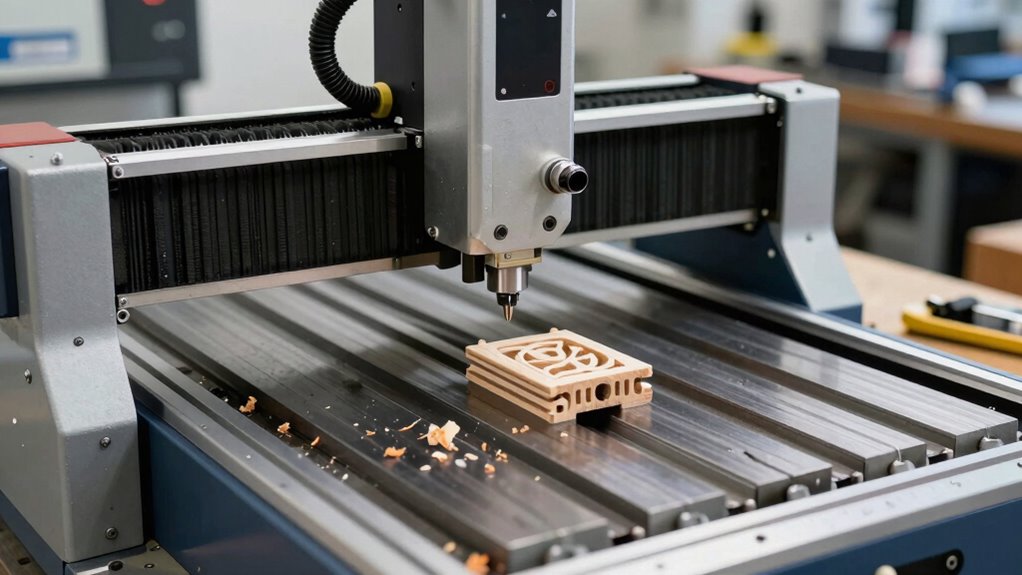
Your work area size and build quality directly influence the precision you can achieve with a desktop CNC machine. A larger work area allows you to work on bigger projects, but it can also introduce more flex and vibrations, reducing accuracy. Smaller work areas tend to be more rigid, providing better stability and precision. Build quality is equally vital; a well-constructed machine with sturdy components minimizes deflection and wobble during operation. Higher-quality materials and tight assembly ensure consistent movement and better repeatability. Additionally, rigid frame design helps maintain alignment and reduces vibration-related errors. Proper machine calibration also plays a crucial role in achieving optimal accuracy, especially over extended use. Regular maintenance practices and component inspection are essential to prevent wear that could compromise precision. Conversely, cheaper or poorly assembled machines may suffer from misalignments and vibrations that compromise accuracy. Ultimately, balancing your work area size with solid build quality helps you maximize accuracy, guaranteeing your CNC projects turn out as precise and reliable as possible. Ensuring your machine has vetted components can further enhance its precision and dependability.
What Are the Common Limitations of Small-Scale CNC Machines?
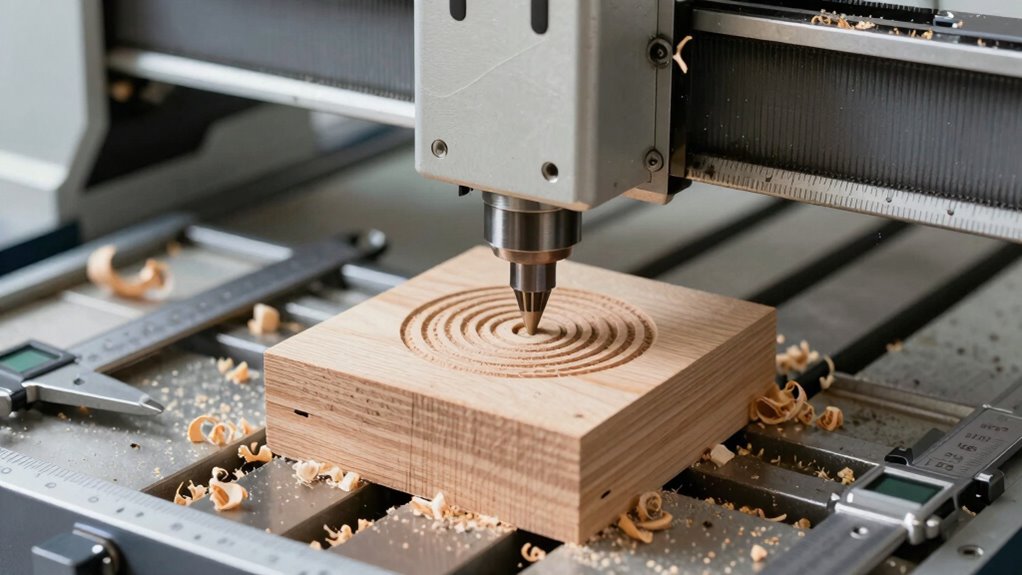
Small-scale CNC machines often face issues like mechanical play and backlash, which can affect accuracy. Material limitations and stability also restrict what you can cut or shape reliably. Additionally, calibration challenges can make it hard to maintain consistent precision over time. Proper piercing care and hygiene are essential to ensure the machine’s components stay clean and function effectively. Furthermore, understanding the biography of influential figures in the industry can provide insights into best practices and innovations. Being aware of lifestyle factors such as proper maintenance routines can also help in extending the machine’s lifespan and performance. Incorporating advanced technology can sometimes mitigate some of these inherent limitations and improve overall precision. Regularly updating firmware and employing precision measurement tools can also help in achieving better accuracy.
Mechanical Play and Backlash
Mechanical play and backlash are common issues that limit the precision of small-scale CNC machines. These problems occur when gears, screws, or guides have slight gaps or looseness, causing delays in movement. Backlash is especially problematic during direction changes, leading to inaccuracies. To understand their impact, consider this table:
| Issue | Effect on Accuracy | Mitigation Strategies |
|---|---|---|
| Mechanical Play | Sloppy movements, reduced precision | Tighten fittings, use ball screws |
| Backlash | Position errors, inconsistent cuts | Use anti-backlash nuts, adjust tension |
Addressing these limitations involves proper maintenance and choosing the right components. While they can’t be eliminated completely, minimizing mechanical play and backlash improves overall machine reliability and output quality. Regular inspection and component alignment are essential for maintaining accuracy over time.
Material Limitations and Stability
Limited material options and stability challenges considerably impact the performance of small-scale CNC machines. You’ll often encounter issues like material deformation, especially when working with softer materials or inconsistent stock. These materials can bend or warp under cutting forces, affecting precision. Thermal expansion is another concern; as the material heats during machining, it expands, causing slight shifts in dimensions and reducing accuracy. Small machines lack the rigid frame and advanced cooling systems of industrial setups, making them more sensitive to these effects. This means you need to select stable materials and monitor temperature changes carefully. Additionally, understanding material behavior is essential for anticipating how different materials respond during cutting. Recognizing the effects of Thermal expansion can help you plan for dimensional changes during machining. Without proper awareness, these limitations can lead to inaccuracies, surface defects, or even part failure. Being aware of material properties can help you choose suitable materials and improve your machining outcomes. Understanding these material behaviors helps you plan better and achieve more reliable results with your desktop CNC setup. Considering material stiffness can also influence the quality of your cuts and precision. Furthermore, factoring in the material’s thermal properties can help mitigate some of these accuracy issues during prolonged machining processes.
Machine Calibration Challenges
Calibration is essential for achieving accurate cuts on your CNC machine, but several common limitations can make this process challenging. One major issue is relying on digital readouts that may drift or be miscalibrated, leading to inaccuracies. Ensuring proper spindle alignment is also critical; even slight misalignments can cause uneven cuts or tool wear. Small-scale CNC machines often lack the robust calibration features found in larger equipment, making it harder to fine-tune precision. Additionally, mechanical wear and loose fittings can throw off your calibration over time. These limitations mean you need to regularly check and adjust your machine, especially the digital readouts and spindle alignment, to maintain consistent accuracy. Moreover, Free Floating conditions in the machine environment can affect stability and precision. Overcoming these challenges requires patience, routine maintenance, and a careful calibration process.
How Can You Calibrate and Maintain Your CNC for Better Results?
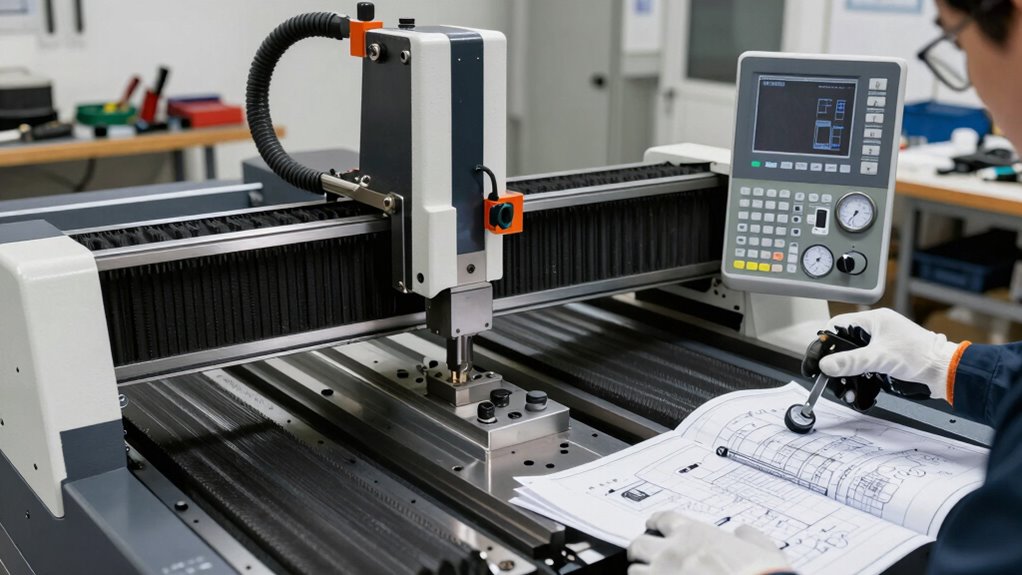
To get the best results from your CNC, you need to regularly calibrate it to guarantee accuracy. Keep your tools and parts well-maintained to prevent issues and improve finish quality. Also, stay up-to-date with software and firmware updates to optimize performance and fix bugs. Understanding the fundamentals of calibration can help you achieve consistent precision in your projects. Additionally, implementing proper maintenance practices ensures longevity and reliable operation of your CNC machine.
Regular Calibration Procedures
Regular calibration is essential to keep your CNC machine running accurately and producing high-quality results. Consistent calibration ensures everything stays aligned and precise over time. To do this effectively, focus on maintaining proper machine alignment and performing software calibration regularly. Proper alignment minimizes mechanical errors, while software calibration adjusts for any discrepancies in your control settings.
You should regularly:
- Check and adjust machine alignment to prevent drift
- Run software calibration routines to fine-tune control parameters
- Verify the accuracy of your axes with test cuts or measurements
Tool and Part Maintenance
Maintaining your tools and parts is essential for consistent precision and peak performance. Over time, tool wear can degrade cut quality and affect accuracy, so inspecting tools regularly is vital. Replace or sharpen worn tools to prevent inaccuracies caused by dullness. Adjust cutting speed based on the tool’s condition and material to minimize wear and achieve cleaner cuts. Proper clamping of parts prevents movement during machining, ensuring consistent results. Keep your work area clean to avoid debris that can impact precision. Regularly check for loose fasteners and realign components if needed. Using high-quality tools and maintaining sharp edges reduces unnecessary stress on your CNC, which helps extend tool life and maintain accuracy. Consistent maintenance ultimately leads to more reliable, precise results. Additionally, employing simple tools like BTU and CADR quick-calculators can help you optimize your setup and troubleshoot issues more effectively.
Software and Firmware Updates
Keeping your CNC’s software and firmware up to date is essential for peak performance and precision. Regular firmware updates fix bugs, improve stability, and enhance compatibility with new tools and features. Ensuring software compatibility prevents issues that could lead to inaccuracies or crashes during operation. To maintain ideal results, regularly check for firmware updates from your manufacturer and install them promptly. Additionally, update your control software to the latest version to benefit from new functionalities and bug fixes. Staying current with updates also helps prevent compatibility issues with other software tools you may use. Remember, outdated firmware or software can hinder your CNC’s accuracy and reliability. Keeping everything updated ensures your machine operates smoothly, minimizes errors, and extends its lifespan.
What Realistic Expectations Should Hobbyists Have for CNC Accuracy?
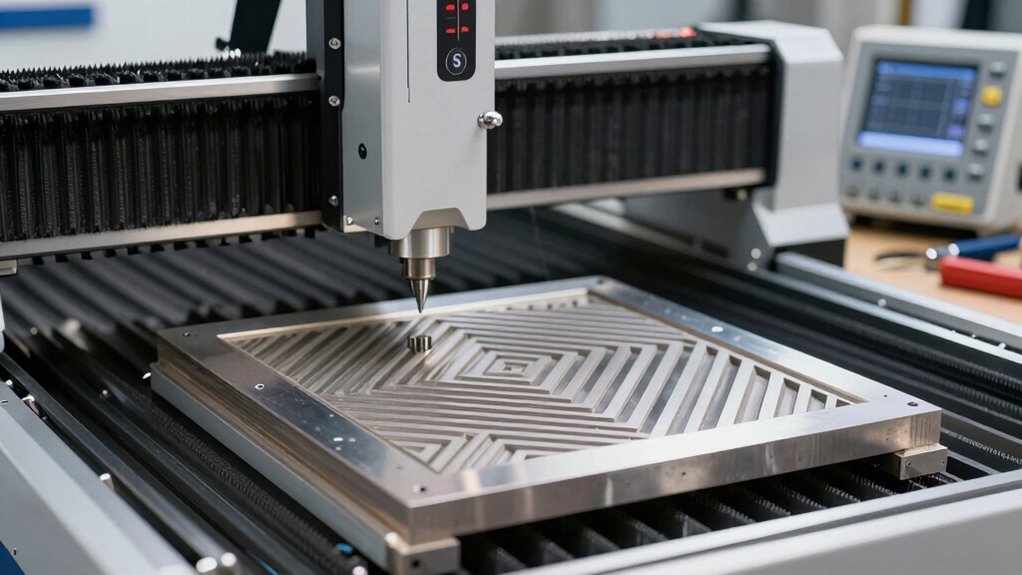
While CNC machines have become more accessible for hobbyists, it’s vital to set realistic expectations for their accuracy. Expect your machine to achieve precision within a few thousandths of an inch, but don’t anticipate industrial-level tolerances. Your cutter selection plays a crucial role; sharper, higher-quality bits produce cleaner cuts and better accuracy. Proper dust management is equally important, as dust and debris can interfere with machine components and cause inaccuracies over time. Regular cleaning and maintenance help guarantee consistent results. Remember, even with careful setup, environmental factors like vibrations and material inconsistencies can affect precision. Material properties and their influence on cutting accuracy are also essential considerations. Additionally, understanding machine calibration helps in maintaining consistent results over time. Setting realistic goals means understanding these limitations and focusing on steady improvement rather than perfection. With patience and proper care, your hobbyist CNC can deliver impressive, usable results.
How Do Material Choices and Tooling Influence Final Precision?
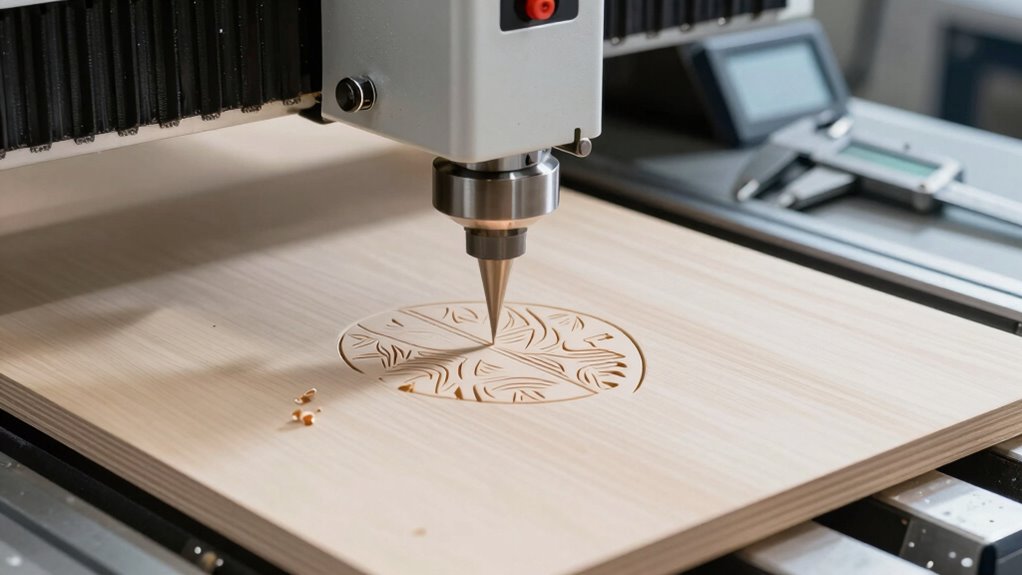
Choosing the right materials and tooling considerably impacts the precision you can achieve with your hobbyist CNC machine. Material selection determines how well your workpiece responds to cutting forces and vibrations, directly affecting final accuracy. Harder, stable materials like aluminum or hardwood often yield better precision than softer plastics. Tooling impact is equally important; sharp, high-quality bits reduce deflection and chatter, resulting in cleaner cuts. Properly selected tooling also minimizes wear, maintaining accuracy over time.
- Use rigid materials suited for your project
- Choose sharp, high-quality tools for cleaner cuts
- Consider softer materials’ limitations on precision
Frequently Asked Questions
What Level of Precision Is Achievable With Entry-Level Desktop CNCS?
With entry-level desktop CNCs, you can typically achieve precision around 0.1 to 0.2 mm, depending on your material selection and machine calibration. Thinner, softer materials tend to yield better accuracy, while proper calibration ensures consistent results. Keep in mind, the more you fine-tune your machine and choose suitable materials, the closer you’ll get to ideal precision, making your projects more accurate and professional-looking.
How Does Ambient Temperature Affect CNC Machining Accuracy?
Imagine you’re in the year 3000, yet temperature fluctuations still matter. Ambient temperature affects your CNC’s accuracy because temperature stability is vital. When temperatures rise, material expansion can cause your machine’s parts to shift slightly, leading to inaccuracies. Maintaining consistent ambient conditions minimizes these effects, ensuring your machining remains precise. So, keep your workspace climate-controlled, and you’ll preserve the tight tolerances you need for quality results.
Can Software Settings Compensate for Hardware Limitations?
Yes, software settings can help compensate for hardware limitations. You should perform software calibration to fine-tune your CNC machine’s movements and adjust firmware settings to optimize performance. By tweaking these parameters, you can improve accuracy despite hardware constraints. Keep in mind, though, that software adjustments have limits, so understanding your machine’s capabilities is essential for achieving the best possible results.
What Are the Most Common Causes of Accuracy Deviations?
You often face accuracy deviations due to improper machine calibration and tool wear. If your CNC machine isn’t calibrated correctly, it won’t produce precise cuts, leading to errors. Additionally, as tools wear down, they lose their accuracy, causing deviations in your work. Regularly checking calibration and replacing worn tools can considerably improve your CNC precision. Keep these maintenance practices in mind to guarantee consistent, accurate results in your projects.
How Does User Skill Impact the Final Precision of CNC Projects?
Your user skill and operator experience directly impact your CNC project’s precision. For example, a novice might misalign the workpiece or set incorrect feed rates, leading to inaccuracies. Conversely, an experienced operator understands calibration, material behavior, and troubleshooting, resulting in higher accuracy. Improving your skills through practice and learning guarantees you minimize errors, optimize machine performance, and achieve more precise, consistent results in your CNC projects.
Conclusion
Understanding the true capabilities of your desktop CNC is like steering a ship through calm waters—you’ll need to steer with realistic expectations and steady hands. While these machines can deliver impressive results, they’re not magic wands. By considering factors like build quality, calibration, and material choice, you set yourself up for success. Remember, patience and proper maintenance are your compass on this journey toward precision, turning your CNC dreams into tangible reality.