When you print, uneven cooling and material shrinkage cause internal stresses that lead to warping. The geometry of your design plays a big role—large, complex, or unsupported shapes are more prone to deformation because they cool unevenly and experience different contraction rates. Rapid cooling and poor bed adhesion worsen these issues. To get better results, you need to control temperature changes and optimize your design. Keep exploring to discover how to minimize warping effectively.
Prime for Young Adults — start your free trial
Fast free delivery, streaming and member deals for eligible 18–24 year olds.
As an affiliate, we earn on qualifying purchases.
Key Takeaways
- Uneven cooling creates temperature gradients, leading to internal stresses that cause warping and deformation.
- Rapid cooling causes edges to contract faster than the interior, pulling the print away from the build plate.
- Complex geometries and thin walls experience uneven heat distribution, increasing internal stresses and warping risk.
- Material properties like thermal expansion coefficients influence contraction rates and susceptibility to shrinkage.
- Proper cooling control and design modifications help distribute stresses evenly, reducing warping during cooling and shrinkage.
3D printer filament storage container
As an affiliate, we earn on qualifying purchases.
As an affiliate, we earn on qualifying purchases.
Why Do 3D Prints Warp?
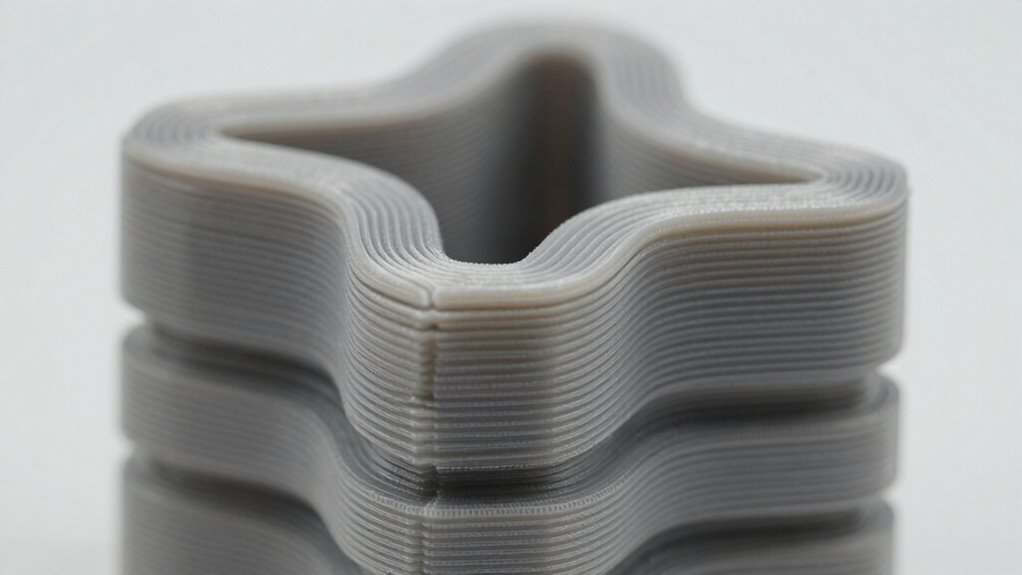
Have you ever noticed your 3D prints warping and wondered why it happens? One key factor is filament storage. If you don’t keep your filament dry and properly stored, moisture can cause uneven cooling and shrinkage, leading to warping. Additionally, print orientation plays a significant role. When you position your model incorrectly, it exposes larger surfaces to uneven cooling, increasing stress and deformation. For example, printing a tall, narrow object upright can cause more warping than laying it flat. Proper filament storage prevents moisture-related issues, while strategic print orientation helps manage uneven cooling, ultimately improving your print quality and reducing deformation. Understanding print technology and how it interacts with material properties can further help in reducing warping. Factors like thermal dynamics also influence how the material cools and contracts, impacting the overall warping process. Paying attention to cooling rates can significantly influence the degree of warping, especially for large or complex models. Recognizing the importance of thermal contraction can help you anticipate and mitigate deformation during cooling.
As an affiliate, we earn on qualifying purchases.
How Do Temperature Changes Cause Warping?
Temperature fluctuations during the printing process directly impact how your filament cools and contracts. When the extruded material experiences uneven cooling, it creates temperature gradients across the print. These gradients cause different parts of the object to shrink at varying rates, leading to internal stresses. Material properties play a pivotal role here; some plastics contract more than others when cooled, increasing warping risks. Rapid cooling intensifies temperature differences, making the edges shrink faster than the center. As a result, the print pulls away from the build plate or warps at corners. Managing temperature gradients by controlling cooling rates and maintaining consistent heat helps minimize these stresses. Understanding how temperature changes influence material behavior allows you to take better steps to prevent warping during printing. Auditory processing principles can also be applied to optimize cooling cycles by monitoring and adjusting environmental conditions for uniform heat distribution, which helps reduce thermal stress in the printed object. Additionally, implementing controlled cooling methods can significantly lessen the impact of temperature gradients, leading to more accurate and warping-free prints. Employing temperature management techniques such as active cooling or heated chambers can further enhance print quality by maintaining consistent thermal conditions throughout the process. In particular, studies show that thermal conductivity of the filament material affects how quickly heat dissipates, influencing warping tendencies.
temperature control for 3D printing
As an affiliate, we earn on qualifying purchases.
As an affiliate, we earn on qualifying purchases.
How Does Geometry Affect Warping Risks?
The shape and size of your print considerably influence warping risks because larger or more complex geometries tend to experience greater internal stresses during cooling. These stresses cause material deformation, increasing the chance of warping. Complex shapes with uneven surfaces create uneven stress distribution, making certain areas more prone to deformation. To visualize this, consider the following:
| Geometry Type | Stress Distribution | Warping Risk |
|---|---|---|
| Flat Plate | Even, uniform stress | Low |
| Tall Cylinder | Concentrated stress at top and base | Moderate |
| Overhangs | Uneven stress at overhang edges | Higher |
| Thin Walls | Stress focused on thin sections | High |
| Complex Curves | Highly uneven stress, unpredictable | Very high |
Understanding how geometry influences stress helps you predict and minimize warping risks. Additionally, selecting appropriate print orientation can further reduce deformation during cooling. Properly managing cooling rates also plays a vital role in minimizing internal stresses and warping. Being aware of material properties is essential, as different materials respond uniquely to cooling and stress. For example, certain materials may tolerate more deformation without warping if their thermal expansion characteristics are well understood. Furthermore, incorporating design modifications such as fillets or support structures can distribute stresses more evenly and reduce warping potential.
As an affiliate, we earn on qualifying purchases.
Why Does Material Shrink as It Cools?
When materials cool, they contract, causing them to shrink in size. This process creates thermal stress that can lead to warping if the geometry isn’t carefully considered. Understanding how contraction and stress interact helps you prevent print deformation. Proper design considerations can mitigate these effects and preserve the integrity of your print. Additionally, knowing the material properties such as thermal expansion coefficients helps predict how different materials respond to cooling. Recognizing the material’s behavior during temperature changes allows for more accurate predictions and better material selection to avoid deformation. Being aware of thermal management techniques can further optimize the cooling process and reduce warping risks. Incorporating Youngster Choice insights can also inform material choices and design adjustments to minimize shrinkage issues.
Material Contraction During Cooling
As a material cools, its atoms lose energy and move closer together, causing the entire piece to contract. This process is the opposite of material expansion that occurs when heated. When the temperature drops, the reduction in atomic vibrations results in a smaller overall volume. This contraction is a natural response to thermal deformation, where the material’s structure adjusts to new temperature conditions. Different materials contract at varying rates depending on their properties, which can lead to internal stresses if cooling isn’t uniform. Recognizing the link between cooling and contraction allows you to better manage print conditions and minimize deformation caused by shrinkage. Understanding thermal contraction is essential for predicting and controlling how materials behave as they cool.
Thermal Stress and Geometry
Material contraction during cooling doesn’t happen uniformly, leading to the development of thermal stresses within the object. As the material cools, areas with different rates of thermal expansion respond differently, creating internal forces. These stresses cause mechanical deformation, as parts of the print resist shrinking at different rates. When the stresses exceed the material’s strength, it warps or cracks. Geometry plays a vital role because complex shapes or uneven cooling intensifies these effects. The interplay between thermal expansion and contraction causes internal strain, which manifests as warping or distortion. Understanding this relationship helps you predict where stresses will develop and how geometry influences the final shape. Managing cooling rates and optimizing design can minimize thermal stress, reducing warping and improving print quality. Thermal stress is a key factor in predicting and preventing deformation during cooling.
How Do Cooling Rates Impact Print Accuracy?
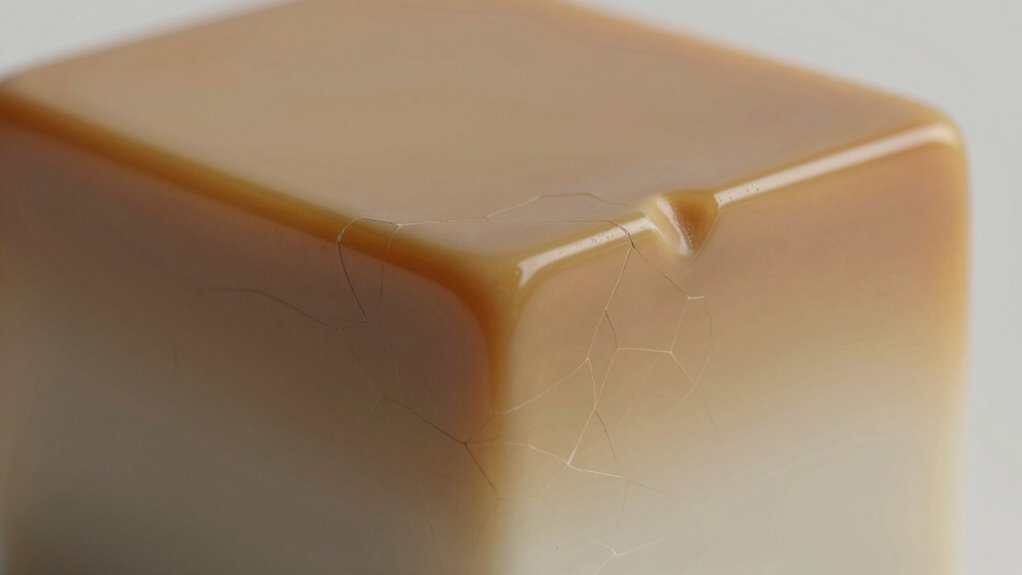
Cooling rates play a essential role in determining print accuracy because they directly influence how the printed material solidifies and settles. Rapid cooling can create steep temperature gradients, leading to uneven material crystallization and internal stresses. Conversely, slow cooling allows for more uniform temperature distribution, reducing distortions. Specifically:
- Faster cooling increases temperature gradients, causing uneven shrinkage.
- Controlled cooling promotes consistent material crystallization, minimizing warping.
- Adjusting cooling rates helps manage internal stress buildup, improving dimensional accuracy.
- Proper cooling protocols are essential for preventing material distortion and achieving precise prints. Additionally, understanding the geometry of shrinkage can help optimize cooling strategies to further reduce warping and improve overall print quality. Recognizing how thermal contraction affects the final shape can guide better cooling practices to enhance print fidelity and reduce the likelihood of print deformation.
What Causes Internal Stress and Curling?
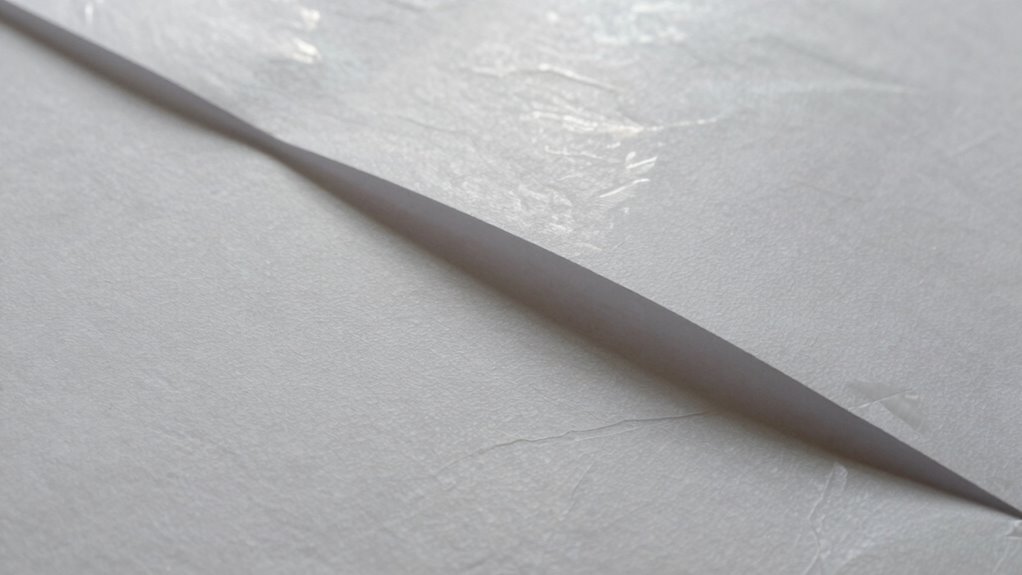
Internal stress and curling happen when different parts of your print cool at different rates, creating uneven contraction. This uneven cooling causes tension within the material, which can lead to warping. Understanding these forces helps you control and reduce internal stress for better print stability.
Differential Cooling Rates
When different parts of a print cool at different rates, internal stresses develop that can cause warping and curling. Rapid cooling in certain areas prevents proper layer adhesion, leading to uneven shrinkage. This uneven cooling creates residual stress within the material, which pulls and distorts the print’s shape. To understand this better:
- Uneven cooling causes some regions to contract faster, stressing the material.
- These stresses accumulate, especially where layers bond poorly.
- The resulting residual stress can make the print curl or warp as it seeks to relieve internal tension.
Controlling cooling rates guarantees more uniform layer adhesion and minimizes residual stress buildup. This balance helps maintain dimensional accuracy and prevents warping caused by differential cooling.
Internal Material Tension
Internal material tension arises when different parts of a print are subjected to conflicting forces during the printing process. These forces create residual stresses that remain locked within the material as it cools and solidifies. Over time, these stresses weaken the material’s structure, leading to material fatigue. When residual stresses build unevenly, they cause the print to curl or warp unexpectedly. This internal tension often occurs due to rapid cooling or uneven heat distribution, creating areas of compression and tension within the print. As the material relaxes or experiences fatigue, it shifts, resulting in distortion. Managing internal material tension involves controlling cooling rates and ensuring uniform heat flow to minimize residual stresses and reduce the risk of curling or warping.
Which Design Features Increase Warping?
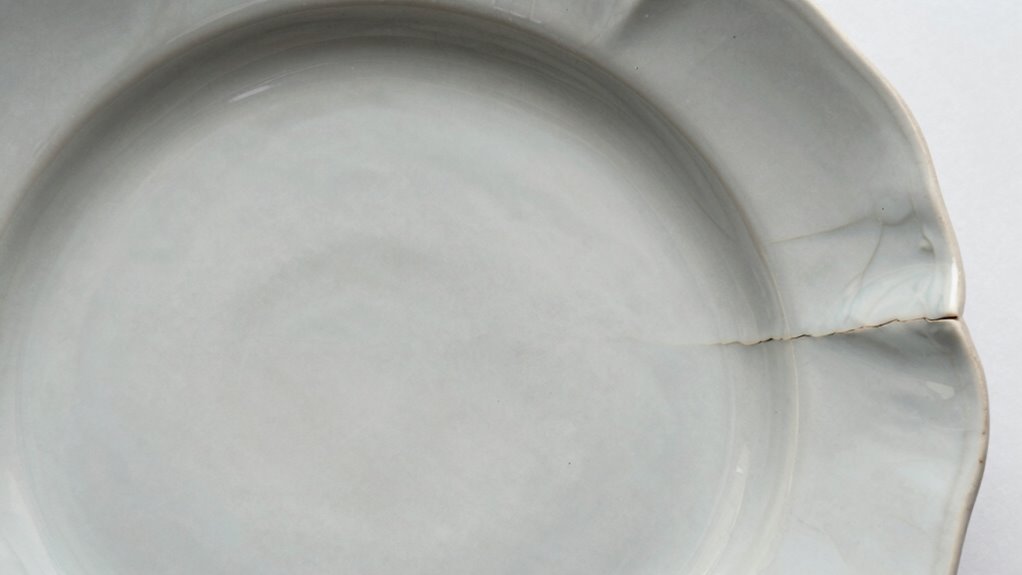
Certain design features can markedly increase warping in 3D prints, making it more likely your part will lift or deform during cooling. Complex designs tend to have uneven heat distribution, creating stress points that promote warping. Similarly, intricate shapes often require support structures, which can introduce uneven cooling and residual stresses as they are removed. To minimize warping, avoid:
Complex designs and support structures increase warping risks during 3D printing.
- Overly complex geometries that create uneven cooling zones.
- Designs with thin or uneven walls that shrink at different rates.
- Excessive reliance on support structures that disturb consistent heat flow.
How Can You Reduce Shrinkage and Stress?

To effectively reduce shrinkage and stress in your 3D prints, focusing on proper print settings and material choices is key. Store your filament properly in a dry environment to prevent moisture absorption, which can cause uneven shrinkage. Ensuring good print bed adhesion helps maintain a stable foundation, reducing warping caused by parts curling away during printing. Use a heated bed if possible, set appropriate bed temperatures, and consider adhesion aids like glue stick or painter’s tape. Adjust print speeds and cooling settings to allow the material to cool gradually, minimizing internal stresses. By controlling these factors, you promote uniform cooling and minimize the forces that lead to warping and cracking, resulting in cleaner, more precise prints.
What Filament Settings Help Prevent Warping?
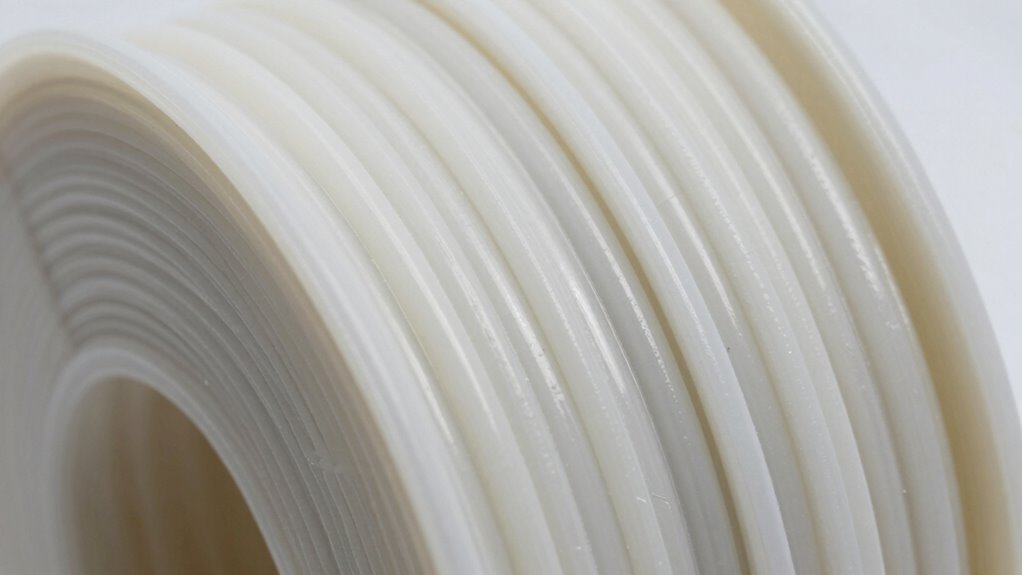
To prevent warping, you should start by using a heated bed, which helps the filament stick and stay flat. Adjusting your print speed can minimize stress and reduce the chances of warping. Additionally, optimizing cooling settings guarantees proper layer adhesion and smooth prints.
Use Heated Bed
Using a heated bed can considerably reduce warping by helping the filament adhere better to the build surface and maintain consistent temperature throughout the print. Proper print adhesion minimizes movement and uneven cooling, which are key causes of warping. To maximize this benefit, consider these factors:
- Set the heated bed temperature according to filament specifications to ensure excellent adhesion.
- Use a suitable build surface, like glass or PEI, to improve print sticking.
- Keep the bed level and clean to prevent uneven adhesion points.
These steps create a stable environment that reduces thermal stresses and shrinkage unevenness. By maintaining a consistent temperature with your heated bed, you foster better print adhesion, which is essential for preventing warping and achieving high-quality prints.
Adjust Print Speed
Adjusting your print speed can considerably impact warping prevention, as it influences how quickly the filament cools and solidifies. A slower print speed allows the filament more time to adhere smoothly to the previous layer, reducing the risk of warping caused by uneven cooling and shrinkage. Conversely, if you print too fast, the filament might not bond properly, leading to layer separation and increased warping. Maintaining ideal print temperature alongside a controlled print speed helps ensure the filament remains in a workable state without cooling too quickly. By fine-tuning your print speed to match your filament’s specifications, you promote even cooling and minimize internal stresses. This careful balance ultimately results in more accurate, warp-free prints.
Optimize Cooling Settings
Optimizing your cooling settings is essential for preventing warping, especially when working with filament types prone to shrinkage. Proper cooling helps solidify layers evenly and reduces internal stresses. To achieve this, focus on these key aspects:
- Adjust the cooling fan speed to ensure consistent airflow without overcooling the print.
- Maintain a stable ambient temperature to prevent rapid temperature fluctuations that can cause warping.
- Use gradual cooling ramps, allowing the print to cool slowly as it builds, minimizing internal stresses.
How Do You Troubleshoot Warping in Your Prints?
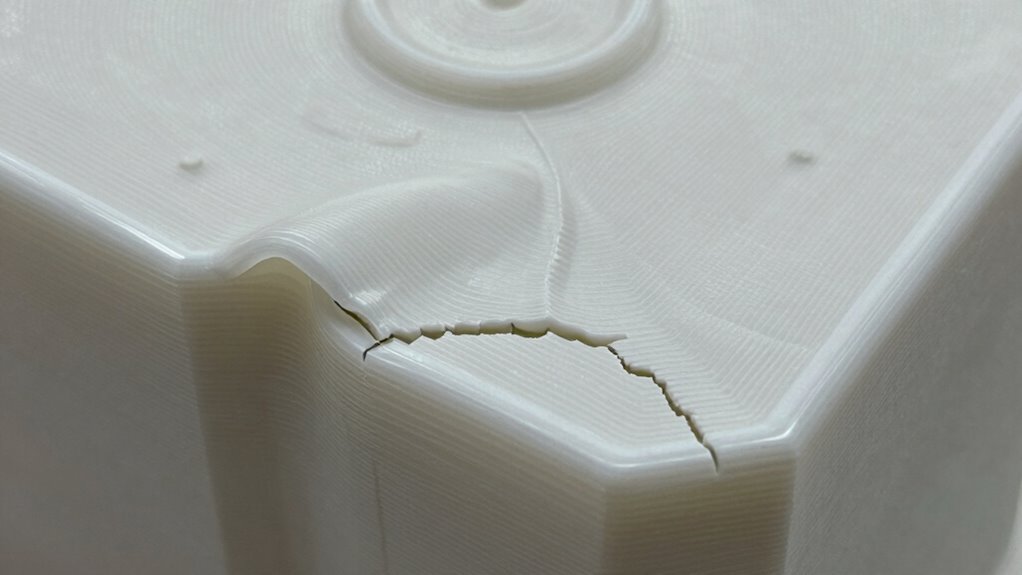
When you notice your prints starting to warp, the first step is to identify the underlying cause. Check your filament storage—moisture in filament can cause uneven cooling and warping. Make certain your filament is properly dried and stored in a sealed container. Next, verify your nozzle calibration; an improperly calibrated nozzle can lead to inconsistent extrusion, which affects layer adhesion and increases warping risk. Also, inspect your bed leveling and adhesion methods, as poor bed contact can contribute to warping. Adjust cooling settings to prevent rapid temperature changes. If warping persists, consider adding a brim or raft to improve bed adhesion. Troubleshooting involves systematically checking these factors, making adjustments, and running test prints until warping is minimized.
Frequently Asked Questions
How Does Ambient Room Temperature Influence Print Warping?
Ambient room temperature considerably influences print warping because cooler temperatures cause rapid cooling, leading to uneven shrinkage and poor print adhesion. If your room is too cold, the print layer cools quickly, increasing warping risk. Conversely, maintaining a stable, warm ambient temperature helps guarantee consistent cooling, improving print adhesion and reducing warping. Keep your environment controlled for better results and smoother prints with fewer distortions.
Can Printer Calibration Errors Increase Warping Risks?
When your printer’s calibration accuracy drifts, it subtly increases the risk of warping. Misaligned axes or inconsistent filament flow create uneven cooling and shrinkage, leading to distortion. If your calibration isn’t spot-on and filament consistency isn’t maintained, you may notice your prints curling or warping more often. Regular calibration checks guarantee your printer stays precise, helping your prints stay smooth, flat, and true to your design.
What Role Does Layer Height Play in Thermal Contraction?
Your layer height considerably impacts thermal contraction during printing. Thinner layers cool faster and experience less contraction, reducing warping risks. Conversely, thicker layers retain heat longer, increasing thermal contraction and potential deformation. By carefully adjusting your layer height, you can control how heat dissipates, leading to more stable prints. Smaller layer heights generally promote better dimensional stability, helping you achieve smoother, warping-resistant results.
Does Filament Color Affect Cooling and Shrinkage?
Filament color affects cooling and shrinkage like a mirror reflects light—different pigments absorb and radiate heat variably. Darker filaments, with more pigmentation, absorb heat faster, leading to quicker cooling and potential warping. Conversely, lighter colors cool more slowly. Your filament’s pigmentation influences its cooling rate, which impacts how much it shrinks as it cools. So, choosing the right color helps control warping and achieve better print quality.
How Do Support Structures Impact Internal Stress Development?
Support structures can profoundly impact internal stress development in your prints. When you remove supports, you may introduce sudden changes in temperature or stress concentrations, which can cause warping or cracking. Carefully planning support removal helps minimize internal stress, ensuring your print stays dimensionally accurate and strong. By gently removing supports and avoiding stress points, you reduce internal stress buildup, leading to better overall print quality and durability.
Conclusion
Understanding how temperature, geometry, and cooling influence warping helps you improve your 3D prints. While some might think perfect prints are impossible, adjusting settings and design choices can substantially reduce issues. Remember, slight imperfections are normal, and patience is key. With careful control over material cooling and thoughtful design, you can achieve accurate, high-quality results—so don’t let minor setbacks discourage you; every print is a learning opportunity.
NFL season / tailgating Picks
team gear
As an affiliate, we earn on qualifying purchases.