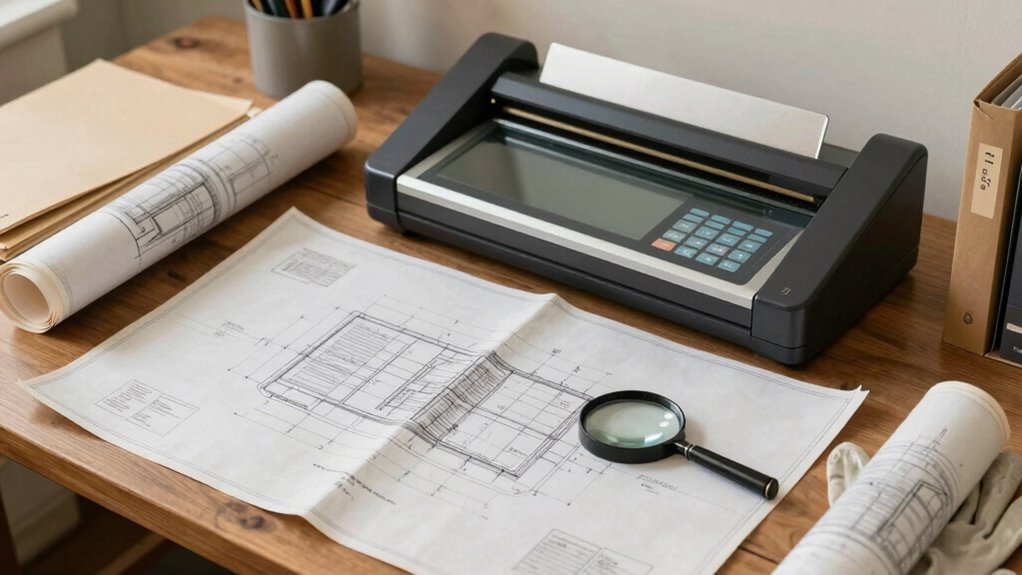

To digitize old blueprints effectively, start by inspecting their condition for tears, stains, or fragility, and repair any damage beforehand. Use high-resolution scanners or cameras suited for your blueprint size, ensuring clarity and detail. Organize digital files with clear naming conventions and metadata for easy access. Securely store copies in cloud and physical backups. If you keep this process in mind, you’ll discover how to preserve your valuable plans for the long term.
Key Takeaways
- Assess blueprint condition carefully for tears, stains, and fragility before beginning digitization.
- Choose appropriate equipment like high-resolution flatbed or wide-format scanners based on blueprint size.
- Organize digital files with consistent naming, metadata, and proper folder structures for easy retrieval.
- Back up digital archives regularly to multiple secure locations, including cloud storage.
- Implement secure access controls and encryption to protect digital blueprints during sharing and storage.

VIISAN VF3240 A3 Scanner – Fastest 4-Second Scan (200dpi, A3 Color), 2400 DPI High Resolution, Frameless Auto-Scan for CAD & Business
🎯 2400 DPI High-Resolution Output with 48-bit Color – Capture every detail with stunning clarity. The scanner delivers…
As an affiliate, we earn on qualifying purchases.
As an affiliate, we earn on qualifying purchases.
Why Proper Archiving of Old Blueprints Matters
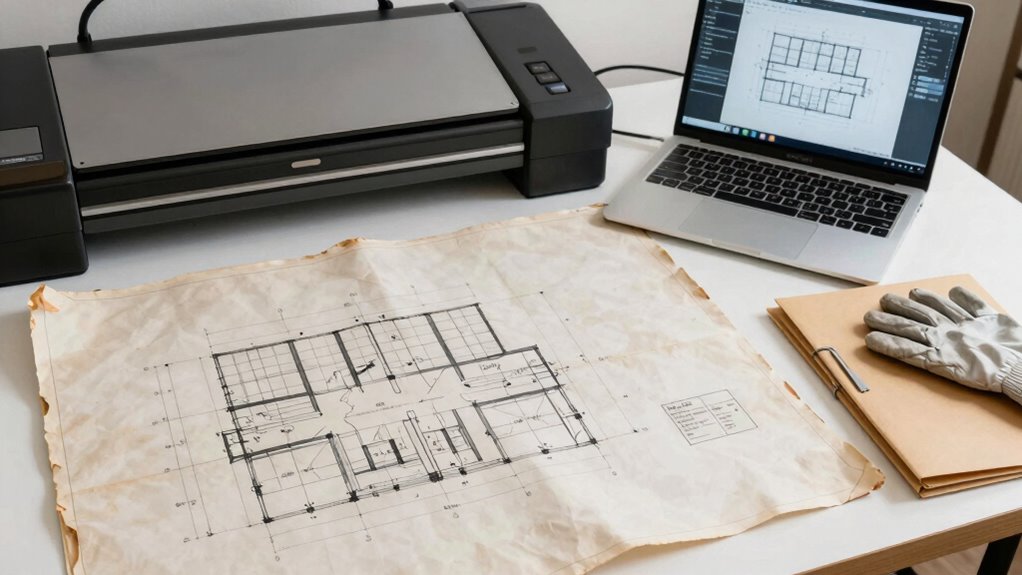
Properly archiving old blueprints is vital because it guarantees that valuable design information remains accessible and protected over time. Blueprint preservation helps maintain the historical significance of architectural and engineering projects, guaranteeing future generations can learn from them. When blueprints are properly archived, you prevent deterioration caused by environmental factors like moisture, light, and handling. This careful preservation also safeguards detailed records that may be indispensable for renovations, legal purposes, or historical research. By investing in proper storage methods—such as acid-free folders, climate control, and organized cataloging—you ensure those important documents stay intact. Implementing cloud storage solutions can enhance access and security for digital blueprints, providing an additional layer of protection. Protecting your blueprints not only preserves their physical integrity but also maintains their value as historical artifacts, allowing you to access and study them long into the future. Proper archiving techniques are essential for ensuring long-term preservation and easy retrieval of these valuable documents. Additionally, understanding the importance of document security helps prevent unauthorized access or loss of sensitive information. Employing environmental controls is also crucial to prevent damage from humidity and temperature fluctuations that can accelerate deterioration.

Plustek Wide-Format Color Duplex Document Scanner S30, for Large-Format Document Scan, Scans Wide Up to 12" and Long Up to 200", 100-Sheet Duplex Auto Document Feeder
[Office-friendly] – The S30 can scan documents up to 12 inches wide, meeting a wide range of business…
As an affiliate, we earn on qualifying purchases.
As an affiliate, we earn on qualifying purchases.
How to Check the Condition of Your Blueprints Before Digitizing
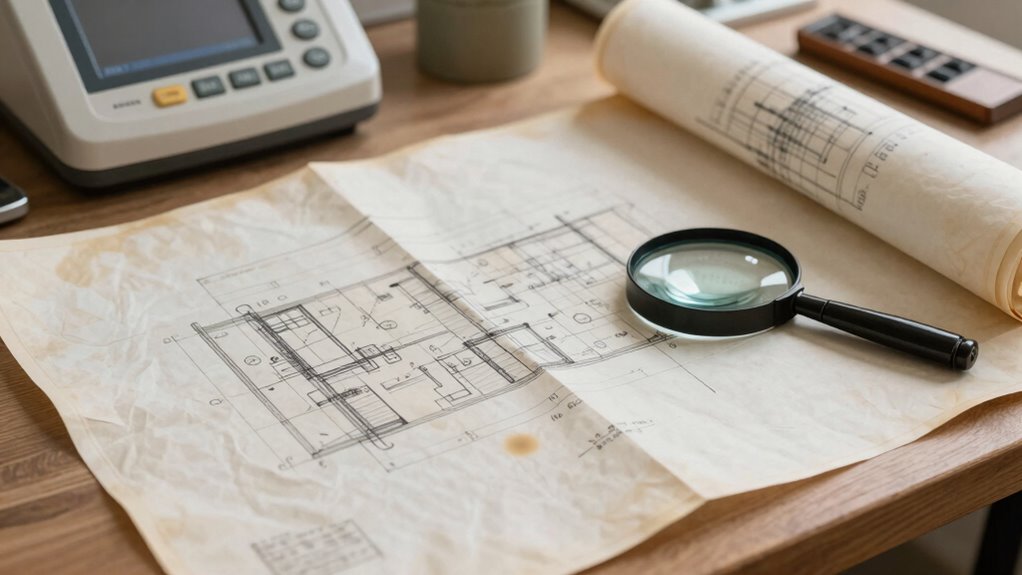
Before you begin digitizing your blueprints, it’s important to assess their current condition. Check for signs of blueprint damage or paper deterioration that could affect the digitization process. Look for tears, folds, or missing sections, which may require repair before scanning. Note any discoloration, stains, or mold that indicate deterioration. Handling fragile blueprints carefully prevents further damage. Also, examine whether the paper is brittle or sticky, as these issues can complicate digitization. Addressing these conditions beforehand ensures a smoother process and better-quality digital copies. Additionally, performing a seasonal checkup on the blueprints can help identify potential issues caused by environmental factors like humidity or temperature fluctuations. Understanding the material composition of your blueprints can further inform proper preservation techniques and ensure longevity during the digitization process. Incorporating herbal preservation techniques for paper conservation can also be beneficial, especially for very fragile documents. Regular inspection and maintenance can help prolong the lifespan of your blueprints and prevent future deterioration. Recognizing the signs of deterioration early can save time and resources during the digitization process.

BCW Document Sleeves 8.5 x 11 | Acid-Free Archival Quality | Clear Plastic Paper Sleeves | Compatible with BCW 8.5×11 Toploader | Protect Documents, Photos, Art, and More | Crystal Clear, Safe Storage
Premium Protection for 8.5×11 Documents – Protect your important papers with BCW plastic sleeves for paper 8.5×11, crafted…
As an affiliate, we earn on qualifying purchases.
As an affiliate, we earn on qualifying purchases.
What Are the Best Methods and Equipment for Digitizing Blueprints?
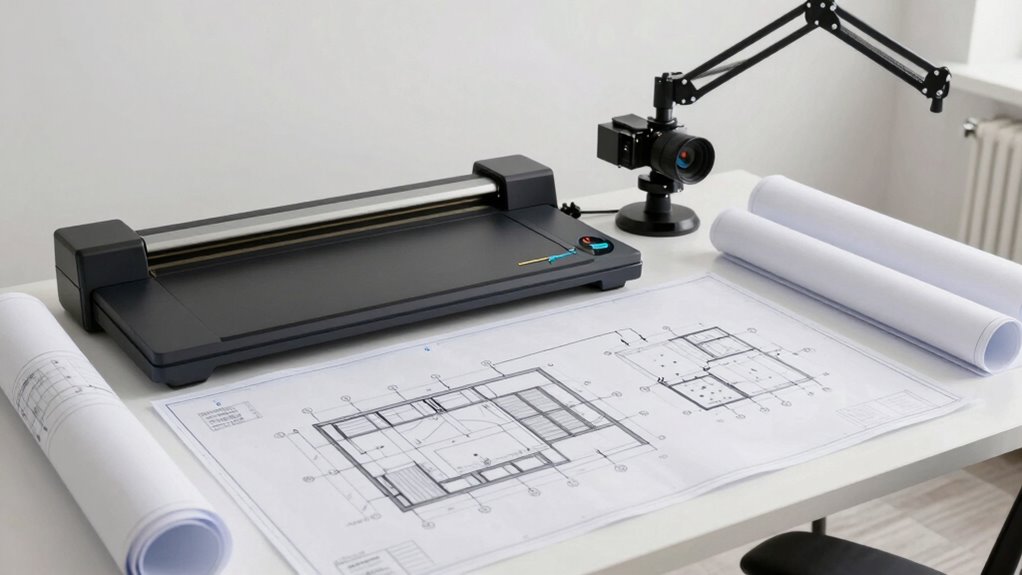
Choosing the right methods and equipment is essential to capturing high-quality digital copies of your blueprints. Your goal is sharp images with accurate detail, which depends on selecting proper scanning techniques and ideal image resolution. High-resolution scanners, like large-format or flatbed models, ensure clarity for detailed plans. Consider the following options:
| Method | Equipment Type | Best Use |
|---|---|---|
| Flatbed Scanning | High-res flatbed scanner | Small or fragile blueprints |
| Large-format Scanning | Wide-format scanner | Oversized or rolled plans |
| Digital Photography | DSLR camera with tripod | Irregular or damaged blueprints |
Prioritize high image resolution (at least 600 dpi) for legibility and detail. This approach guarantees precise, durable digital archives.

The AI Cloud Infrastructure Blueprint: Practical Designs and Configurations for Scalable AI
As an affiliate, we earn on qualifying purchases.
As an affiliate, we earn on qualifying purchases.
How to Organize and Archive Your Digital Blueprint Files for Long-Term Access

Once you’ve digitized your blueprints with high-quality scans or photos, organizing these files becomes key to maintaining easy access and long-term preservation. Proper organization guarantees you can locate plans quickly and prevent data loss over time. Start by establishing a consistent file naming system that includes project details, dates, and version numbers. Use metadata tagging to add relevant information such as project type, date, architect, or location, making searches more efficient. Keep your files in clearly labeled folders categorized by project or date. Regularly back up your archive to multiple locations to prevent loss. Also, consider using cloud storage for remote access and added security. Proper file naming and metadata tagging are essential for creating a durable, accessible digital blueprint archive. Additionally, understanding auditory processing can help in designing better audio guides or instructions for your team managing or reviewing these files. Incorporating digital asset management best practices ensures your archive remains organized and scalable as your collection grows. To further enhance your archive’s longevity, implement version control techniques to track changes and updates over time. Moreover, adopting search optimization strategies can significantly improve how easily you find specific blueprints within your digital library. You might also explore data encryption methods to safeguard sensitive project information from unauthorized access.
How to Share and Safely Preserve Your Digitized Blueprints
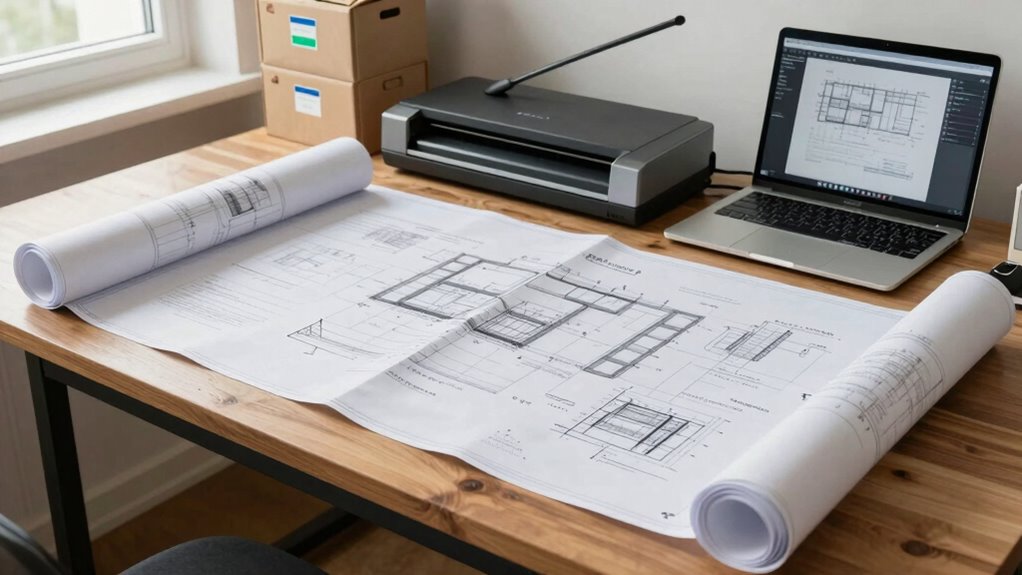
Sharing your digitized blueprints safely requires selecting the right platforms and implementing security measures. Use secure cloud storage with robust digital security features to protect your files from unauthorized access. Set up access control by defining who can view, edit, or share your blueprints, ensuring only trusted individuals have permissions. Regularly update passwords and enable two-factor authentication for added protection. Avoid public sharing links without restrictions, and consider encryption for sensitive plans. Keep backup copies in separate, secure locations to prevent data loss. Employing secure storage options can further enhance your data security. Additionally, understanding wave and wind patterns can help you plan the best times for data transfer and backup activities, minimizing risks during high-traffic periods. Being aware of power fluctuations can also help you avoid disruptions during critical backup processes. By combining appropriate platform choices with strict access control and digital security practices, you ensure your blueprints remain safe, private, and accessible only to authorized users. This approach maintains both the integrity and confidentiality of your valuable plans.
Frequently Asked Questions
How Often Should I Back up My Digital Blueprint Archives?
You should back up your digital blueprint archives regularly, ideally following consistent backup schedules like weekly or bi-weekly. Using cloud storage guarantees your files stay safe and accessible. Automate your backups to avoid forgetting, and verify your backup process periodically. This way, your blueprints are protected from data loss, hardware failure, or accidental deletion, keeping your archive secure and reliable for future reference.
What Are Common Mistakes to Avoid During Blueprint Digitization?
When digitizing blueprints, avoid common mistakes like poor file naming and neglecting color accuracy. Always use clear, consistent file names to prevent confusion and make retrieval easier. Guarantee your scanner captures accurate colors, especially for details that rely on color distinctions. Don’t rush the process—double-check your scans for clarity and completeness. By paying attention to file naming and color accuracy, you’ll preserve the integrity of your plans and streamline future access.
Can Digital Blueprints Be Integrated With CAD Software?
Yes, digital blueprints can be integrated with CAD software. You’ll want to guarantee cloud integration so your files are accessible across platforms, and check file compatibility to prevent issues. By doing this, you streamline workflows, enabling seamless editing and collaboration. Always verify that your digital blueprints are compatible with your CAD tools to avoid conversion errors, making your project management more efficient and accurate.
How Do I Ensure the Longevity of Digital Blueprint Files?
To guarantee the longevity of your digital blueprint files, you should choose stable file formats like PDF/A or TIFF, which are designed for long-term access. Store your files on reliable storage media such as external hard drives, cloud services, or network servers, and regularly back them up. Additionally, update your storage media periodically to prevent data loss from hardware failure, ensuring your plans stay accessible for years to come.
What Legal Considerations Exist for Sharing Digital Blueprint Copies?
When sharing digital blueprint copies, you need to consider intellectual property rights and privacy concerns. Make sure you have permission from the copyright holder before distributing the files. Be mindful of sensitive information that could compromise privacy or security, especially if plans include proprietary or confidential details. Always comply with applicable laws and regulations, and consider implementing access controls to protect the data from unauthorized sharing or misuse.
Conclusion
Properly archiving your blueprints guarantees they stay accessible for decades. Did you know that over 80% of digital files are lost within the first year without proper backup? By following the right digitization methods and organizing your files effectively, you protect your valuable plans from deterioration and future damage. Take the time to archive correctly today—your projects and history will thank you tomorrow.