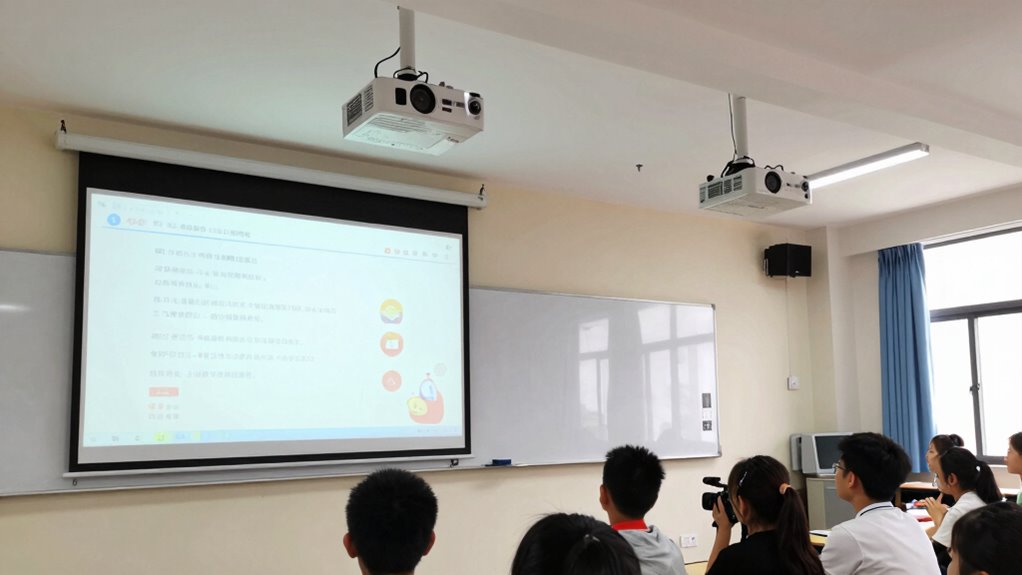
Choosing between short-throw and ultra short-throw projectors depends on your classroom size, layout, and teaching style. Short-throw models work well in larger rooms with multiple seating areas, providing bright images from a moderate distance. Ultra short-throw projectors suit small or crowded spaces, where space is limited and quick setup is needed. If you want to find out which type fits your needs best, keep exploring the options to make an informed decision.
Key Takeaways
- Ultra short-throw projectors are ideal for small or crowded classrooms, minimizing shadows and clutter near the screen.
- Short-throw projectors suit larger rooms with flexible seating, offering higher brightness for distant projections.
- Ultra short-throw models require precise placement close to the wall or floor, while short-throw projectors need more space for installation.
- Consider room size, layout, and ambient light to choose a projector with appropriate brightness and placement flexibility.
- Budget, maintenance, and desired interactivity features help determine the best fit between the two projector types.
HD short-throw projector for classroom
As an affiliate, we earn on qualifying purchases.
As an affiliate, we earn on qualifying purchases.
What Are the Differences Between Short-Throw and Ultra Short-Throw Projectors?
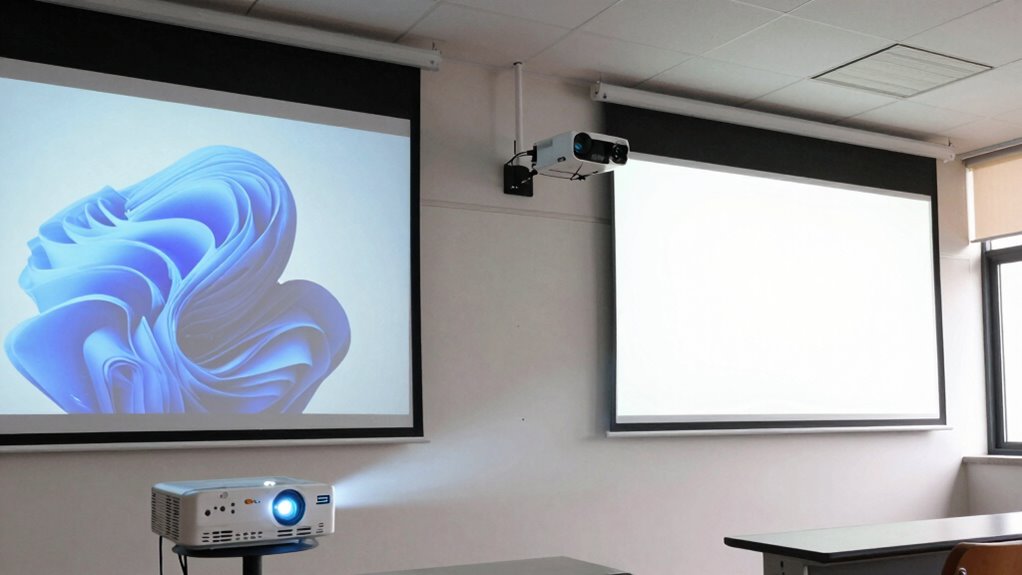
While both short-throw and ultra short-throw projectors are designed to display large images from close distances, they differ primarily in how close they need to be to the screen. Short-throw projectors typically need about 3 to 8 feet of distance, while ultra short-throw models can project from just inches away. The projection technology used influences their performance, with ultra short-throw projectors often using specialized lenses to minimize glare and shadows. Image resolution is also key; both types come in HD, 4K, and higher options, but ultra short-throw models usually offer sharper, more detailed images due to advanced optics. These differences make each suitable for specific room sizes and setups, affecting how you’ll choose between them based on space and visual clarity needs. Additionally, factors like light control and placement flexibility play crucial roles in optimizing their effectiveness in classroom environments. Proper room lighting conditions are essential to maximize image clarity, especially in brightly lit classrooms, and understanding the projection distance requirements helps ensure optimal placement for each type.
As an affiliate, we earn on qualifying purchases.
How Does Room Space Impact Your Projector Choice?
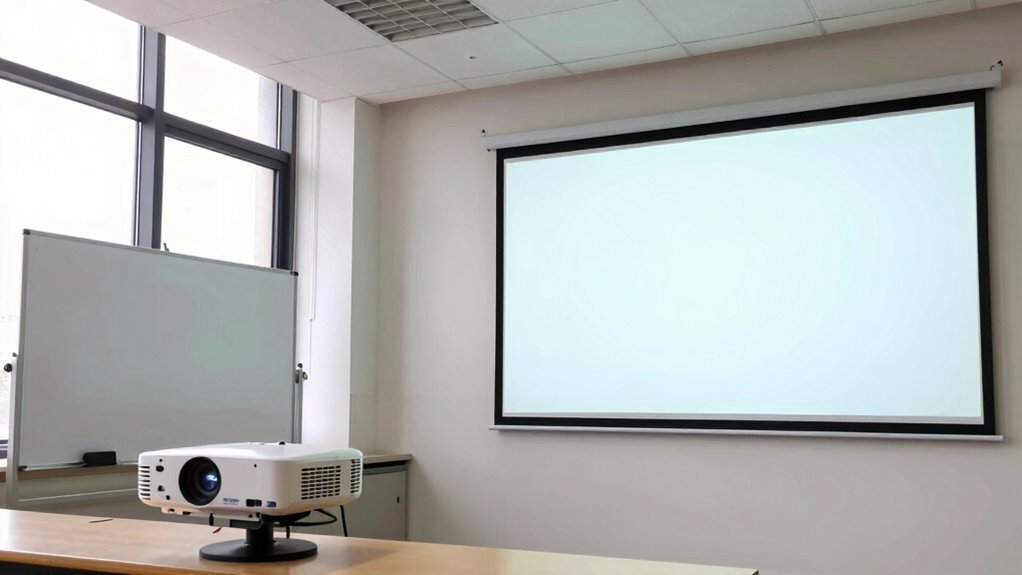
The size and layout of your room play a big role in choosing the right projector. If your space is tight or has an unusual shape, you’ll need a model that can adapt to tight or flexible placement options. Considering projection placement flexibility guarantees you get clear images without rearranging your entire room. Additionally, understanding wiring basics can help ensure your projector setup is safe and efficient. Being aware of field-of-view and imaging-scale concepts can assist in optimizing your projected image size and clarity within limited spaces. Moreover, selecting a projector with market-specific features can enhance performance tailored to your classroom environment. Familiarity with style and design options can also help your projector blend seamlessly with your classroom decor. Knowing how to properly set up your equipment can make a significant difference in achieving optimal display quality and safety standards.
Room Dimensions and Layout
Room dimensions and layout play a vital role in choosing the right projector, as they determine how much space you have to work with and where the projector can be positioned. Your wall placement options influence whether a short-throw or ultra short-throw projector suits your classroom. Ceiling height also matters; higher ceilings give more flexibility for projector mounting, but may require brighter models. Consider this table:
| Room Factor | Impact on Projector Choice | Recommendations |
|---|---|---|
| Wall Placement | Affects projector distance and setup | Short-throw for distant walls |
| Ceiling Height | Influences mounting options | Ultra short-throw for low ceilings |
| Room Size | Limits projector range and brightness | Larger rooms need brighter projectors |
| Layout Shape | Impacts projector positioning | Flat layouts favor short-throw |
| Obstructions | Affect image clarity and placement | Clear sightlines essential |
Matching your room’s dimensions ensures ideal display quality and setup ease. Understanding the projector throw ratio helps you select the appropriate model for your space.
Projection Placement Flexibility
Your available space considerably influences how flexible you can be with projector placement. Short-throw projectors typically require less mounting height, allowing for closer placement to the screen, which is ideal in tight spaces. Ultra short-throw projectors, on the other hand, can be positioned almost directly on or near the floor, offering even greater flexibility. The projection angle is vital; a wider angle helps avoid keystone distortion and ensures a clear image, especially in compact rooms. If your room has limited space or unusual dimensions, ultra short-throw models provide more options for placement without sacrificing image quality. Additionally, understanding the projection angle is crucial for optimizing image clarity and avoiding distortion. Conversely, larger rooms with high ceilings might benefit from standard or short-throw projectors, where mounting height and projection angle are easier to manage. Your room’s size directly impacts your projector’s placement flexibility.
As an affiliate, we earn on qualifying purchases.
What Are the Pros and Cons of Short-Throw Projectors for Classrooms?

Short-throw projectors offer several advantages for classrooms, making them an attractive choice for educators seeking flexible and space-efficient solutions. Their ability to project large images from a short distance minimizes shadows and glare, enhancing visibility for students. These projectors often come equipped with interactive features, allowing you to engage students more effectively through touch or annotation capabilities. Connectivity options are another benefit, enabling seamless connection to various devices like laptops, tablets, and interactive whiteboards. Additionally, AI training jobs are emerging in the educational technology sector to help develop smarter, more adaptive projection systems. These advancements can also contribute to educational innovation, providing new ways for teachers to deliver content. However, there are some drawbacks. Short-throw projectors can be more expensive than standard models, and their placement may require precise calibration to avoid keystone distortion. Additionally, they may generate more heat and noise, which can be distracting during lessons.
bright short-throw projector for large rooms
As an affiliate, we earn on qualifying purchases.
As an affiliate, we earn on qualifying purchases.
Why Choose Ultra Short-Throw Projectors? Benefits and Drawbacks

Ultra short-throw projectors save space by bringing the image close to the screen, making them ideal for small rooms. However, installing them can be tricky, as precise placement is required for peak image quality. Weighing these benefits and challenges helps you decide if they’re right for your setup.
Space Saving Advantages
Because space is often limited in many rooms, ultra short-throw projectors offer a significant advantage by requiring minimal distance from the screen. They can be ceiling mounted close to the wall or screen, freeing up valuable floor space and reducing clutter. This setup is especially beneficial in small classrooms or conference rooms where every square inch counts. Additionally, ultra short-throw projectors often come with portable options, allowing you to easily move them as needed without complicated installations. Their compact size and quick setup make them perfect for flexible environments. Moreover, safety considerations are easier to manage with ultra short-throw projectors since they are mounted close to the screen, reducing the risk of accidents or damage. Incorporating space-saving technology can further enhance classroom efficiency and organization. By choosing an ultra short-throw projector, you maximize your available space, create a cleaner look, and enjoy a more efficient, distraction-free learning or presentation area. Space efficiency is a crucial factor in optimizing classroom layouts and ensuring a comfortable learning environment. Additionally, many models include advanced mounting options, making installation even more straightforward and adaptable to different room configurations. Using projection distance effectively can help prevent shadows and improve image clarity, further enhancing the classroom experience.
Potential Installation Challenges
While ultra short-throw projectors offer space-saving benefits, their installation can present unique challenges. You need to ensure optimal mounting height to avoid shadows and guarantee a clear image. Cable management becomes critical, as cables must be discreetly routed to prevent tripping hazards and maintain a tidy classroom. Proper positioning requires precise alignment to avoid keystone distortion. Additionally, understanding large number conversions can help in planning the scale and scope of equipment deployment effectively.
What Features Should You Look for in Classroom Projectors?

When choosing a classroom projector, focusing on features that enhance visibility and ease of use is essential. First, consider projection brightness; a higher lumen count guarantees clear images even in well-lit rooms, making lessons more engaging. Equally important are connectivity options—look for versatile ports like HDMI, USB, and wireless capabilities to connect effortlessly with laptops, tablets, and other devices. These features allow seamless integration with your existing technology, reducing setup time and disruptions. Additionally, check for user-friendly controls and keystone correction to guarantee easy adjustment for ideal image quality. A projector with these features helps create an interactive, visually appealing classroom environment, keeping students attentive and engaged throughout lessons. Ensuring the projector’s compatibility with various devices can further streamline your teaching experience and maximize versatility. Incorporating proper brightness levels based on your classroom lighting conditions is also vital to achieve optimal visibility. Moreover, considering AI-powered features such as automatic focus and image adjustment can enhance the overall presentation quality and reduce setup time. Additionally, paying attention to water resistance or durability can be beneficial for long-term use in busy classroom settings. Furthermore, selecting a projector with efficient energy use can help lower operational costs over time.
Which Projector Fits Your Budget and Maintenance Needs?
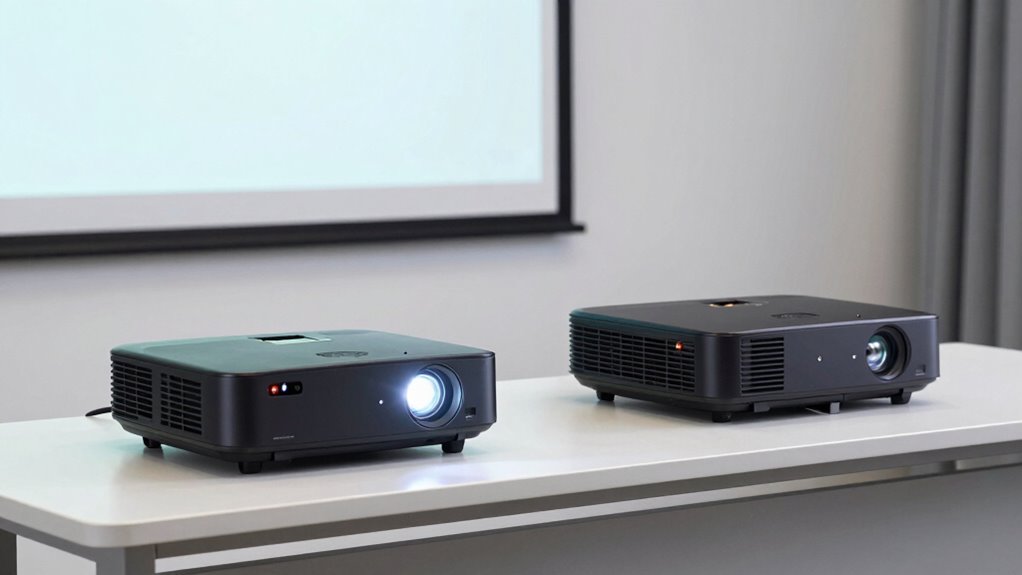
Choosing a projector that fits your budget and maintenance needs requires careful consideration of both upfront costs and ongoing expenses. Budget options vary widely, with some models offering affordability without sacrificing quality, while others may seem cost-effective initially but incur higher maintenance costs over time. Maintenance considerations include lamp replacements, filter cleaning, and software updates, which can add up. Here’s a quick comparison:
| Budget Option | Maintenance Considerations | Cost Impact |
|---|---|---|
| Basic models | Frequent lamp replacements | Higher long-term costs |
| Mid-range projectors | Moderate upkeep, easy filters | Balanced expenses |
| Premium models | Less maintenance, longer lifespan | Higher upfront cost |
| Portable options | Compact, easy to maintain | Varies |
| Used or refurbished | Lower initial price, uncertain upkeep | Potential savings |
What Common Challenges Come With Short-Throw Setups: and How to Avoid Them?
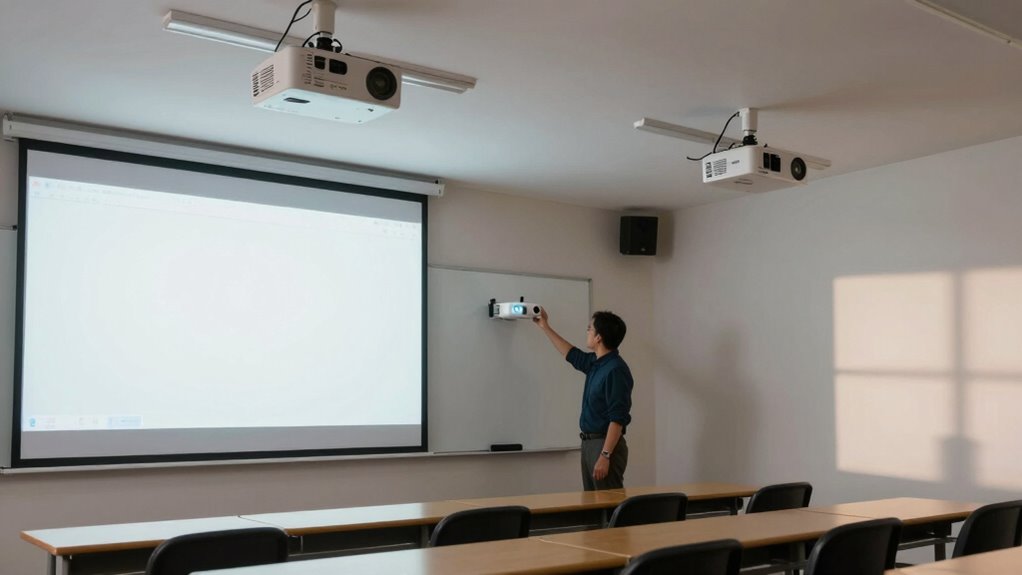
Short-throw setups offer many benefits, but they also come with specific challenges that can affect your viewing experience. One common issue is projector placement; if you don’t position the projector correctly, images can appear distorted or uneven. Make certain your projector is aligned properly to avoid keystone distortion. Glare reduction is another concern—if the projector is too close or placed at the wrong angle, reflections or bright spots may distract students. To prevent this, position the projector away from direct light sources and test different angles during setup. Additionally, be mindful of shadows cast by people moving in front of the projector. Proper placement and attention to ambient lighting help you maximize the image quality and maintain a comfortable viewing environment.
In Which Classroom Situations Is Each Projector Type Best?

Different classroom situations call for different projector setups to guarantee ideal visibility and engagement. If you’re conducting interactive lessons that require students to participate actively or move around, an ultra short-throw projector is ideal. Its close placement minimizes shadows and distractions, keeping everyone engaged. For larger classrooms with multiple seating arrangements, a short-throw projector can cover more area without sacrificing image quality. It’s perfect when you want clear visuals at the front without obstructing the view. If your goal is to foster student engagement through dynamic presentations or group work, choose a setup that minimizes glare and shadows. Ultimately, matching the projector type to your classroom’s size, layout, and teaching style ensures your lessons are both visually effective and engaging for all students.
How to Decide Which Projector Is Right for Your Classroom

Deciding which projector is right for your classroom depends on your specific teaching needs and the space’s layout. Consider projector brightness to ensure images are clear even in well-lit rooms. If you frequently move around or want minimal setup, ultra short-throw projectors reduce shadows and glare. Also, check audio compatibility; some models have built-in speakers, while others require external audio. Use this table to match features with your needs:
| Feature | Short-Throw Projectors | Ultra Short-Throw Projectors | Best For |
|---|---|---|---|
| Projector Brightness | High for large, bright rooms | High, suitable for small spaces | Bright classrooms with ambient light |
| Audio Compatibility | Usually external speakers needed | Built-in speakers common | Easy setup and minimal external equipment |
| Space Requirements | Moderate distance from screen | Very close to screen | Small or crowded classrooms |
| Cost | Moderate to high | Usually more expensive | Budget considerations and feature needs |
Additionally, selecting a projector placement that complements your room’s layout can significantly impact your teaching experience. Proper placement can enhance visibility and reduce distortion, creating a more effective learning environment.
Frequently Asked Questions
How Long Do Short-Throw and Ultra Short-Throw Projectors Typically Last?
You’ll find that short-throw and ultra short-throw projectors usually last around 5,000 to 10,000 hours, depending on usage and bulb quality. The bulb lifespan can vary, so replacement intervals are generally every 3 to 5 years with regular use. To keep your projector functioning well, monitor the bulb’s condition and plan for replacements before it burns out, ensuring seamless classroom presentations.
Are There Specific Maintenance Requirements for Each Projector Type?
You need to regularly perform maintenance on both projector types. For lamp replacement, keep an eye on the usage hours and replace lamps promptly to avoid projector shutdowns. Additionally, clean filters regularly to prevent overheating and dust buildup, which can reduce image quality and lifespan. While the maintenance process is similar for both, ultra short-throw projectors might require more frequent filter cleaning due to their proximity to dust sources.
What Are the Energy Consumption Differences Between Short-Throw and Ultra Short-Throw Projectors?
You’ll find that ultra short-throw projectors generally have better energy efficiency and lower power consumption compared to short-throw models. They’re designed to operate with less energy while delivering bright images, which can reduce your overall electricity costs. However, actual power consumption varies depending on the model and brightness settings. Choosing an energy-efficient projector helps save power and minimizes your classroom’s environmental impact.
Can Existing Classroom Setups Be Easily Adapted for These Projectors?
Did you know about 70% of teachers find installing new projectors challenging? You can adapt your existing classroom setup for short-throw or ultra short-throw projectors, but installation challenges and cost considerations vary. You might need to modify mounts or wiring, which could involve extra expenses. Planning ahead helps minimize disruptions, ensuring a smooth changeover. With proper assessment, you can make your space compatible without major renovations.
How Do Projection Quality and Brightness Compare Between the Two Types?
You’ll find that ultra short-throw projectors typically offer higher brightness levels, making images clearer even in well-lit classrooms. Both projector types can deliver excellent projection resolution, ensuring sharp image clarity for detailed visuals. Short-throw projectors may have slightly lower brightness but still produce vivid images. Your choice depends on your classroom’s lighting and space, but overall, both provide strong projection quality with crisp, clear images when properly calibrated.
Conclusion
Choosing the right projector is like fitting a puzzle piece—you need to contemplate your room, budget, and needs. I once saw a teacher transform a cluttered space with an ultra short-throw projector, turning chaos into clarity. Remember, the right choice can make your lessons shine brighter and easier to manage. Weigh your options carefully, and you’ll find the perfect fit to illuminate your classroom’s potential.