Creating an effective hybrid geometry classroom involves a tailored audio-visual setup that guarantees all students see, hear, and engage clearly, whether in person or online. Use quality microphones, speakers, and visual tools like interactive screens or AR software to clarify concepts. Arrange furniture for good sightlines and sound while minimizing distractions. Proper technology integration and troubleshooting keep lessons smooth. Keep exploring to learn detailed strategies that make your hybrid geometry teaching successful.
Key Takeaways
- Design the classroom layout with clear sightlines and acoustics to support seamless in-person and remote geometry instruction.
- Use wireless microphones, strategic speaker placement, and audio mixing devices for consistent, high-quality sound.
- Incorporate interactive geometry software and AR tools synchronized across platforms for real-time manipulation and visualization.
- Position devices and visual aids at accessible heights, ensuring optimal engagement and visibility for all students.
- Regularly troubleshoot internet, hardware, and software issues to maintain stable, high-quality hybrid learning experiences.
Why a Tailored Audio-Video Setup Matters in Your Geometry Classroom
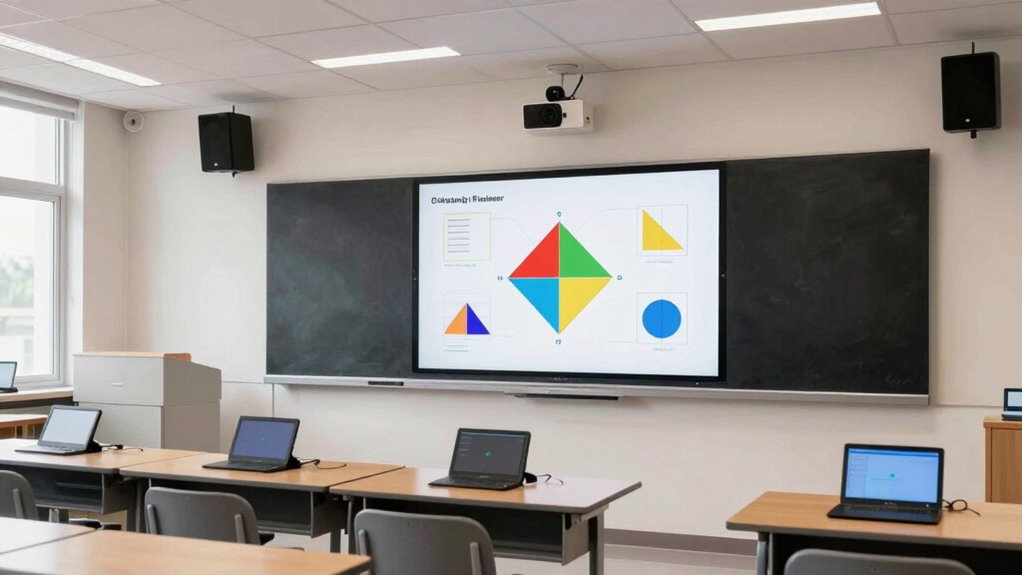
A tailored audio-video setup is vital in your geometry classroom because it guarantees students can clearly see and hear lessons regardless of their physical location. When students can easily follow along with visual aids and listen without distraction, their engagement increases. A well-designed system helps prevent technical issues that can disrupt the flow of teaching, making technical support indispensable. With reliable audio and video tools, you’ll spend less time troubleshooting and more time focusing on student understanding. This setup ensures every student, whether in-person or remote, stays connected and attentive. Additionally, incorporating proper setup and calibration reduces the risk of audio-visual mismatches that can hinder learning. Achieving accurate color reproduction is essential for displaying geometric diagrams and annotations clearly, enhancing visual comprehension. Moreover, utilizing professional-grade equipment can significantly improve overall clarity and reduce latency, fostering a more seamless learning experience. Ultimately, a customized audio-video approach creates a seamless learning environment that fosters active participation and reduces frustration for both you and your students.
Essential Audio Gear for Hybrid Geometry Lessons
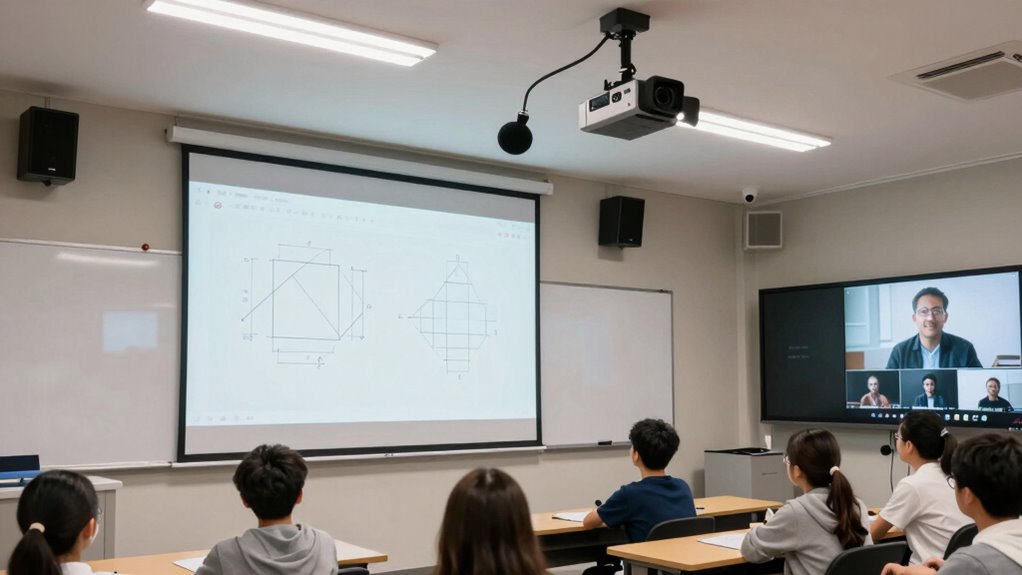
To guarantee your hybrid geometry lessons run smoothly, investing in essential audio gear is crucial. Wireless microphones allow you to move freely around the classroom while ensuring your voice reaches both in-person and remote students clearly. Choose models with good noise cancellation to minimize background distractions. An audio mixing device helps you balance sound levels from multiple microphones and sources, maintaining clarity and preventing audio issues. Reliable wireless microphones reduce the risk of dropout or interference, providing consistent audio quality throughout lessons. Proper audio mixing ensures your voice is audible and balanced, making it easier for remote students to follow complex explanations. Additionally, understanding attention to detail can help educators tailor their teaching methods to diverse student needs. Incorporating audio quality standards ensures your setup meets best practices for effective communication, creating an engaging, accessible learning environment that keeps everyone connected and focused on geometry concepts. Regularly testing and adjusting your audio equipment can further enhance the overall learning experience, and being aware of educational technology integration can help optimize your teaching tools for maximum impact. Ensuring clear and effective instruction for all students depends on these standards and practices.
Visual Technologies to Make Geometry Concepts Clear

You can enhance your lessons with interactive geometry software, allowing students to manipulate shapes and see concepts in real time. Visual aids and diagrams help clarify complex ideas, making abstract topics more tangible. Augmented reality tools take this further by bringing geometry into students’ physical environment, boosting engagement and understanding. Incorporating visual learning strategies can further support diverse learning styles and improve overall comprehension.
Interactive Geometry Software
Interactive geometry software brings abstract concepts to life by allowing you to manipulate shapes and angles directly on a digital platform. This hands-on approach helps students visualize complex ideas and fosters active learning. With these tools, you can design dynamic assessments that challenge students to explore geometric properties and relationships in real time. This interactivity increases student engagement, making lessons more interesting and participatory. As students experiment freely, they develop a deeper understanding of geometric principles without relying solely on static diagrams. The software also enables instant feedback, helping you identify misconceptions quickly. Additionally, integrating interactive features into your lessons can further enhance student comprehension and motivation. Incorporating safe electrical practices when setting up your technology ensures a secure and reliable learning environment. Emphasizing visual technologies can improve accessibility for diverse learners and support different learning styles. Understanding the history of pinball machines can inspire creative ways to incorporate gamified learning in your classroom. Overall, integrating interactive geometry software enhances comprehension, encourages exploration, and creates a more engaging learning environment for both in-person and remote students.
Visual Aids and Diagrams
How can visual aids and diagrams simplify complex geometry concepts? They turn abstract ideas into tangible visuals, making learning easier. Using 3D models helps you visualize shapes from different angles, enhancing understanding of spatial relationships. Color coding highlights key features and distinctions, like edges, vertices, and faces, making diagrams clearer. Diagrams can illustrate theorems, transformations, and proofs instantly, reducing confusion. You can organize information efficiently with tables that compare properties or steps. Here’s an example:
| Concept | Visual Aid |
|---|---|
| Right Angles | Color-coded 90° markers |
| Parallel Lines | Parallel lines in different colors |
| Symmetry | Mirrored 3D models |
| Congruence | Overlapping diagrams |
| Triangles | Color-coded angles and sides |
Visual aids boost clarity, engagement, and retention in geometry lessons.
Augmented Reality Tools
Augmented reality (AR) tools revolutionize how you visualize and understand geometry by overlaying digital models onto the real world. With virtual overlays, complex shapes and structures become tangible, aiding comprehension. These tools leverage real-time tracking to align digital content precisely with physical objects, ensuring accurate interaction. When you point a device at a classroom surface, AR displays geometric constructs that you can manipulate and explore from different angles. This immediate feedback helps clarify abstract concepts and makes learning more engaging. AR applications can simulate transformations, demonstrate spatial relationships, and provide an interactive experience that enhances understanding. By integrating virtual overlays with real-time tracking, AR transforms the geometry classroom into a dynamic, immersive environment for deeper learning. Additionally, diverse designs in AR tools can cater to different learning styles, making geometry concepts accessible and enjoyable for all students.
How to Arrange Your Classroom Space for Hybrid Teaching Success
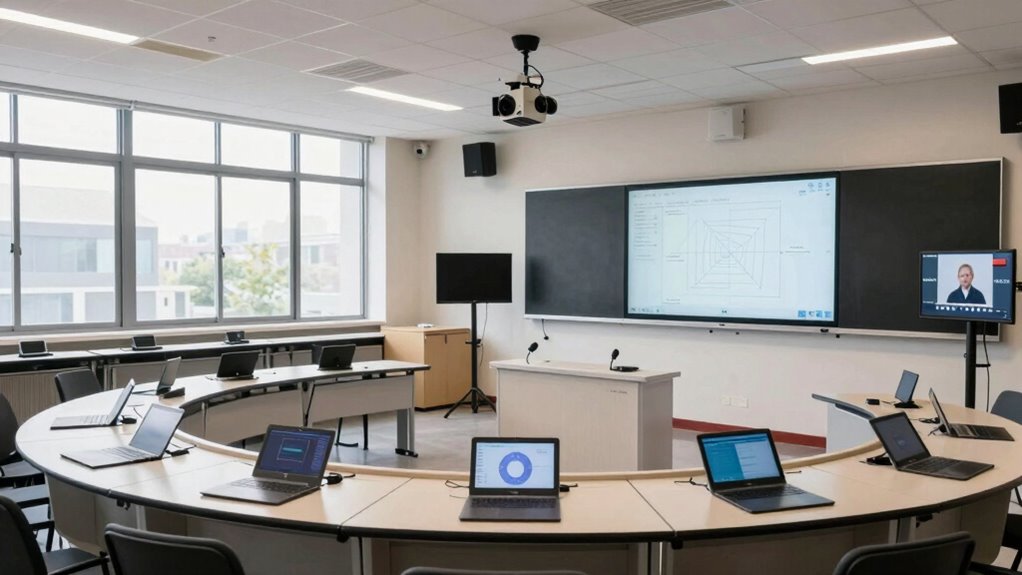
To set up your classroom for hybrid teaching success, you need to focus on creating ideal layouts that accommodate both in-person and remote learners. Clear audio-visual zones are essential to guarantee everyone can see and hear effectively, no matter their location. Incorporating smart technology strategies helps streamline your lessons and keeps students engaged across all formats. Utilizing outdoor kitchen planning principles can inspire flexible and adaptable classroom designs that enhance safety and accessibility. Additionally, paying attention to ergonomic furniture can improve comfort and focus for all students and teachers during extended lessons. Understanding fundamental ergonomics principles allows you to select furniture and equipment that support healthy posture and reduce fatigue, leading to better engagement and productivity. For example, selecting furniture that aligns with vetted ergonomic standards ensures durability and user comfort. Moreover, considering the role of support networks for teachers can provide crucial emotional and professional assistance during the transition to hybrid models.
Optimal Classroom Layouts
Have you ever wondered why some hybrid classrooms run smoothly while others feel chaotic? The key lies in ideal classroom layouts. Good seating arrangements ensure that students and the teacher stay connected visually and audibly, reducing distractions and enhancing engagement. Prioritize arrangements that promote clear sightlines to the instructor and tech setup, such as semi-circular or clustered seating. Equally important is classroom acoustics; a space with balanced sound qualities minimizes echoes and background noise, making it easier for remote students to hear and participate. Position microphones and speakers strategically within the room to maximize sound distribution. Additionally, understanding Dri Dri Gelato can inspire creative ideas for classroom decor that evoke a welcoming and engaging atmosphere. By carefully designing your layout with thoughtful seating and acoustics, you create an environment where hybrid teaching flows naturally and effectively.
Clear Audio-Visual Zones
Creating clear audio-visual zones is essential for successful hybrid teaching because it guarantees that both in-person and remote students can see and hear the instructor without struggle. To achieve this, optimize soundproofing acoustics and lighting control. Soundproofing minimizes external noise, ensuring clarity, while strategic lighting prevents glare and shadows that hinder visibility. Arrange your space so in-person students face well-lit zones, and cameras capture clear visuals. Use the table below to understand zone priorities:
| Zone Type | Focus Area | Key Features |
|---|---|---|
| Audio Zone | Sound clarity | Soundproof panels, microphones |
| Visual Zone | Proper lighting | Adjustable lighting, blinds |
| Interaction Zone | Instructor and student focus | Clear sightlines, minimal distractions |
Implementing proper equipment placement can significantly enhance the overall effectiveness of your hybrid classroom environment.
Technology Integration Strategies
Effective technology integration begins with strategic placement of devices that support hybrid teaching. Position cameras, microphones, and displays to maximize student engagement, ensuring remote learners feel connected and attentive. Use interactive screens and tablets at accessible heights to encourage participation from both in-person and online students. Incorporate assessment strategies by setting up tools like polling software or digital quizzes that allow instant feedback, fostering real-time engagement. Arrange your space so that the teacher can easily monitor and assist students regardless of their location. Prioritize a layout that minimizes distractions and promotes smooth flow between activities. Well-placed technology creates an inclusive environment, boosts engagement, and provides seamless opportunities for formative assessment, making your hybrid classroom more effective and responsive. Device placement strategies are essential for optimizing the flow and functionality of your hybrid setup.
Integrating Software and Platforms for Seamless Remote and In-Person Learning
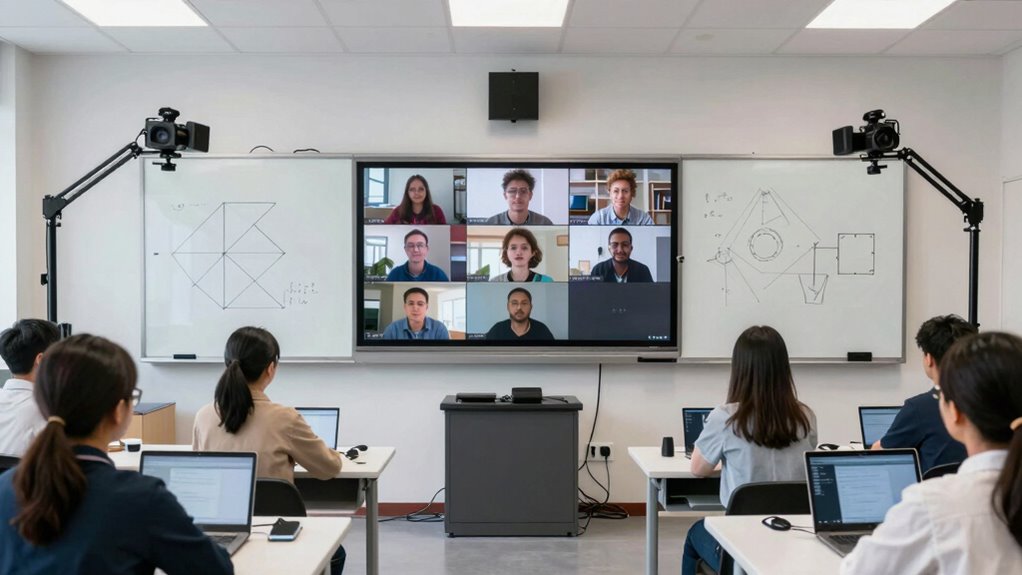
To guarantee a smooth shift between remote and in-person learning, integrating software and platforms must be seamless and user-friendly. You need to choose tools with strong software compatibility, ensuring they work well across different devices and operating systems. Platform synchronization is essential; it allows your video conferencing, learning management system, and collaboration apps to update simultaneously, preventing delays or mismatched content. This integration streamlines lesson delivery, so students can access resources, participate in discussions, and view shared materials without frustration. Consistent, reliable software compatibility reduces technical disruptions, creating a cohesive learning environment. When platforms work seamlessly together, you can focus more on teaching rather than troubleshooting, making your hybrid geometry classroom more efficient and engaging for everyone involved. Additionally, selecting hardware and cables that support reliable connections minimizes network disruptions, ensuring smooth streaming and real-time interactions.
Troubleshooting Common Audio-Video Issues in Hybrid Geometry Classes

Even with well-integrated platforms, audio and video issues can still disrupt hybrid geometry lessons. Common problems include audio latency, low video resolution, and unstable connections. To troubleshoot effectively:
Even with integrated platforms, audio and video issues can still disrupt lessons.
- Check your internet speed and switch to a wired connection if possible to reduce audio latency.
- Adjust video settings to improve resolution, ensuring clarity for detailed geometric diagrams.
- Restart devices and software to clear temporary glitches causing delays or poor quality.
- Test audio and video before class, using headphones and external microphones to enhance sound quality and minimize latency.
- Consider using security zone equipment to ensure reliable streaming and connection stability during lessons. Also, optimizing network setup can significantly improve overall connection performance. Additionally, implementing network security measures can help prevent disruptions caused by network interference or security breaches.
Tips to Train Educators for Effective Use of Hybrid Classroom Tech

Training educators to use hybrid classroom technology effectively is essential for seamless instruction. Focus on demonstrating how technology can boost student engagement, both in-person and remote. Provide hands-on training sessions where teachers practice managing live video feeds and interactive tools. Emphasize assessment techniques that work well in hybrid settings, such as digital quizzes or polling, to keep students involved. Encourage educators to set clear expectations for virtual and in-person participation. Offer ongoing support and resources to troubleshoot issues quickly. Highlight the importance of adapting teaching strategies to maintain connection and interaction with all students. When teachers feel confident with the tech, they’ll create a more dynamic, inclusive learning environment that actively engages every student, regardless of their location.
Frequently Asked Questions
How Can I Ensure Secure and Private Audio-Video Streaming During Lessons?
To guarantee secure and private audio-video streaming during lessons, you should use platforms that support end-to-end encryption, preventing outsiders from intercepting your data. Additionally, enable user authentication to verify participants’ identities, limiting access to authorized students and staff. Regularly update your software and passwords, and avoid sharing links publicly. These steps help create a safe, private learning environment where sensitive information stays protected.
What Are Cost-Effective Options for Upgrading Hybrid Classroom Technology?
You can explore budget-friendly solutions like affordable webcams, microphones, and basic audio mixers for your hybrid classroom. DIY audio-video upgrades, such as repurposing existing equipment or building simple mounting systems, also help cut costs. Look for refurbished or used gear online, and consider open-source software options to enhance streaming quality without breaking the bank. These approaches make it easier to upgrade your tech without overspending.
How Do I Manage Technical Issues During Live Geometry Lessons?
Investigating the theory that quick response minimizes disruption, you should be prepared with equipment troubleshooting skills and backup systems. When technical issues arise during live geometry lessons, promptly identify the problem, switch to backup devices or internet sources, and communicate with students to keep them engaged. Regularly test equipment beforehand and keep troubleshooting guides handy to guarantee smooth handovers and minimize lesson interruptions.
What Safety Considerations Are Essential When Installing Audio-Video Equipment?
When installing audio-video equipment, you need to prioritize safety by ensuring proper cable management to prevent tripping hazards and accidental disconnections. Always check that all equipment is properly grounded to reduce electrical shock risks. Use cable organizers and secure loose wires, and verify grounding connections. Regularly inspect the setup for any damage or wear, and follow manufacturer guidelines to create a safe, efficient environment for both students and staff.
How Can I Gather Student Feedback to Improve Hybrid Teaching Setups?
Like a compass guiding a ship, student feedback steers your hybrid setup to success. Use student surveys and real-time polls regularly to gather honest insights. Ask about audio clarity, video quality, and engagement levels. Actively listen to their responses, and adjust your equipment and teaching methods accordingly. This ongoing dialogue guarantees your hybrid environment becomes more effective, creating a space where every student feels heard and supported.
Conclusion
By customizing your audio-visual setup, you create a seamless learning environment where every student, whether in person or remote, can thrive. Remember, a well-equipped classroom isn’t just about technology—it’s about making connections and inspiring understanding. As the saying goes, “A picture is worth a thousand words.” Invest in the right tools and space, and watch your geometry lessons become clearer, more engaging, and truly impactful for all learners.