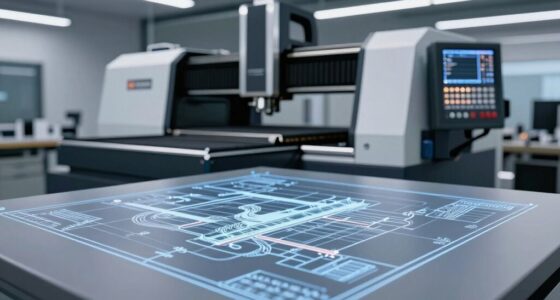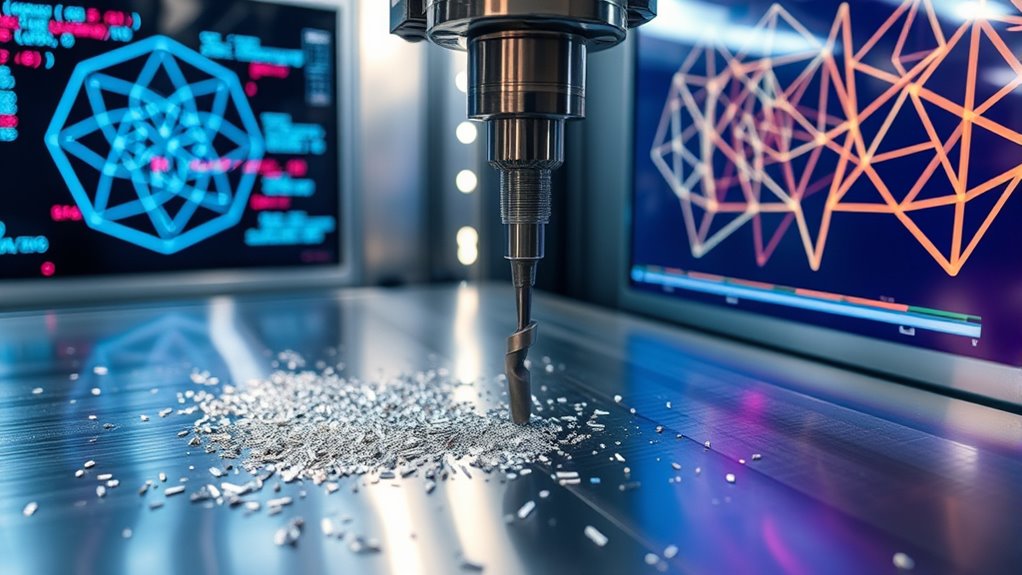

CNC and G-codes form the foundation of precision manufacturing by translating complex digital designs into exact machine movements. You control toolpaths, tool changes, and cutting actions with these codes, ensuring each part is made accurately and efficiently. They encode the geometry and operations needed for intricate shapes and surface finishes. If you keep exploring, you’ll discover how these codes fine-tune machining to produce high-quality, precise components consistently.
Open a free Amazon Business account
Business pricing, bulk buying and tax-exempt orders.
As an affiliate, we earn on qualifying purchases.
Key Takeaways
- G codes translate digital designs into precise machine instructions for accurate manufacturing.
- Toolpath optimization ensures efficient, high-quality movements, reducing machining time and improving surface finish.
- G code commands control axes, spindle actions, and tool changes for consistent, repeatable operations.
- Proper programming leverages CNC capabilities to produce complex, intricate parts with high precision.
- Understanding G codes and geometry enhances troubleshooting, fine-tuning, and maximizing manufacturing efficiency.
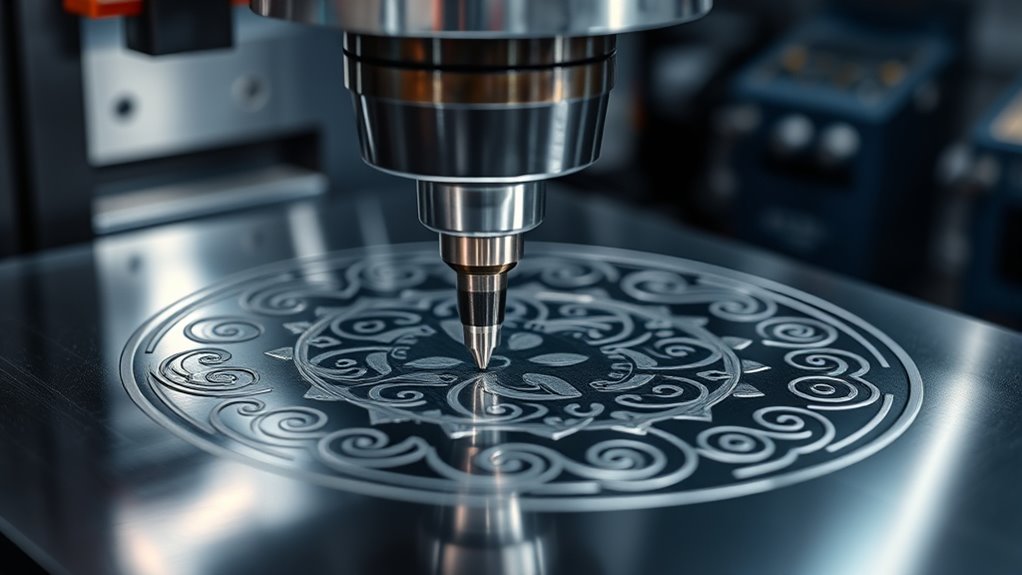
Have you ever wondered how computer-controlled machines follow precise instructions to produce complex parts? The secret lies in G code programming, a language that translates design data into commands your CNC machine can understand. At the heart of this process is toolpath optimization, which guarantees that the machine moves efficiently while maintaining high accuracy. When you program a CNC machine, you’re fundamentally creating a sequence of instructions that dictate every movement, cut, and drill, all of which are encoded in G codes. These codes tell the machine when to start, stop, change tools, and follow specific paths, turning digital designs into tangible components.
Understanding toolpath optimization is vital because it directly impacts the efficiency and quality of your manufacturing process. An optimized toolpath minimizes unnecessary movements, reduces machining time, and improves surface finish. It involves calculating the most efficient route for the cutting tool to follow, avoiding areas that could cause tool wear or defects. When you write or generate G code, you’re making strategic decisions about the order of operations, feed rates, spindle speeds, and cutting depths—all of which contribute to a smoother, more precise final product. Modern CAM (Computer-Aided Manufacturing) software automates much of this, but your understanding of how toolpath optimization works helps you fine-tune the process for maximum results.
G code programming acts as the bridge between your design and the physical part. Each line of G code corresponds to a specific movement or action, such as moving along the X, Y, and Z axes, turning the spindle on or off, or changing tools. When you input these commands correctly, your CNC machine executes them with high repeatability, ensuring consistent quality across multiple parts. The beauty of G code lies in its simplicity and versatility; it can be customized to suit various machining operations, whether you’re milling, turning, or drilling. By mastering G code programming, you gain control over every aspect of the manufacturing process, enabling you to implement complex toolpaths that maximize efficiency and precision.
In essence, understanding how G code works and how toolpath optimization enhances it empowers you to produce complex parts faster and more accurately. This knowledge allows you to troubleshoot issues, refine your programming, and push the boundaries of what your CNC machine can achieve. Whether you’re creating intricate prototypes or high-volume production runs, mastering the language of G codes and optimizing toolpaths ensures that each component meets your high standards for quality and precision. It’s the geometry behind precision manufacturing—an indispensable skill for anyone looking to excel in modern machining.
As an affiliate, we earn on qualifying purchases.
Frequently Asked Questions
How Do G‑Codes Differ Across Various CNC Machines?
G‑Codes differ across various CNC machines due to machine-specific variations and firmware compatibility. You’ll find that different manufacturers may assign unique G‑Codes for similar functions, so always check your machine’s documentation. Firmware updates can also change how G‑Codes are interpreted, affecting your programming. To guarantee precision, customize your G‑Codes according to your machine’s specifications and firmware requirements, avoiding errors and optimizing performance.
Can G‑Codes Be Manually Customized for Specific Projects?
You can absolutely customize G-codes for specific projects through custom code. This allows you to tailor the instructions to meet unique requirements, giving you greater control over your machining process. By modifying or creating new G-codes, you enhance project customization, guaranteeing precision and efficiency. Just confirm you understand the machine’s capabilities and safety considerations, so your custom code works effectively without causing errors or damage.
What Are Common Errors Caused by Incorrect G‑Code Programming?
You should be aware that incorrect G-code programming often leads to common errors like toolpath errors and coding syntax mistakes. If your code isn’t precise, your machine might cut in the wrong direction or at the wrong depth, ruining the part. Always double-check your code for proper syntax and guarantee your toolpath commands are accurate to prevent costly errors and maintain manufacturing precision.
How Does G‑Code Optimization Improve Manufacturing Efficiency?
Think of G-code optimization as tuning a race car for maximum speed. When you optimize your toolpath efficiency, you reduce unnecessary movements and smooth out the workflow. This directly cuts down cycle time, allowing your machine to work faster and more accurately. By fine-tuning G-code, you enhance productivity, minimize waste, and guarantee your manufacturing process runs seamlessly, giving you a competitive edge in precision production.
Are There Alternative Coding Systems to G‑Codes for CNC Programming?
You might wonder if there are alternative programming standards to G‑Codes for CNC machining. Yes, several alternative languages and standards exist, like Fanuc’s macro programming, Heidenhain’s conversational programming, and Siemens’ DIN standards. These alternatives often offer more advanced or specialized features, making programming more flexible. While G‑Codes are most common, exploring these options can help optimize your machining processes and improve efficiency based on your specific equipment and project needs.
CNC toolpath optimization software
As an affiliate, we earn on qualifying purchases.
As an affiliate, we earn on qualifying purchases.
Conclusion
Once you grasp how CNC and G-codes work, precision manufacturing becomes much more accessible. You might worry it’s too complex, but with practice, you’ll see how these codes open incredible control over your projects. Don’t let the technical jargon hold you back—think of it as learning a new language that empowers your creativity. Embrace the challenge, and soon you’ll be crafting parts with pinpoint accuracy, turning your ideas into reality with confidence.
As an affiliate, we earn on qualifying purchases.
As an affiliate, we earn on qualifying purchases.
Flea & tick season Picks
flea and tick prevention
As an affiliate, we earn on qualifying purchases.