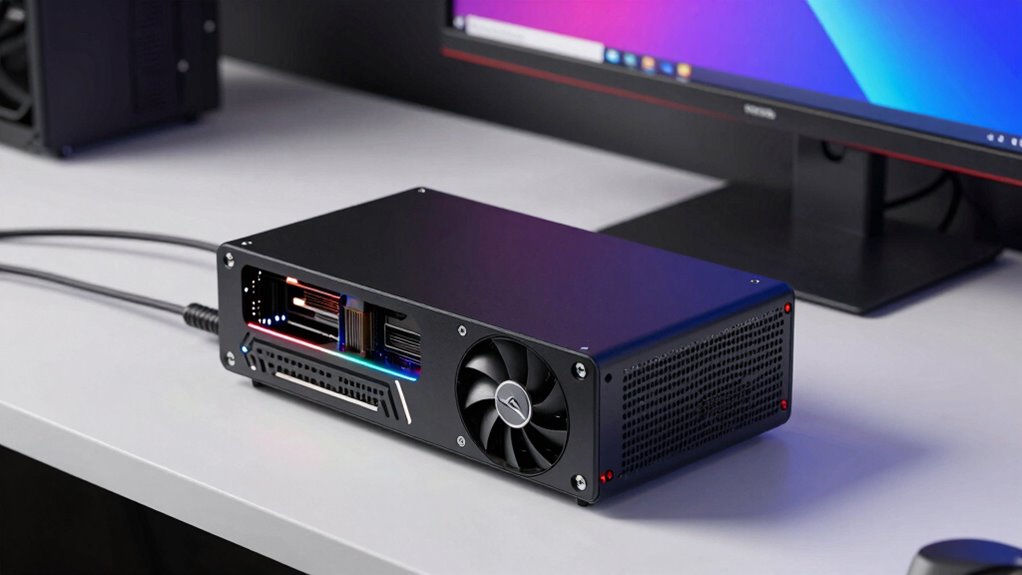

Before buying a GPU mini workstation, consider its size, performance limits, and compatibility. Verify it has a powerful GPU suited for your tasks, like 3D rendering or gaming, but also check thermal and power constraints that might affect longevity and performance. Look at connectivity options and future upgrade potential, as small cases often limit expansion. Paying attention to cooling solutions and hardware support helps avoid surprises. Keep exploring to learn more about choosing the right mini workstation for your needs.

Prime made for students and young adults
- Fast, free delivery for dorm and study essentials
- Prime Video and Amazon Music included
- Member-only deals
Key Takeaways
- Ensure the mini workstation’s GPU meets your performance needs for tasks like gaming, rendering, or machine learning.
- Check thermal and power limitations to prevent GPU throttling during extended or intensive workloads.
- Confirm compatibility of hardware components, including CPU, RAM, and storage, with your workload requirements.
- Verify connectivity options and port availability for peripherals, external displays, and future expansion.
- Consider portability features and internal space constraints that may affect upgradeability and cooling efficiency.
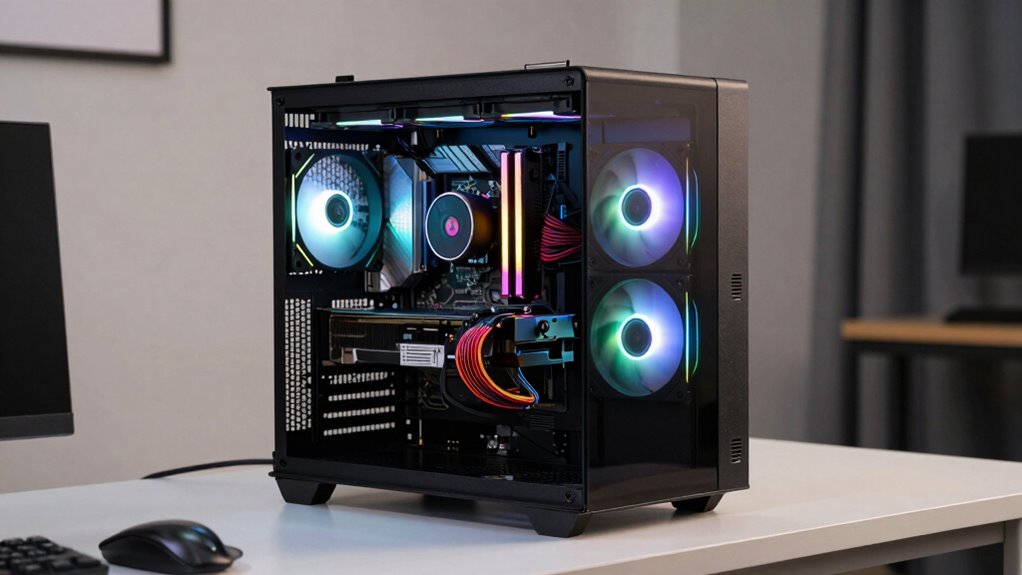
If you’re considering a GPU mini workstation, understanding what makes these compact systems different from traditional desktops is essential. These small-scale machines pack powerful graphics processing units (GPUs) into a much smaller form factor, making them ideal for users who need high performance without sacrificing space. While they can handle demanding tasks like 3D rendering, video editing, and machine learning, many also seek them out for gaming performance. However, don’t assume that a mini workstation will automatically deliver gaming results comparable to a full-sized gaming rig. The compact design often comes with thermal and power limitations, which can impact GPU performance during extended gaming sessions. If gaming is a priority, it’s important to verify the GPU’s capabilities and cooling solutions before making a purchase. Additionally, understanding the performance limitations of mini workstations can help set realistic expectations for intensive workloads.
Mini workstations offer high performance in a compact size but may face thermal and power limits for gaming.
Portability considerations are another vital aspect. Mini workstations are designed with mobility in mind, allowing you to carry your workstation from one location to another with relative ease. Their smaller size means they fit comfortably into backpacks or carry cases, unlike traditional desktops that require a dedicated space and more cumbersome setup. However, portability also comes with trade-offs. Smaller cases often mean limited upgrade options and less internal space for additional components or better cooling solutions. If you plan to use the workstation in different environments, check how well it handles heat dissipation and whether it includes features like sturdy handles or lightweight materials.
When evaluating a GPU mini workstation, pay close attention to the GPU itself. Not all mini workstations house the latest or most powerful GPUs, so you need to match your performance needs with the hardware. For gaming, look for models equipped with high-end NVIDIA or AMD cards, but remember that thermal constraints might throttle performance under load. Also, consider the CPU, RAM capacity, and storage options, ensuring they align with your workflow requirements.
Power supply and connectivity options are equally important. Smaller systems often have limited ports and lower wattage power supplies, which could restrict future upgrades or peripheral connections. Make sure the device supports the necessary interfaces like Thunderbolt, USB-C, or HDMI, especially if you use external monitors or peripherals regularly.
mini workstation with high performance GPU
As an affiliate, we earn on qualifying purchases.
As an affiliate, we earn on qualifying purchases.
Frequently Asked Questions
Can I Upgrade Components in a GPU Mini Workstation Later?
Yes, you can upgrade components in a GPU mini workstation later, but it depends on component compatibility and upgrade limitations. Some models have limited space or proprietary parts, making upgrades challenging. Before purchasing, check the workstation’s specifications for compatibility with RAM, storage, or GPU upgrades. Keep in mind that upgrade limitations vary, so choosing a model with accessible components can guarantee future upgrades are easier and more cost-effective.
How Does Portability Affect Performance Compared to Larger Workstations?
A GPU mini workstation is like a sports car—fast and nimble but with some performance trade-offs. Its portability limitations mean it can’t always match the power of larger setups, especially for intensive tasks. While it offers great convenience for on-the-go work, you might notice slight performance dips compared to bigger workstations. If mobility’s your priority, it’s a smart choice, but expect some compromises in raw power.
Are There Noise Level Concerns With Compact GPU Mini Workstations?
Noise levels can be a concern with compact GPU mini workstations, especially if they lack sound insulation features. These small systems often have powerful fans working harder to cool high-performance components, which can generate noticeable noise. To mitigate this, look for models with better sound insulation or quieter cooling solutions. Being aware of noise levels helps guarantee your workspace remains comfortable without sacrificing performance or productivity.
What Warranties or Support Options Are Available for These Devices?
You should check if extended warranty options are available for your GPU mini workstation, as they can cover repairs beyond the standard period. Additionally, look into the technical support services offered by the manufacturer, such as dedicated helplines or online assistance, ensuring you get timely help when needed. Good support options give you peace of mind, especially if you rely heavily on your workstation for critical tasks.
Do GPU Mini Workstations Support Multiple Monitors Efficiently?
Yes, GPU mini workstations support multi-monitor setups efficiently, allowing you to connect multiple displays for enhanced productivity. They typically support high resolutions, making it easy to extend your workspace or improve visual clarity. Make certain the device has enough HDMI, DisplayPort, or USB-C outputs to match your monitor count. With the right configuration, you can enjoy seamless multi-monitor performance without sacrificing resolution or responsiveness.
As an affiliate, we earn on qualifying purchases.
Conclusion
In the end, choosing a GPU mini workstation is like picking the right paintbrush for your masterpiece—it needs to fit your needs perfectly. Think of it as your trusty sidekick in the digital adventure, ready to tackle tasks with the agility of a squirrel and the power of a lion. So, weigh your options carefully, and you’ll be all set to access a world of creative possibilities—your perfect tech companion awaits!
GPU mini workstation cooling solutions
As an affiliate, we earn on qualifying purchases.
As an affiliate, we earn on qualifying purchases.
mini workstation upgrade options
As an affiliate, we earn on qualifying purchases.
As an affiliate, we earn on qualifying purchases.
Halloween Picks
halloween
As an affiliate, we earn on qualifying purchases.