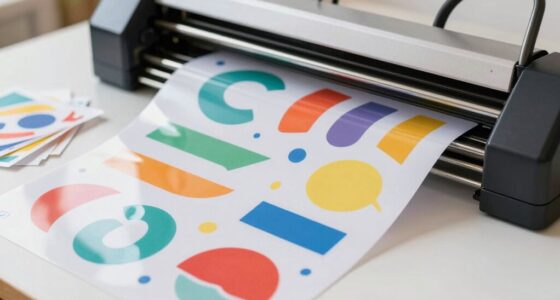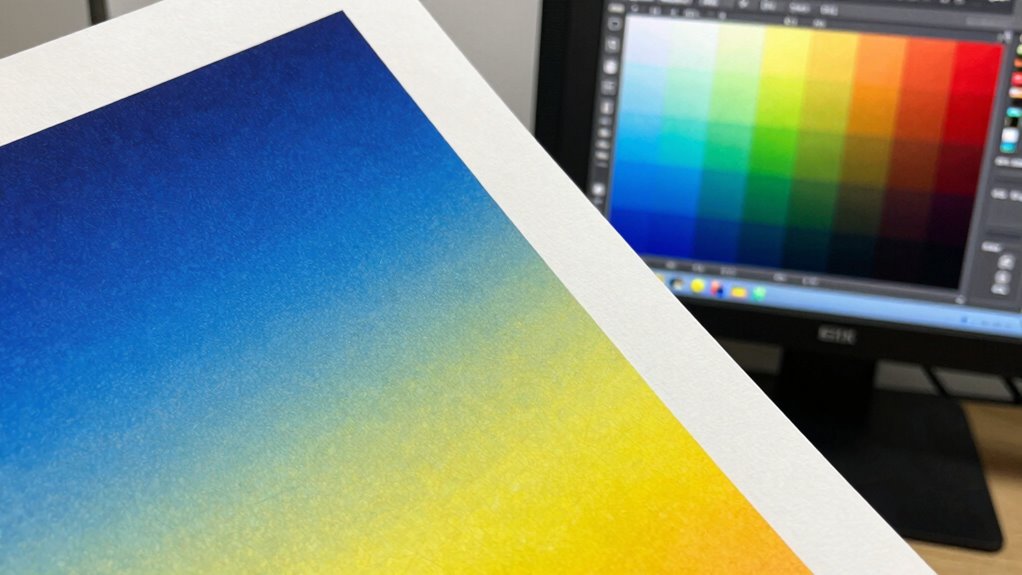

To match screen colors to paper without guesswork, start by calibrating your monitor with calibration tools to guarantee your display shows accurate colors. Use ICC profiles to embed consistent color settings across devices. Soft proof your designs with these profiles in your editing software to preview how colors will appear in print. By maintaining proper profiles and calibration, you can ensure precise color matching — if you want to learn more, keep exploring the detailed steps ahead.
Key Takeaways
- Calibrate your monitor regularly using hardware calibration tools to ensure on-screen colors accurately reflect true colors.
- Use consistent color profiles (like ICC profiles) embedded in your files and match them with your printer’s profiles.
- Soft proof your design with calibrated display and appropriate print profiles to simulate how colors will appear on paper.
- Choose the appropriate color mode (CMYK for printing) during editing to prevent unexpected color shifts.
- Always compare digital proofs with physical color samples to verify accuracy and adjust settings as needed.
As an affiliate, we earn on qualifying purchases.
Why Is Accurate Color Matching Important in Printing?

Accurate color matching is vital in printing because it guarantees that the final product appears consistent and true to the original design. When you prioritize color accuracy, you make certain that colors look the same across different print runs and materials. This consistency is essential for maintaining brand identity and meeting client expectations. Without proper color management, colors can shift, reducing print fidelity and resulting in a product that doesn’t match your vision. Achieving precise color matching helps you deliver high-quality prints that reflect the intended design details and vibrancy. Additionally, color management systems are crucial tools that help ensure your printed output matches your on-screen colors. Proper color calibration practices further enhance this process by aligning your monitors and printers for consistent results. Understanding color profiles and how they influence output is also key to achieving accurate results. An understanding of color reproduction techniques allows for better control over the final appearance, reducing waste and reprints. Moreover, implementing color consistency across devices ensures uniformity in your printed materials. Ultimately, it builds trust with your clients by providing reliable, predictable results, and guarantees your printed materials look professional and polished every time.
As an affiliate, we earn on qualifying purchases.
What Are Color Spaces and Profiles, and How Do They Affect Print?

Your printer’s color output depends on understanding color spaces and profiles. If the chosen profile doesn’t match your device or color gamut, you might see colors that are out of range or look dull. Compatibility issues can also cause unexpected results, so selecting the right profiles is essential for accurate printing.
Color Gamut Limitations
Color spaces and profiles define the range of colors that digital images and printers can reproduce, but they also impose limitations known as color gamuts. These gamuts determine what colors your printer can produce based on ink absorption and substrate brightness. If a color falls outside the printer’s gamut, it must be mapped to the closest reproducible hue, which can lead to color shifts or dullness. The paper’s brightness affects how vibrant colors appear; a brighter substrate reflects more light, allowing for richer colors within the gamut. Conversely, duller or absorbent paper can restrict color reproduction, making some hues impossible to match exactly. Understanding these limitations helps you choose the right substrate and color profiles to achieve more accurate color matching without guesswork. Additionally, awareness of color management techniques can further improve color consistency across devices, and selecting appropriate **color profiles** ensures better color fidelity.
Profile Compatibility Issues
Color spaces and profiles define the specific ranges of colors that digital images and printing devices can handle. When these profiles don’t match correctly, you encounter profile mismatches, which can lead to unexpected color shifts or dull prints. Profile conflicts happen when the printer’s profile doesn’t align with the image’s color space, causing colors to appear inaccurately or inconsistent between devices. To avoid these issues, confirm your image’s color profile matches the printer’s profile or workspace. Using incompatible profiles can compromise color fidelity and result in wasted prints. Regularly calibrate your devices and verify that your software’s color settings align with your printer’s profile. This careful management helps maintain color accuracy from screen to paper, reducing guesswork and ensuring your prints look as intended. Understanding color management and how profiles work is essential for achieving consistent and accurate print results. Being aware of device calibration routines can further improve color consistency across your workflow. Additionally, employing color profiling tools can help you identify and correct mismatched profiles before printing. Incorporating suprem fabric knowledge into your workflow can also assist in achieving more precise color reproduction, especially when working with eco-friendly and innovative materials. Moreover, understanding the nuances of different color gamuts can help optimize your color matching process across various devices and media.
As an affiliate, we earn on qualifying purchases.
How Do You Calibrate Your Monitor for Precise Color Display?

Calibrating your monitor guarantees that the colors you see on screen match true color standards, which is essential for accurate printing and design work. Proper monitor calibration ensures display accuracy, helping you make informed color choices. To do this effectively:
| Step | Action | Tool Needed |
|---|---|---|
| 1 | Warm up your monitor for 15 minutes | N/A |
| 2 | Use calibration software or device | Hardware calibrator or software |
| 3 | Follow on-screen instructions | Calibration tool/software |
| 4 | Save calibration profile | Operating system settings |
| 5 | Recalibrate regularly | Every few weeks or after updates |
Regular calibration maintains display accuracy, preventing color drift and ensuring your work matches print results. Additionally, understanding the concept of color management can help you achieve more consistent and predictable print outputs.
As an affiliate, we earn on qualifying purchases.
RGB or CMYK: Which Color Mode Is Best for Printing?
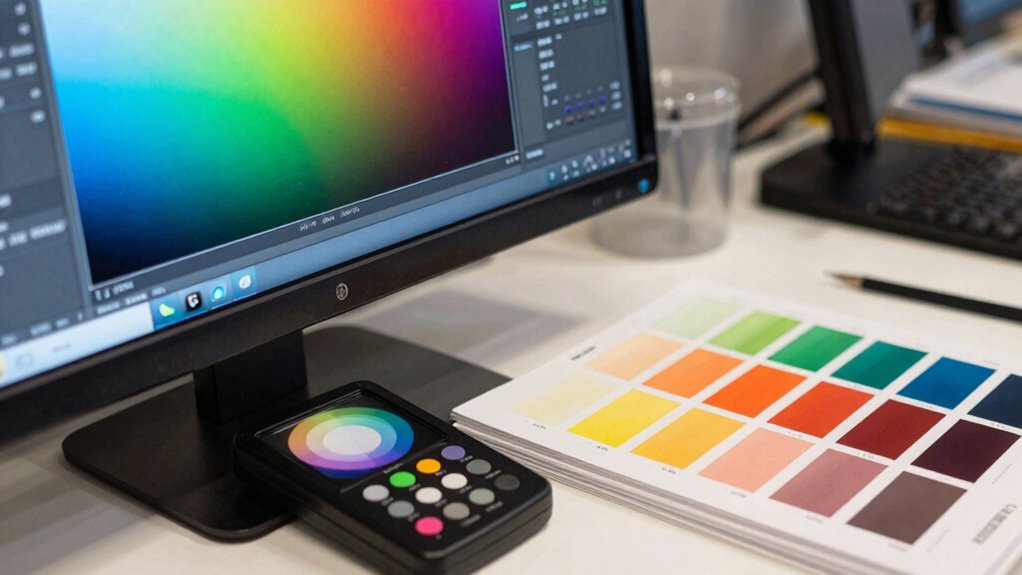
Choosing the right color mode is vital for guaranteeing your digital designs print accurately. If you’re designing on a monitor, proper calibration helps you see true colors, reducing surprises during printing. RGB (Red, Green, Blue) is ideal for digital screens because it’s based on light emission, offering a wider color gamut. However, for printing, CMYK (Cyan, Magenta, Yellow, Black) is necessary, as it aligns with how printers reproduce color through ink. When converting between color spaces, be mindful of color space conversion issues that can alter your design’s appearance. Using the correct color mode from the start minimizes the need for complex adjustments later. Ultimately, understanding the strengths of RGB and CMYK ensures your printed output matches your digital vision without guesswork.
What Are the Best Color Management Tools and Software for Matching Colors?
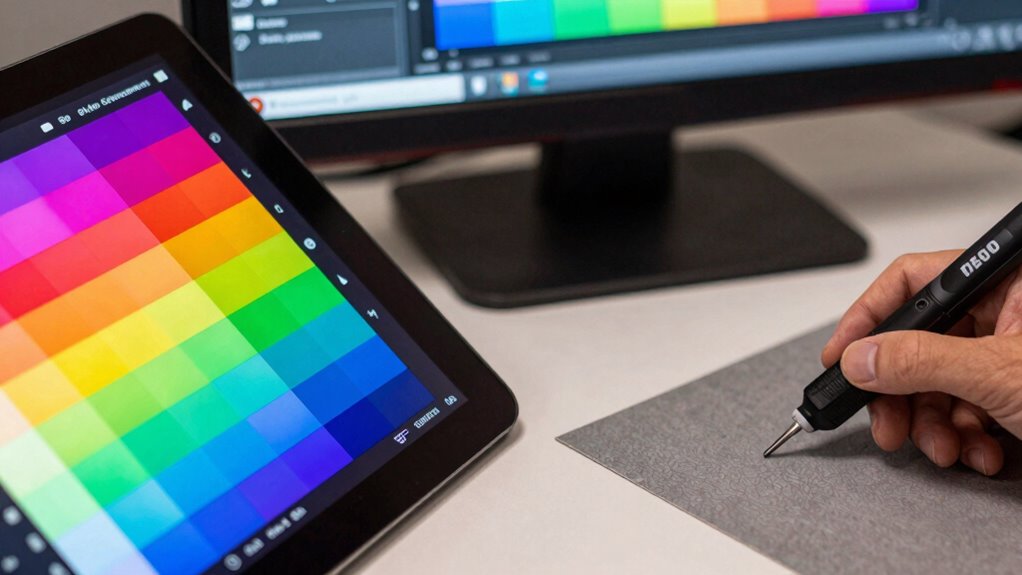
To attain accurate color matching, you need reliable tools and software. Color calibration software helps fine-tune your devices, while spectrophotometer devices measure color precisely. A good color management system integrates these tools to guarantee consistent results across all your print projects. Additionally, understanding home theater display calibration principles can improve your color accuracy in various applications.
Color Calibration Software
When selecting the right color calibration software, you gain the ability to guarantee consistent and accurate color reproduction across your devices. Effective tools prioritize precise color calibration, allowing you to fine-tune your monitor and printer settings for ideal results. Look for software that offers extensive color profiling, ensuring your devices understand and reproduce colors accurately. These programs often include features like automatic calibration, real-time adjustments, and detailed reports that help you maintain color consistency over time. By investing in reliable color calibration software, you eliminate guesswork and create a solid foundation for accurate color matching from screen to print. Proper color management practices are essential to achieving predictable and professional results. Utilizing color profiles ensures your devices interpret colors uniformly, which is crucial for consistent output. This consistency ensures your prints match your digital previews, saving time and reducing waste in your workflow.
Spectrophotometer Devices
Spectrophotometer devices are indispensable tools for achieving precise color matching in professional workflows. They provide accurate color measurement techniques that help you analyze and reproduce colors consistently across screens and print. Proper spectrophotometer calibration guarantees that readings are reliable, which is vital for matching colors accurately. When selecting a device, consider models with high resolution and repeatability, so your measurements stay consistent over time. These tools can quickly capture color data from samples, enabling you to create accurate color profiles and minimize guesswork. Using a spectrophotometer helps you understand color differences objectively, reducing errors and waste. Additionally, integrating modern technology like software with advanced algorithms can further refine your color management process. Overall, investing in the right spectrophotometer device and maintaining proper calibration markedly enhances your control over color accuracy in print production. Incorporating spectrophotometric measurement techniques ensures your color matching remains consistent and reliable over various projects.
Color Management Systems
Choosing the right color management tools and software is essential for achieving consistent and accurate color matching across your print and digital workflows. Effective color management systems utilize precise color profiles that translate colors accurately between devices, ensuring your screens and prints align. Look for software that supports detailed color workflows, allowing you to calibrate monitors, create custom profiles, and manage color consistency seamlessly. Advanced tools like X-Rite’s i1Profiler or Adobe Color Management enable you to build and apply accurate profiles, reducing guesswork. You should also consider the importance of color profiles in maintaining color fidelity throughout your process. Properly calibrated devices and color space settings contribute significantly to predictable results. Integrating color management systems into your workflow helps ensure consistent color reproduction across devices. By doing so, you can reliably reproduce colors, maintain brand consistency, and save time. The right combination of software and color profiles empowers you to control every step of your color process, resulting in predictable, professional results.
How Do You Create and Apply Color Profiles to Your Files?

Are you wondering how to create and apply color profiles to your files effectively? Start with color profile creation using calibration tools and software that match your monitor or printer. Once you have the correct profile, embed it directly into your files to guarantee consistent color reproduction across devices. For example, in Adobe Photoshop, you can assign or convert to the desired color profile during the save or export process. Embedding profiles is essential because it communicates how colors should appear, preventing guesswork. Always verify that the profile is embedded correctly by checking the file’s color settings. This ensures accurate color matching from screen to print, reducing surprises and ensuring your final output matches your expectations. Additionally, understanding color management workflows can help streamline your process and achieve more predictable results. Proper calibration and understanding of color profiles can also enhance your overall approach to managing color consistency.
How Can You Soft Proof and Proof Colors Before Printing?

To guarantee your printed colors match your on-screen expectations, soft proofing is an essential step. By simulating how colors will appear on paper, you can catch issues early. Use soft proofing techniques such as adjusting your monitor’s color profile and enabling proof setup options in your editing software. To improve accuracy, consider matching color swatches between your screen and physical samples. This helps verify color consistency before printing. Keep these tips in mind:
- Enable proof setup in your editing software
- Use calibrated monitors for precise color display
- Adjust your monitor’s color profile for accuracy
- Match color swatches to printed samples
- Preview soft proof results before printing
Implementing color management practices ensures your digital and printed colors remain consistent. This process minimizes guesswork and ensures your final print matches your expectations.
What Are Common Print Color Matching Problems and How Can You Fix Them?
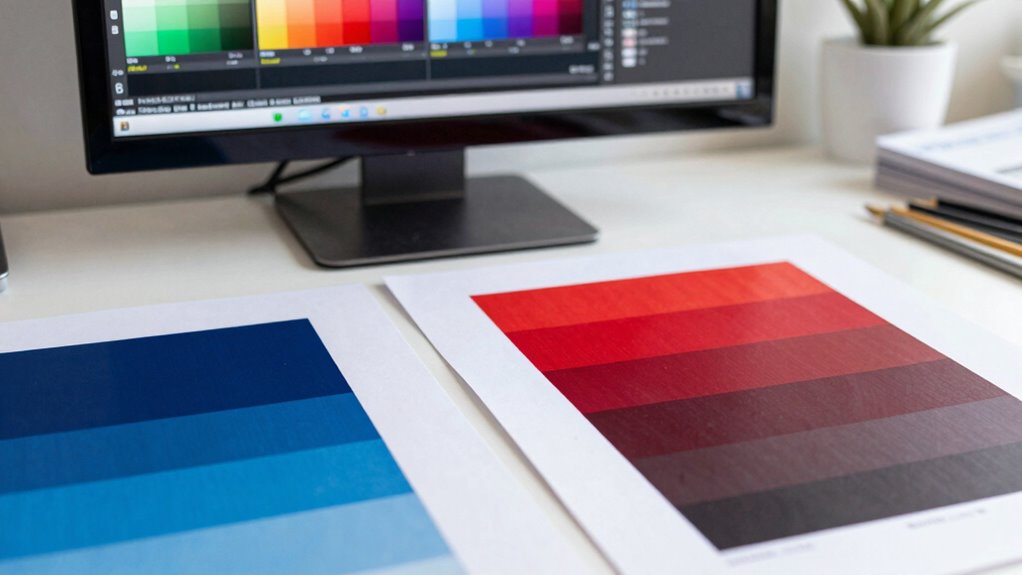
One common print color matching problem is when colors appear dull, faded, or different from what you see on your screen. This often results from issues like poor ink adhesion or incompatible paper textures. When ink doesn’t adhere well, colors can look washed out or uneven. Paper texture also affects color richness; rough or highly textured paper disperses ink differently, causing inconsistent results. To address this, consider the following:
| Issue | Cause | Fix |
|---|---|---|
| Dull colors | Poor ink adhesion | Use compatible inks and ensure proper drying |
| Faded appearance | Incompatible paper texture | Select smoother paper designed for printing |
| Color inconsistency | Surface irregularities | Test different paper types before printing |
Matching colors requires understanding these factors to prevent surprises and achieve accurate results.
What Are Best Practices for Consistent Print Color Results Across Devices?
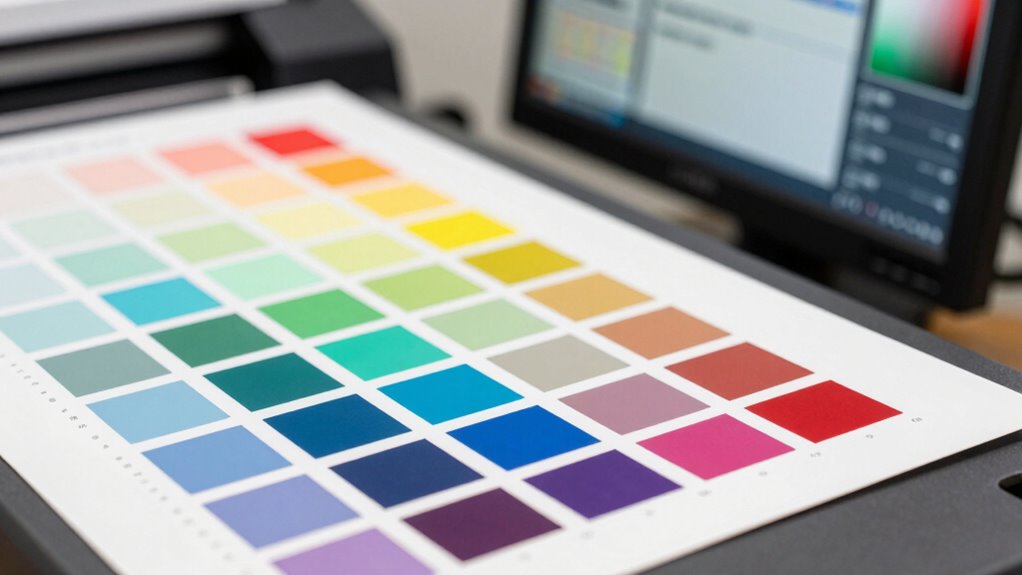
Achieving consistent print color results across different devices can be challenging, but following best practices guarantees accuracy and efficiency. To ensure color consistency, prioritize regular device calibration to match color output accurately. Use standardized color profiles tailored to each device to maintain uniformity. Keep your software updated to prevent discrepancies and optimize color reproduction. Always work from a calibrated monitor to preview colors accurately before printing. Additionally, perform test prints to verify color accuracy and make adjustments as needed.
- Regularly calibrate all devices involved in the printing process
- Use standardized ICC profiles for each device
- Maintain consistent lighting conditions in your workspace
- Keep your printer firmware and drivers up to date
- Perform test prints regularly to verify color consistency
Frequently Asked Questions
How Does Ambient Lighting Affect Printed Color Perception?
Ambient light greatly influences how you perceive printed colors, as different viewing conditions can alter color perception. Bright or yellowish ambient light makes colors appear warmer, while dim or bluish lighting can dull or shift colors. To guarantee accurate color matching, you should control ambient lighting and standardize viewing conditions. This way, you get a consistent and true representation of printed colors, reducing guesswork and ensuring your prints meet your expectations.
Can Color Matching Techniques Vary Between Different Paper Types?
Yes, color matching techniques can vary between different paper types. You’ll need to take into account paper texture, ink drying, and surface finish, as each influences how colors appear and how inks absorb. You’ll want to adjust your calibration, test prints, and color profiles accordingly. By tailoring your approach to each paper’s unique characteristics, you’ll ensure more accurate color reproduction, avoiding guesswork and achieving professional results every time.
What Impact Does Ink Type Have on Color Accuracy?
The ink type considerably impacts color accuracy because its chemical composition influences how colors appear on paper. Different inks have varying pigment formulations, affecting vibrancy and consistency. Additionally, substrate absorption properties play a role; some papers absorb ink more deeply, altering color intensity. Choosing the right ink for your paper ensures more precise color reproduction, reducing guesswork and achieving consistent results across different printing projects.
How Often Should Calibration and Profiling Be Performed?
You should calibrate and profile your printer at least once a month to maintain color accuracy, as studies show daily use can cause color drift. Regular printer maintenance helps, but software updates are equally vital for consistent results. Staying on top of these tasks ensures your colors stay true, reducing guesswork and saving time on reprints. Don’t wait for color issues—commit to routine calibration to keep your prints perfect.
Are There Industry Standards for Color Matching in Printing?
Yes, industry standards for color matching exist, emphasizing consistent color calibration and color consistency across devices. You should follow guidelines like those from the International Color Consortium (ICC) profiles and ISO standards, which help guarantee your prints match your screens accurately. Regular calibration and profiling are essential to maintain these standards, reducing guesswork and achieving predictable, high-quality color results in your printing projects.
Conclusion
Think of your color management journey as tending a garden. With the right tools, careful calibration, and understanding, you nurture vibrant, true-to-life blooms on paper. When you master matching screen hues to print, every project becomes a flourishing masterpiece. Embrace patience and precision as your seeds, and watch your creative visions blossom into flawless, consistent results—turning your digital landscape into a beautiful, harmonious garden of color.