
To get the most out of a mobile workstation laptop, focus on a high-performance GPU for smooth visuals and complex tasks, along with a powerful processor and ample RAM to handle multiple applications efficiently. Prioritize long battery life and energy-efficient components to stay productive on the go. Balancing these specs with portability is key, ensuring you don’t compromise performance or mobility. If you’re interested in optimizing your choice further, there’s more to discover below.

Prime made for students and young adults
- Fast, free delivery for dorm and study essentials
- Prime Video and Amazon Music included
- Member-only deals
Key Takeaways
- A high-performance GPU ensures smooth visuals and efficient handling of complex, graphics-intensive tasks.
- Long battery life with energy-efficient components supports extended work sessions without frequent recharging.
- Powerful processors and ample RAM are essential for multitasking and running demanding professional software.
- Balance between portability and hardware specs maintains productivity without compromising mobility.
- Prioritizing graphics capability and battery longevity maximizes workflow efficiency and device longevity.
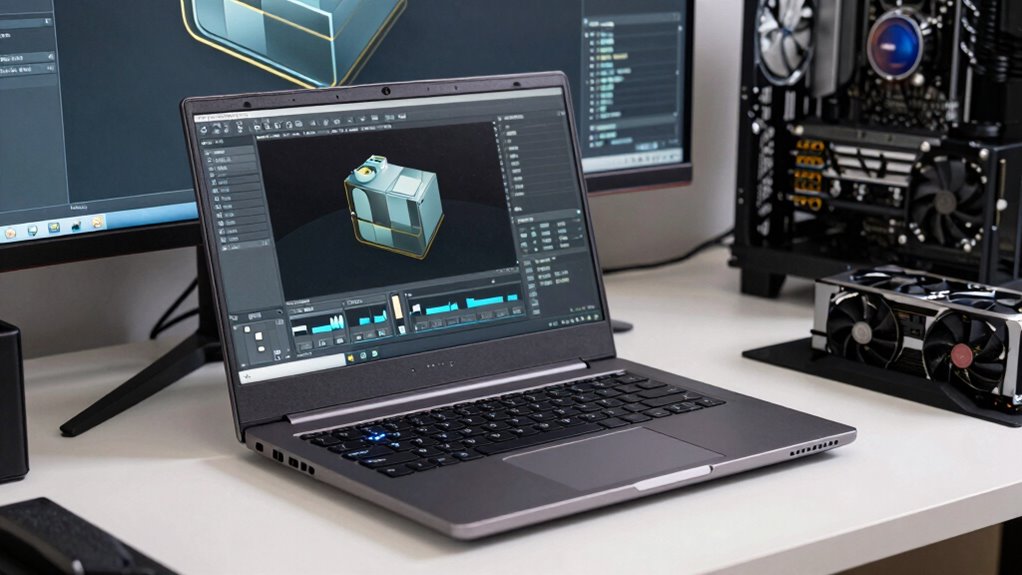
When choosing a mobile workstation laptop, understanding which specs truly impact performance can make all the difference. Among these, graphics performance is crucial, especially if your work involves 3D modeling, rendering, or video editing. The GPU, or graphics processing unit, determines how smoothly your visuals run and how quickly you can process complex images or animations. A high-quality, professional-grade GPU, like an NVIDIA Quadro or AMD Radeon Pro, ensures you won’t experience lag or stutter during intensive tasks. It also impacts how well your laptop handles multiple displays or high-resolution outputs, which are common in demanding workflows. Don’t overlook the GPU’s capabilities, as it directly influences your productivity and overall experience. Additionally, selecting the right graphics hardware can significantly improve your ability to work with demanding software efficiently.
Prioritize a high-quality GPU for seamless performance in 3D modeling, rendering, and multi-display workflows.
Battery longevity plays an equally vital role in a mobile workstation. When you’re on the go, you need a laptop that can last through long work sessions without constantly needing a recharge. Look for laptops with a larger battery capacity or energy-efficient components that help stretch battery life. Keep in mind that powerful specs, like a top-tier GPU or high-refresh-rate display, can drain the battery faster, so consider how these elements balance with your mobility needs. Some workstations come with smart power management features or fast-charging options that can help you maximize usage between charges. Battery management features are increasingly important in ensuring you get the most out of your device’s battery life. Long battery life means fewer interruptions during meetings, travel, or remote work, giving you the freedom to focus on your tasks without constantly hunting for power outlets. Moreover, choosing components with energy efficiency can contribute to a longer-lasting battery and a more sustainable device overall. Staying aware of thermal management is also essential, as overheating can reduce battery life and hardware longevity. To truly optimize your device, consider how upgradable components might extend its lifespan and performance over time.
While processors and RAM are important, they often get more attention than graphics performance and battery longevity. However, neglecting these specs can limit your laptop’s real-world usability. A robust CPU paired with ample RAM ensures your system runs smoothly and can handle multiple applications simultaneously. But if your work heavily relies on graphics-intensive software, investing in a workstation with a superior GPU is well worth it. Similarly, a sleek, lightweight chassis might be appealing, but it shouldn’t come at the expense of battery life. Striking the right balance between power, portability, and longevity is key to choosing a laptop that genuinely supports your professional needs.
In the end, make sure you prioritize graphics performance and battery longevity alongside other specs. These two elements directly affect your workflow, mobility, and efficiency. A well-chosen mobile workstation that excels in these areas will serve you better in the long run, helping you deliver quality work without unnecessary compromises.
Popular right now

Vitamix Propel Series 750 Professional-Grade Blender, 4 Programs, Black

Vitamix Propel Series 510 Professional-Grade Blender, 3 Programs, Black

Vitamix 5200 Professional-Grade Blender, 64 oz. Container, Black
As an affiliate, we earn on qualifying purchases.
Frequently Asked Questions
How Important Is Battery Life for Mobile Workstations?
Battery life is essential for a mobile workstation since it determines your ability to work on the go without constant charging. You want good battery endurance to stay productive during long sessions away from power outlets. Look for laptops with power optimization features, which help extend battery life by managing energy use efficiently. Overall, a strong battery life guarantees you can focus on your tasks without interruptions, boosting your productivity.
Can I Upgrade Components Later?
Think of your laptop as a growing garden—you can’t plant all the seeds at once and expect everything to flourish immediately. Many mobile workstations do offer hardware customization and upgradeability options, allowing you to swap out RAM, storage, or even GPUs later. However, not all models are built for easy upgrades, so check the upgradeability options before buying if you plan to enhance your system down the line.
What Are the Best Ports for Professional Peripherals?
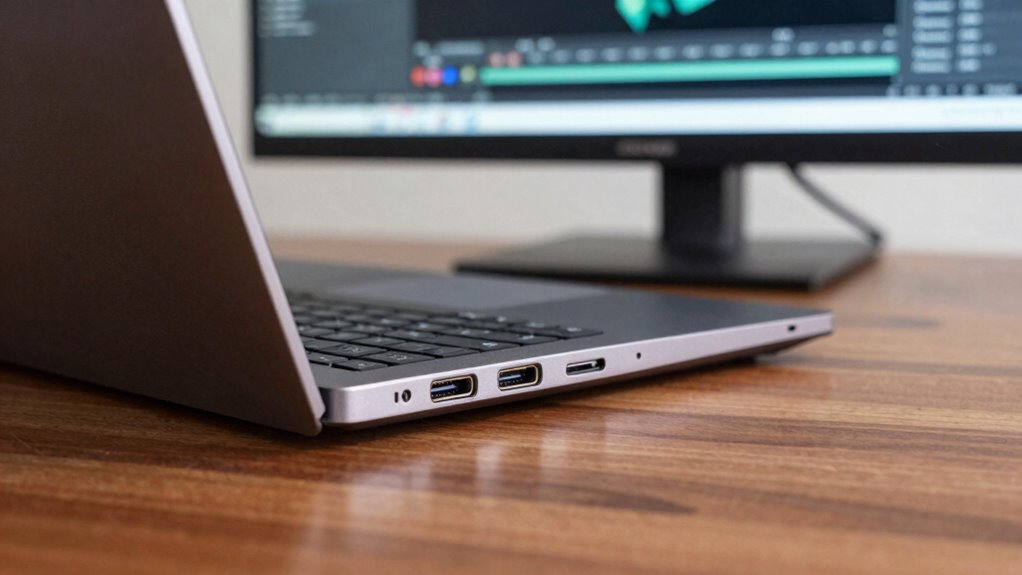
You should prioritize ports like Thunderbolt 4, USB-C, and HDMI for professional peripherals, as they support high-speed data transfer and multiple device connections. These ports facilitate remote collaboration by enabling seamless video, audio, and data sharing. Additionally, choosing laptops with privacy protection features like webcam shutters and secure ports helps safeguard sensitive work during remote interactions, ensuring your professional peripherals function efficiently while maintaining your privacy.
How Does Weight Affect Performance?
Weight impacts performance mainly through portability and durability. Heavier laptops often use sturdier materials, boosting durability but potentially adding to the weight. This can affect cooling efficiency since bulkier designs may allow better airflow or require advanced cooling solutions. However, increased weight might make long-term portability challenging, so you should balance material durability and cooling needs against your mobility requirements to guarantee ideal performance.
Is a Touchscreen Necessary for Professional Work?
Did you know that over 60% of professionals prefer laptops with touchscreens? Touchscreen necessity depends on your work style. If you frequently sketch, annotate, or navigate complex interfaces, professional touchscreens can boost efficiency. However, if your tasks involve typing-heavy work or detailed design, a traditional keyboard might suffice. Ultimately, evaluate how much a touchscreen enhances your workflow before deciding if it’s a must-have for your mobile workstation.
Conclusion
Choosing the right specs for a mobile workstation laptop is like assembling a toolbox—each component must work together seamlessly to tackle any job. Prioritize the processor, RAM, and GPU, but don’t forget storage and display quality. When you pick wisely, your laptop becomes a reliable partner, ready to handle complex tasks with confidence. Think of it as equipping yourself with the perfect toolkit—ready for anything the project throws your way.