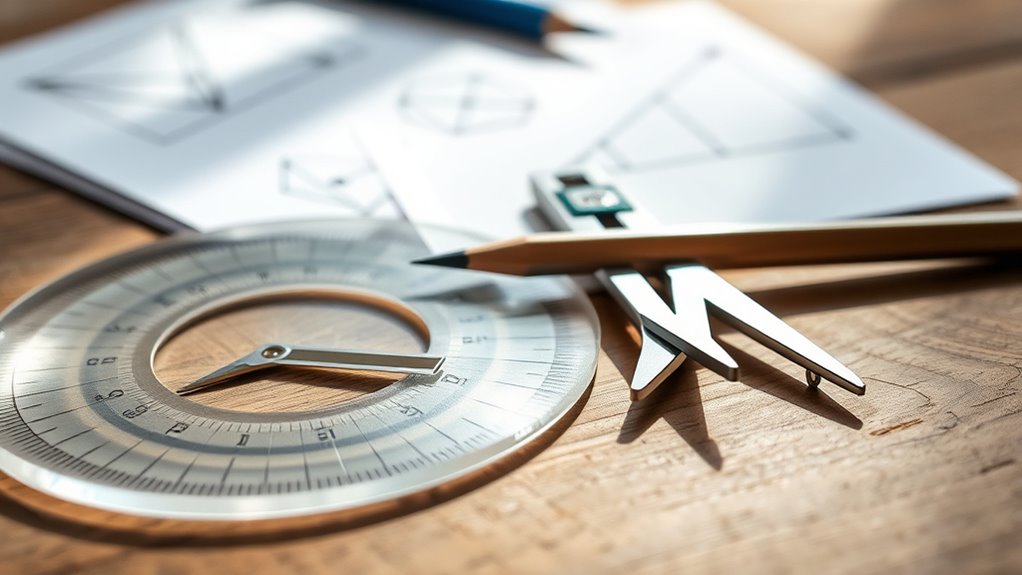

Using a protractor and compass are essential skills for accurate angle measurement and circle construction. With a protractor, you can precisely measure angles by aligning it with the vertex and reading the degree markings. A compass helps you draw perfect circles and replicate distances, which are vital for creating symmetrical and precise figures. Mastering these tools will boost your confidence in geometric work—stay with us to discover more tips and techniques.

Prime made for students and young adults
- Fast, free delivery for dorm and study essentials
- Prime Video and Amazon Music included
- Member-only deals
Key Takeaways
- A protractor measures angles accurately by aligning with the vertex and reading the degree where the other side intersects the scale.
- A compass constructs precise circles by setting the desired radius and rotating smoothly around a fixed point.
- Proper alignment and steady handling of both tools ensure accurate geometric constructions and measurements.
- Combining a protractor and compass enables creating complex figures, bisecting angles, and inscribing shapes precisely.
- Practicing their use enhances spatial reasoning, improves accuracy, and is essential for designing and solving geometric problems.
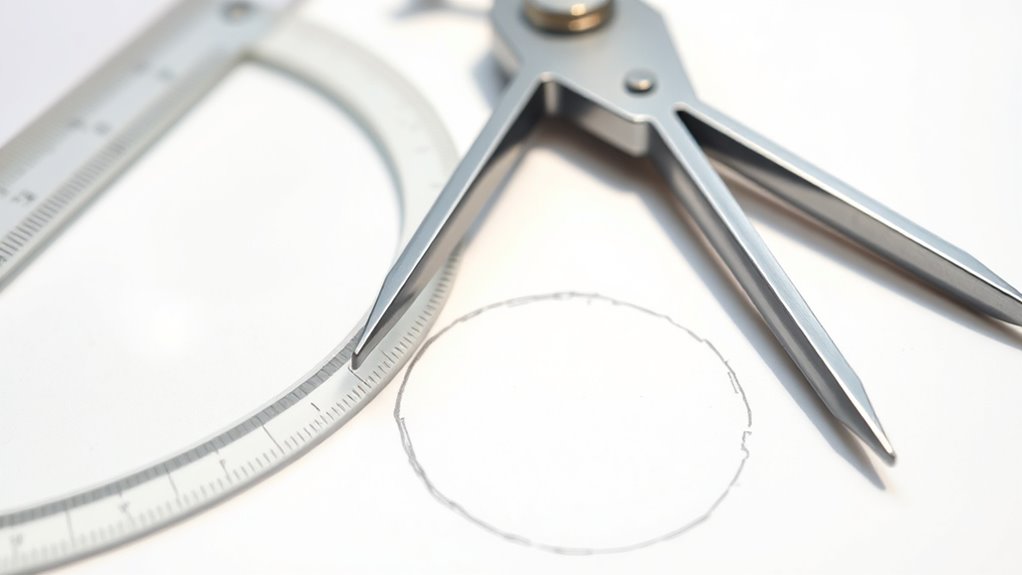
Using a protractor and compass are essential skills for accurately drawing and measuring angles and circles. These tools form the foundation of many geometric constructions, enabling you to work with precision and confidence. Whether you’re solving math problems or creating complex designs, mastering their use makes your work more accurate and efficient.
Mastering a protractor and compass ensures precise angles and circles for accurate geometric constructions and designs.
When it comes to angle measurement, the protractor is your primary instrument. You place it carefully on the vertex of the angle you want to measure, aligning the baseline with one side of the angle. Then, you read the degree measurement where the other side intersects the protractor’s scale. This process helps you determine exact angles, which is *crucial* for tasks like constructing polygons or replicating angles from diagrams. With practice, you’ll find it straightforward to measure angles quickly and accurately, ensuring your drawings are precise.
Circle construction is another fundamental skill that relies heavily on your compass. To draw a perfect circle, you set the compass to your desired radius—either by measuring with a ruler or estimating based on your project needs. You place the compass point on the paper and rotate it smoothly to create the circle, maintaining consistent pressure to avoid distortion. Circles are integral to many geometric figures, and constructing them accurately is *vital* for creating symmetrical and proportionate designs.
Using a compass also allows you to perform other circle-related constructions, such as bisecting a circle’s diameter or creating arcs that intersect at specific points. These techniques are *crucial* in creating geometric figures like inscribed angles, tangents, and other complex shapes. When constructing circles, make sure the compass point is firmly planted and that the pencil tip remains steady, so your circles are smooth and precise. Adjust the compass carefully to avoid changing the radius mid-construction, which could distort your measurements.
In addition to these primary uses, combining a protractor and compass enables you to perform more advanced constructions, like dividing angles equally or creating specific polygon shapes. Both tools require careful handling and practice; the more you work with them, the more intuitive they become. Developing your skills in angle measurement and circle construction can also enhance your spatial reasoning, which is *crucial* for understanding complex geometric relationships. By developing your skills in angle measurement and circle construction, you’ll strengthen your understanding of geometry principles and improve your ability to produce accurate, professional-looking diagrams. These tools are *indispensable* for anyone studying or working in fields that demand precision, and mastering their use opens up a wide range of creative and analytical possibilities in geometry.
Popular right now

Vitamix Propel Series 510 Professional-Grade Blender, 3 Programs, Black
Vitamix 5200 Professional-Grade Blender, 64 oz. Container, Black

Vitamix Propel Series 750 Professional-Grade Blender, 4 Programs, Black
As an affiliate, we earn on qualifying purchases.
Frequently Asked Questions
Can a Protractor Measure Angles in Three Dimensions?
A protractor can’t measure angles in three dimensions because it’s limited to 2D angle measurement. You might think it could help with 3D angles, but its design only measures angles within a flat plane. For 3D angles, you’d need specialized tools like a goniometer or 3D modeling software. Remember, protractor limitations mean you can’t rely on it for accurate 3D measurements, so choose the right tool for the task.
How Do I Calibrate a Compass for Precise Measurements?
Ever wondered how to guarantee your compass gives precise measurements? To calibrate it, start with calibration techniques like checking the needle against a known magnetic north or using a ruler for accuracy. Adjust the pivot point or tighten screws if needed. Regular calibration boosts measurement accuracy, helping you draw perfect circles and arcs. Remember, a well-calibrated compass is your best tool for reliable geometric constructions and precise drawings.
Are Digital Protractors More Accurate Than Traditional Ones?
Digital protractors are generally more accurate than traditional ones because of their digital accuracy, which minimizes human error in reading angles. They provide precise measurements instantly, making tool comparison easier and more reliable. However, the accuracy of either depends on proper calibration and usage. If you need quick, consistent results, a digital protractor is a better choice. Still, traditional ones work well for less critical tasks and don’t require batteries.
What Is the Best Way to Draw Perfect Circles With a Compass?
Think of drawing perfect circles with a compass like tuning a musical instrument; precision matters. To do this, you need to guarantee your compass is well calibrated by adjusting the pencil’s position and tightening the hinge. Then, hold the compass steady at the pivot point, keeping your hand firm. Practice makes perfect, so keep practicing circle drawing, and you’ll soon master creating flawless circles every time.
Can I Use a Compass to Measure Lengths Directly?
No, you can’t use a compass to measure lengths directly. Instead, you measure lengths by adjusting the compass’s radius to match the length you want, which requires proper calibration. To do this accurately, you set the compass’s point to the starting point and adjust the pencil to the desired length, then transfer this measurement. Remember, calibration guarantees your compass measures lengths correctly before you draw or transfer distances.
Conclusion
With a protractor and compass in your hands, you hold the keys to revealing endless geometric possibilities. These tools turn simple shapes into masterpieces, transforming your understanding into a powerful force that could rival the universe itself. Mastering them isn’t just helpful—it’s essential for creating perfect angles and circles that stand the test of time. So, keep practicing, and soon you’ll wield these tools like a true master architect of the cosmos.