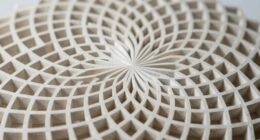

As a CAD designer, you use geometry every day to create precise, functional models. You start with sketches of lines, arcs, and circles, applying constraints like parallelism or perpendicularity to keep everything accurate. These geometric principles help you develop complex 3D shapes and make easy adjustments. Troubleshooting design issues becomes tackling geometric relationships. Mastering these skills guarantees your models are reliable and manufacturable. Keep exploring, and you’ll uncover even more ways geometry shapes your design process.

Prime made for students and young adults
- Fast, free delivery for dorm and study essentials
- Prime Video and Amazon Music included
- Member-only deals
Key Takeaways
- CAD designers use geometric principles to create accurate 2D sketches that form the foundation of 3D models.
- They apply geometric constraints to control relationships like parallelism and concentricity, ensuring design accuracy.
- Geometry guides the development of complex shapes through features like extrude, revolve, and loft.
- Designers troubleshoot and refine models by analyzing geometric relationships to resolve fit or alignment issues.
- Understanding materials and manufacturing constraints influences how geometric features are implemented for producibility.
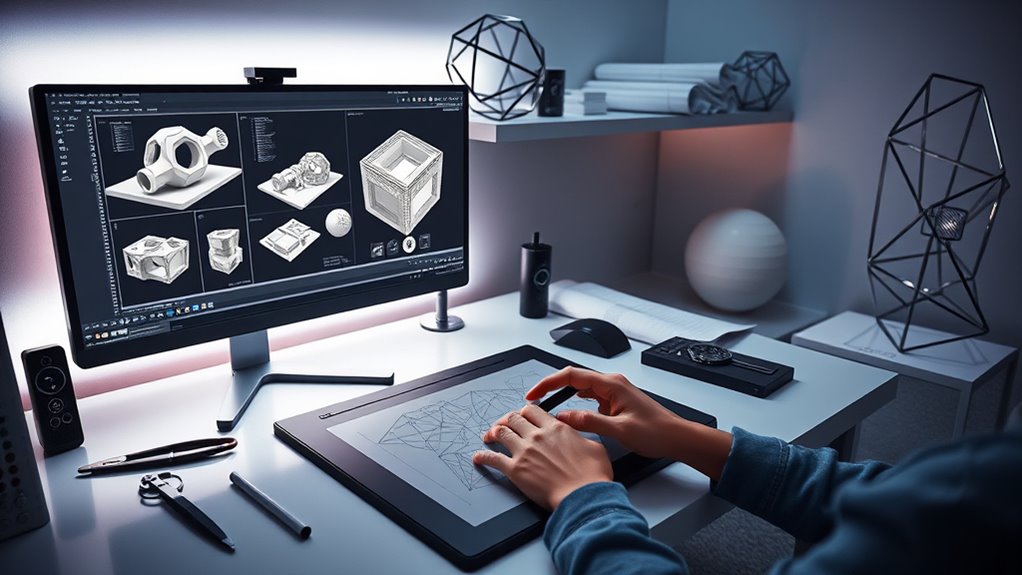
Have you ever wondered how CAD designers create precise and complex models? It’s a fascinating process that combines technical skill with a deep understanding of geometry. When you dive in to 3D modeling, you realize that each design begins with fundamental geometric principles, allowing you to translate ideas into detailed digital representations. By manipulating points, lines, surfaces, and solids, you shape intricate components that meet specific functional and aesthetic goals. Geometry isn’t just a background tool; it’s the core language through which you communicate your design intentions.
In the world of CAD, design constraints play a crucial role. These constraints are rules or limitations you set to control how parts behave and relate to each other within a model. For instance, you might impose geometric constraints like parallelism, perpendicularity, or concentricity to ensure parts align perfectly. These constraints guide your modeling process, making sure that every element maintains its proper relationship, which is vital for both functionality and manufacturability. When you define these rules early, you prevent errors and reduce the need for time-consuming revisions later.
Using geometry effectively allows you to create models that are both accurate and adaptable. For example, when designing a mechanical component, you start by sketching 2D profiles—lines, arcs, and circles—that follow precise geometric rules. These sketches serve as the foundation for 3D modeling, where you extrude, revolve, or loft shapes to build complex forms. Throughout this process, you constantly apply design constraints to keep your model consistent and parametric. If you decide to change a dimension or a relationship, the entire model updates automatically, saving you from tedious manual adjustments.
Moreover, understanding geometry helps you troubleshoot issues in your design. If a part doesn’t fit or a feature isn’t aligning correctly, you analyze the geometric relationships to identify the root cause. This insight lets you modify constraints or geometry directly, making your model robust and accurate. It’s a strategic approach that blends mathematical precision with creative problem-solving.
Additionally, knowledge of wicking materials and their properties can influence how you set up your models for manufacturability and functional performance, especially when designing components like self-watering planters or intricate mechanical systems.
Ultimately, mastering geometry and design constraints empowers you as a CAD designer. It provides the tools to create intricate, reliable models that meet complex specifications. Whether you’re designing a small mechanical part or an entire assembly, these principles keep your work consistent, precise, and efficient. Geometry is the language that unlocks your ability to transform ideas into detailed, manufacturable designs—making your role as a CAD designer both intellectually rewarding and technically essential.
Frequently Asked Questions
What Software Tools Does the CAD Designer Prefer for Geometric Modeling?
You prefer software tools that excel in parametric modeling and surface topology, like SolidWorks or Autodesk Fusion 360. These programs allow you to create complex shapes with precision, easily adjusting parameters as needed. You value their ability to handle intricate surface topology, ensuring your designs are both functional and aesthetically pleasing. Their intuitive interfaces and robust features make them your go-to choices for geometric modeling every day.
How Does Geometry Influence Real-World Project Outcomes?
Imagine you’re in the 21st century, but geometry’s impact on your projects is timeless. Your understanding of geometric accuracy directly influences real-world outcomes, ensuring structures are safe and functional. By applying visualization techniques, you can foresee potential issues early, saving time and resources. Mastering geometry helps you create precise designs, which translate into successful, durable projects. Ultimately, your grasp of geometric principles shapes the quality and longevity of your work.
What Are Common Challenges Faced When Applying Geometry in CAD?
When applying geometry in CAD, you often face challenges with conceptual visualization and managing geometric constraints. You might struggle to accurately translate ideas into digital models or accidentally break constraints that affect your design’s integrity. These issues can slow your workflow and cause errors. Staying organized with constraints and practicing clear visualization helps you navigate these challenges efficiently, ensuring your designs are precise and functional.
How Does Geometry Help in Optimizing Design Efficiency?
Geometry helps you optimize design efficiency by enabling mathematical precision and enhancing your spatial visualization skills. With accurate geometric tools, you can quickly refine your designs, spot potential issues early, and make adjustments with confidence. This reduces errors, saves time, and streamlines the entire process. By mastering geometry, you become more effective at translating concepts into precise, functional designs, ultimately boosting your productivity and the quality of your work.
What Skills Are Essential for Mastering Geometric Concepts in CAD?
Mastering geometric concepts in CAD is like building a sturdy bridge between ideas and reality. You need strong spatial reasoning skills to visualize designs in 3D, and a good grasp of trigonometry applications to measure angles and distances accurately. These skills help you create precise models, troubleshoot issues, and innovate efficiently. Practice consistently, study geometric principles, and stay curious—these are your keys to becoming a proficient CAD designer.
Conclusion
Remember, geometry isn’t just lines and shapes—it’s the foundation of your creativity. As a CAD designer, you use it daily to turn ideas into reality, much like an architect sketches a blueprint before construction. Keep honing your skills, because precision and imagination go hand in hand. Like the saying goes, “A picture is worth a thousand words,” and in your work, perfect geometry speaks volumes. Embrace it, and watch your designs come to life.
Fall Picks
fall essentials
As an affiliate, we earn on qualifying purchases.