
To avoid tablet chaos and battery death, organize your charging cart with designated spots, labels, and color coding for devices and cables. Use reputable adapters with appropriate wattage, implement a charging schedule, and keep cables tidy using clips or ties. Regular maintenance, cleaning, and security measures prevent damage and theft. Smart charging solutions can boost efficiency long-term. Keep exploring, and you’ll find effective tips to keep your carts orderly and devices ready to use.
Key Takeaways
- Implement organized cable management with labels and color coding to prevent tangles and confusion during charging.
- Establish structured charging schedules to avoid overcharging and battery degradation.
- Use secure, lockable carts with controlled access to prevent theft and unauthorized handling.
- Conduct routine maintenance and inspections to identify wear, clean ports, and ensure proper device functioning.
- Incorporate smart charging solutions like wireless charging or power banks to streamline routines and reduce chaos.
What Are the Biggest Challenges When Managing a Charging Cart?
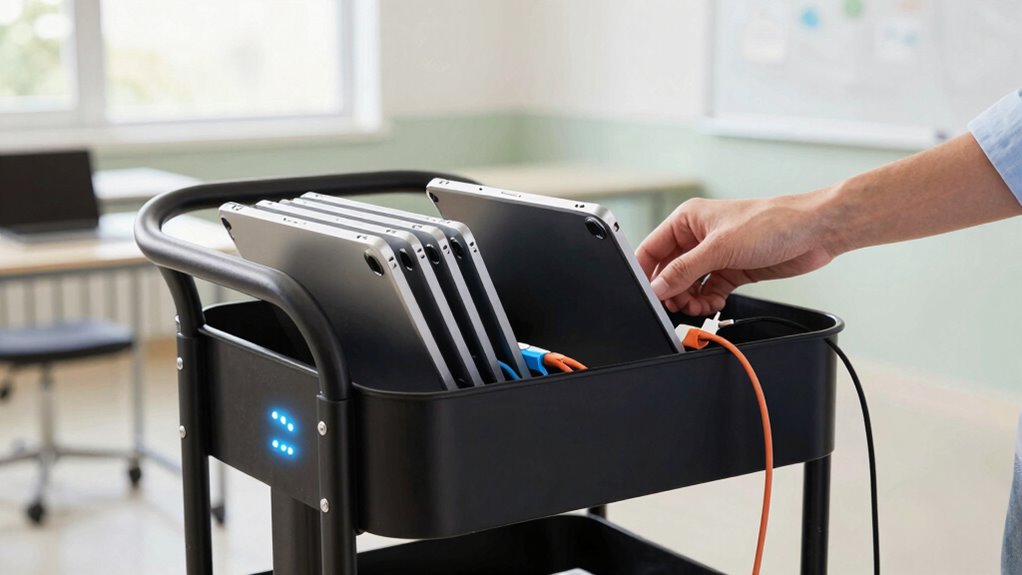
Managing a charging cart can be more challenging than it seems, especially when ensuring devices are charged, organized, and ready for use. One major challenge is maintaining device security; without proper safeguards, devices could be stolen or tampered with. You need to control user access, making sure only authorized individuals can open the cart and handle the devices. This prevents accidental damage or misuse. Additionally, balancing device security with ease of use is tricky—if access is too restricted, it delays classroom activities; if too lax, security is compromised. Keeping track of who accessed the cart and when is crucial for accountability. Implementing vetted security measures can help prevent unauthorized access and ensure device safety. Properly managing device inventory and understanding device security technology are also key to streamlining operations and preventing costly issues. Staying informed about security protocols helps educators adapt to emerging threats and protect valuable devices effectively. Regular staff training on security best practices can further reinforce the importance of safeguarding electronic devices. Moreover, integrating inventory management systems can simplify tracking and maintenance tasks.
How Do You Choose the Best Cables and Adapters for Tablets?
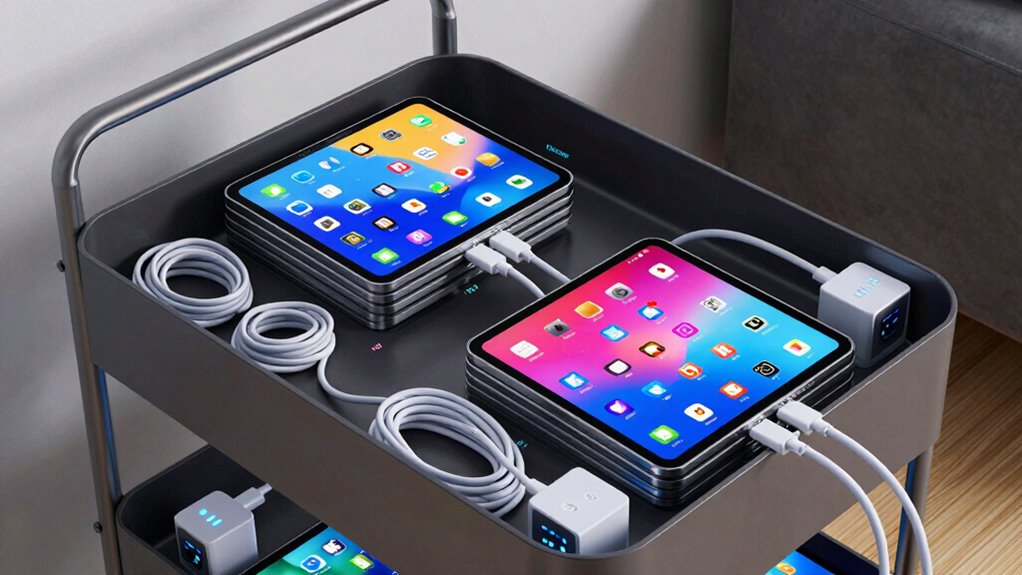
Choosing the right cables and adapters for tablets is key to maintaining a smooth and efficient classroom setup. First, check cable compatibility with your devices, ensuring they match the tablet’s charging port, whether USB-C, Lightning, or micro-USB. Using incompatible cables can cause charging issues or damage your devices. When selecting adapters, consider their wattage; higher wattage adapters can charge tablets faster and more effectively. Opt for reputable brands that meet safety standards to prevent overheating or short circuits. Keep in mind that some tablets require specific adapters, so verify the manufacturer’s recommendations. Using the correct cables and adapters minimizes charging problems, reduces wear and tear on devices, and guarantees your tablets stay ready for learning. Proper adapter selection and cable compatibility are essential for a reliable charging setup. Additionally, understanding power management concepts can help optimize your charging and device management strategies for a clutter-free environment. Familiarizing yourself with brand reputation can also ensure you choose trustworthy products that last longer and perform safely.
How Can You Organize Your Charging Cart for Efficiency?
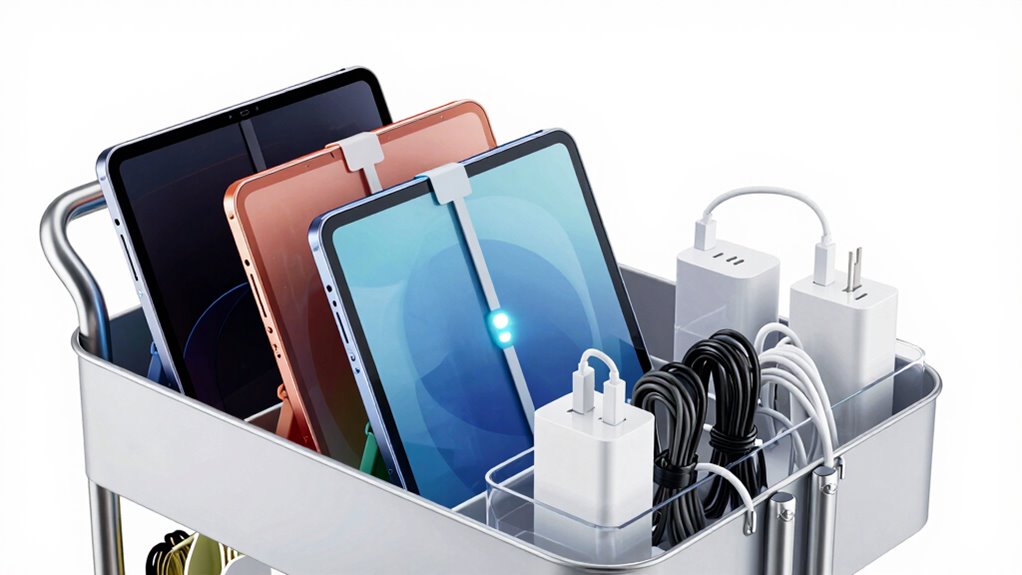
To maximize efficiency, organizing your charging cart effectively is essential. Start with clear storage organization by assigning designated spots for each tablet and cable, making it easy to find and return devices quickly. Use labels or color-coding to differentiate between devices, ensuring smooth progressions during busy times. Incorporate secure storage solutions like lockable compartments or bins to prevent theft, especially in shared environments. Keep cables tidy with Velcro straps or cable organizers to avoid clutter and damage. Regularly audit your setup to identify any misplaced items or potential security gaps. Integrating connected devices into your charging routine can help monitor battery health and usage patterns. Utilizing digital management tools can further streamline device tracking and maintenance. Additionally, maintaining a consistent organization system can streamline your process and reduce confusion during hectic periods. Conducting routine inspections helps catch issues early and maintain safety standards. A well-organized charging cart reduces downtime, minimizes device damage, and enhances theft prevention, ensuring your tablets stay charged, accessible, and safe throughout the day. Implementing a maintenance schedule can further ensure your charging station remains efficient and reliable over time.
What Are the Best Ways to Set Up a Charging Schedule?
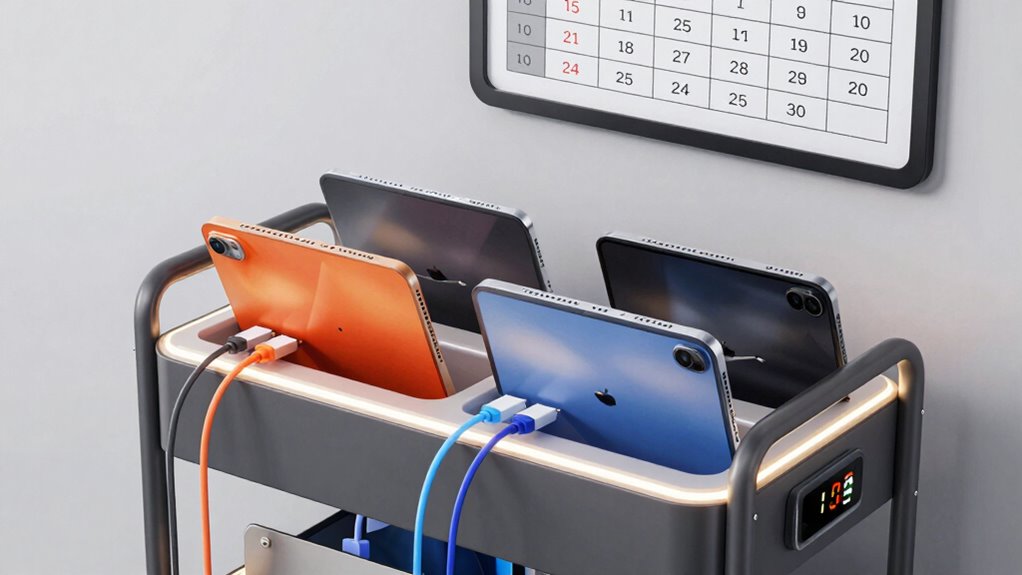
How can you guarantee your devices stay charged and ready when needed? Setting up a clear charging schedule is key. Start by designating specific times for charging, such as overnight or during low-usage periods, to ensure devices are fully powered without overcharging. This practice also helps prevent battery degradation, which can shorten device lifespan. Additionally, establishing a consistent routine can reduce device downtime, ensuring devices are available when students or staff need them. This helps maintain device security by reducing the risk of unauthorized access and battery damage. Limit user access to the charging station to prevent accidental disconnections or misuse, and assign responsibility for monitoring the schedule. Consistent routines prevent chaos and ensure devices are always available when students or staff need them. Regularly review and adjust the schedule based on device maintenance and usage patterns to optimize device readiness and longevity. Incorporating device management tools can further streamline the process and improve oversight. Implementing a tracking system can also help identify devices that need repairs or replacements, thereby reducing unexpected outages. A well-planned charging schedule minimizes downtime and keeps your tech functioning smoothly.
How Can Cable Management Tools Keep Cables Tangle-Free?
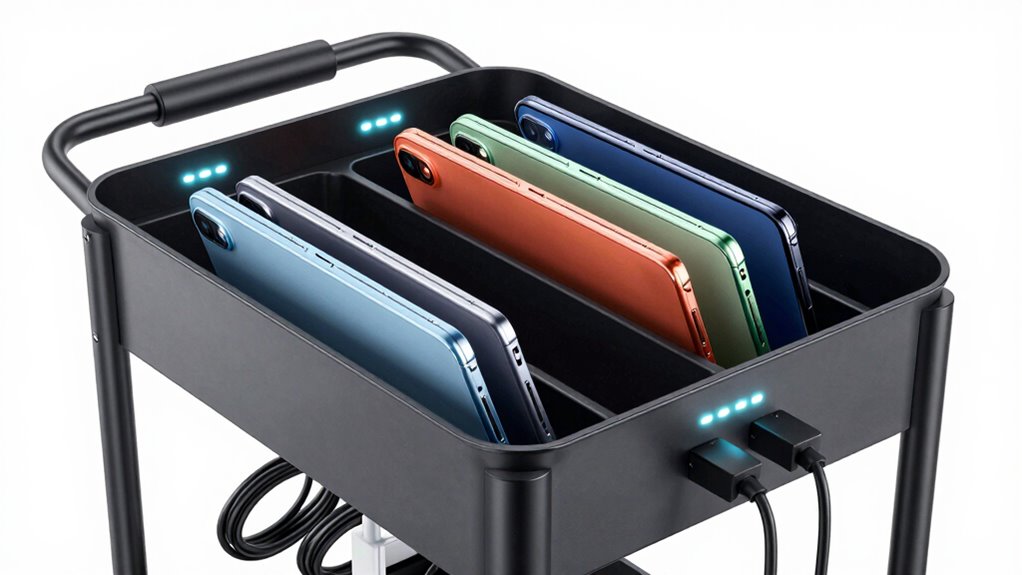
Cable management tools are essential for preventing cables from becoming tangled and cluttered, which can lead to damage and make device setup more cumbersome. By using cable clips, sleeves, and ties, you can achieve better cable organization, keeping cords neat and accessible. These tools help you route cables efficiently, reducing the risk of accidental pulls or disconnects. Tangle prevention becomes easier when cables are secured and separated, saving time during device deployment and troubleshooting. Proper cable management also minimizes wear and tear, extending the lifespan of your cables. Additionally, organized cables can support smart home automation routines that rely on clear cable pathways for seamless operation. When cables are properly routed, it reduces unnecessary strain and potential disconnections, ensuring consistent performance. Creating a consistent cable layout helps maintain a clutter-free environment and simplifies future adjustments. With a well‑organized setup, you streamline maintenance and ensure a safer, more efficient charging environment. Investing in cable management tools is a simple yet effective way to maintain order and prevent chaos in your charging carts, especially when considering the importance of cable durability in long-term use.
How Do You Label Devices and Cables for Easy Identification?
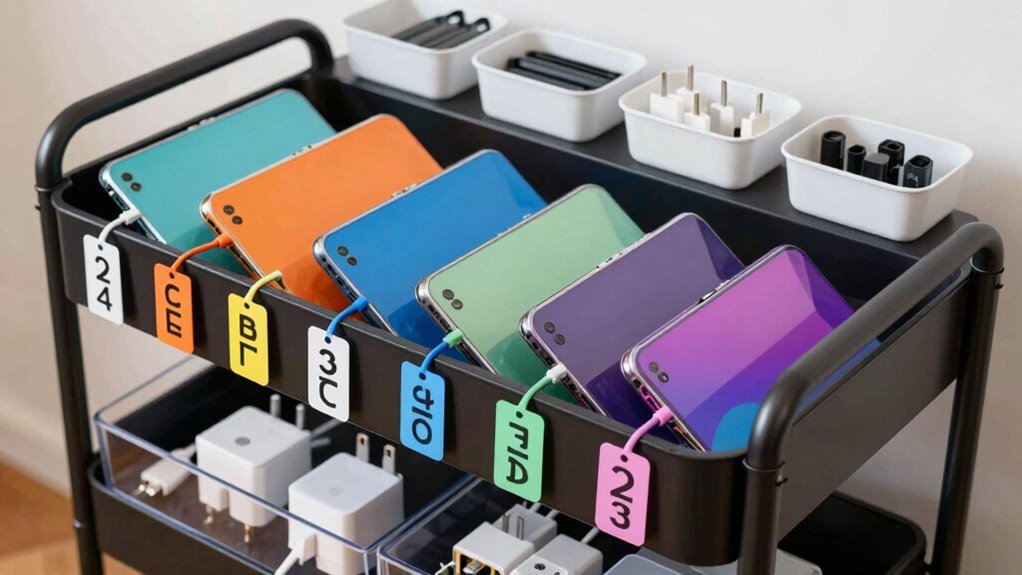
Using color coding systems, durable labels, and standardized cable tags makes it easy to identify devices and cables quickly. You should assign specific colors or labels to different devices to avoid confusion. This simple approach helps keep your charging area organized and efficient. Incorporating lifestyle organization strategies can further streamline your setup for maximum productivity, ensuring that your device management aligns with your overall space organization goals. Employing clear and consistent labeling practices enhances efficiency and minimizes troubleshooting time. Additionally, utilizing visual cues can improve rapid identification, saving you time when managing multiple devices.
Color Coding Systems
Implementing a color coding system can considerably simplify the management of charging carts by making devices and cables instantly recognizable. By assigning specific colors to different devices or user groups, you create a visual cue that enhances device differentiation. For example, use red for tablets assigned to grade K-2, blue for grade 3-5, and green for staff devices. This quick identification reduces confusion during charging and deployment, saving time and preventing mix-ups. Color coding also streamlines troubleshooting and device management, since you can easily track which device belongs to whom or which group. When establishing your system, confirm consistency across all devices and cables. This straightforward approach boosts organization, minimizes errors, and keeps your charging cart operation smooth and efficient.
Use Durable Labels
How can you guarantee your devices and cables stay clearly identified over time? The key is using durable labels built to withstand frequent handling, cleaning, and movement. Invest in labels designed for high label durability—these resist water, smudges, and fading. Avoid paper labels that peel or become illegible quickly. Instead, opt for vinyl or polyester labels with strong adhesive backing, ensuring they stay securely attached. Clear, permanent ink helps prevent fading, so your labels remain easy to read. Regularly inspect labels and replace any that show signs of wear. This proactive approach keeps your device and cable identification consistent, reducing confusion and streamlining your charging process. Durable labels are an essential investment in maintaining an organized, efficient charging environment.
Standardize Cable Tags
To guarantee your devices and cables are easily identifiable, establishing a standardized labeling system is essential. Using cable tags with consistent color coding helps prevent confusion and saves time. Assign specific colors to each device or user group, making it simple to trace cables instantly. Here’s a sample system:
| Color | Device Type | User Group |
|---|---|---|
| Red | Tablets | Grade 3 |
| Blue | Charging Cables | Teachers |
| Green | Power Supplies | Maintenance |
This visual approach reduces chaos during setup, charging, and troubleshooting. When everyone recognizes the color scheme, cables stay organized and accessible. Standardized cable tags with clear color coding keep your charging carts tidy, efficient, and user-friendly.
How Do You Maintain Your Charging Cart to Keep It in Top Shape?
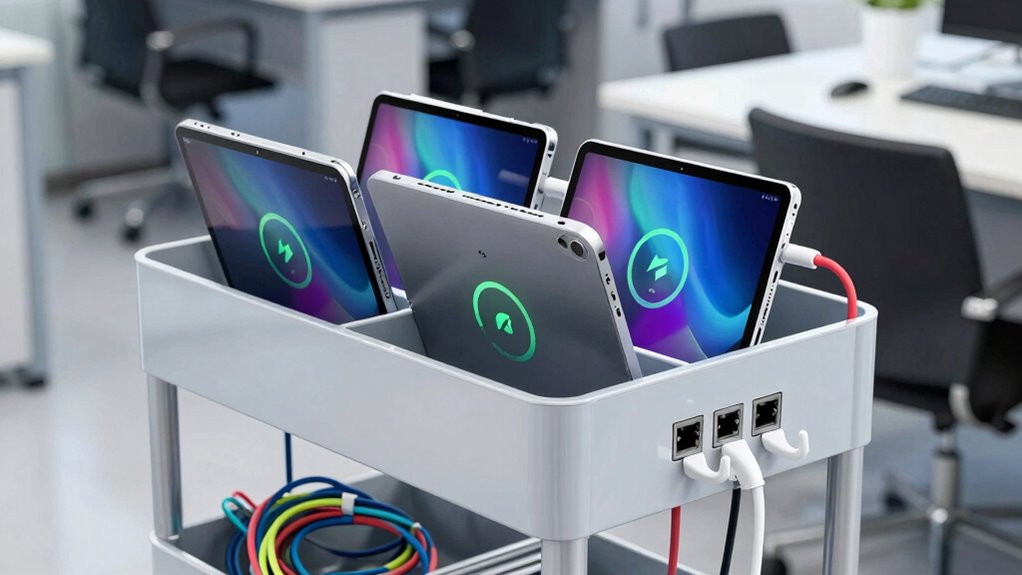
Regular maintenance is essential to keep your charging cart functioning efficiently and prolong its lifespan. Start by regularly calibrating the device batteries to ensure accurate charge levels and peak performance. Proper battery calibration prevents unexpected shutdowns and extends battery life. Additionally, clean your devices and charging ports frequently to prevent dust, dirt, and debris from interfering with connections. Wipe down the cart’s surfaces and shelves to maintain a tidy, safe environment. Check the power cords and connectors for signs of wear or damage and replace them if necessary. Keep ventilation areas clear to avoid overheating. By staying on top of battery calibration and device cleaning, you ensure your charging cart remains reliable, safe, and ready to support your technology needs without unexpected disruptions.
What Are Common Charging Problems and How Can You Troubleshoot Them?
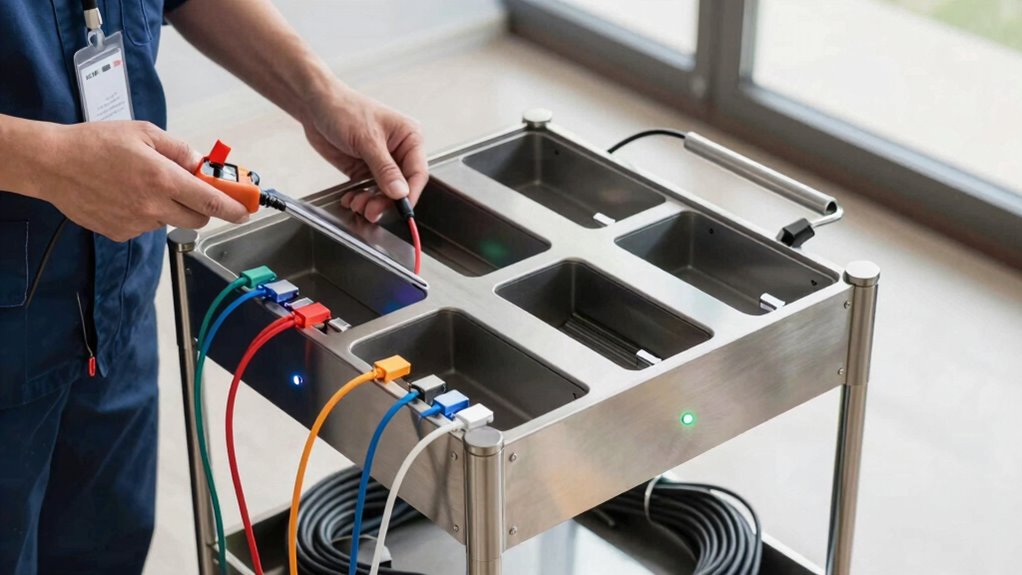
When your charging cart isn’t working properly, the first step is to check for power issues or loose connections. Sometimes, batteries may not hold a charge because of aging or improper management. By understanding these common problems, you can quickly troubleshoot and keep your charging system running smoothly.
Identifying Power Issues
Power issues are among the most common problems faced with charging carts, often causing delays in device readiness. To troubleshoot, start by checking if the tablet’s battery capacity is fully charged—sometimes, a low battery causes charging failures. Also, ensure the power compatibility between the cart’s power supply and the devices. Mismatched voltage or amperage can prevent proper charging. Visualize this with the table below:
| Issue | Solution |
|---|---|
| Battery capacity too low | Charge tablets fully before storage |
| Power supply incompatibility | Use chargers matching device specifications |
| Loose connections | Secure all cords and connectors |
| Faulty cables | Replace damaged cables |
| Overloaded cart | Remove unnecessary devices to reduce load |
Address these issues to keep tablets consistently ready and avoid chaos.
Checking Connection Problems
Connection problems are a common cause of charging failures in carts, and identifying them quickly can save time and frustration. To troubleshoot connection issues, start by checking the network stability. Ensure that the Wi-Fi or wired connections are secure and functioning properly. Sometimes, weak or intermittent signals disrupt communication between tablets and the charging station, preventing proper charging or syncing. Restart the router or switch to a wired connection if possible. Also, verify that all cables and connectors are snug and free of damage. Conduct connection troubleshooting by testing a tablet on different ports or outlets. Keeping your network stable guarantees consistent power delivery and data transfer, reducing charging problems caused by connectivity issues.
Managing Battery Lifespan
Frequent or improper charging habits can substantially reduce your cart’s battery lifespan, leading to decreased performance and increased replacement costs. To manage battery lifespan effectively, focus on proper battery calibration by occasionally fully discharging and then charging your tablets to reset the battery’s energy gauge. This process helps maintain accurate capacity retention, ensuring the device correctly displays remaining battery life. Avoid overcharging or leaving tablets plugged in for extended periods, as this can accelerate capacity loss. Regularly monitoring charging patterns and avoiding deep discharges also help prolong battery health. By implementing these practices, you’ll preserve battery capacity, maximize device usability, and reduce the need for costly replacements, keeping your charging cart running smoothly and efficiently over time.
Are Smart Charging Solutions Worth the Investment?
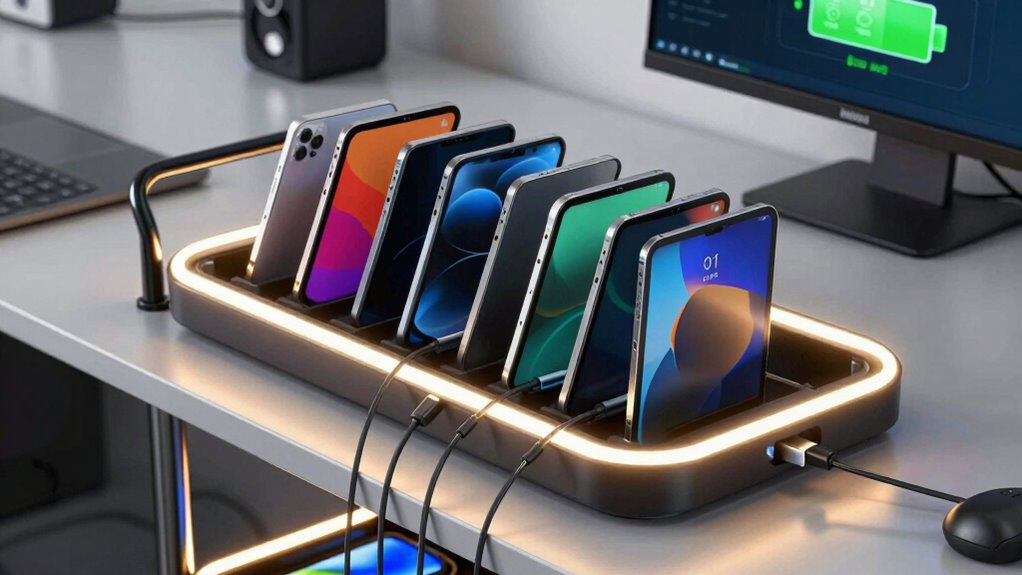
Smart charging solutions are increasingly being considered by schools and organizations because they can optimize device management and extend battery life. These systems can include wireless charging stations or portable power banks, making it easier to keep tablets ready for use without constant unplugging and plugging. Investing in smart chargers can reduce downtime and prevent battery death, saving you time and frustration. While the initial cost might seem high, the long-term benefits—like simplified charging routines and better device longevity—often outweigh the expense. Plus, wireless charging eliminates tangled cords, and portable power banks provide on-the-go charging, keeping devices powered during busy school days. Ultimately, smart charging solutions can streamline your device management, making them a worthwhile investment.
Frequently Asked Questions
How Often Should I Replace Batteries in My Tablets?
You should replace your tablets’ batteries when they reach the end of their expected battery lifespan, typically every 2-3 years with regular use. Establish a replacement schedule based on your device’s performance—if you notice rapid battery drain or decreased runtime, it’s time for new batteries. Regularly monitoring battery health helps you plan replacements proactively, ensuring your tablets stay charged and ready without unexpected shutdowns or chaos.
What Safety Precautions Are Essential When Charging Multiple Devices?
You might think safety’s just common sense, but when charging multiple devices, don’t forget fire safety and device security. Always unplug chargers when not in use, avoid overloading outlets, and keep cords organized to prevent tripping or sparks. Make certain your charging area is well-ventilated, and store devices securely to prevent theft. Following these precautions keeps everyone safe, avoiding chaos and potential disasters in your tech-filled space.
Can Charging Carts Support Wireless Charging Technologies?
Yes, charging carts can support wireless charging, but it depends on the design. Some carts now include built-in wireless charging stations or power stations that enable you to charge devices without cables. This setup reduces clutter and makes charging more efficient. When selecting a cart, verify it’s compatible with your devices’ wireless charging capabilities and includes enough power stations to handle multiple tablets simultaneously.
How Do I Prevent Overheating in the Charging Cart?
To prevent overheating in your charging cart, focus on effective temperature regulation and ventilation solutions. Guarantee the cart is placed in a well-ventilated area and keep vents clear of obstructions. Consider adding fans or cooling pads if necessary. Regularly monitor the temperature inside the cart and avoid overloading it with devices. Proper ventilation and consistent temperature regulation keep tablets safe, prolonging battery life and preventing damage.
Are There Eco-Friendly Options for Powering Charging Carts?
Yes, you can power your charging cart with eco-friendly options like solar power, which reduces your carbon footprint. Look for carts equipped with solar panels or consider adding one to harness renewable energy. Also, choose energy-efficient chargers and batteries to minimize electricity use. These options help you promote sustainability while keeping your devices charged, ensuring you’re environmentally responsible and cost-effective in the long run.
Conclusion
By staying organized and proactive, you’ll find that managing your charging cart becomes smoother than you expected. Coincidentally, the right cables, labels, and schedules often lead to fewer technical hiccups, saving you time and frustration. When you keep everything well-maintained, you might even discover that your devices last longer and perform better—just like magic. With these tips, you’ll turn chaos into order, making device management almost effortless.