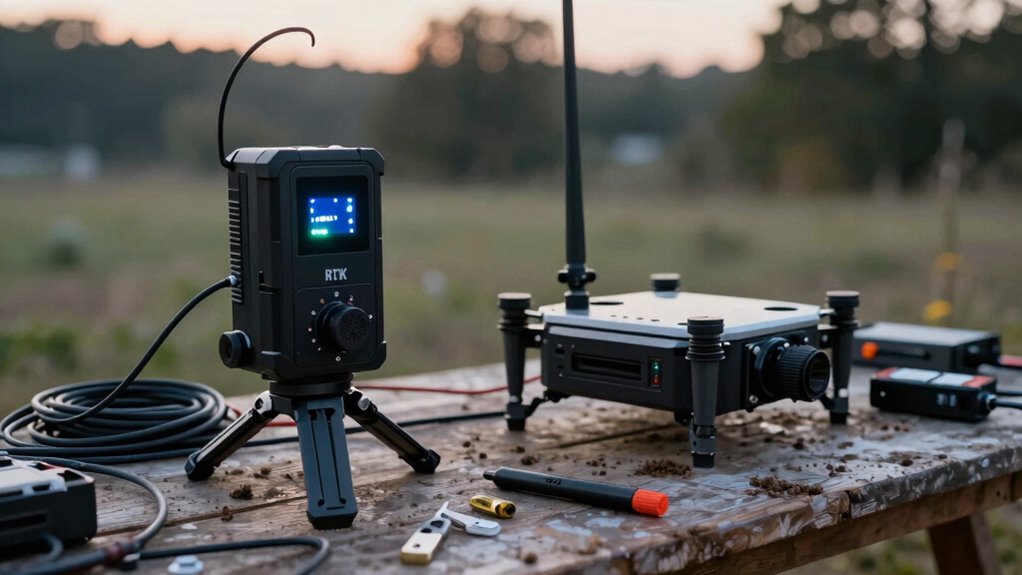

Many beginners set up their RTK base and rover kits incorrectly by choosing poor locations with obstructions or tall structures that block satellite signals. You might also misalign antennas, forget to document antenna height, or fail to secure equipment properly. These mistakes cause unreliable data and inaccurate results. Ensuring proper site selection, correct equipment setup, and calibration is essential. Keep going, and you’ll discover how to avoid common pitfalls for reliable, high-precision RTK surveys.
Key Takeaways
- Incorrect antenna placement or unstable mounting can cause poor satellite signals and reduce RTK accuracy.
- Failing to choose an open, unobstructed site for the base station leads to signal loss and unreliable corrections.
- Neglecting to verify proper communication links and power supplies results in data interruptions and errors.
- Not calibrating or updating firmware regularly causes misalignments and system malfunctions.
- Overlooking environmental interference like trees, buildings, or metal objects can significantly degrade RTK performance.

SparkFun GPS-RTK-SMA Kit – Includes GPS breakout- Magnetic Mount Antenna- Ground Plate & USB-C Cable – u-Blox ZED-F9P & RTK- High precision accuracy in milimeters- Both Rover & Base station operations
Get started: Using GPS Real Time Kinematics and the u-blox ZED-F9P; Note: Tripod not included
As an affiliate, we earn on qualifying purchases.
As an affiliate, we earn on qualifying purchases.
How to Set Up Your RTK Base Station for Accurate Surveying
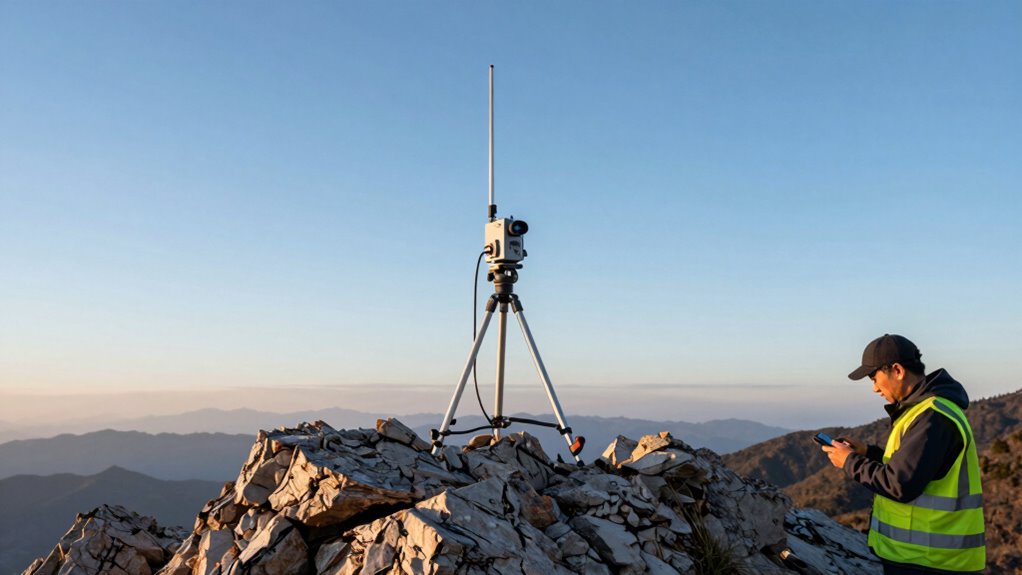
Setting up your RTK base station correctly is essential for achieving accurate surveying results. First, choose a stable, unobstructed location with a clear view of the sky. Adjust the antenna height to optimize signal reception; typically, the antenna should be mounted high enough to avoid obstacles but not so high that it becomes unstable. The antenna’s height must be consistent and well-documented, especially at your survey point. Proper elevation ensures precise data collection and reduces errors caused by multipath interference. Secure the base station firmly to prevent movement during measurements. Double-check that the antenna is perfectly level and aligned with the survey point. Calibration techniques can further improve the accuracy of your setup, especially in environments with challenging lighting conditions. Ensuring proper signal quality at the base station is crucial for reliable data transmission and overall survey accuracy. Additionally, paying attention to environmental factors can help optimize the setup process. Color accuracy in your setup can significantly impact data quality, particularly in environments with challenging lighting conditions. Accurate setup at this stage lays the foundation for reliable RTK positioning throughout your survey.

E1 GNSS Survey Equipment 20 Hours Endurance RTK GPS with IMU Rover & Base Handheld Collector with Survey Software RTK Surveying Equipment,1408 Channels, 15km UHF Range,60° Tilt Survey
E1 Gnss rtk surveying equipment
As an affiliate, we earn on qualifying purchases.
As an affiliate, we earn on qualifying purchases.
Common Mistakes When Placing RTK Base and Rover Equipment
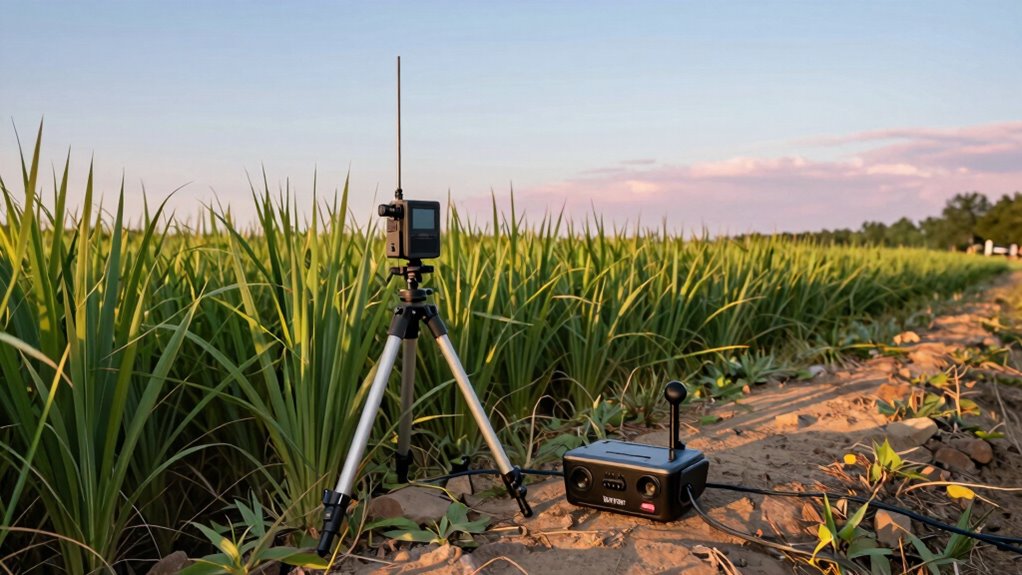
One common mistake is placing the RTK base or rover equipment in locations with obstructions or poor satellite visibility, which can severely compromise signal quality. Improper antenna placement, such as placing it near tall buildings, trees, or metal objects, increases the risk of signal interference. This interference can cause data inaccuracies and slow down your surveying process. Make sure to choose an open, elevated spot with a clear view of the sky to optimize satellite reception. Avoid placing antennas near sources of electromagnetic interference like power lines or large metal structures. Proper placement guarantees stable communication between the base and rover, minimizing errors caused by signal interference. Additionally, understanding the importance of satellite signal quality can help you select the best location for your equipment. Recognizing signal interference sources and how they affect data accuracy is crucial for effective RTK setup. Taking the time to find the right location also helps in maintaining consistent signal strength, which is essential for accurate positioning and efficient data collection. Being aware of electromagnetic interference sources can further improve your setup’s reliability. Furthermore, monitoring signal stability during setup ensures continuous data flow and reduces downtime.
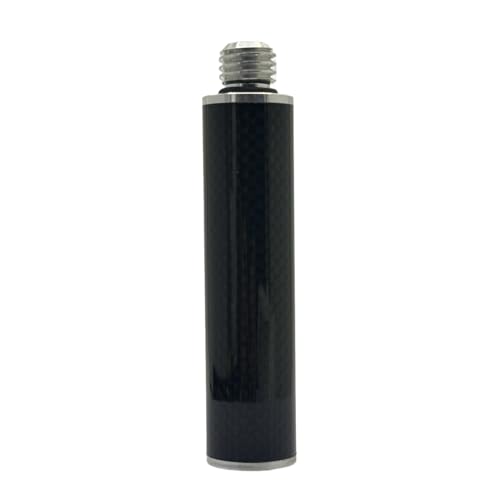
Carbon Fiber Extension Pole Rod 5/8-11 Threads Screw Mount Telescopic Pole Extender for Level GPS RTK Surveying GNSS Robotics Antenna Height Measurement Tripod Stabilizer (20cm/7.87")
Made of high-quality carbon fiber for durability and light weight. Its 1-inch (25mm) diameter delivers optimal strength and…
As an affiliate, we earn on qualifying purchases.
As an affiliate, we earn on qualifying purchases.
Configuring Your RTK Rover for the Best Results

Properly configuring your RTK rover is key to achieving accurate and reliable survey results. Focus on ideal antenna placement to minimize obstructions and multipath effects, guaranteeing a clear sky view. Use precise data correction settings to improve accuracy, selecting the best correction source for your environment. Adjust your rover’s settings to match conditions and survey requirements. Additionally, understanding survey systems and their components can help you troubleshoot issues more effectively. Here’s a quick guide:
| Aspect | Tip | Impact |
|---|---|---|
| Antenna Placement | Place on a stable, unobstructed surface | Reduces multipath errors |
| Data Correction | Use real-time correction sources | Enhances positional accuracy |
| Satellite Lock | Ensure strong satellite signals | Prevents data loss |
| Receiver Settings | Configure for your environment | Optimizes data collection |
| Calibration | Regularly verify settings | Keeps accuracy consistent |
Additionally, familiarizing yourself with GNSS concepts can greatly improve your troubleshooting skills. For instance, understanding how multipath effects influence signals can help you mitigate errors more effectively. Recognizing the importance of antenna placement can significantly reduce signal interference and improve overall accuracy.

SameYa New GNSS RTK Quick Release Adapters Compatible for Various Survey Equipment,GPS Quick Connect Adapter,Aluminum Quick Release Adapter for RTK GPS GNSS
Install and remove quickly with a single grip. Reduces on-site survey steps, saves valuable time during work
As an affiliate, we earn on qualifying purchases.
As an affiliate, we earn on qualifying purchases.
Why Calibrating Your RTK Antenna Matters
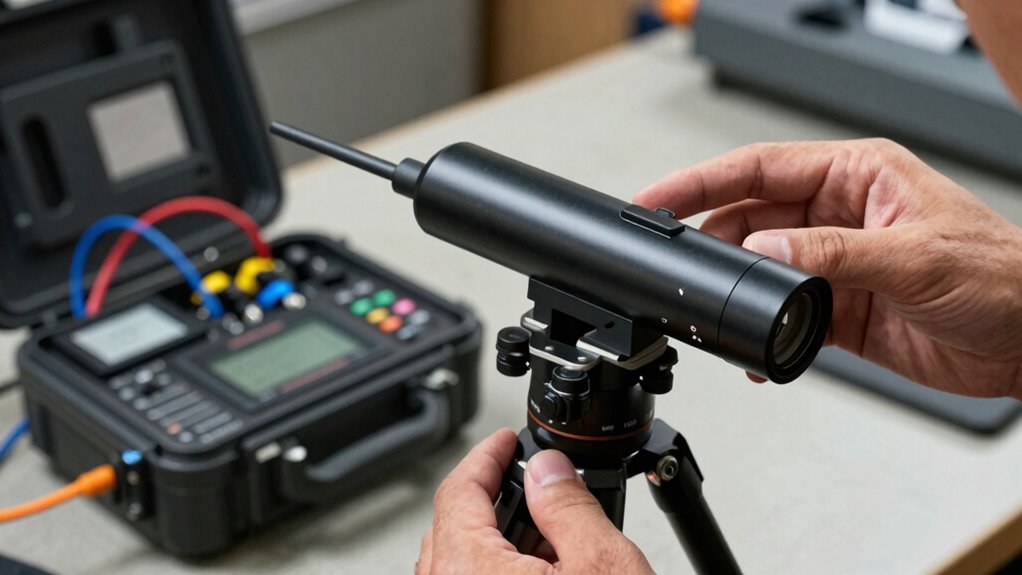
Calibrating your RTK antenna is crucial because it guarantees the system maintains high accuracy during surveys. Proper antenna calibration ensures that your receiver interprets satellite signals correctly, directly impacting signal accuracy. If your antenna isn’t calibrated, you risk positional errors, which can compromise your entire project. Regular calibration helps identify and correct any misalignments or inconsistencies that may develop over time. This process improves the reliability of your RTK system, especially in challenging environments. When your antenna is properly calibrated, you get cleaner data and fewer disruptions, saving you time and reducing errors. Additionally, understanding the cookie categories involved in data collection can help you better safeguard your project’s data integrity and privacy. Incorporating AI-driven solutions in your calibration process can further enhance precision and efficiency. Ensuring proper antenna setup can also prevent common mistakes that lead to inaccurate results. Ultimately, antenna calibration isn’t just a routine step—it’s a fundamental part of maintaining the accuracy and trustworthiness of your survey results.
Troubleshooting RTK Signal and Data Issues
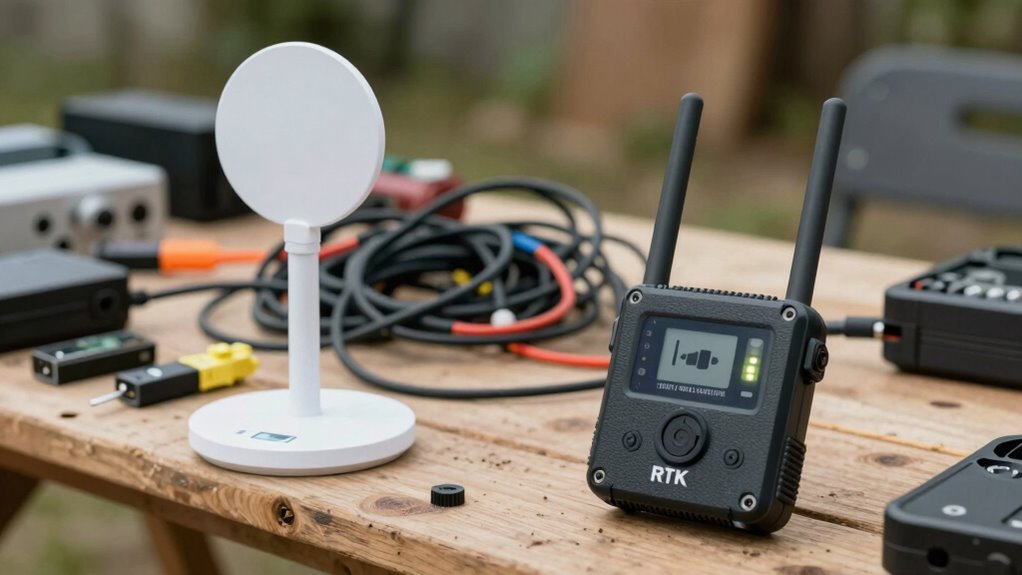
When you experience inconsistent RTK signals or data discrepancies, immediate troubleshooting is essential to identify and resolve the underlying issues. Signal interference from nearby electronics or obstructions can cause data latency or loss, so check your environment first. Next, verify your antenna connections and ensure they’re secure, as loose connections worsen signal quality. Examine your base and rover setup for potential sources of interference, like power lines or reflective surfaces. Additionally, understanding the fundamentals of signal integrity can help prevent future issues and ensure reliable RTK operation. Lastly, review your RTK configuration and firmware, updating if necessary, to prevent software-related data issues. Addressing these areas quickly minimizes delays and improves accuracy. Remember, persistent signal interference or data latency problems often stem from environmental factors or setup flaws, so stay vigilant and methodical. Being aware of digital asset management strategies can also help safeguard your equipment and data from cyber threats. Regularly performing system diagnostics can further help identify hidden issues before they impact your operation. Ensuring a proper antenna setup can significantly enhance signal reliability and overall RTK performance.
Frequently Asked Questions
What Are the Best Environmental Conditions for RTK Setup?
You should set up your RTK system in open areas with minimal signal obstructions, like trees or buildings. Place your antenna high and clear of obstructions to guarantee strong signal reception. Avoid areas with heavy interference or reflective surfaces that can disrupt the signal. Proper antenna placement is essential, and maintaining a clear line of sight helps achieve accurate positioning. These conditions optimize your RTK setup’s reliability and precision.
How Often Should I Update My RTK Firmware?
Like a well-tuned orchestra, you should update your RTK firmware regularly—ideally every few months or when the manufacturer releases updates. This keeps your system resilient against signal interference and guarantees antenna calibration remains accurate. Don’t wait until issues arise; proactive updates help maintain precision and reliability, much like a conductor refining the symphony to produce flawless harmony. Stay current to keep your RTK setup performing at its best.
Can I Use Consumer-Grade Equipment for High-Precision Tasks?
You can use consumer-grade equipment for high-precision tasks, but be aware of its limitations. Consumer equipment often lacks the accuracy and stability needed for demanding applications, so high precision may be limited. While suitable for general use, if you require reliable, centimeter-level accuracy, investing in professional-grade gear is advisable. Always evaluate your project’s precision needs and understand that consumer equipment might not meet those standards.
What Are the Legal Considerations for RTK Surveying?
You need to guarantee regulatory compliance and check licensing requirements before starting RTK surveying. Laws vary by region, so verify if you need special permits or certifications. Failing to follow these legal considerations can lead to fines or project delays. Always stay updated on local regulations, and consult with authorities or legal experts to make sure your RTK setup aligns with all legal standards and licensing rules.
How Does Satellite Geometry Affect RTK Accuracy?
Satellite geometry critically influences your RTK precision because a subpar satellite constellation results in greater geometric dilution of precision (GDOP). When satellites are clustered or aligned, the GDOP rises, diminishing positional accuracy. To guarantee accurate measurements, you need a well-distributed satellite constellation, which minimizes geometric dilution. Always monitor satellite geometry during surveys, especially in challenging environments, to maintain ideal accuracy and avoid errors caused by poor satellite arrangement.
Conclusion
Getting your RTK base and rover setup right might seem tricky, but the right steps make all the difference. While precision ensures accuracy, rushing through calibration or misplacing your equipment can lead to costly errors. It’s like aiming for a sharp shot but missing the mark because of a small oversight. Take your time, double-check your setup, and remember—accuracy isn’t just about equipment, it’s about your attention to detail. That’s the key to flawless surveying every time.