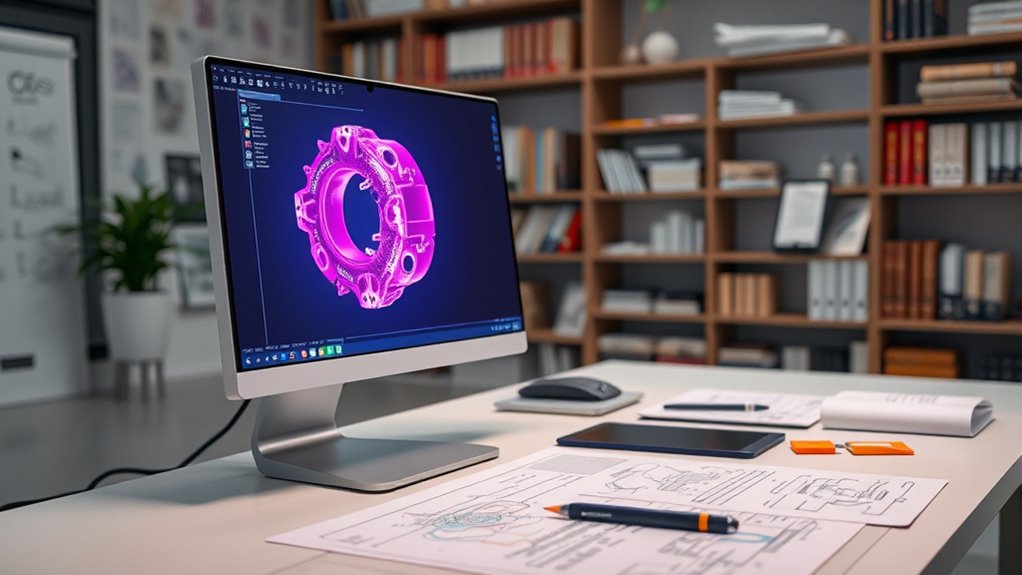

CAD software allows you to create precise and detailed 3D models essential for modern design and engineering. It offers tools like parametric, surface, and solid modeling to build complex shapes and easily modify them. Beginners should familiarize themselves with the interface, basic shapes, and navigation. By exploring these features, you’ll gain a solid foundation in 3D design, paving the way to master more advanced techniques and applications that will enhance your projects.
Key Takeaways
- CAD software enables precise, efficient creation of complex 3D models for various design applications.
- Key features include parametric modeling, surface, and solid modeling for versatile design processes.
- Different modelling techniques such as freeform sculpting and parametric methods enhance creative flexibility.
- Navigating the CAD interface effectively improves workflow, using tools, shortcuts, and customizable layouts.
- Basic shape creation and manipulation form the foundation for developing detailed, complex 3D models.
What Is CAD Software and Its Role in Modern Design

Have you ever wondered how designers create precise and complex models today? CAD software plays a crucial role in streamlining your design workflow, allowing you to turn ideas into detailed, accurate models efficiently. It enables you to customize tools and interfaces to fit your specific project needs, enhancing productivity. With CAD software, you can easily modify designs, visualize concepts in 3D, and guarantee precision at every stage. Its role extends beyond simple drafting—it’s about integrating your creative process with powerful features that adapt to your workflow. Software customization ensures that your tools evolve with your skills and project requirements, making your work more intuitive and effective. Additionally, incorporating design flexibility can help you explore innovative concepts and optimize your creative process. In essence, CAD software transforms complex design tasks into manageable, precise processes that drive modern innovation.
Core Features of 3D Modelling Tools in CAD

What makes 3D modeling tools in CAD software essential for modern design is their ability to create detailed, accurate, and complex models with ease. These tools offer core features that streamline your workflow and enhance precision. Parametric modeling allows you to easily modify designs by adjusting parameters, ensuring flexibility and quick iterations. Surface modeling helps you craft smooth, complex surfaces for realistic and aesthetically appealing models. Solid modeling provides a robust way to create volumetric objects suitable for engineering and manufacturing. Boolean operations enable combining or subtracting shapes, creating intricate geometries effortlessly. Additionally, many CAD programs incorporate user-friendly interfaces, making complex modeling accessible to a wide range of users. Together, these features empower you to develop sophisticated models efficiently, making CAD an indispensable tool for modern designers and engineers.
Types of 3D Modelling Techniques Used in CAD

Are you familiar with the different ways CAD software allows you to create 3D models? Two common techniques are parametric modeling and freeform sculpting. Parametric modeling lets you define relationships and constraints, so modifications update automatically. It’s ideal for precise, engineered parts. In contrast, freeform sculpting enables you to manipulate models like clay, giving you organic, complex shapes with intuitive tools. Additionally, understanding the best vacuums for hardwood floors can be useful for maintaining a clean workspace around your modeling area.
Navigating the CAD Interface for Beginners

Getting started with a CAD software interface can seem overwhelming at first, but familiarizing yourself with its key components makes navigation easier. You’ll want to learn how to use shortcut keys to speed up your workflow and reduce reliance on menus. Customizing the interface also helps you focus on essential tools and hide distractions. To get comfortable, consider these steps:
Getting familiar with key tools and shortcuts simplifies your CAD journey.
- Explore the toolbar and learn its primary functions.
- Practice using shortcut keys for common commands.
- Customize the interface layout to suit your workflow.
- Familiarize yourself with view navigation tools like zoom and pan.
- Understanding the interface enhances your efficiency and can make 3D modelling more accessible, especially for beginners like yourself.
Mastering these basics will make 3D modelling smoother and more efficient as you progress.
Creating and Manipulating Basic 3D Shapes

Have you ever wondered how to quickly create basic 3D shapes in your CAD software? It starts with primitive shapes like cubes, spheres, cylinders, and cones. These shapes serve as the building blocks for more complex models. To create one, select the shape tool, choose the desired primitive, and place it in your workspace. Once you have your shape, you can perform shape transformations—such as scaling, rotating, or translating—to customize its size and position. These transformations allow you to modify your shapes precisely, helping you build detailed models step by step. Mastering the creation and manipulation of primitive shapes gives you a solid foundation for more advanced 3D modeling tasks. With practice, you’ll quickly develop the skills to craft complex, accurate models from simple geometric forms.
Applying Materials, Textures, and Finishes to Models
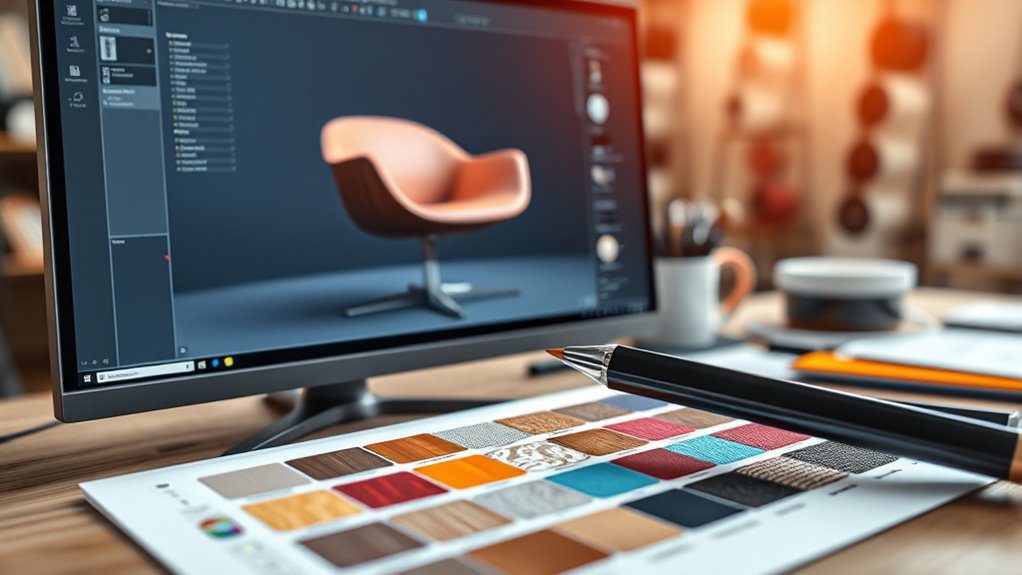
Ever wondered how to give your 3D models a realistic and polished appearance? Applying materials, textures, and finishes transforms basic shapes into stunning visuals. To enhance your understanding, consider these key points:
- Selecting appropriate materials to match real-world properties
- Using textures to add surface details like grain or patterns
- Adjusting finishes for gloss, matte, or rough effects
- Applying surface detailing to emphasize realism and depth
Material application is vital for achieving authentic look and feel. Textures add visual complexity, while surface detailing enhances realism. Finishes refine the overall appearance, making your models more convincing. Mastering these techniques allows you to create compelling, professional designs with a polished, realistic touch.
Exporting and Sharing Your 3D Designs
Are you ready to share your 3D designs with others? Exporting your models is essential for collaboration and presentation. Most CAD software supports various file formats like STL, OBJ, and STEP, so you can choose the best one for your needs. When exporting, guarantee your model’s details are preserved and compatible with the recipient’s tools. Many CAD programs also integrate collaboration tools, allowing you to upload and share directly within the platform or through cloud services. This streamlines feedback and revisions, making teamwork more efficient. Before sharing, double-check your exported files for accuracy. Using the right file format and collaboration tools helps you showcase your designs professionally and ensures others can easily access and work with your 3D models. Additionally, understanding color accuracy in your rendering process can help improve how your models appear when shared.
Tips and Best Practices for Effective 3D Modelling
To create effective 3D models, you need to plan your design carefully before diving into detailed work. This helps you avoid rework and guarantees smooth progress. Focus on mastering rendering techniques early, as they enhance your model’s visual quality. Use collaborative workflows to get feedback and improve your design efficiently. Here are some tips to boost your modeling skills:
Careful planning and mastering rendering early improve 3D models and streamline collaboration.
- Break complex models into manageable parts for better control.
- Use reference images to maintain accuracy and consistency.
- Regularly save different versions to track changes and revert if needed.
- Keep your mesh clean and optimized for smoother rendering and collaboration.
Following these practices will help you produce more precise, visually appealing models and streamline teamwork.
Frequently Asked Questions
How Does CAD Software Integrate With Other Engineering Tools?
You can see how CAD software integrates with other engineering tools through software interoperability and data exchange standards. These standards, like STEP or IGES, allow seamless sharing of models and data across different platforms. This integration streamlines your workflow, reduces errors, and guarantees consistency. By leveraging these tools, you can easily collaborate with teams, import or export designs, and maintain accuracy throughout your engineering projects.
What Are the Most Common Challenges Faced by Beginners in 3D Modelling?
Imagine climbing a steep mountain, and each step reveals new challenges. As a beginner in 3D modelling, you face a steep learning curve, feeling overwhelmed by software complexity. You might struggle with understanding tools or creating precise designs, feeling frustrated at times. But with patience and practice, each obstacle becomes a stepping stone, helping you build confidence and master the skills needed to bring your ideas to life.
How Do I Choose the Right CAD Software for My Needs?
When choosing CAD software, you should consider software compatibility with your system and your specific needs. Look for a user interface design that’s intuitive and easy to navigate, helping you learn faster. Think about the features you require—whether for detailed modeling, simulation, or rendering. By evaluating these factors, you’ll find a program that fits your skill level and project goals, making your 3D modeling journey smoother.
What Are the Industry Standards for 3D Model File Formats?
You might think all file formats are equal, but industry standards matter for compatibility. The most common 3D model file formats include STEP, IGES, and STL. These industry standards guarantee your models work seamlessly across different CAD software and manufacturing processes. Knowing these standards helps you share designs easily, avoid errors, and streamline collaboration, making your workflow more efficient and professional.
How Can I Optimize My 3D Models for Faster Rendering?
To optimize your 3D models for faster rendering, focus on model simplification by reducing polygon count where possible, which speeds up processing. Additionally, optimize textures by resizing and compressing them without losing quality, decreasing load times. Combining these techniques helps improve rendering efficiency, making your workflow smoother and ensuring quicker visualizations without sacrificing visual fidelity. This approach is key for efficient 3D project development.
Conclusion
So, after all that, it turns out mastering CAD software isn’t just about clicking buttons. You might think creating perfect 3D models is easy, but the real trick is realizing how much there is to learn. Ironically, the more you practice, the more you see how complex it really is. But hey, with patience and persistence, you’ll eventually turn those digital shapes into stunning designs—just don’t expect it to happen overnight!